How Often Should You Update a Mobile App? A Release Cadence Guide
There is no universally correct weekly or monthly app update schedule. This guide gives founders a risk-based release system: how to separate hotfixes, maintenance and product releases, when to hold a build, and which signals should change the calendar.
On this page
- What is a good mobile app update frequency?
- Which types of app update need different cadences?
- When should you ship a hotfix immediately?
- How should you plan iOS and Android release lead time?
- How do staged rollouts and phased releases reduce risk?
- Which metrics should decide whether a release expands?
- When should you delay or cancel an app update?
- How do you build a 90-day app release calendar?
- How should you communicate app updates to users?
- What release process should a small app team use?
- Frequently Asked Questions
What is a good mobile app update frequency?
For most actively developed apps, one planned product release every two to four weeks is a useful default, while critical security or data-loss fixes should ship as soon as they are tested. Neither Apple nor Google requires a fixed public cadence, so copying another company’s weekly schedule mistakes their team size and risk profile for yours.
Cadence is the shortest interval at which your team can repeatedly turn evidence into a verified build and safely observe it. A solo founder may learn quickly but test slowly; a regulated finance app may have a larger team but deliberately release less often. Users benefit from meaningful reliability and product improvements, not an arbitrary version number.
- Two-week default: Use when the app has active discovery, automated regression coverage and enough production traffic to read a rollout within days. Keep each release small enough to isolate regressions.
- Four-week default: Use for lean teams, lower-volume products or apps whose store review and stakeholder checks are substantial. Reserve a mid-cycle lane for urgent fixes.
- Weekly train: Use only when CI, feature flags, monitoring and on-call ownership are mature. A train without those controls merely schedules risk more frequently.
- Quarterly release: Acceptable for stable utilities with little change, but still review SDK, policy, OS and security obligations monthly. Quiet products still age.
Decision rule: Choose the slowest interval that still delivers validated user value without creating a giant risky bundle; then shorten it only after three clean cycles.
In our portfolio work, two smaller releases nearly always diagnose better than one large monthly bundle. When activation falls, the team can identify the changed step instead of investigating twelve unrelated tickets.
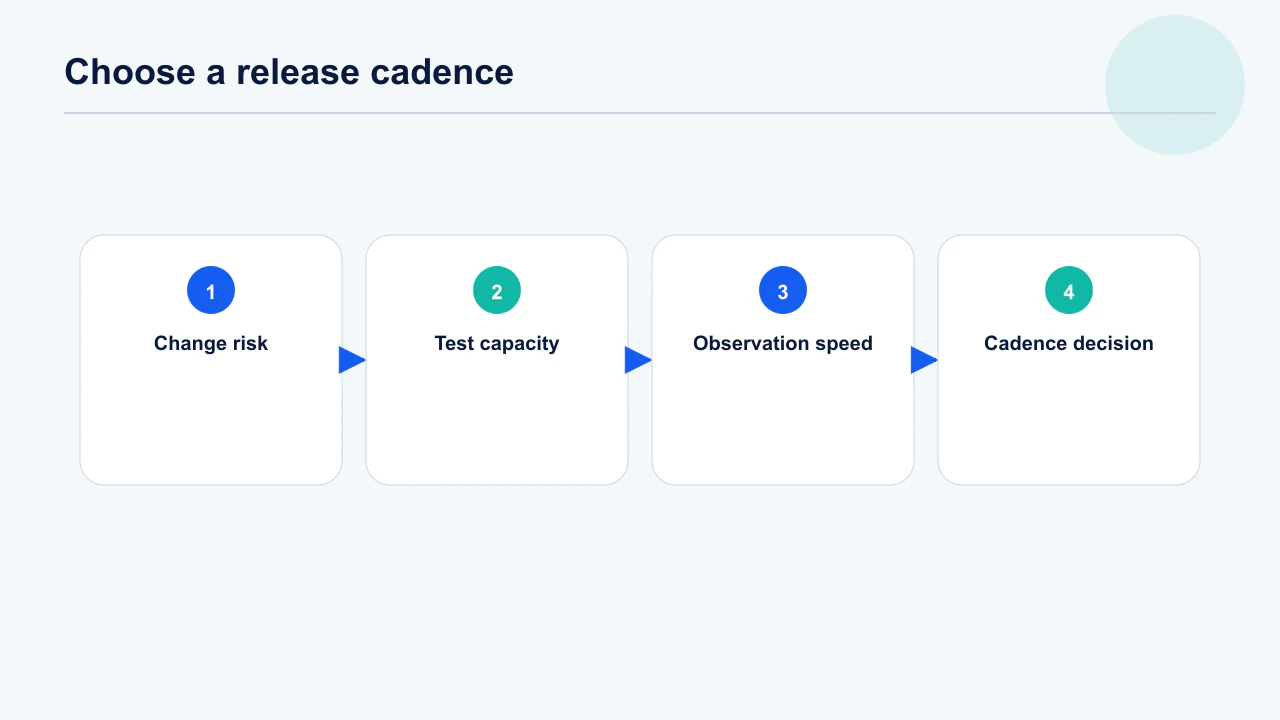
The constraint that actually sets cadence is observation time, not build time. If it takes five days at your traffic level to tell whether a release regressed retention, a weekly train means shipping the next version before you understand the last — and when something breaks you cannot say which release caused it. Work out your own read time first: how many days at current daily actives before a one-point retention change would be visible above noise. That number, plus review turnaround, is the floor. Apple's review timelines add variable latency on top, so build slack rather than assuming the median.
Choose the slowest cadence that still delivers validated value, then shorten it after three clean cycles. The staged rollout runbook covers how to read each release safely.
Which types of app update need different cadences?
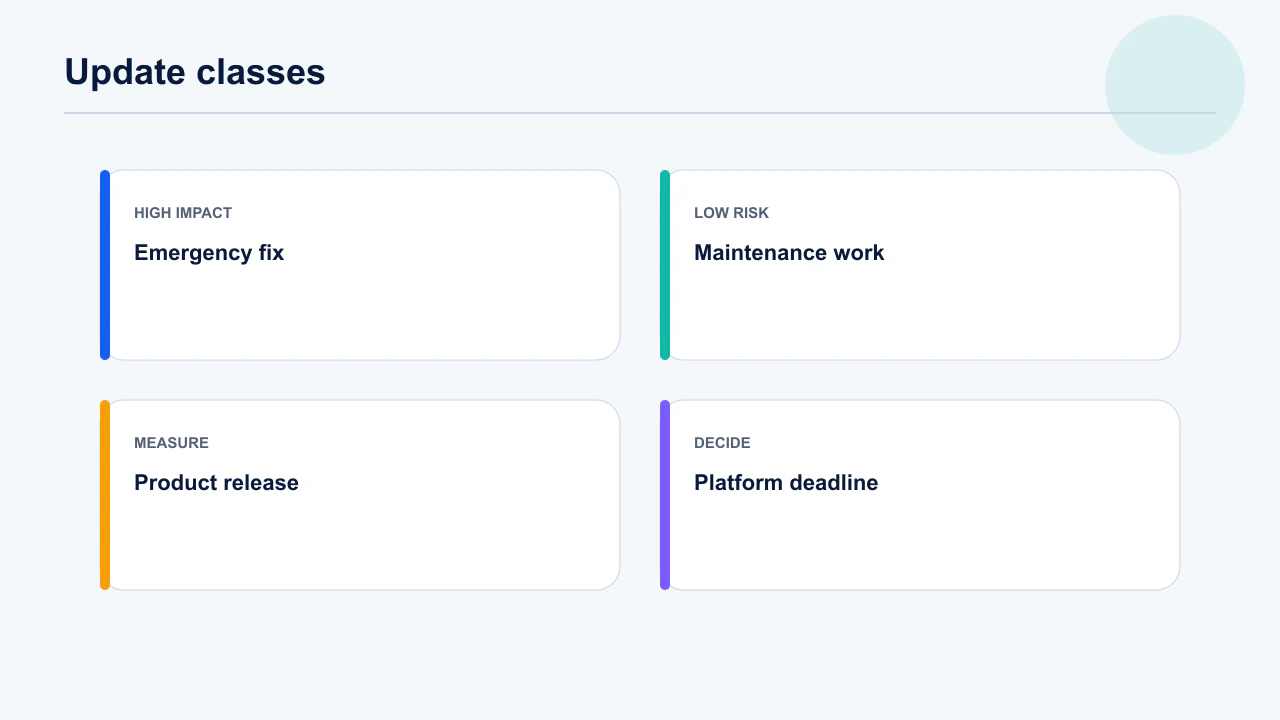
Separate emergency, maintenance, product and platform releases before you schedule them because urgency and acceptable risk are fundamentally different. A payment crash cannot wait for the next feature train, while a navigation redesign should not borrow the abbreviated test path of a hotfix.
A single queue encourages two bad behaviours: severe defects wait behind normal work, and ordinary changes are labelled urgent to bypass controls. Classification gives the team a shared language and lets a founder approve risk without reading every ticket.
- Emergency: Security exposure, corrupt data, blocked login or widespread purchase failure. Patch the smallest surface and begin incident communication immediately. Do not add opportunistic features.
- Maintenance: SDK updates, dependency patches, performance work and low-risk defects. Bundle related work on the normal train. Record why each dependency changed.
- Product: New journeys, pricing, permissions and material UI changes. Require analytics acceptance criteria and a rollback or feature-flag path. Measure the intended behaviour, not just crashes.
- Platform: New iOS or Android versions, billing libraries, privacy declarations and policy deadlines. Start from the external deadline and work backwards. Leave at least one rejection-and-resubmission window.
Decision rule: If a change modifies money, identity, data deletion, permissions or an irreversible server contract, promote it one risk tier even when the code diff is small.
A two-line billing configuration can carry more commercial risk than a thousand-line animation. We use the consequence of failure—not engineering effort—to set the release class.
Give each class its own lane with its own entry criteria, or the classification collapses under pressure. In practice that means a permanently open hotfix branch that can ship without waiting for the train, a normal train for maintenance and product work, and a platform lane planned backwards from external deadlines. The failure mode is a team with one branch: every urgent fix drags whatever else is half-finished into production with it. Phased release applies differently by class — emergencies usually want full availability immediately, not a slow ramp.
Record the class in the release ticket so support and marketing can see it. Play release controls differ meaningfully from Apple's.
When should you ship a hotfix immediately?
Ship immediately when waiting creates more expected harm than releasing a narrowly scoped, verified correction. That normally includes exploitable security defects, data loss, blocked authentication, broken purchases and regressions affecting a large or valuable cohort.
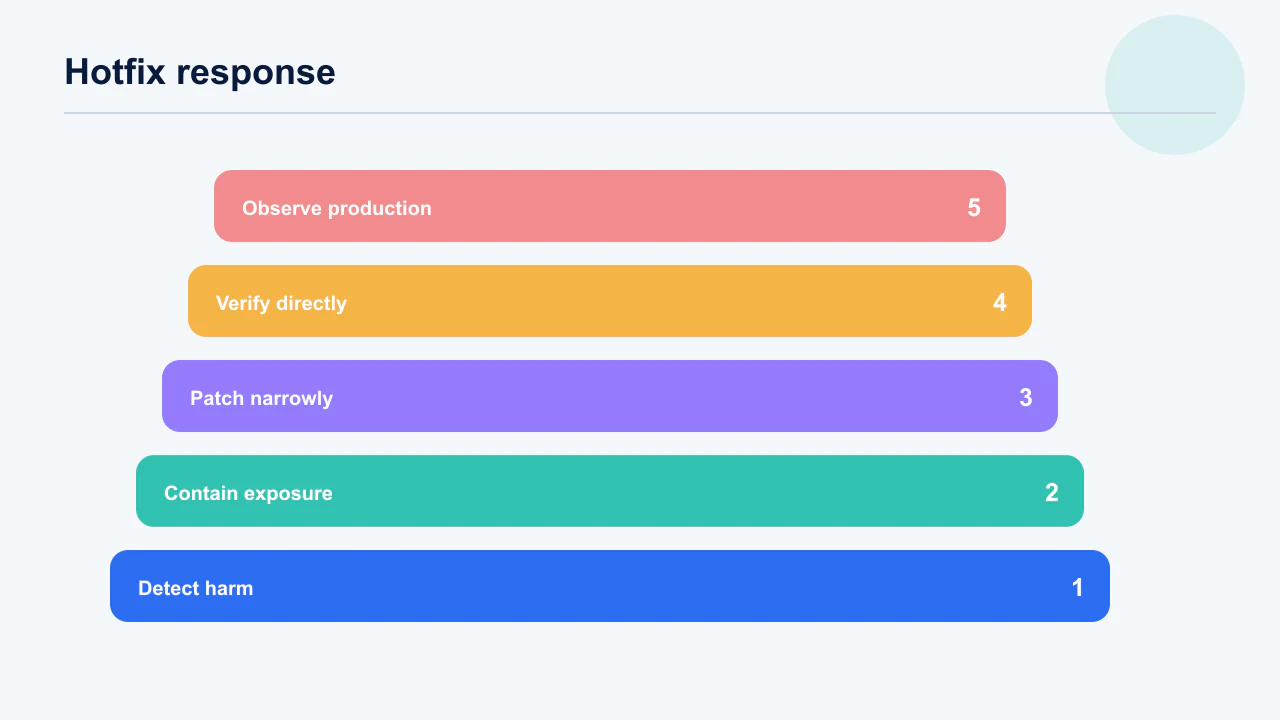
Urgency does not remove verification. It changes the verification target: reproduce the incident, prove the smallest fix, test the directly adjacent paths, and establish a live observation owner. If a server-side mitigation or feature flag can stop harm faster, use it while the store build moves through review.
- Define impact: Count affected users, versions, devices, countries and transactions before choosing the response. A loud complaint is not automatically a broad incident.
- Contain first: Disable the failing feature, roll back a backend contract or pause a campaign if that reduces exposure. Containment buys testing time.
- Patch narrowly: Avoid dependency upgrades, refactors and unrelated copy changes in the emergency build. Every extra change adds an unobserved failure path.
- Observe explicitly: Name the person watching crashes, ANRs, payments, support and server errors after release. Set a time and threshold for the next decision.
Decision rule: If you cannot state the incident, affected cohort, containment, proof of fix and rollback path in five sentences, the hotfix is not ready for approval.
The fastest safe incident we see is often a remote kill switch followed by a store fix, not a panicked binary submission. The first action stops damage; the second repairs the product.
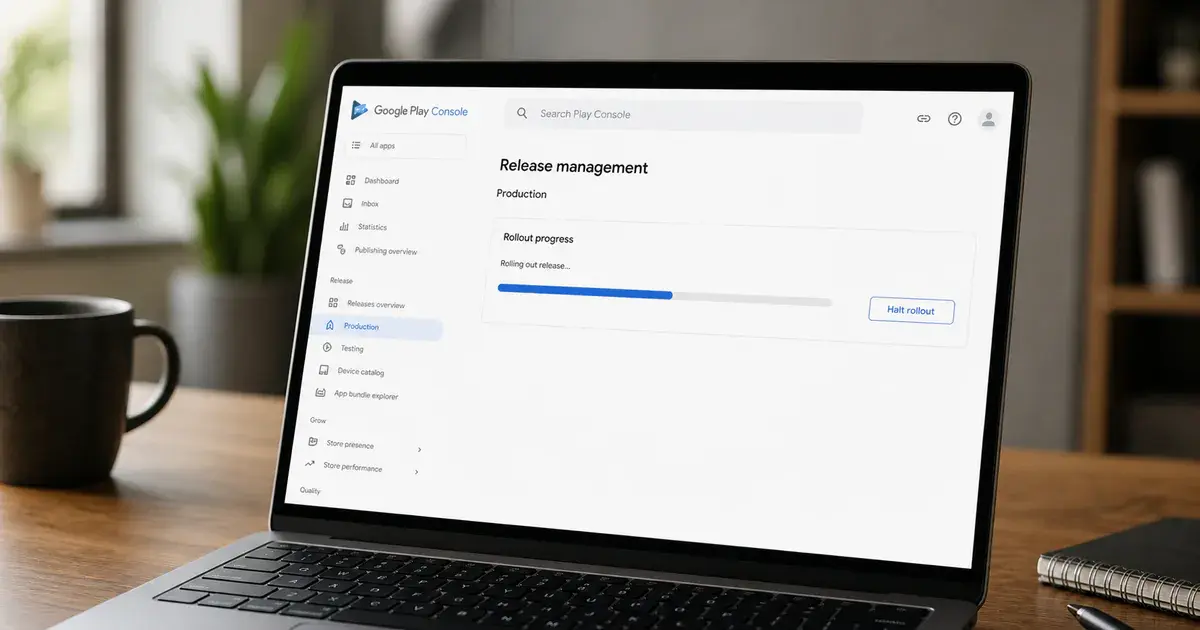
Separate the containment decision from the release decision, because they run on different clocks. A server-side flag or remote config change can stop harm in minutes; a store build takes hours to days regardless of urgency. Ask first whether anything you already control can reduce exposure now, and only then decide what the binary needs to fix. Teams without a remote kill switch discover during their first incident that their fastest containment is a store review queue. Play's staged rollout controls also let you halt an in-flight rollout without shipping anything new, which is often the cheapest first move.
Name the observation owner before you submit, not after. Remote config is what makes minute-scale containment possible.
How should you plan iOS and Android release lead time?
Plan from the user-visible date backwards and include store processing, review uncertainty, staged exposure and one failed-submission cycle. Apple says 90% of submissions are reviewed in under 24 hours, but that is a service observation rather than a guarantee; special access, incomplete review notes or policy questions can add time.
The practical schedule also differs by platform. Google managed publishing can separate approval from go-live, while both stores support controlled exposure for updates. Coordinate marketing to the moment enough users can actually receive the version, not the moment engineering uploads it.
- T minus 10 days: Freeze scope, confirm analytics, privacy disclosures, review credentials and release notes. High-risk apps should begin earlier.
- T minus 7 days: Create signed candidates and run device, upgrade, purchase, deep-link and deletion checks. Test an upgrade from the live version.
- T minus 3 days: Submit with complete review notes and keep the launch owner available for questions. Do not promise a public hour externally.
- T day onward: Begin controlled exposure, watch guardrails and increase only at scheduled checkpoints. Marketing and support should know the rollout percentage.
Decision rule: For a date-dependent campaign, aim to have an approved build waiting under manual or managed release control at least one business day before launch.
Teams lose launches less often because review is slow than because a reviewer cannot enter the app, find the purchase or understand a permission. A complete evidence pack is schedule protection.
Plan backwards from the date you want users on the build, and treat review as a variable rather than a constant. Median review is fast, but the tail is what breaks launch plans tied to a marketing date or a partner announcement, and a rejection resets the clock entirely. Leave room for at least one rejection-and-resubmission cycle on anything with an external commitment. Submit the two platforms with staggered lead times rather than together, so an Android rollout is not held hostage by an iOS review question. Play's review and publishing timelines have their own variability, particularly for new developer accounts.
Freeze content and configuration before the candidate build, not after. When review stalls, the status tells you what to do next.
How do staged rollouts and phased releases reduce risk?
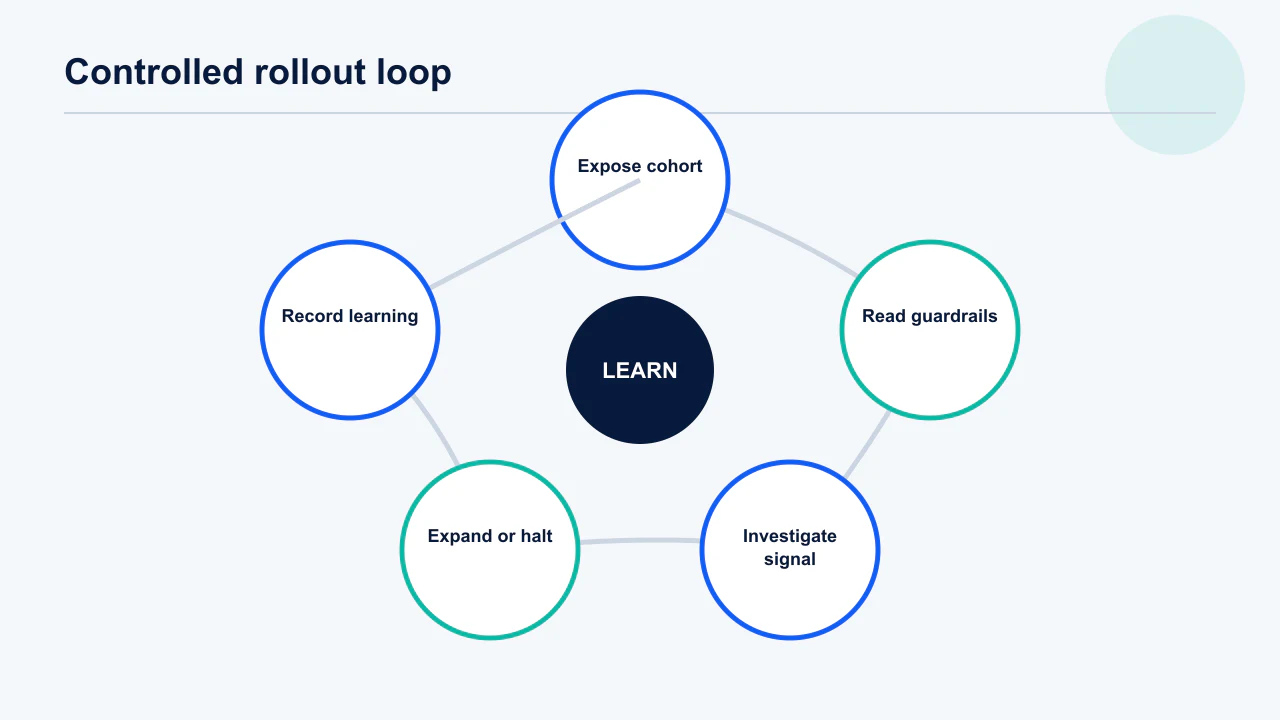
They limit how many automatic-update users receive a risky version before your telemetry and support queue can reveal a regression. Apple’s phased release follows 1%, 2%, 5%, 10%, 20%, 50% and 100% over seven days; Google lets teams select a staged percentage and increase or halt it.
These controls reduce blast radius but do not create a true experiment and do not block motivated users from manually downloading the update. Your backend must tolerate old and new clients simultaneously, and your monitoring must be segmented by version or the small exposed cohort disappears inside aggregate health.
- Start by risk: Use a smaller first percentage for authentication, billing, database migration and infrastructure changes. Cosmetic copy can move faster.
- Read versioned metrics: Compare crash-free users, ANRs, server errors and core task success for the new build against its predecessor. Use confidence ranges at low volume.
- Set gates before release: Write the exact threshold that pauses, rolls back or expands. Do not negotiate a bad threshold during an incident.
- Maintain compatibility: Keep APIs and data models safe for users who update late. A phased release deliberately creates mixed versions.
Decision rule: Increase exposure only when the minimum observation time and every predefined health gate pass; “no one complained” is not a health gate.
For low-volume apps, a 1% first step may produce no useful evidence. We choose the smallest cohort that can generate a readable signal without exposing an unacceptable number of users.
Start the ramp at a percentage that can actually produce a signal. One per cent of a small install base may be a few dozen users per day — enough to catch a crash-on-launch, nowhere near enough to detect a conversion regression, so the first step buys less confidence than it appears to. Size each step by the number of users needed to read your primary guardrail, not by a standard ladder copied from a larger company. Version-filter every metric before comparing, or the new build's numbers are diluted by the majority still on the old one. Play's staged rollout documentation covers halting and resuming mid-ramp.
Write the expansion gates down before release. Regressed vitals raise acquisition costs as well as churn.
Which metrics should decide whether a release expands?
Use a compact scorecard covering technical health, core task success, commercial integrity and user-reported friction. Download count and store review status say nothing about whether the version is safe.
Compare the new version with the previous version and with its own predeclared range. Aggregates can hide a device-specific crash, while tiny slices can overreact to one user, so record numerator and denominator beside every rate. Segment by operating system, app version, device family and the journey materially changed.
- Technical: Crash-free users, user-perceived ANR rate, startup latency and relevant backend errors. Diagnose device and OS concentration.
- Product: Activation, completion of the changed task and time to value. A crash-free broken funnel is still a failed release.
- Commercial: Purchase initiation, success, acknowledgement, renewal and restore flows. Reconcile store events with backend entitlements.
- Voice of customer: Contacts per thousand active users, review themes and refund reasons. Tag themes rather than reading anecdotes at random.
Decision rule: No single green metric can overrule a red safety guardrail; expansion requires all critical guardrails and the changed journey to pass.
We have seen release dashboards celebrate higher sessions while a payment-success rate fell. Users were retrying a broken purchase, which increased engagement and destroyed revenue. Metrics need causal interpretation.
Pick one primary metric and treat the rest as guardrails, because a dashboard of equals produces argument rather than decision. The primary metric should be the thing the release was meant to move; guardrails are the things it must not break — crash-free users, ANR rate, activation, purchase completion and support contact rate. Agree the thresholds before launch and write them next to the rollout plan, since a threshold negotiated while a release is live will be negotiated toward shipping. Android's launch checklist is a reasonable base list to adapt.
Store reviews lag telemetry by days but catch what instrumentation misses. Review signals belong in the same decision.
When should you delay or cancel an app update?
Delay when you cannot prove the changed paths, observe the outcome or recover from failure—even if the calendar says release day. A missed campaign date is cheaper than a broken login, lost entitlement or corrupted migration.
Good release discipline makes stopping ordinary. A build is a candidate until it clears the gate; effort already spent does not make it safer. Separate “the feature is valuable” from “this build is ready” so commercial pressure cannot turn incomplete evidence into false certainty.
- Unknown severe defect: Any unreproduced crash or data issue on a critical path blocks the release. Investigate before debating prevalence.
- Missing telemetry: If the changed outcome cannot be distinguished by version, you cannot safely stage it. Add the measurement first.
- No recovery path: Irreversible migrations and server contracts need tested forward recovery or rollback. Hope is not a runbook.
- Operational conflict: Do not ship a risky release when the only responder is unavailable or during an unrelated infrastructure incident. Capacity is part of readiness.
Decision rule: Ask “what new evidence arrived since the last go decision?” If the answer is none and a critical uncertainty remains, hold the build.
The strongest product leaders we work with cancel polished releases without drama when an upgrade-path test fails. That decision protects users and preserves trust in future launch dates.
Treat missing telemetry as a blocking defect in its own right. A release you cannot observe is not lower risk because nothing has been reported — it is higher risk, because the first signal will be a store review rather than a dashboard. The same applies to recovery: if there is no flag, no rollback and no server-side mitigation for the riskiest change in the build, the release is a one-way door and deserves a much higher bar. Operational conflicts matter too; shipping into a weekend or a public holiday removes the people who would notice. Apple's submission guidance is worth re-checking whenever entitlements or declarations change.
A delayed release costs a week; an unobservable one can cost a rating. Ratings recover slowly once damaged.
How do you build a 90-day app release calendar?
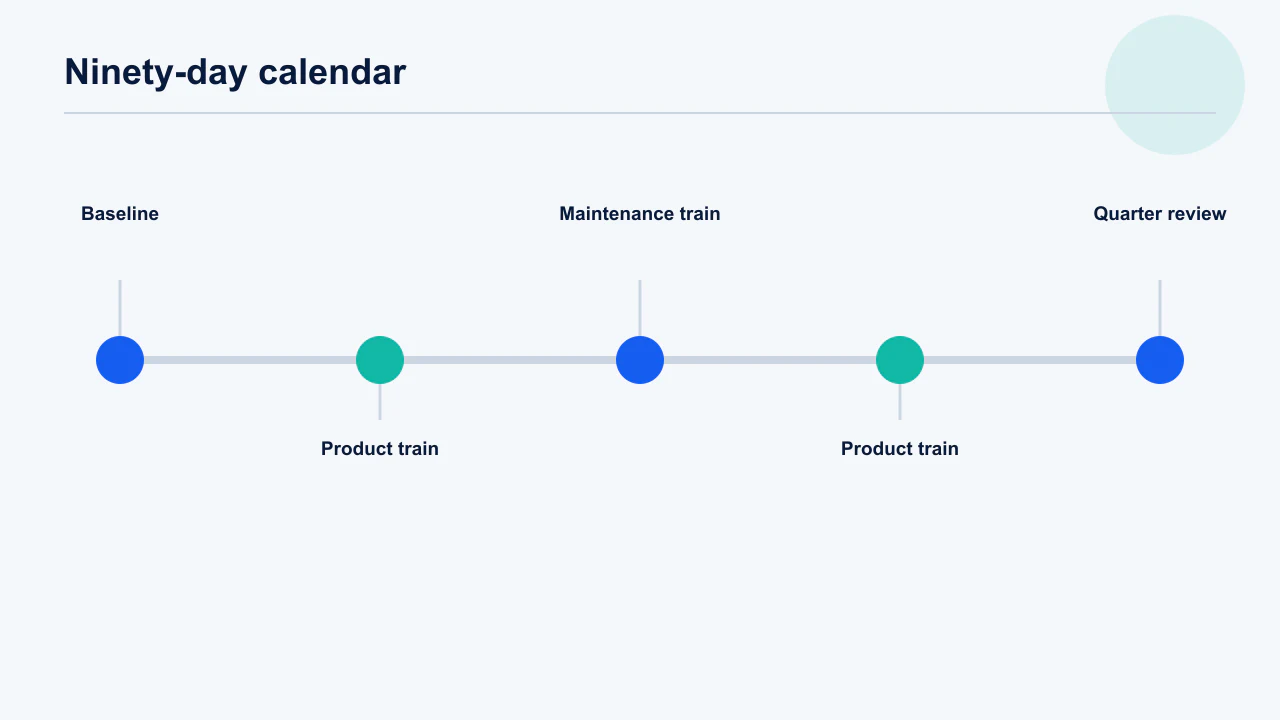
Build six fortnightly decision windows, not six fixed feature promises, and reserve visible capacity for maintenance, policy and incidents. The calendar should make risk and observation explicit while allowing discovery to change the actual product scope.
Start with external constraints—campaigns, platform deadlines, seasonal events and contractual commitments. Add product bets only after maintenance and reliability capacity. Every window includes discovery, freeze, candidate testing, submission, controlled exposure and a retrospective; work may move, but the gate structure stays.
- Weeks 1–2: Baseline analytics and ship one low-risk improvement to exercise the release system. Fix missing dashboards before larger bets.
- Weeks 3–6: Run two product increments with one primary outcome each. Avoid bundling unrelated journeys.
- Weeks 7–10: Schedule platform maintenance and the highest-evidence product bet. Use earlier learning to change the plan.
- Weeks 11–12: Consolidate, pay down release debt and review cadence performance. Plan the next quarter from actual throughput.
Decision rule: Keep at least 20% of capacity uncommitted; if the roadmap uses 100%, urgent maintenance will steal hidden time and every date becomes fiction.
For small teams we often pair alternating product and maintenance trains. Users still receive regular value, while SDK and quality work no longer arrives as an emergency at the end of the quarter.
Build the calendar around external fixed points first, then fill in your own work. OS releases, store policy deadlines, billing library end-of-support dates and your own commercial peak are immovable; feature work is not. Put the platform obligations in first with their deadlines, block the weeks around your highest-revenue period as change-restricted, and schedule discretionary releases into what remains. Most small teams discover they have far fewer genuinely free release slots than they assumed, which is useful information before committing to a roadmap. Android vitals should be reviewed at each calendar checkpoint, not only after incidents.
Review the calendar monthly and move dates deliberately rather than by slippage. Cadence is a hypothesis to revisit each quarter.
How should you communicate app updates to users?
Explain the user outcome in plain language, disclose meaningful behaviour changes and send people to the exact help path they may need. “Bug fixes and performance improvements” is acceptable only when that is genuinely the whole release.
Store notes help current users decide whether to update and help support identify which promise a version made. In-app education should appear only to users affected by a changed workflow; a full-screen tour of every minor release trains people to dismiss important messages.
- Store notes: Lead with the two or three user-visible outcomes and name fixed critical issues without exposing sensitive detail. Keep internal ticket language out.
- In-app guidance: Use contextual coach marks for changed actions and one-time notices for material policy or pricing changes. Do not interrupt unaffected users.
- Support brief: Give agents version availability, known issues, workarounds and escalation tags before exposure starts. Support is an observability surface.
- Status communication: For incidents, acknowledge impact and timing honestly; update when evidence changes. Do not promise an unapproved store release time.
Decision rule: If a user cannot answer “what changed for me?” after reading the first two lines, rewrite the message.
Clear notes also improve diagnosis. When a user says “the new export is broken,” support can immediately tie the report to the version and changed journey instead of asking broad questions.
Write release notes for the user who is deciding whether to update, not for your changelog. Name what changed in their terms, lead with the fix they complained about, and avoid the generic performance-and-stability line on a release that contains something they actually asked for. Brief support before the rollout reaches meaningful volume with the known issues, the workaround and the escalation path — support learning about a change from users is the most avoidable cost in the whole process. Review guidelines also constrain what may be promised in store copy, so keep claims verifiable.
In-app guidance beats store notes for anything that moved. Onboarding patterns apply to changed features too.
What release process should a small app team use?
A small team needs a short written checklist, one release owner and explicit stop conditions more than it needs enterprise ceremony. The process should fit on one screen and survive the founder being tired on launch night.
Use a candidate build that nobody changes after sign-off, test upgrade paths from the live version, validate production analytics in a non-production-safe way, and place every credential and reviewer instruction where the store team can use it. The release owner coordinates but does not mark their own critical checks complete when another person is available.
- Before candidate: Scope locked, data changes reviewed, feature flags and backward compatibility confirmed. Privacy and store declarations reflect reality.
- Candidate checks: Fresh install, upgrade, sign-in, deep links, purchase, restore, deletion and the changed task. Cover one weak network and representative devices.
- Submission pack: Accurate notes, reviewer credentials, special hardware or location explanation, contact owner. Test the credentials immediately before submission.
- Production watch: Version dashboard open, support tags ready, expansion checkpoints booked and rollback authority named. Close only after full exposure.
Decision rule: Automate repeated checks, but never automate the final judgement that the evidence matches the consequence of failure.
Across hundreds of app engagements, the best small-team checklist is not the longest. It is the one people actually execute, whose failed line genuinely stops the release.
Keep the process to one page and make each item binary, because a checklist with judgement calls in it becomes a discussion rather than a gate. Before candidate: scope frozen, telemetry verified, rollback identified. Candidate: regression pass, store metadata reviewed, declarations current. Submission: evidence pack attached, reviewer notes and test accounts checked. Production: named watcher, gate thresholds, expansion schedule. Run it identically for a two-line fix and a major release — the discipline is worth more than the time saved by skipping it, and skipped steps cluster on exactly the releases that turn out to matter. Phased release settings should be confirmed at submission rather than assumed.
Archive each completed checklist with its release. Declaration drift is a common cause of surprise rejections.
Frequently Asked Questions
Should a mobile app be updated every week?+
Only if the team can test, observe and recover from weekly changes. Weekly releases suit mature teams with automation, feature flags and enough traffic to read health quickly. Most small teams are safer and more effective on a two-to-four-week planned cadence.
Does the App Store punish apps that are not updated monthly?+
Apple publishes no rule requiring monthly updates. A neglected app can still become incompatible, insecure or commercially stale, but the correct response is a monthly maintenance review—not meaningless binary releases.
How quickly should a critical app bug be fixed?+
Contain user harm immediately where possible, then ship the smallest verified correction. Security exposure, data loss, blocked login and broken purchases normally justify an emergency lane. Urgency changes scope and ownership; it does not remove testing.
What is the difference between Apple phased release and Google staged rollout?+
Apple uses a fixed seven-day automatic-update ladder of 1%, 2%, 5%, 10%, 20%, 50% and 100%. Google lets a developer choose and increase a rollout percentage. Both apply to updates and both still allow users to seek the update manually.
Can I pause an app rollout after users have received it?+
Yes, controlled rollout can stop additional automatic exposure, but users who already installed the version keep it. That is why a server-side mitigation, feature flag or corrective build may still be necessary.
What metrics should I watch after an app update?+
Watch crash-free users, Android ANRs, startup and server errors, completion of the changed task, activation, purchase integrity and support contacts by app version. Predefine thresholds and compare numerators as well as rates.
How much release capacity should be reserved for maintenance?+
A useful starting point is at least 20% for dependency, policy, reliability and unplanned work. Adjust from actual incident and maintenance history, but do not build a roadmap that assumes every hour becomes a new feature.
Sources
- Apple — App Review — Current review process guidance and the published under-24-hour review share.
- Apple — Release a version update in phases — Seven-day phased-release percentages, pause behaviour and manual downloads.
- Google Play Console Help — Release app updates with staged rollouts — Percentage rollout, expansion and halt behaviour for updates.
- Google Play Console Help — Halt a fully rolled-out release — Conditions for halting a fully rolled-out update.
- Google Play Console Help — Prepare and roll out a release — Release preparation and publishing controls.
- Android Developers — Launch checklist — Technical and store preparation before release.
- Apple — Submitting your apps — Current submission resources and platform requirements.
- Google Play Console Help — Android vitals — Core quality metrics and device, version and OS breakdowns.
About the author
Amol Pomane — Founder, Vmobify
Amol leads Vmobify, a mobile app growth agency that has driven 30M+ downloads and ranked 54K+ keywords across 300+ apps since 2013. He writes about ASO, paid user acquisition, retention, and the operational reality of scaling mobile apps in India and global markets.