Your App Rating Dropped: How Star Averages Work
Your rating fell further than the new reviews should allow, and you cannot work out why. Google Play does not show users a lifetime average — it shows a figure weighted toward recent ratings, which is why a bad fortnight moves it so hard. The same mechanism is why recovery is faster than the arithmetic suggests, and there is a documented way to accelerate it.
On this page
- Which rating actually dropped?
- Why does Play’s number move faster than the maths suggests?
- Can you reset your rating?
- What causes a drop that is not about your app?
- What are you not allowed to do about it?
- What actually recovers a rating?
- When should you prompt for a review?
- Does replying to reviews do anything?
- How do you protect the rating you have?
- Frequently Asked Questions
Which rating actually dropped?
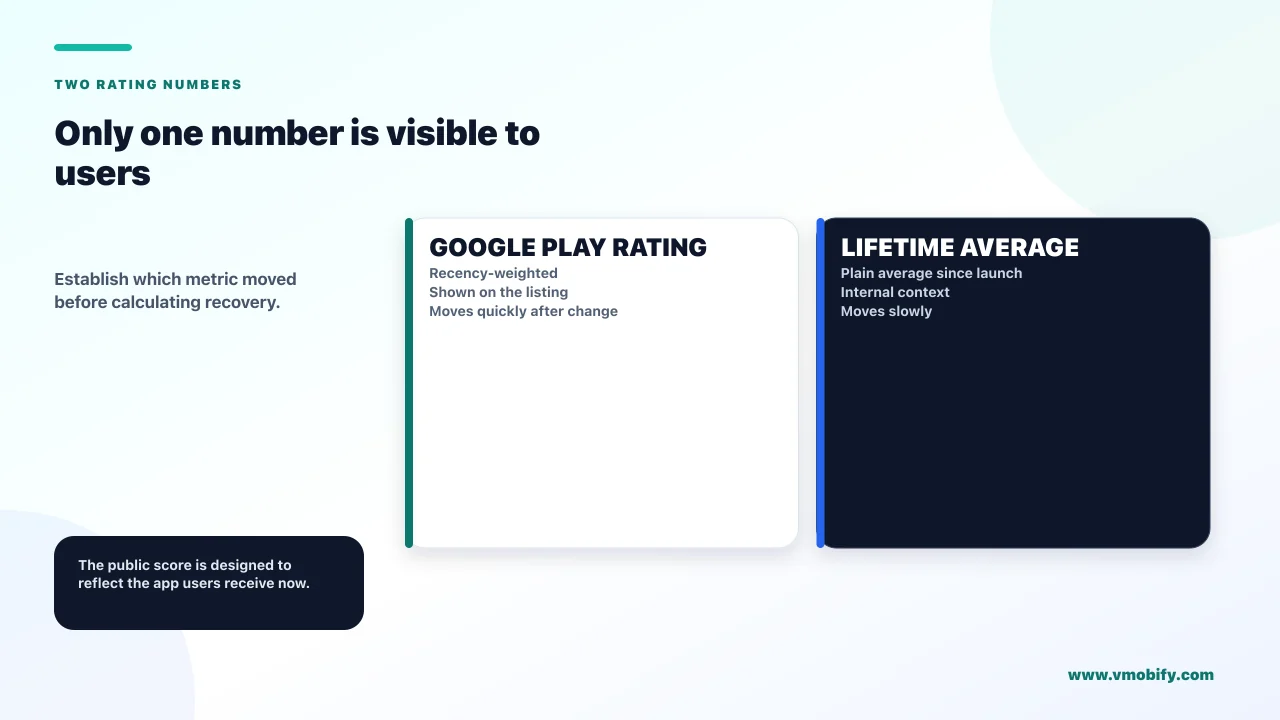
Play Console shows you two different rating numbers, and they answer different questions — so the first step is establishing which one moved. Teams routinely panic about one while quoting the other, and the two behave nothing alike.
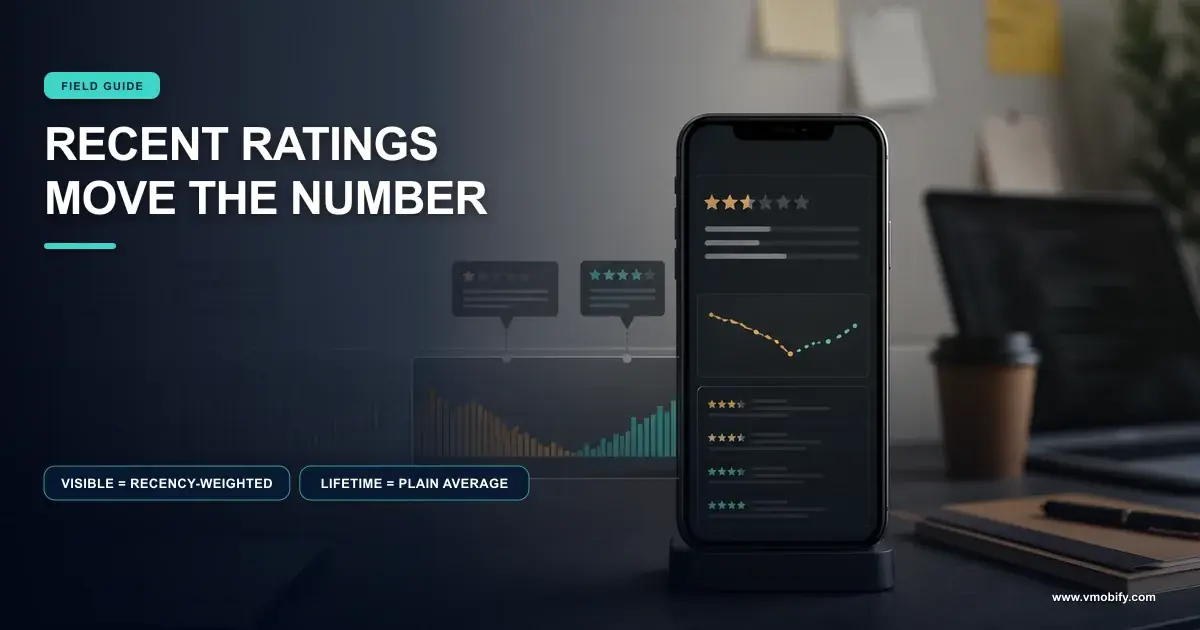
Google's ratings and reviews documentation distinguishes them. There is the Google Play rating — the figure shown to users, weighted toward recent ratings. And there is the lifetime average rating, the plain average since your app launched.
Google Play rating
- What users actually see on your listing
- Weighted toward recent ratings
- Moves quickly in both directions
- This is the one that affects conversion
Lifetime average rating
- Plain average since launch
- Barely moves once you have volume
- Useful as a long-run health check
- Nobody outside your team sees it
If the lifetime average barely moved while the displayed rating fell noticeably, nothing is wrong with your arithmetic — that is exactly what recency weighting produces, and it is the normal case.
One more detail before you start diagnosing: Google notes that new ratings do not immediately affect the published figure, with a delay of around 24 hours before ratings appear publicly. A drop you spot this morning reflects something that happened at least a day ago, which matters when you are lining it up against a release.
Across the 300+ apps we have managed since 2013, roughly half the "our rating collapsed" conversations end at this section. The visible number moved, the underlying quality did not change much, and the correct response is to understand the weighting rather than to launch a rescue campaign.
Why does Play’s number move faster than the maths suggests?
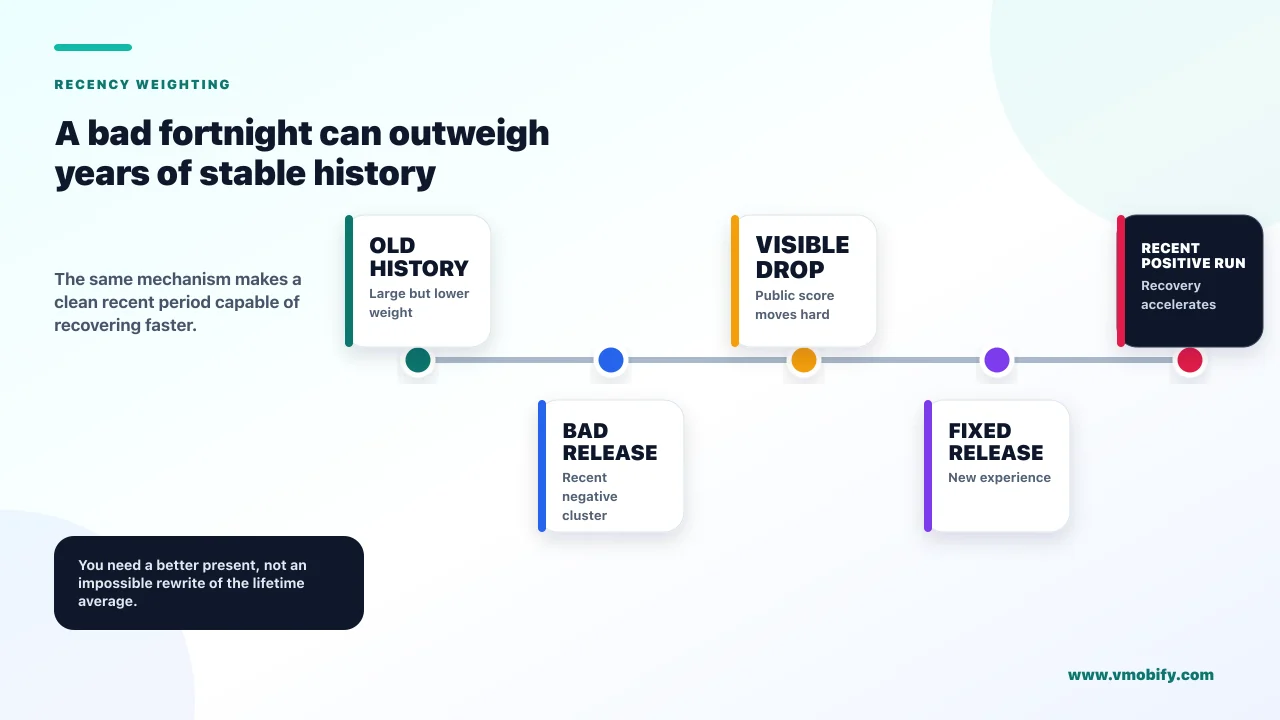
Because the number users see is deliberately not an average — Google states it is weighted toward more recent ratings to reflect changes and updates you make to your app. Once you know that, a drop that seemed impossible becomes predictable.
Work the plain arithmetic first, because it is what most founders do instinctively. An app with 10,000 ratings averaging 4.5 that receives 200 one-star ratings in a week lands at roughly 4.43 on a straight average — a change of less than a tenth of a star. If your displayed rating fell by half a star on that volume, the straight average cannot explain it, and people conclude something is broken.
Nothing is broken. Under recency weighting those 200 recent ratings carry disproportionate influence precisely because they are recent, which is the behaviour Google describes: the displayed figure is meant to reflect the app as it is now, not as it was averaged over its whole history.
The consequence that matters commercially is symmetrical, and it is the good news in this article:
- A bad fortnight hurts more than the maths implies. A regression, a bad release or an outage moves the visible number hard and fast.
- A good fortnight helps more than the maths implies. You do not need to out-vote your entire rating history to recover. You need a recent period that looks good.
- Old ratings stop being the obstacle they appear to be. The intuition that "we can never recover from those early one-stars" is wrong on Play, and it stops teams from trying.
Google does not publish the weighting formula, and we do not guess at one. What is documented is the direction, and the direction is enough to plan around: fix the cause, then generate a recent run of satisfied raters, and the visible number responds faster than a lifetime average ever could.
Can you reset your rating?
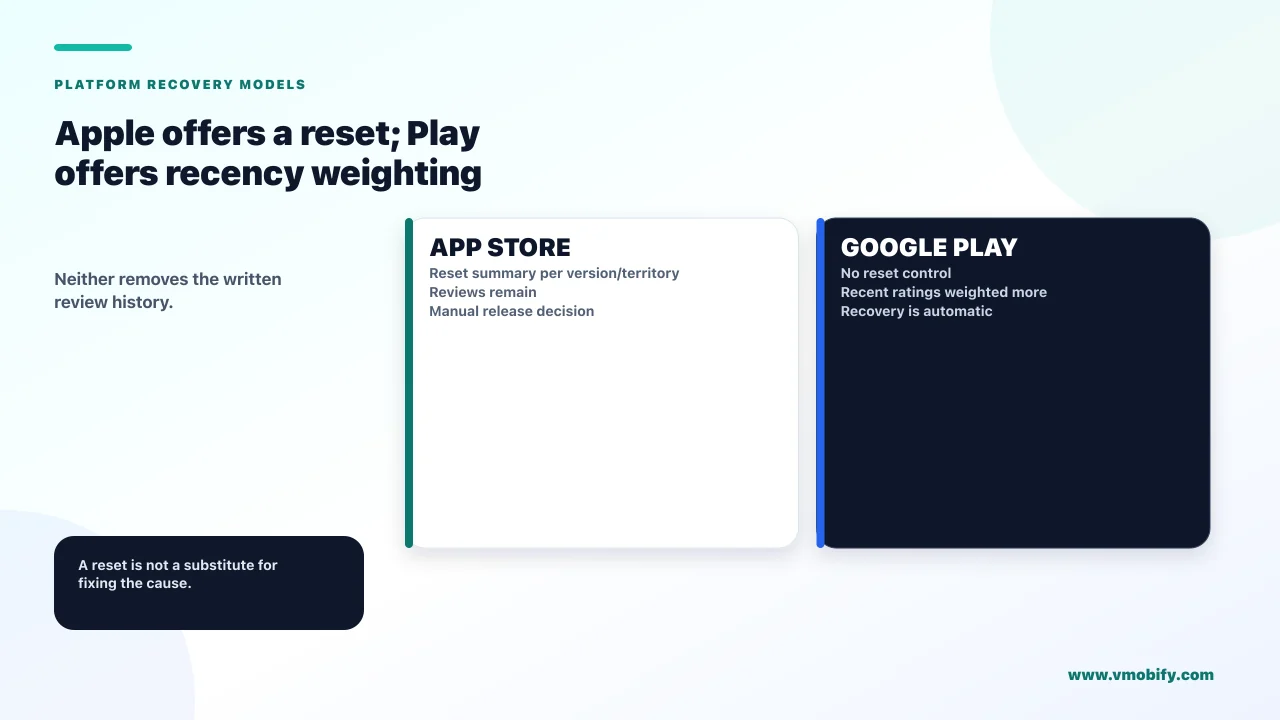
On the App Store yes, per version and per territory — on Google Play there is no equivalent, but the recency weighting is a softer, automatic version of the same thing. This is the largest structural difference between the two stores on ratings, and it changes what your recovery plan looks like on each.
Apple's ratings and reviews guidance spells out the mechanism and the caveat together. The summary rating is specific to each territory on the App Store, and you can reset it when you release a new version. Apple recommends using the feature sparingly — while resetting can ensure the rating reflects the most current version, which is useful if an update addresses users' previous concerns, having few ratings may discourage potential users from downloading your app. And resetting the summary rating will not reset your written reviews.
That last clause is the one that catches people. You can clear the stars and keep the one-star prose, which is frequently the worst of both worlds: a listing with almost no ratings and a visible wall of complaints about a version you already fixed.
Only when the negative ratings describe a specific problem you have definitively fixed, and only when you have a plan to generate new ratings immediately afterwards. Resetting into silence trades a mediocre rating for an empty one, and an empty rating converts worse than a mediocre one. In our portfolio this is the right move perhaps one time in ten that it is proposed.
On Google Play there is no reset, and you do not need one in the same way. The displayed figure already discounts your history in favour of your present. The Play playbook is therefore fix, then generate recent positive ratings; the App Store playbook adds an optional reset when the break with the past is genuinely clean.
What causes a drop that is not about your app?
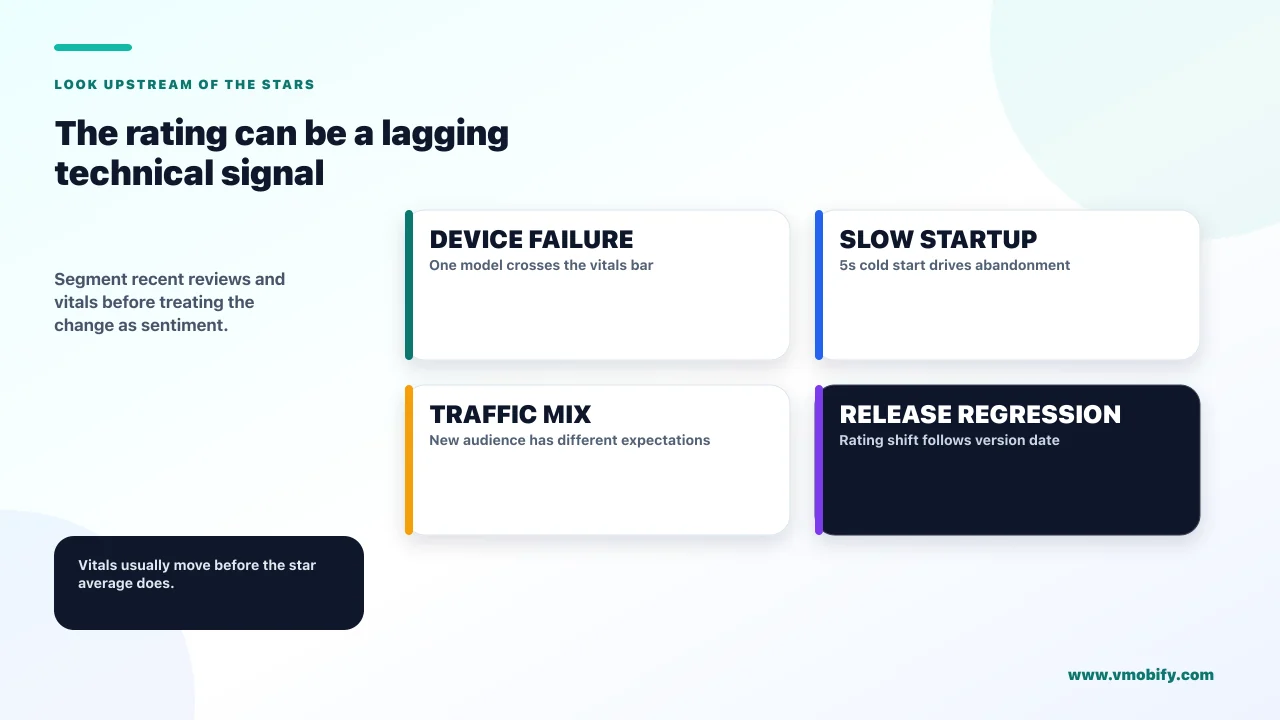
Technical quality, a device-specific failure, or a change in who is installing you — none of which show up as a product complaint you would recognise. When the reviews do not explain the drop, these are the three places to look.
Technical quality is the most direct, and Google says so. Its documentation on app startup time states that an app with a slow start time does not meet user expectations, can disappoint users, and that this sort of poor experience can cause a user to rate your app poorly on the Play Store or even abandon your app altogether. Excessive startup is defined as 5 seconds or longer for a cold start, 2 seconds for warm and 1.5 seconds for hot, measured as Time to Initial Display.
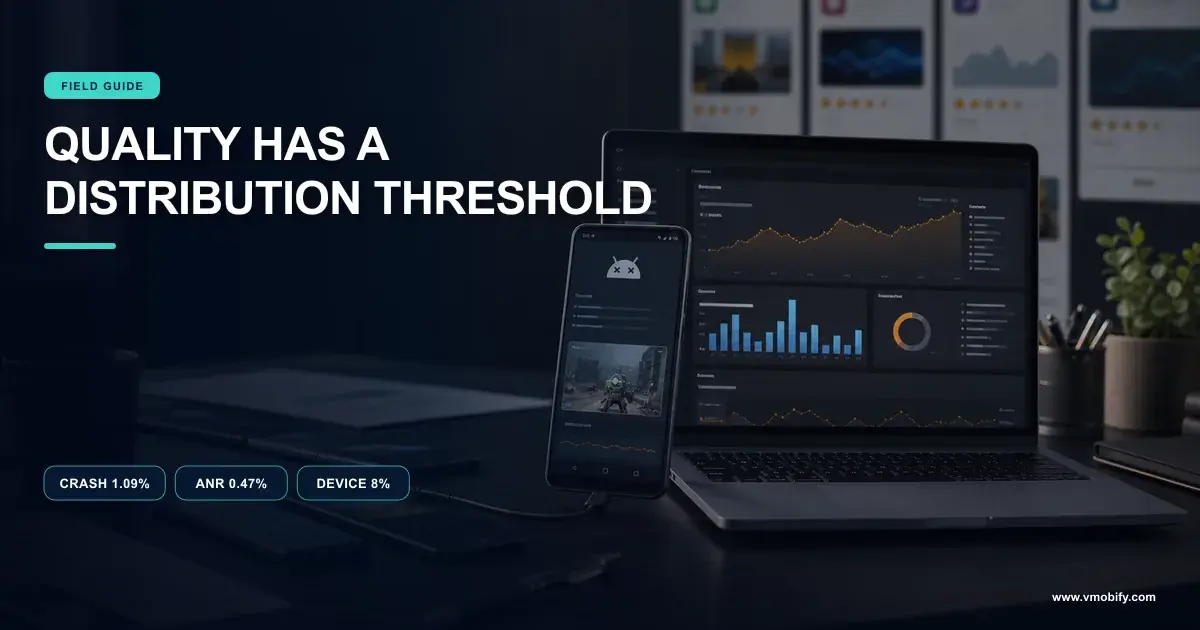
Crashes and ANRs work the same way, and they have the additional property of being concentrated. A crash affecting one popular device model produces a burst of one-star ratings from users who all experienced the same thing, in the same week, without any of them describing it as a crash. Our piece on the vitals thresholds that decide distribution covers how to find the device responsible.
A change in acquisition mix is the one nobody suspects. If you started buying installs from a new source, or expanded into a new market, you are now being rated by a different population with different expectations of what your app is for. The app did not change; the raters did. This is worth checking against the date your rating moved before you go looking for a regression.
A release date is the strongest single clue. Line the rating chart against your release history, remembering the roughly 24-hour publication delay. If the drop begins within a day or two of a rollout, you are looking at a regression, and the fastest recovery is a fix rather than a ratings campaign. The cost of leaving it runs well beyond the stars — we cover that in why bad vitals act as a tax on acquisition.
What are you not allowed to do about it?
Gate the prompt on how the user feels, put a button behind it, restyle it, or dress up a reply as solicitation — and on Play the stated consequence for review-reply violations includes suspension of your application. The tempting fixes are the prohibited ones, which is worth knowing before someone on your team builds one.
Google's In-App Review API documentation is unusually direct about this:
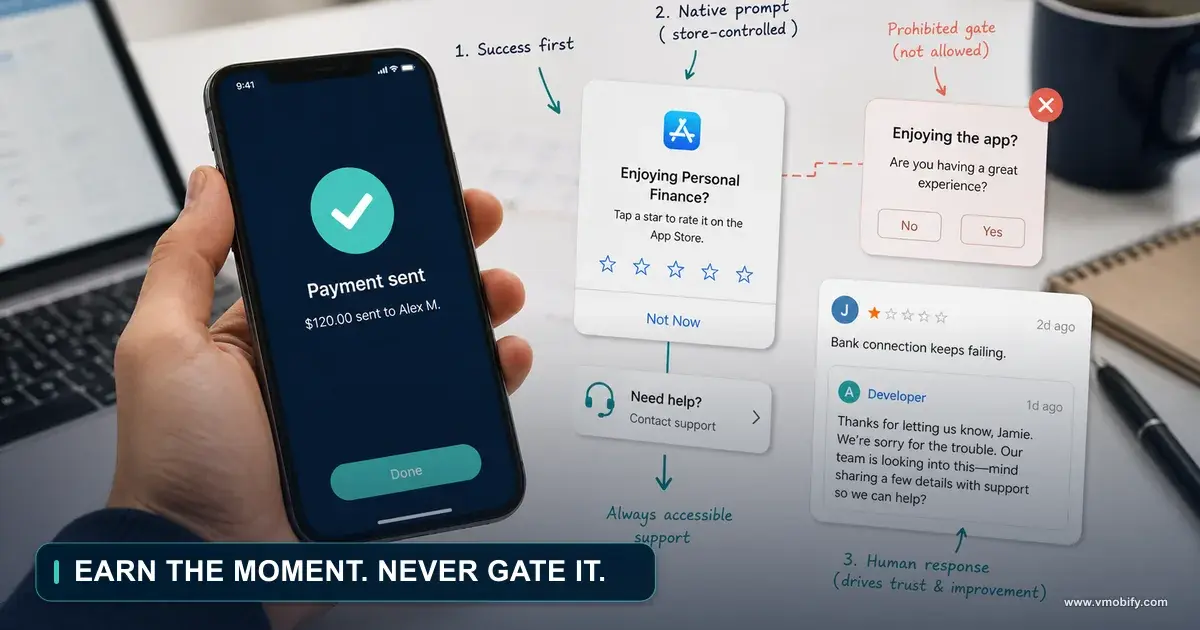
- No pre-qualifying questions. Your app should not ask the user any questions before or while presenting the rating button or card, including questions about their opinion such as "Do you like the app?" or predictive questions such as "Would you rate this app 5 stars". The "happy path only" prompt that many apps ship is explicitly out.
- No call-to-action button to trigger it. Because the quota can change, you should not have a button that triggers the API, since a user may have hit their quota and the flow will not show — presenting a broken experience. For that use case, redirect to the Play Store instead.
- No tampering with the design. Surface the card as-is without modifying size, opacity, shape or other properties, add no overlay on top of or around the card, and do not programmatically remove it once shown.
- There is a quota you cannot see. Google enforces a time-bound quota, calling the flow more than once in a short period — its example is less than a month — might not display a dialog, and the specific value is an implementation detail that can change without notice.
On replies, Google's ratings documentation notes that failure to observe its reply guidelines may result in suspension of your application. That is a disproportionate penalty for what teams often treat as a customer-service channel, and worth flagging to whoever is actually writing the replies.
The design consequence of all this is a real one. You cannot filter for happy users before prompting, so the prompt has to be placed where users are genuinely likely to be happy — which is a product decision about timing, not a funnel you can build.
What actually recovers a rating?
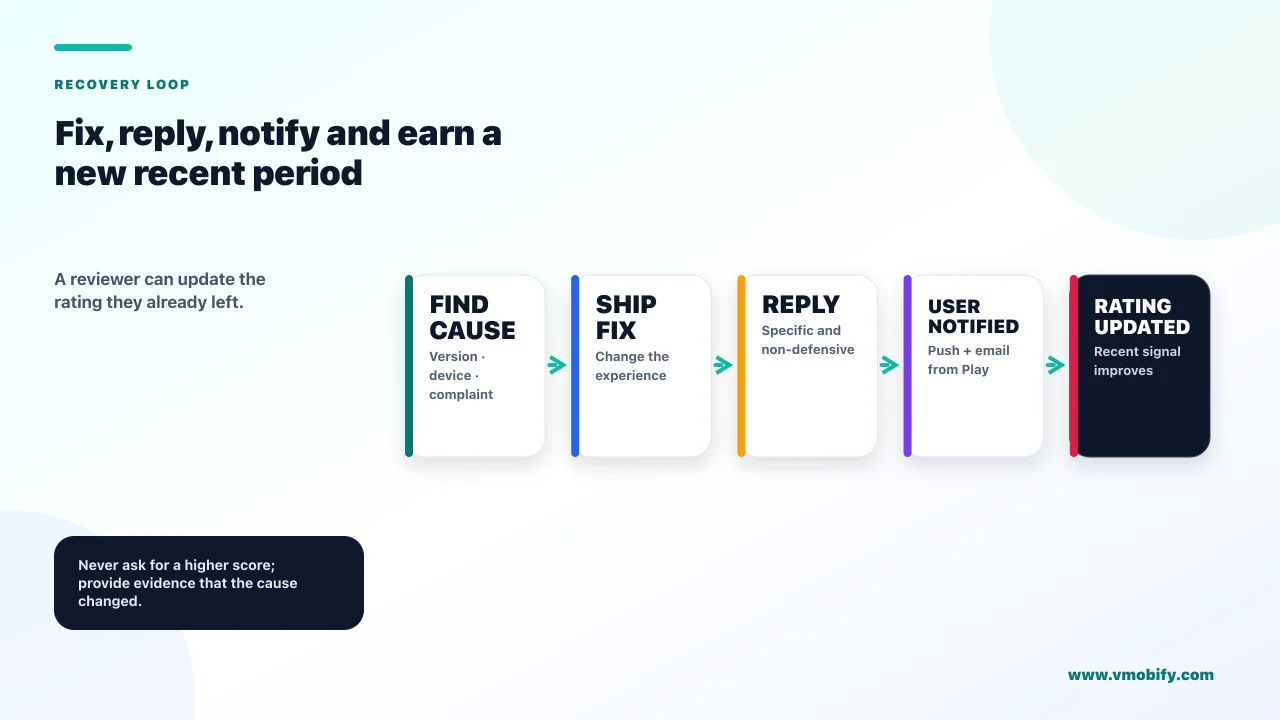
Fixing the cause, then generating a recent run of positive ratings — and on Play there is a second, under-used lever: users can change the rating they already left. That last mechanism is documented and almost nobody builds around it.
Google states that users can only rate an app once, but they can update their rating or review at any time. A one-star rating is not a permanent record. It is a current opinion that its author is free to revise, and under recency weighting a revised rating is a recent rating.
That turns the recovery sequence into something concrete:
- Fix the actual cause first. Every other step is wasted if the next cohort hits the same problem. If the drop tracks a release, this is the whole job.
- Reply to the negative reviews describing the problem you fixed. Google states that after you reply, users receive a push notification and an email notification — so a reply is a delivered message, not a note on a page nobody revisits.
- Say specifically what changed. "This is fixed in version 3.4.1" gives someone a reason to reopen the app. A generic apology gives them nothing to act on.
- Let the prompt do its work on satisfied users at genuinely good moments, within the rules above.
- Measure the displayed rating, not the lifetime average. The lifetime figure will barely move and will make a real recovery look like a failure.
Step two is the leverage. You are not asking a stranger for a favour; you are telling someone who took the trouble to complain that their complaint was addressed, through a channel that pushes to their phone. In our experience the response rate on that is far better than any cold prompt, and it converts your worst ratings rather than merely outnumbering them. Our guide to getting app ratings and reviews covers the volume side.
When should you prompt for a review?
After a completed, successful sequence — and never on launch or as the direct result of a user action, which Apple states explicitly. The rules differ enough between platforms that a single shared implementation usually breaks one of them.
Apple's guidance on requesting App Store reviews sets hard limits: the system displays the review prompt to a user a maximum of three times within a 365-day period, and people can disable requests for reviews from ever appearing on their device. Its timing guidance is to avoid showing a request immediately when a user launches your app, even if it is not the first launch, and to avoid requesting a review as the result of a user action.
That second rule is the one most often broken. A prompt fired when someone taps "rate us" is a review requested as the result of a user action, and it is also the case Google warns against for a different reason — the quota may silently prevent the dialog from appearing at all. For a deliberate user-initiated path, Apple documents a manual deep link instead, of the form https://apps.apple.com/app/idYOURAPPSTOREID?action=write-review, and Google's advice is to redirect to the Play Store.
Both platforms also share a limitation worth designing around: you cannot tell whether it worked. Google's integration documentation states the API does not indicate whether the user reviewed or not, or even whether the review dialog was shown, and that if an error occurs during the flow you should not inform the user or change your app's normal flow.
Since neither API tells you what happened, log the moments at which you asked and correlate against your ratings trend over time. That is the only feedback loop available, and it is enough to tell whether the moment you chose is the right one — but only if you record it deliberately, because nothing else will.
Does replying to reviews do anything?
Yes, and more than most teams assume, because a reply is a notification rather than a comment — Google states users receive both a push notification and an email when you reply. This is the highest-leverage and least-used tool in the whole ratings area.
Google's ratings documentation sets out the mechanics: developers can provide one public response per user review, and after replying the user receives a push and an email notification. Replies must be clear and relevant, respectful, and free of solicitation, and failure to observe the guidelines may result in suspension of your application.
The "no solicitation" rule matters for how you word it. You are not permitted to treat the reply channel as a place to ask for a better rating. What you can do is tell someone that the specific problem they reported has been fixed and in which version — which is factual, relevant and useful, and which gives a reasonable person a reason to look again on their own initiative.
Two operational points make this workable at scale:
- Prioritise by cause, not by recency. Reply first to the reviews describing the thing you just fixed. Those are the people most likely to revise, because their complaint has a resolution attached.
- One response per review. You get a single public reply, so make it specific. A generic acknowledgement spends the only reply you have on that user.
The wider point is that ratings are not a marketing surface you can only observe. On Play they are an editable record with a notification channel attached to it, and that is a genuinely unusual property. Teams that work it systematically recover faster than teams running prompt campaigns, because they are converting existing negatives rather than diluting them.
How do you protect the rating you have?
Treat the rating as a downstream indicator of technical quality and release discipline, because that is what it mostly is. Almost every rating emergency we are called into was preventable at the release that caused it.
- Watch vitals as a leading indicator. Crash rate, ANR rate and cold start move before the rating does, and Google explicitly links slow startup to poor ratings. By the time the stars fall, the damage is a fortnight old.
- Use a staged rollout for every update. A regression caught at a small percentage produces a handful of bad ratings; the same regression at full rollout produces the burst that moves the displayed number.
- Check ratings by device model, not just in aggregate. A concentrated failure on one popular handset is invisible in the average and obvious once segmented.
- Place the prompt where users have just succeeded at something, and accept that you cannot pre-filter for mood.
- Reply to negatives as a standing process, not as an emergency response. The notification channel works best when it is already running.
The rating deserves this attention because of where it sits. It is one of the most prominent elements on a store listing, so it acts as a multiplier on every visitor you attract — including every visitor you paid for. A rating problem is therefore an acquisition problem with a delay, which is the argument that usually gets it prioritised properly. Our guide to store listing conversion covers where it sits among the other conversion levers.
If your rating has moved and you cannot tell whether it is a regression, an acquisition-mix change or the weighting doing its job, that is usually a quick diagnosis for someone who has seen it before — tell us what the two numbers are doing, or see how we approach the listing as a whole in our ASO work.
Frequently Asked Questions
Why did my rating fall more than the new reviews should allow?+
Because the figure users see is not an average. Google states the rating shown on Google Play is weighted toward more recent ratings to reflect changes and updates you make to your app, so a concentrated run of bad ratings moves it far more than a straight average would. Check the lifetime average alongside it — if that barely moved, the weighting is the explanation.
Can I reset my app rating?+
On the App Store, yes — Apple lets you reset the summary rating when you release a new version, and it is specific to each territory. Apple recommends using it sparingly because few ratings may discourage downloads, and resetting does not clear your written reviews. Google Play has no equivalent reset.
Can a user change a one-star rating they already left?+
Yes. Google states that users can only rate an app once but can update their rating or review at any time. Combined with recency weighting, a revised rating counts as a recent one, which makes converting existing negatives a genuine recovery strategy rather than a hope.
Does replying to reviews actually reach anyone?+
It does. Google states that after you reply, users receive a push notification and an email notification. You get one public response per review, so make it specific — naming the version that fixed their problem gives them a reason to look again. Note that reply-guideline violations may result in suspension of your application.
Can I ask users if they like the app before showing the rating prompt?+
No. Google states your app should not ask the user any questions before or while presenting the rating card, including opinion questions like "Do you like the app?" or predictive ones like "Would you rate this app 5 stars". You also should not have a button that triggers the API, because an unseen quota may prevent the dialog from appearing.
How often can the iOS review prompt appear?+
Apple states the system displays the review prompt to a user a maximum of three times within a 365-day period, and that people can disable review requests from ever appearing on their device. Apple also advises against prompting immediately on launch or as the result of a user action.
My reviews do not explain the drop. Where else should I look?+
Technical quality first — Google links slow startup and poor stability directly to poor ratings, and a crash concentrated on one popular device produces a burst of one-stars that nobody describes as a crash. Then check whether your acquisition mix changed, because a new source or market means a different population is rating you.
Sources
- Google Play — Ratings and reviews — Recency weighting, lifetime average, the 24-hour delay, and reply notifications.
- Android Developers — Play In-App Review API — The quota, the ban on pre-qualifying questions and CTA buttons, and design rules.
- Android Developers — In-app reviews (Kotlin/Java integration) — The API reveals neither whether a review happened nor whether the dialog showed.
- Apple — Requesting App Store reviews — Three prompts per 365 days, user opt-out, timing guidance and the write-review deep link.
- Apple — Ratings and Reviews on the App Store — Per-territory summary rating and the per-version reset that leaves reviews intact.
- Android Developers — App startup time — Excessive startup thresholds and the stated link to poor ratings and abandonment.
- Google Play — Monitor technical quality with Android vitals — Crash and ANR thresholds, useful as a leading indicator of ratings damage.
About the author
Amol Pomane — Founder, Vmobify
Amol leads Vmobify, a mobile app growth agency that has driven 30M+ downloads and ranked 54K+ keywords across 300+ apps since 2013. He writes about ASO, paid user acquisition, retention, and the operational reality of scaling mobile apps in India and global markets.
Check your store metadata
Run your current App Store or Play metadata through the free checker.
Open free tool