Mobile App Compliance Checklist for Apple and Google Play
A founder-friendly control sheet for the app behaviours most likely to create privacy, billing, account-deletion, UGC, permission, SDK, and review problems on Apple and Google Play.
On this page
- How should a small team own app compliance?
- What must the privacy and data inventory contain?
- What are the account and deletion requirements?
- How should permissions and SDKs be reviewed?
- What must subscription apps verify?
- What extra controls do higher-risk apps need?
- What evidence should you give store reviewers?
- Which security and incident controls belong in the checklist?
- How do metadata and accessibility affect compliance?
- What compliance work continues after launch?
- What is the final pre-submission gate?
- Frequently Asked Questions
How should a small team own app compliance?
Assign one accountable release owner, then divide evidence across product, engineering, legal and operations. “Legal owns compliance” fails because lawyers cannot see an SDK making a background request, while “engineering owns it” fails because engineers should not invent disclosures or commercial terms.
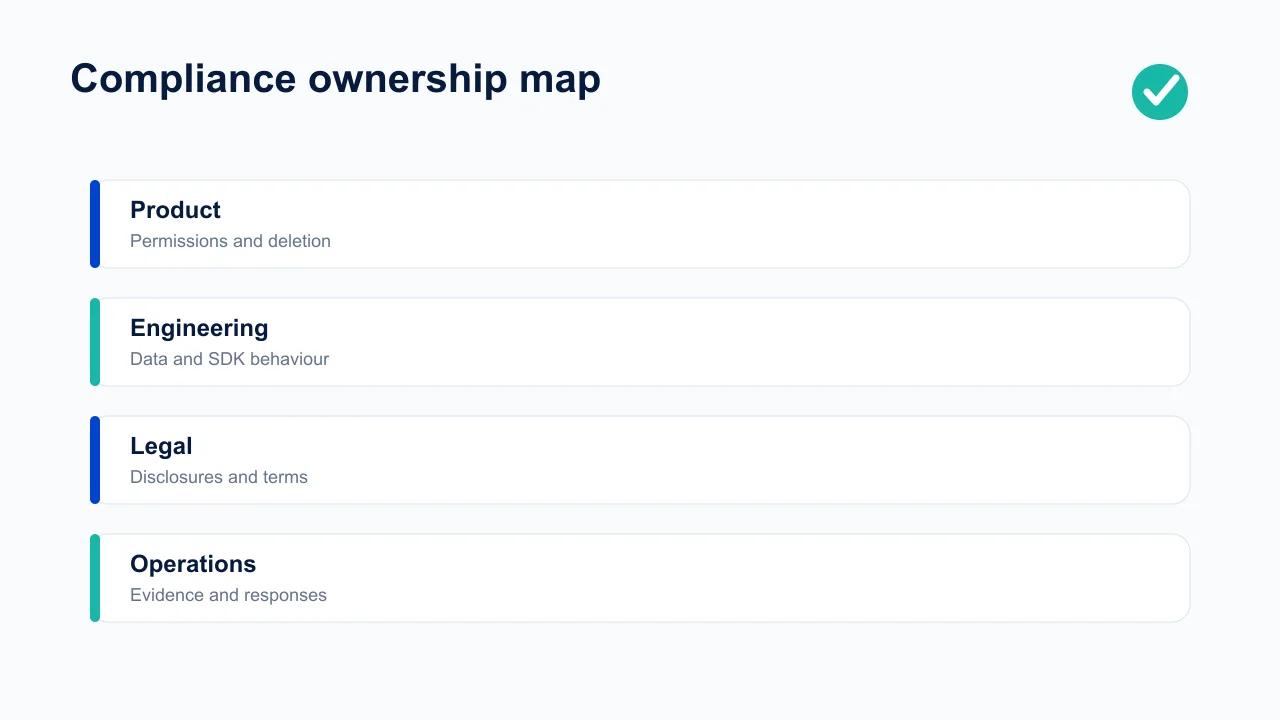
Product owns what the app asks users to do: onboarding, permissions, account creation, deletion, purchases, UGC controls and age gates. Engineering owns runtime truth: collected fields, device access, SDKs, encryption, retention jobs, deletion propagation and entitlement state. Legal validates the privacy policy, terms, consent wording and territory-specific obligations. Operations owns reviewer access, declarations, deadlines, evidence and incident response.
Create a release-level control sheet with owner, evidence link, last verification date and status for every requirement. Do not copy the previous submission blindly. A new analytics SDK, login option, advertising partner, AI feature or target country can change the answer even when the UI looks unchanged.
This is an operational checklist, not jurisdiction-specific legal advice. Laws vary by users, data, sector and country. Use qualified counsel for health, finance, children, biometrics, precise location or other regulated processing. The store rules are only one layer.
For every control, retain the exact release tested, the test identity and state, the observed result, the policy or legal source, the responsible owner and the date it must be reviewed. A green spreadsheet cell without evidence becomes dangerous as soon as the SDK, backend, paywall, account model or target market changes.
Build the release file from production truth. Compare privacy declarations with captured network traffic and the SDK register. Compare permission explanations with the actual runtime prompt. Compare deletion copy with downstream job completion. Compare subscription terms with sandbox purchase and restore behaviour. Compare moderation promises with queue staffing and escalation coverage. The goal is not to assemble persuasive paperwork for a reviewer; it is to make the public promise and the shipped system agree.
Use a risk-ranked gate:
- Block release: undisclosed collection, broken deletion, inaccessible privacy or support links, misleading billing, missing child-safety controls, exposed credentials, or a critical reviewer path that cannot be entered.
- Require named acceptance: a documented limitation with bounded impact, compensating control, owner and near-term fix.
- Follow after release: evidence improvements that do not change the truth of the current disclosure or user protection.
Do not let a deadline silently downgrade a blocker. If leadership accepts a residual risk, capture who accepted it, the evidence available, affected users, expiry date and trigger for immediate reversal. This makes commercial urgency visible without converting it into permanent policy.
Schedule event-driven reviews in addition to a calendar review. Reopen the checklist when adding an SDK, sensitive permission, account system, social feature, subscription offer, generative-AI provider, new country, child-directed experience or data export. Each can alter multiple declarations and operational duties at once.
After submission, preserve the reviewer notes and exact build. If the store raises an issue, answer the specific concern with reproducible steps and evidence, correct the product or declaration where needed, and feed the failure back into the gate. A successful approval is not proof of legal compliance; a rejection is useful evidence that the operating system missed a dependency.
Keep claims review inside the same gate. Marketing copy, onboarding, screenshots, paywalls, notifications and AI-generated output can create obligations even when the underlying feature is sound. Flag absolute performance, health, financial, safety and privacy claims; require a current source, applicable population and owner; and remove precision that the evidence cannot support. A disclaimer does not repair a misleading headline.
Finally, test the user’s worst day, not only the reviewer’s happy path: lost access while charged, deletion during an active subscription, a child encountering unsafe content, a denied permission, a security report, a refund, or an appeal after moderation. The response needs an owned route, accurate status, safe recovery and preserved evidence. Compliance becomes valuable when it prevents harm and shortens resolution, not when it merely produces a submission folder. Record the elapsed time, hand-offs and confusing copy in each exercise, then turn them into assigned product work. A policy is credible only when the people, tools and escalation routes can perform it under pressure.
What must the privacy and data inventory contain?
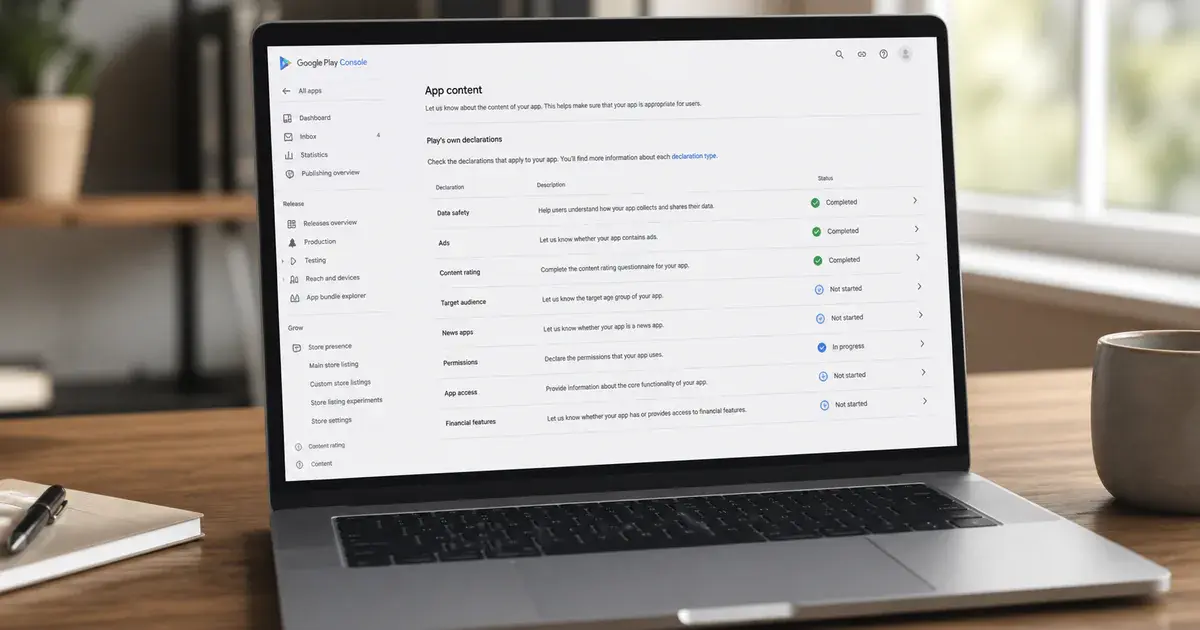
Inventory each data element from collection through deletion, including purpose, legal basis or consent, destination, retention, security, user control and every SDK that receives it. Your App Store privacy answers, Google Play Data safety form, permission prompts, policy and actual network traffic must tell the same story.
Begin with observed runtime behaviour. Capture traffic in signed release candidates, inspect dependency manifests and ask vendors what they collect by default. Include identifiers, diagnostics, purchase history, location precision, contacts, photos, microphone, health data, user content and inferred attributes. Record whether data is linked to identity, used for tracking, shared, sold, retained after deletion or processed outside the user’s region.
Apple’s App Review Guidelines require a privacy-policy link in App Store Connect metadata and within the app, with clear collection, use, sharing, retention and deletion information. Google’s User Data policy similarly requires transparent handling and secure transmission, with prominent disclosure and consent where access is outside reasonable user expectation.
Minimise before disclosing. If a field or SDK has no current product purpose, remove it. “We may use everything someday” creates unnecessary exposure and makes truthful declarations harder. Set retention periods and automated deletion jobs rather than keeping data indefinitely.
What are the account and deletion requirements?
If the app supports account creation, provide a discoverable in-app path to initiate deletion and ensure the workflow removes the account and associated data—not merely the local profile or app installation. Test the result against production-like systems.
Apple’s account deletion guidance says apps supporting account creation must let users initiate deletion within the app. Google Play’s account deletion requirements require an in-app route and an external web resource where users can request account and associated-data deletion.
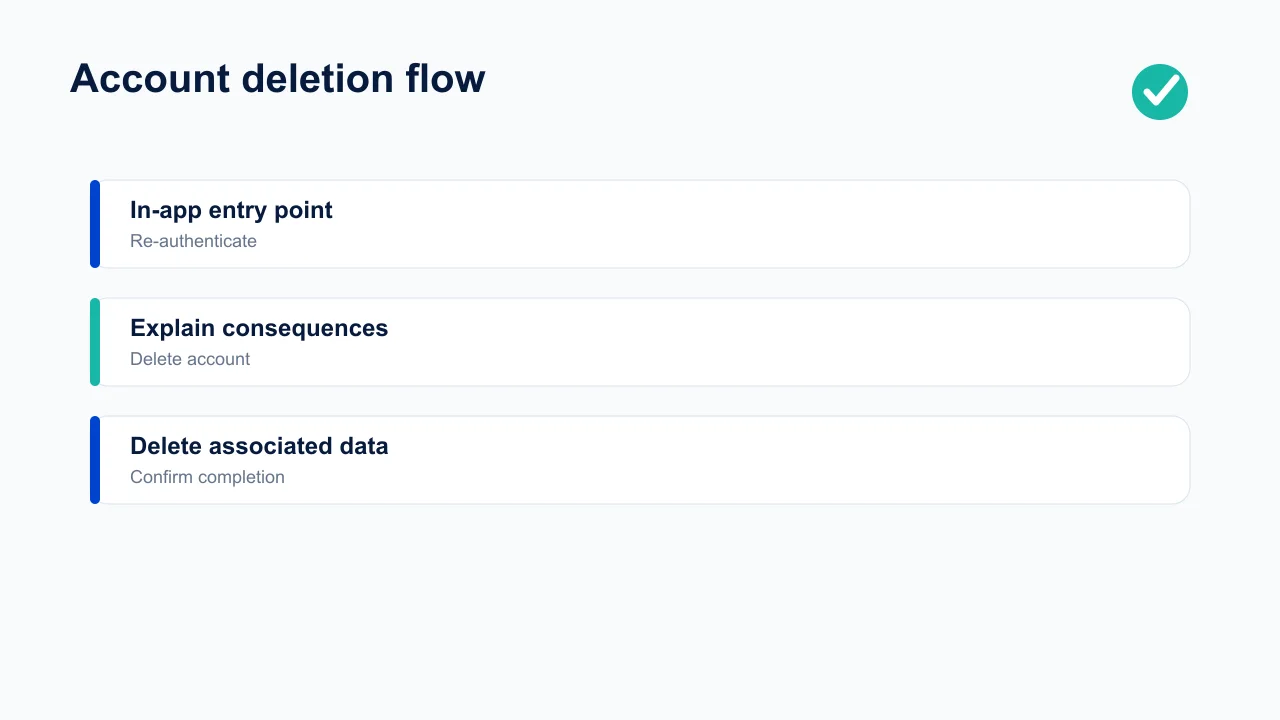
The safe flow is: make the entry point easy to find, re-authenticate for security, explain irreversible consequences, identify subscriptions that must be cancelled separately, accept the request, revoke sessions, queue deletion across primary and downstream stores, preserve only data you are required to retain, and confirm completion. Do not use unnecessary support calls or long friction as a dark pattern.
Also test sign-in requirements. If the app does not truly need an account, consider guest use. If it offers third-party login on iOS, verify whether Apple’s login-option rules apply. Supply reviewer credentials and keep them working throughout review. Deletion becomes materially harder when money is involved — account deletion with an active subscription covers the billing states this checklist assumes you have handled.
How should permissions and SDKs be reviewed?
Every sensitive permission and third-party SDK needs a named feature owner, a current purpose, accurate store disclosure and runtime verification in the release build. Removing UI does not guarantee a permission or collection path disappeared.
Generate a manifest and entitlement diff for every release. Check camera, microphone, photos, contacts, notifications, location, Bluetooth, tracking, accessibility, VPN, background activity and broad file access. Request access only at the moment the user invokes the feature, explain the value in plain language and make denial survivable wherever possible.
Maintain an SDK register with vendor, version, purpose, data categories, endpoints, configuration, privacy documentation and deletion obligations. Compare it with Apple privacy manifests and signatures where applicable, Google SDK guidance, Data safety answers and your consent platform. A vendor update is a compliance change even if its public API remains identical.
Run negative tests: deny every optional permission, restrict tracking, use a child or restricted account if relevant, remove network access, restore from backup and upgrade from the previous version. Compliance defects often live in the branch founders never exercise.
What must subscription apps verify?
Verify that the paywall states price, billing period, trial conversion and renewal clearly; purchases and restoration work; entitlements follow server-confirmed store state; and users can reach cancellation management. A polished paywall does not compensate for ambiguous or broken billing behaviour.
Apple’s review guidelines require subscription apps to provide ongoing value, clearly describe what users receive, and include the necessary subscription information. Google’s subscription policy prohibits misleading or manipulative subscription experiences and requires clear terms.
Test new purchase, trial conversion, introductory eligibility, upgrade, downgrade, grace period, billing retry, refund, revoke, cancellation, expiry, family or account changes where supported, reinstall and restore. Do this in store sandboxes and with server notifications. Never grant permanent entitlement from a client success callback alone.
Put required terms near the purchase action, not behind a tiny link. Explain whether deleting an account cancels the store subscription—it usually does not do so automatically—and give the user a direct management route. For pricing and plan design beyond compliance, see our subscription monetisation guide.
What extra controls do higher-risk apps need?
UGC, children’s experiences and regulated data require controls specific to their risk; a generic privacy policy is not enough. Decide whether the feature is worth the operational duty before adding it.
Apple’s guidelines require UGC apps to provide filtering for objectionable material, reporting, blocking and published contact information. Google’s UGC policy requires robust and ongoing moderation appropriate to the content. Build report queues, response targets, enforcement records, appeals and emergency escalation. A “report” button feeding an unread mailbox is not moderation.
For children, validate audience declarations, advertising SDK behaviour, age gates, parental flows and whether the product creates behavioural profiles. For health and finance, review claims, licensing, disclaimers, data security and account recovery. For AI, document input handling, provider retention, output safety, reporting and which actions require human confirmation.
Map expansion country by country. Store availability does not mean every feature, payment, promotion or data transfer is lawful in every territory. Record who approved each high-risk market and when it must be reviewed again. Apps carrying user-generated content need an operating system behind the policy — see UGC moderation operations.
What evidence should you give store reviewers?
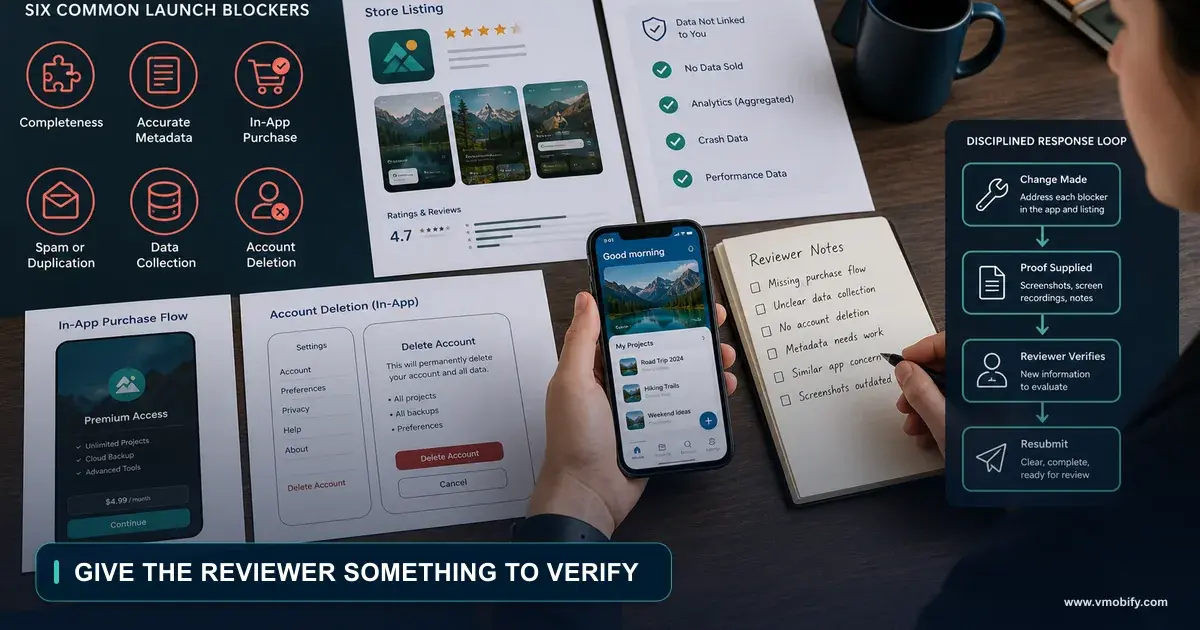
Give reviewers a short, reproducible evidence pack: working credentials, feature path, hardware or location assumptions, permission rationale, purchase instructions and notes for anything they cannot infer from the first screen. Review notes should remove ambiguity, not sell the app.
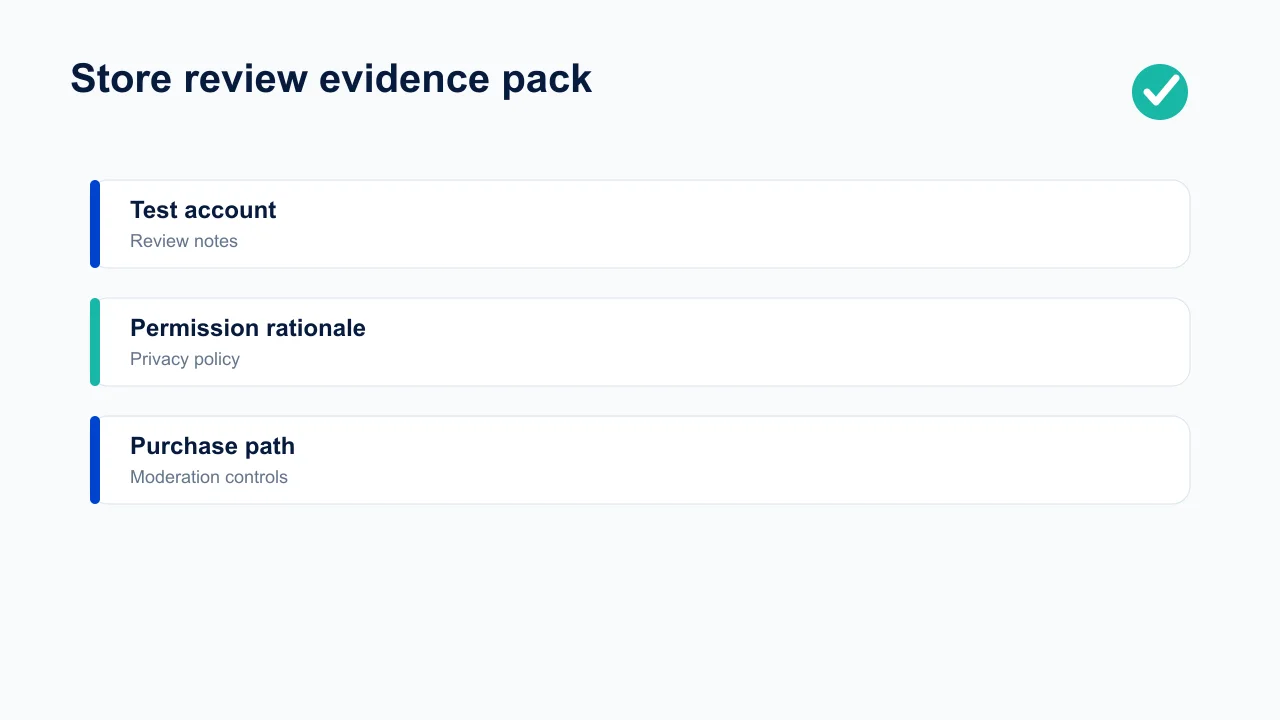
Use a stable test account with populated data and no expiring one-time password. Ensure the reviewer can reach gated content without an external contract or physical purchase unless the app category genuinely requires it, then explain the path. Provide a demo video for hardware, geographic or timing-dependent functionality while keeping a usable review path.
Reference the exact screen and action for account deletion, restore purchases, moderation, privacy controls and regulated disclaimers. If a permission appears only after a specific feature, say so. If the release fixes a previous issue, state what changed and how to verify it.
Keep screenshots of submitted declarations and the binary’s dependency/permission inventory. When a rejection arrives, answer the cited rule with evidence and a precise change. Our rejection guide covers the response workflow in depth.
What is the final pre-submission gate?
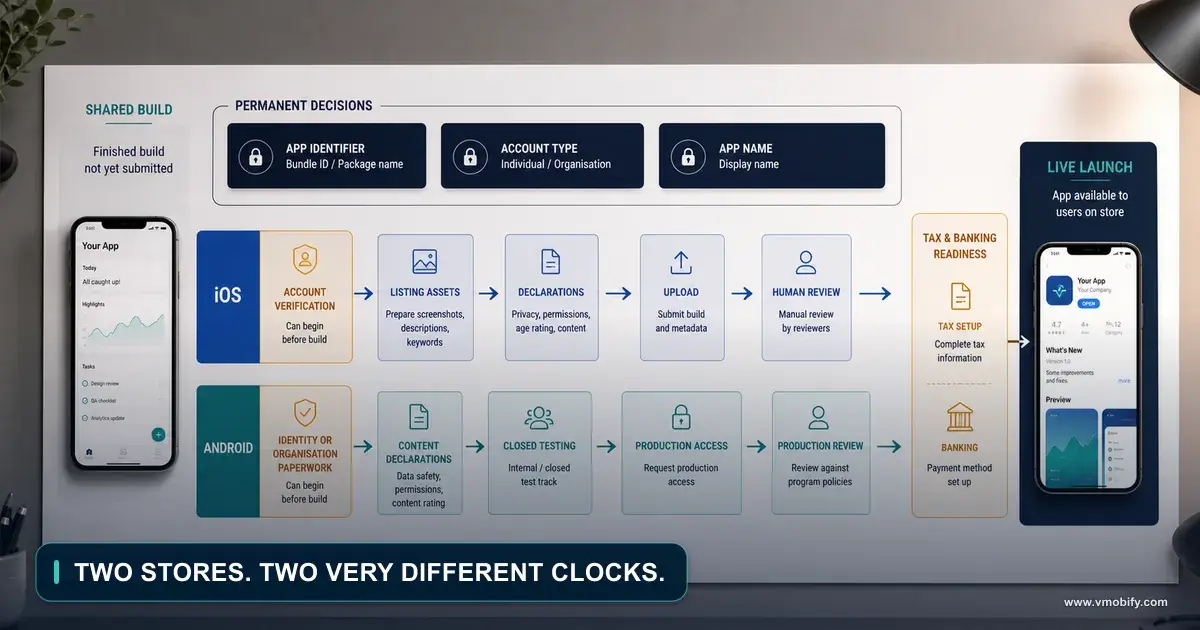
Block submission until declarations, runtime behaviour, policies, links, accounts, purchases, deletion, permissions, SDKs and reviewer access have all been verified against the actual release candidate. A checklist signed against a debug build is false confidence.
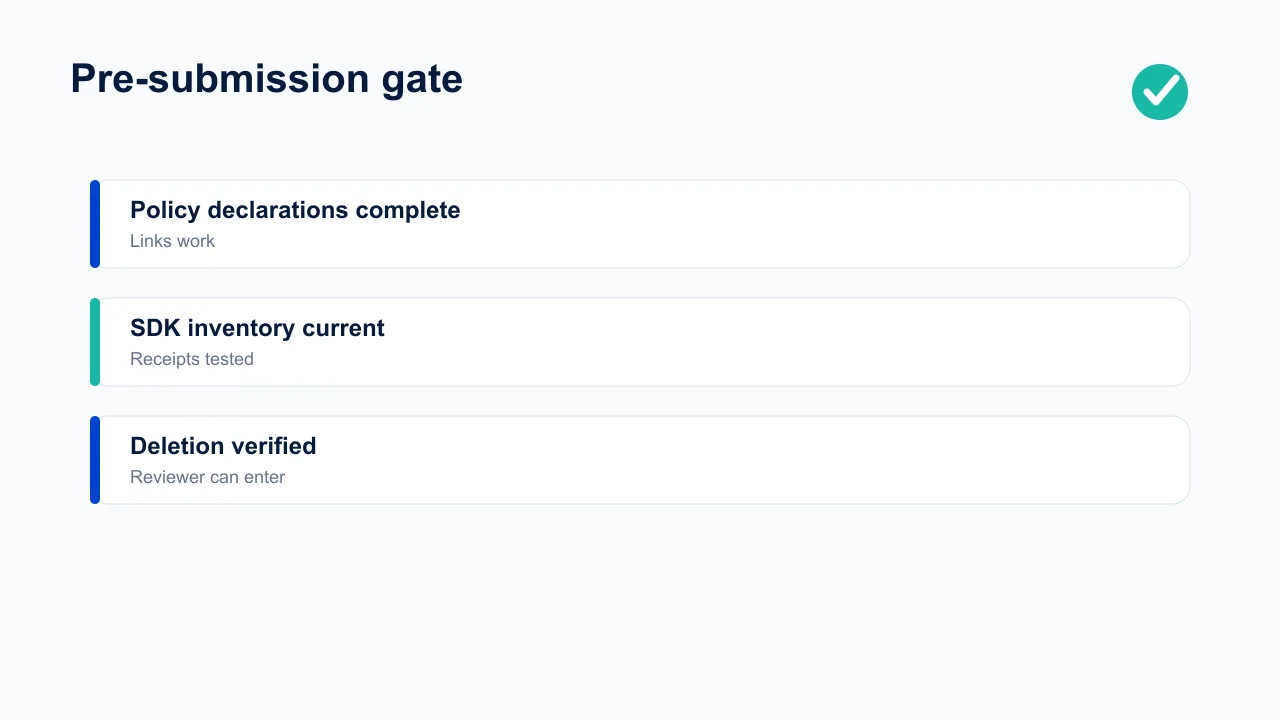
- Freeze the candidate and record version, build, commit and dependency lock.
- Diff permissions, entitlements, domains, SDKs and data flows from the last approved build.
- Verify privacy and Data safety answers, policy URLs, support contacts and deletion web page.
- Exercise sign-up, sign-in, deletion, purchases, restore, cancellation guidance and every permission branch.
- Check moderation and reporting where users create content.
- Validate screenshots and descriptions against current functionality.
- Open all reviewer links and credentials from a clean device and network.
- Archive evidence, approvals and the submission receipt.
Repeat a smaller version after approval and before phased release. Store approval is not proof of legal compliance or defect-free behaviour; it is one external control. Keep monitoring policy messages, SDK changes, user complaints and deletion failures after launch through the operating routine described in our Play Console features guide.
Assign a stop-ship rule before the final meeting. Unknown data collection, a broken deletion or restore path, inaccessible subscription terms, missing moderation controls, unusable reviewer access, a high-severity security defect or a declaration that cannot be verified should block release. Commercial urgency does not make an incorrect disclosure true.
For conditional items, record why they do not apply. A checklist marked “not applicable” without a reason becomes impossible to audit later. State, for example, that the app has no account creation, no user-generated content, no tracking, or no paid digital goods, and link to the product or technical evidence supporting the conclusion.
Do a final clean-install test outside the office network on a store-signed build. Development configuration can hide broken domains, absent production credentials, geo-dependent consent and release-only SDK behaviour. The exact binary sent to review is the only trustworthy subject of the gate.
Archive the signed result with the release record and schedule the first post-launch review before submitting. That meeting should verify production deletion jobs, purchase notifications, permission-denial paths, moderation queues and policy inbox ownership. Compliance does not end when the status changes to Ready for Sale.
Require named approval from the product owner and technical owner, plus legal or specialist review wherever the data, audience or category warrants it. Record exceptions with an expiry date and compensating control. An undocumented verbal waiver will be forgotten by the next release, while the underlying risk remains.
Only then submit the binary and its matching metadata.
Which security and incident controls belong in the checklist?
Verify secure transport and storage, least-privilege access, secret handling, abuse controls, backup recovery and a tested incident-response path before submission. Privacy disclosures describe expected use; security controls reduce the chance that data is used outside that expectation.
Review authentication, session expiry, password and account-recovery paths, rate limits and privileged operations. Sensitive changes such as payout details, email, password and deletion should require recent authentication and generate user-visible confirmation. Ensure logs do not contain tokens, passwords, message content or complete payment details.
Keep keys out of client binaries wherever a server can protect them. Mobile apps are observable and modifiable by users; an embedded provider secret should be considered public. Restrict backend credentials by environment and function, rotate them, and document emergency revocation. Validate certificates correctly without inventing brittle networking that locks users out after rotation.
Create an incident sheet with detection route, incident commander, security and privacy contacts, evidence preservation, containment options, vendor contacts, notification decision and store communication owner. Rehearse loss of a signing credential, exposed API key, abusive UGC surge and compromised admin account. A plan written during an incident is not a plan.
Security scope should follow data risk. Threat-model account takeover, unauthorised purchases, scraping, prompt injection or unsafe AI actions where relevant. Commission specialist testing for material health, finance, identity or children’s risks; a store review is not a penetration test.
How do metadata and accessibility affect compliance?
Store metadata must accurately represent the current app, and critical compliance flows must remain usable with accessibility settings, assistive technology, small screens and localisation. A deletion control technically present but unreachable by a screen-reader user is not a robust user control.
Compare every screenshot, preview, description, age rating, category, privacy label and promotional claim with the release candidate. Remove features that slipped from scope. Avoid unverifiable superlatives, misleading prices, simulated system UI and imagery that implies functionality the app does not provide. Ensure support and privacy URLs resolve publicly without authentication.
Exercise consent, permission rationale, subscription terms, restore, reporting, blocking and deletion with VoiceOver or TalkBack, large text, display zoom and landscape where supported. Controls need meaningful labels, logical focus order, sufficient contrast and usable touch targets. Error messages should explain recovery without relying only on colour.
Localisation includes policy meaning. Truncated trial terms or mistranslated deletion warnings can change the promise. Review high-risk strings with a fluent human and use locale-appropriate dates, prices and links. Keep evidence of which version was approved.
Accessibility is also a product-quality obligation and, in some markets and contexts, a legal one. Include it in definition of done rather than scheduling a one-time audit after the app has accumulated inaccessible patterns.
What compliance work continues after launch?
After launch, monitor policy messages, dependency and SDK changes, permission use, deletion completion, consent failures, billing complaints, UGC queues and privacy requests on a defined cadence. Compliance decays as the product, vendors, platforms and laws change.
Track operational service levels: time to acknowledge and complete deletion or access requests, failed deletion jobs, unresolved moderation reports, refund themes, account-recovery failures and incidents. Sample completed cases to verify downstream vendors and backups follow the promised process. A dashboard showing “request accepted” is not evidence of deletion.
Subscribe responsible owners to Apple, Google and critical vendor announcements. When a rule or SDK policy changes, record applicability, decision, owner, deadline, implementation and verification. Maintain a deprecation calendar for billing libraries, platform APIs, privacy manifests and target-level requirements.
Review the data map quarterly and whenever adding a provider, market, permission, account type, monetisation feature or AI capability. Remove stale vendors and access. Reconcile store declarations with observed network traffic and current policies. Repeat account-deletion and purchase-state tests against production systems.
Make complaints an early-warning system. Several users reporting an unexpected charge or inaccessible deletion path should open a compliance issue even before a store contacts you. Preserve the report, investigate the affected cohort, stop harm where possible and communicate plainly. The cheapest compliance incident is the one a team detects itself.
Run a monthly sample audit. Create a fresh account, exercise meaningful features, inspect permission prompts and network destinations, purchase and restore in sandbox, submit a deletion request and follow it to downstream completion. Compare what happened with the current privacy policy and store declarations. The person running the audit should not be the engineer who implemented every path; fresh eyes catch assumed behaviour.
Keep an evidence-retention schedule for compliance records themselves. Store submission receipts, declaration snapshots, vendor assessments, approvals, incident decisions and test results with controlled access. Retain them long enough to explain a past release, but do not turn the evidence folder into an unmanaged copy of user data.
When entering a new market or introducing a materially different business model, reopen the whole assessment. Advertising, subscriptions, marketplaces, creator payouts and health insights add obligations that cannot be covered by an old launch checklist. Use the first-app publishing guide for operational sequencing and our rejection guide if a store flags the change.
Frequently Asked Questions
Is store approval proof that an app is legally compliant?+
No. Store review checks platform rules and cannot certify every law, territory, sector, data flow or future behaviour. Legal and security review remain your responsibility.
Does every app with accounts need in-app account deletion?+
Apple and Google Play impose deletion requirements on apps that let users create accounts. Check the current rules and limited exceptions, and ensure associated backend data is handled.
Must deleting an account cancel an App Store or Play subscription?+
Account deletion and store subscription cancellation are separate systems. Explain this clearly and direct users to subscription management while processing the account and data request.
How often should SDK compliance be reviewed?+
At initial integration, every version update, every material configuration change, and each release-candidate inventory diff. Vendors can change collection without changing your UI.
What causes avoidable review delays?+
Broken credentials, inaccessible features, incomplete declarations, unclear permission use, mismatched screenshots, missing deletion paths, and vague review notes are common operational causes.
Should a small app hire a lawyer for compliance?+
Obtain qualified advice when laws, regulated data, children, health, finance, biometrics or multiple territories create material risk. The checklist helps organise evidence; it does not replace counsel.
Sources
- Apple — App Review Guidelines — Privacy, subscriptions, UGC, accounts and submission rules.
- Apple — Offering account deletion — In-app deletion implementation guidance.
- Google Play — User Data policy — Disclosure, consent and secure handling.
- Google Play — Account deletion requirements — In-app and web deletion routes.
- Google Play — Subscriptions policy — Clear and non-manipulative subscription experiences.
- Google Play — User-generated content policy — Moderation requirements.
About the author
Amol Pomane — Founder, Vmobify
Amol leads Vmobify, a mobile app growth agency that has driven 30M+ downloads and ranked 54K+ keywords across 300+ apps since 2013. He writes about ASO, paid user acquisition, retention, and the operational reality of scaling mobile apps in India and global markets.