Google Play Console Features Indie Developers Often Miss
Play Console is more than the upload screen. This field guide shows founders how to use its overlooked acquisition, testing, quality, release, policy, and financial controls as one operating system.
On this page
- Which Play Console features do indie developers miss?
- Which acquisition tools should you use first?
- How should testing tracks form a release ladder?
- How do staged rollout and managed publishing differ?
- How do you use pre-launch reports and Android vitals?
- Which policy and permissions tools prevent surprises?
- What should you monitor beyond installs?
- How should Play Console access be controlled?
- How do you make trustworthy Console decisions?
- Which Play Console mistakes are most expensive?
- What is a useful weekly Play Console routine?
- Frequently Asked Questions
Which Play Console features do indie developers miss?
Indie teams most often miss the features that sit between uploading a build and reading total installs: segmented listings, controlled experiments, pre-production device testing, staged release controls, quality diagnostics and policy-status workflows. Each looks optional in isolation. Together they determine whether sustainable growth work compounds or is erased by a preventable release or listing mistake.
The reason is organisational. A large publisher has separate acquisition, release, QA, support and finance owners, so every Console surface has someone looking at it. A founder-led team opens Play Console with a single job in mind—publish the next build—and naturally follows the shortest path to production. The interface does not explain the operating rhythm around the tools.
Use four questions to navigate it: how will people discover the app, how will we test the promise, how will we reduce release risk, and how will we know real users are healthy? That produces a much smaller, useful system than trying to memorise every menu.
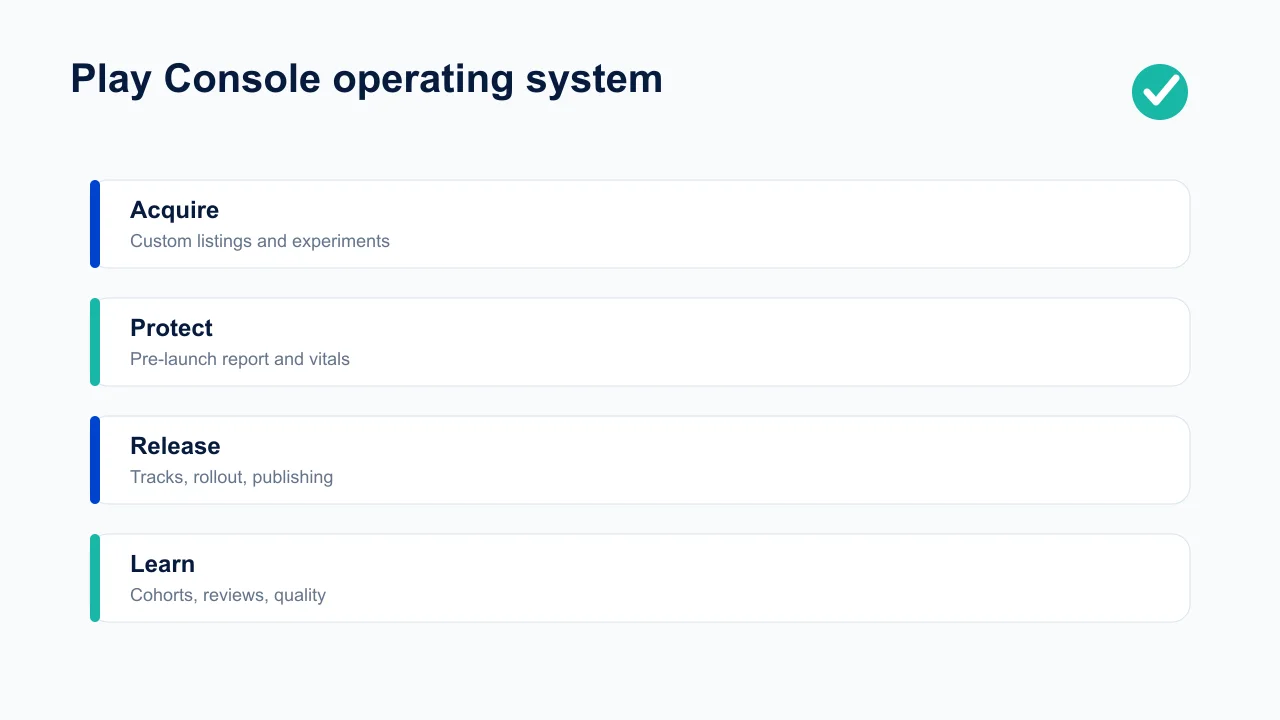
Start with the account-wide pages founders tend to ignore: policy status, users and permissions, order management, and the activity log. Then establish per-app owners for store performance, quality and releases. Keep production access narrow. A collaborator who only answers reviews does not need release rights; an agency editing listings does not need financial data. Least privilege is not bureaucracy when a single accidental change can affect every customer.
This guide focuses on the decisions those features enable. For the step-by-step mechanics of release tracks, see our Play release controls guide; for threshold definitions, use our Android vitals reference.
Treat Console changes like production changes. Record the app, market, track or listing affected; the previous state; the hypothesis; the accountable owner; the intended publish time; and the evidence required to keep or reverse it. Screenshots help, but an exported or written state is stronger because interfaces and labels change.
Use a permissions matrix instead of shared credentials. Separate financial, release, store-presence, policy and support responsibilities. Review access after an employee or agency leaves, and keep at least two trusted administrators under company-controlled identities. The expensive failure is not only malicious access: a well-meaning partner can publish a draft listing, alter country availability or answer a declaration without the context to understand its consequences.
A compact operating cadence keeps the Console useful:
- Release day: confirm the artifact, track, countries, staged percentage, backend compatibility, store copy and halt owner before publishing.
- During rollout: review version-specific crash, ANR, purchase, login and support signals at predeclared checkpoints.
- Weekly: inspect policy status, vitals trends, reviews, acquisition quality and active experiments; assign decisions rather than merely screenshotting charts.
- Monthly: reconcile orders and refunds, audit user access, retire stale test tracks and compare listing changes with activated-user quality.
- Quarterly: run a real release rehearsal, verify recovery access and revisit declarations against the runtime SDK and permission inventory.
When volume is low, percentages can create false confidence. Ten clean sessions on a rare device do not prove compatibility, while one crash may look dramatic without enough exposure. Keep numerator, denominator, confidence and affected value visible. Combine Console telemetry with recruited device coverage and backend evidence rather than loosening a threshold until the dashboard turns green.
Finally, define escalation before an incident. Policy warnings go to a named business and technical owner; payment anomalies reach finance and engineering; quality regressions reach the release owner; suspicious access triggers credential review. The Console is most valuable when it shortens the distance from signal to accountable action.
Keep a change journal that a new operator can read without Console archaeology. For each material action, note where it was made, the old and new state, scope, rationale, supporting link, expected result and rollback path. Attach the experiment or rollout ID when one exists. This turns later questions—“why did Brazil receive different screenshots?” or “when did this track expand?”—into lookups rather than guesses.
Export or capture evidence at decision time because dashboard windows and interfaces change. Preserve raw counts beside rates and identify whether Google, your backend or an attribution tool defines the denominator. When systems disagree, reconcile identities, time zones, install definitions and attribution windows before choosing the most convenient number. The reliable founder habit is to explain the discrepancy, not average incompatible metrics. Add a note when traffic is too sparse to support a conclusion and define the next observation date. “No decision yet” is a valid outcome when the cost of a false conclusion exceeds the cost of waiting. Record what additional exposure or evidence will make the next founder decision safely possible.
Which acquisition tools should you use first?
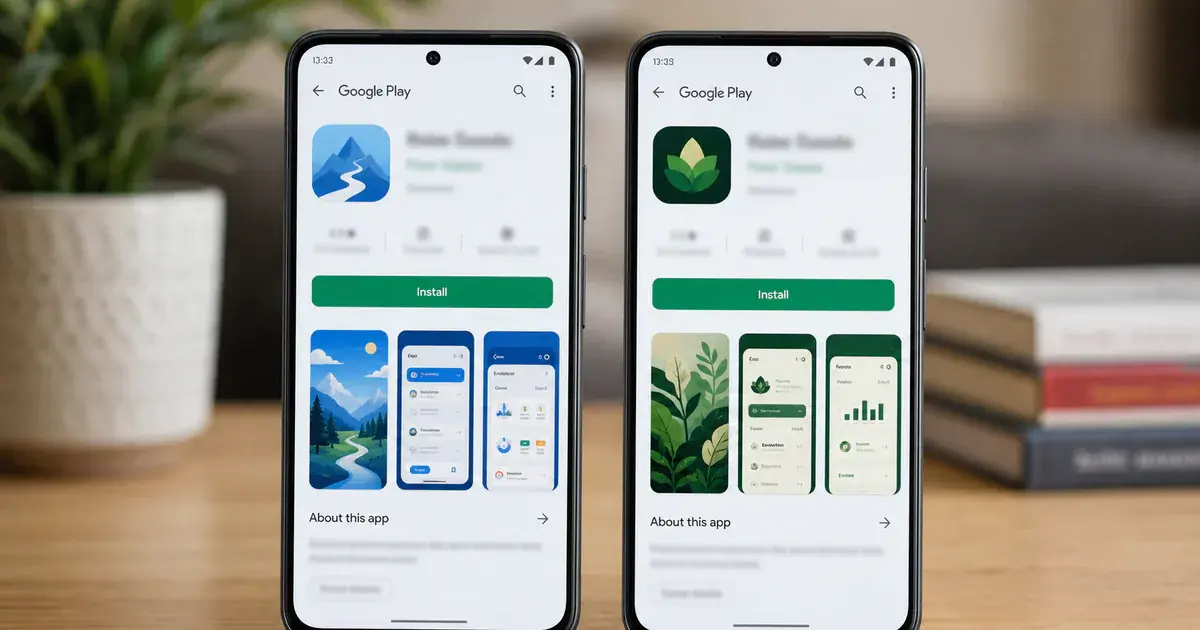
Use custom store listings to match the page to an audience, and store listing experiments to learn which creative causes more installs; do not treat them as interchangeable. A custom listing is segmentation. An experiment is measurement.
Google’s custom store listing documentation currently allows up to 50 listings and supports targeting by country, search keyword, user state, unique URL and linked Google Ads ad group. This is useful when one generic promise undersells a multi-purpose app. A budgeting app can show debt-control proof to one search audience and family planning to another without changing the product.
Do not begin by making 20 versions. Pick the segment with the clearest difference in intent, write one distinct value proposition, localise the screenshot narrative rather than just translating labels, and compare its conversion and downstream quality against the default. A listing that lifts installs but attracts weaker activation is not a win.
Store listing experiments answer a narrower question. Google’s official experiment guide says you can run one default-graphics experiment or up to five localised experiments at once, with as many as two variants in an experiment. Change one creative hypothesis at a time: first-frame benefit, proof style, icon concept or video presence. If every asset changes, the result tells you only that two packages differ.
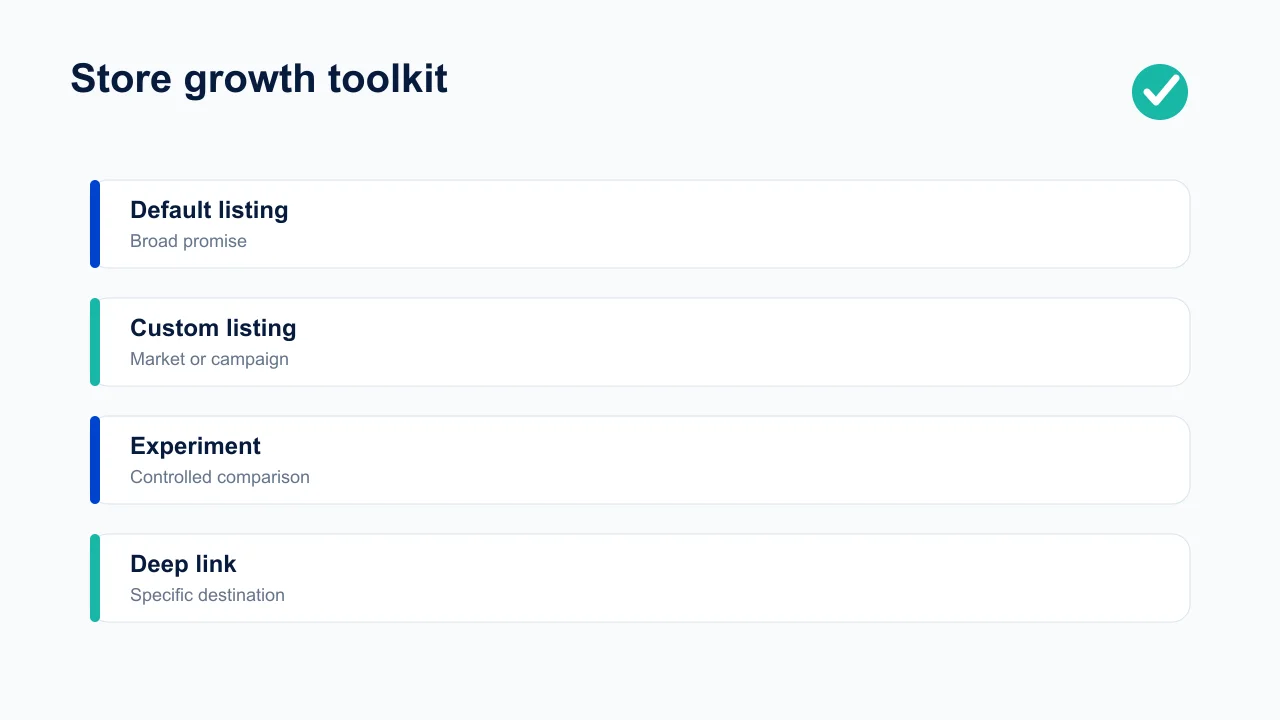
Connect the work to our custom listing playbook and listing experiment framework. The useful unit is not “a prettier page”; it is a documented hypothesis, eligible audience, primary metric, guardrail metric and decision date.
How should testing tracks form a release ladder?
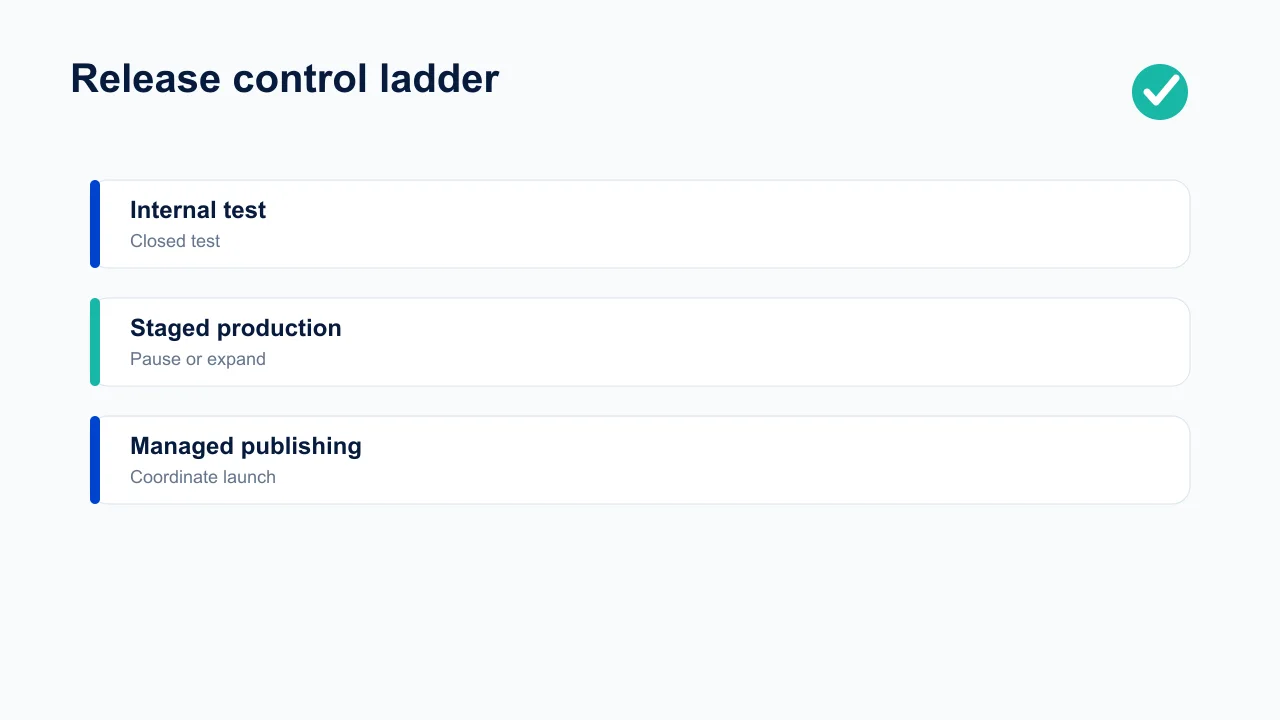
Move a build through internal, closed and—where useful—open testing before production, with a different question at each stage. Repeating the same happy-path check in three tracks creates ceremony without reducing risk.
- Internal testing asks whether the build is installable. Validate signing, upgrade paths, critical navigation, billing sandbox behaviour, analytics and backend compatibility with a small trusted group.
- Closed testing asks whether the product survives realistic use. Include representative devices, account states, languages and network conditions. Give testers a task script and a direct feedback route.
- Open testing asks whether positioning and operations hold at wider scale. Use it when public discovery is acceptable and you need diversity beyond a recruited group. It is not mandatory for every app.
- Production asks whether proven behaviour remains healthy under real traffic. That is why a staged rollout belongs after testing rather than replacing it.
For accounts subject to Google’s personal-developer testing requirements, treat the requirement as a floor rather than a substitute for product QA. A tester count says nothing about device coverage, upgrade paths or whether anyone exercised the risky feature.
Create a release evidence note beside every candidate: bundle version, backend dependencies, migrations, test accounts, expected analytics events, known limitations, rollback switch and owner. This becomes invaluable when two builds are active across tracks and a support report lacks a version number.
How do staged rollout and managed publishing differ?
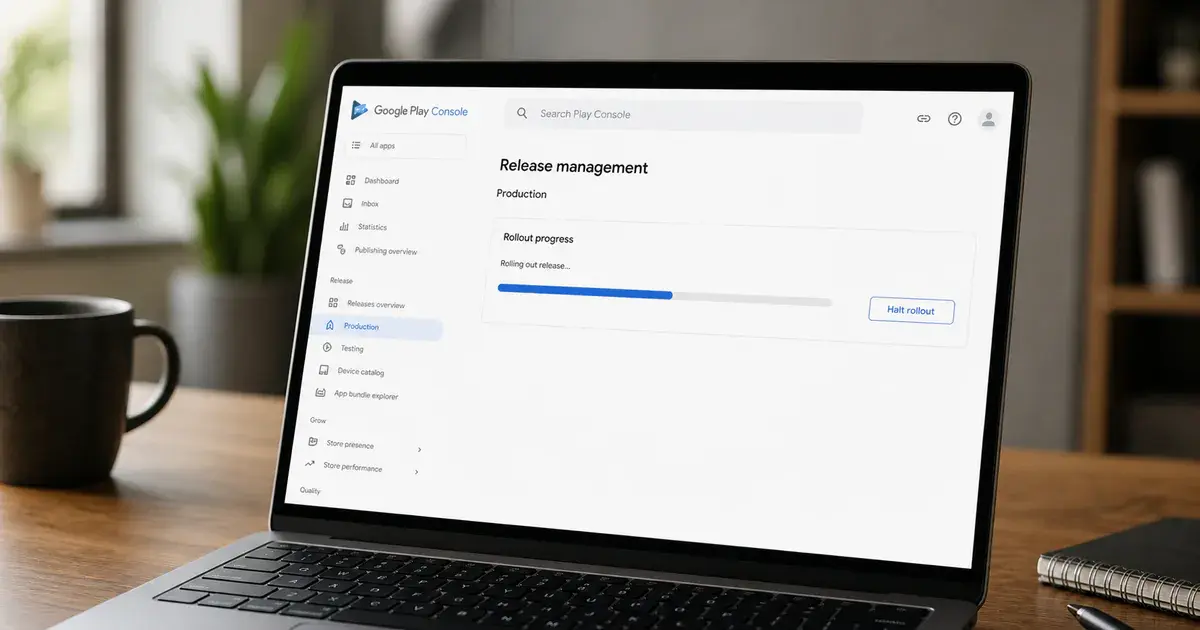
A staged rollout controls how many eligible users receive a production update; managed publishing controls when approved changes become visible. One limits blast radius after release. The other coordinates timing after review.
Google’s staged rollout guidance lets you release an update to a percentage of users and increase, halt or resume it. Use stages tied to evidence—not arbitrary calendar waits. For a risky database migration, inspect crash-free users, ANRs, login success, purchase success, support contacts and a product-specific guardrail before expansion.
A staged rollout is not a rollback. Halting stops further distribution; users who already updated keep the version. Design server flags and backward compatibility before you need them. If the new client requires a new API response and the old client cannot read it, percentage control will not save you.
Managed publishing is useful when store copy, countries, pricing or a reviewed release must go live together at a planned moment. It holds approved changes until you publish them. It does not accelerate review, and some changes are not controlled by it, so check the current eligible-change list before promising a launch time.
For small teams, a sensible production ladder is 5%, 20%, 50%, 100%, with explicit exit criteria adapted to traffic. At low volume, percentages may yield too little evidence; supplement telemetry with a named beta cohort and manual transaction checks.
How do you use pre-launch reports and Android vitals?
Use the pre-launch report to discover failures on automated devices before release, then use Android vitals to judge stability, performance and behaviour in the real installed population. They observe different environments and neither replaces your own monitoring.
Google’s pre-launch report documentation covers stability, Android compatibility, performance and accessibility results generated from automated testing. Read the screenshots and replay path, not only the summary badge. Automation may get stuck at authentication or consent, leaving the important screens untouched. Provide test credentials and deterministic navigation where the Console permits it.
Android vitals is the production early-warning system. The official vitals overview surfaces crash and ANR signals alongside other quality measures. Always segment by app version, device, Android version and country before calling an issue universal. A modest overall regression can be a severe failure concentrated on one high-volume device family.
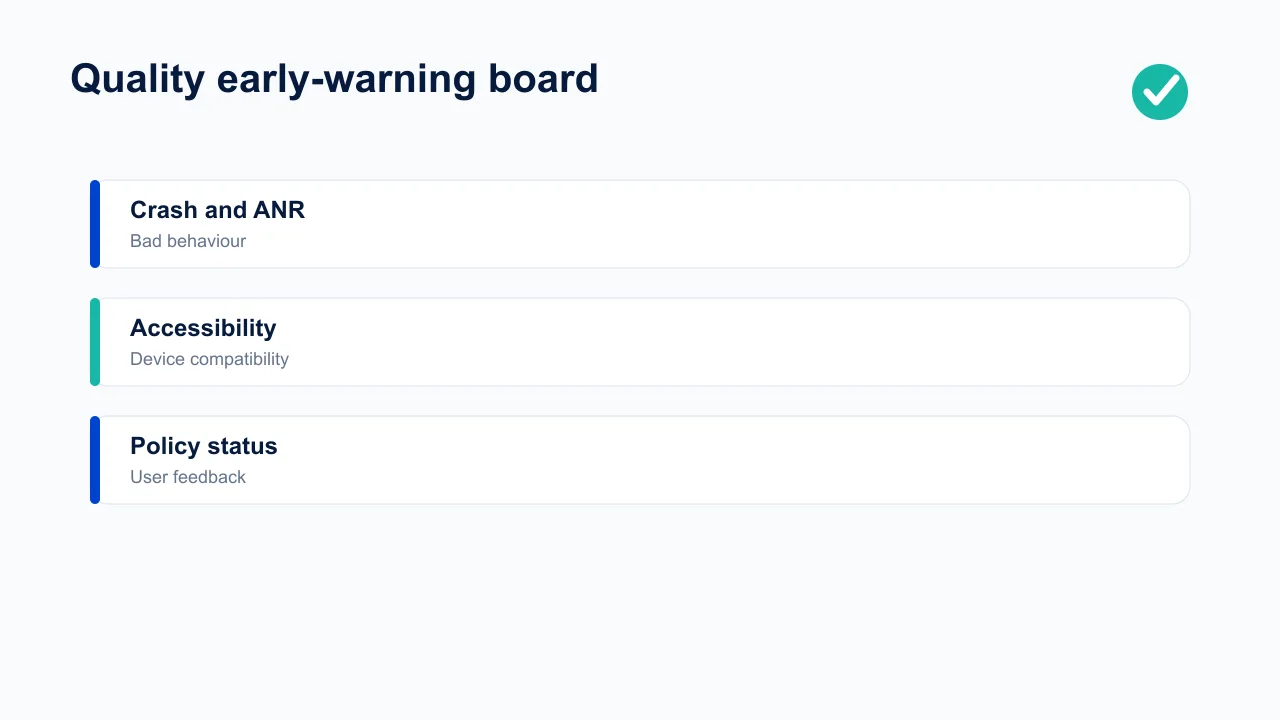
Set an owner and response rule. Red means pause rollout and investigate now; amber means segment and create an issue; green still gets a weekly trend review. Join Console evidence to backend error rates and support tickets. Store telemetry can say the process crashed; your product events say which user job failed immediately before it.
Which policy and permissions tools prevent surprises?
Review Policy status, App content declarations, Data safety, permissions and SDK inventory before each material release—not after a rejection notice arrives. Most submission emergencies are inventory failures: nobody knew a library collected an identifier, a permission was still in the manifest, or a declaration no longer matched runtime behaviour.
Keep a living register with every sensitive permission, the user-facing feature that requires it, where the disclosure appears, which SDKs can access it, and the evidence used in declarations. Exported manifests and dependency reports are better inputs than memory. When an SDK version changes, rerun the review even if your own feature code did not.
Policy status should have an inbox owner and backup. Record the date, affected app, policy area, deadline, exact console message, response, evidence and resolution. Never let a warning live only in one founder’s email. For a full pre-submission pass, use our Play Console declarations guide and the mobile app compliance checklist.
Access control matters here too. Separate finance, release and store-listing privileges. Remove former contractors promptly, require strong account security, and audit account activity after unexpected changes. Operational compliance includes knowing who changed the production surface.
What should you monitor beyond installs?
Monitor acquisition quality, ratings and review themes, subscription and order state, refunds, country mix and revenue—not merely the install total. Play Console becomes useful when it helps connect a release or listing change to a business outcome.
Replying to reviews is support work, but categorising them is product research. Tag a weekly sample by bug, performance, billing, missing feature, confusing UX and praise. Compare themes by version and country. A rating decline after a rollout plus a spike in “cannot log in” reviews is a more actionable diagnosis than either signal alone.
Financial reports help reconcile store proceeds, but they are not a product analytics funnel. Join order IDs and entitlement state on the server, respect refund and cancellation changes, and maintain a documented source of truth for recognised revenue. The Console, your billing backend and finance ledger answer related but different questions.
Acquisition reports should be read as cohorts. A country or listing can deliver cheap installs and poor activation. Compare store conversion with first value event, trial start, paid conversion and retained revenue. That prevents creative optimisation from filling the app with people whose expectations the product cannot meet.
What is a useful weekly Play Console routine?
A useful routine takes 45–60 minutes and ends with decisions: inspect policy and quality, read current experiments and acquisition cohorts, sample reviews, then review active tracks and upcoming releases. A dashboard viewed without an action threshold is theatre.
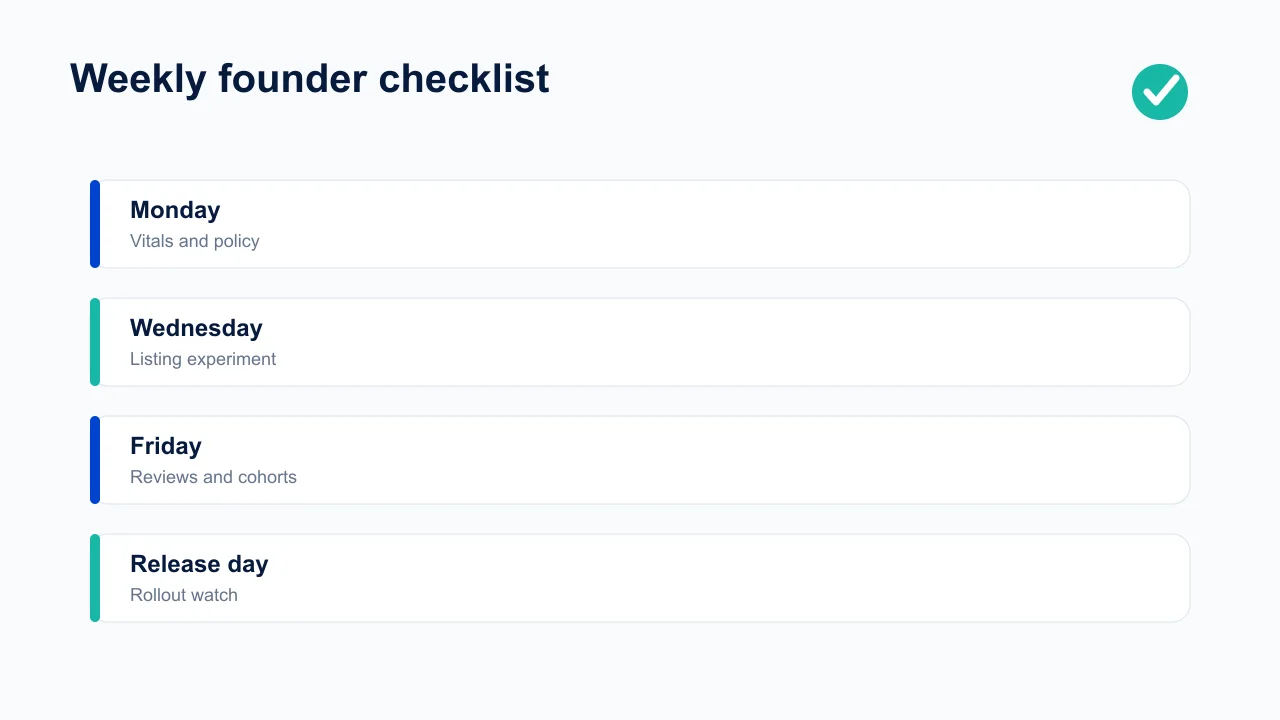
- Policy and account: check policy status, deadlines, permissions, users and recent activity.
- Quality: compare crash and ANR trends by version; inspect the worst device and country clusters.
- Growth: read listing experiments only after their decision rule is met; compare custom-listing traffic with activation quality.
- Voice: tag new reviews, respond where useful and open product issues for repeated themes.
- Release: review testing evidence, rollout percentages, guardrails and next expansion decision.
- Money: reconcile exceptional refunds, subscription issues and payout anomalies with backend records.
Write the outcome in a shared operating note: signal, segment, decision, owner and due date. Over a quarter, that history shows which Console features actually change outcomes for your app. Keep those in the cadence and drop vanity checks. The goal is not to become a Play Console expert; it is to ship safely and learn faster.
How should Play Console access be controlled?
Grant the narrowest permissions each person needs, prefer app-level over account-wide access, review users quarterly and remove access immediately when work ends. A founder’s personal login should not become the shared credential for developers, agencies and support staff.
Separate duties where the team size allows it. Release managers need track and production permissions; ASO collaborators need store-presence rights; support staff may need review access; finance staff need orders and reports. Very few people need the power to manage users, view all financial data and publish every app.
Keep a simple access register: person, organisation, business owner, granted roles, apps, reason, approval date and expiry or next review. Use individual accounts protected by strong authentication. Before removing a contractor, transfer owned integrations, API credentials, signing knowledge and release notes so security cleanup does not create operational amnesia.
Audit the activity log after unexpected listing, price or release changes. Treat service accounts and API access as users too: document purpose, scope, key owner and rotation process. Never place long-lived credentials in a repository or hand a broad service account to an external reporting tool because setup is faster.
How do you make trustworthy Console decisions?
Write the hypothesis, eligible audience, primary metric, guardrails, minimum evidence and decision rule before looking at the result. Play Console can calculate and visualise outcomes; it cannot prevent a team from moving the goalposts after seeing them.
Segment carefully but avoid hunting through dozens of cuts for one favourable result. Country, traffic source, listing and app version are useful when defined in advance. A tiny post-hoc segment can produce an exciting percentage and no repeatable business effect.
Check downstream quality. A screenshot experiment may increase store conversion by promising speed, yet attract users who abandon when setup takes ten minutes. Pair listing metrics with activation, retention, support contacts and revenue cohorts. Store data and product analytics use different populations and clocks, so document rather than erase those differences.
Account for seasonality, campaign changes and releases. If paid spend, ranking or pricing changed during an experiment, record the confounder. Rerun high-stakes creative wins in an important locale before replacing a global default. Archive screenshots, dates, allocation and interpretation so a future team member knows why the current listing exists.
Which Play Console mistakes are most expensive?
The expensive mistakes are releasing globally without guardrails, trusting blended vitals, editing experiments midstream, leaving declarations until submission day and giving broad permanent access to temporary collaborators. Each turns a manageable issue into an account-wide or user-wide incident.
- Using production as QA: a staged rollout limits exposure but cannot recover users already updated. Test migrations and maintain server compatibility first.
- Reading only the overall rate: device- or version-specific ANRs disappear inside a healthy global average. Always inspect the worst high-volume clusters.
- Optimising conversion alone: a listing promise can improve installs and damage activation. Use a product-quality guardrail.
- Confusing approval with launch readiness: policy review does not validate backend capacity, analytics or support staffing.
- Making several major changes together: a new binary, price, countries and listing launched simultaneously leave no clean explanation for movement.
- Ignoring inbox ownership: policy deadlines and review feedback need a named primary and backup owner.
Use reversibility as the default. Roll out by stage, preserve prior assets, document listing variants, keep remote configuration for risky features and rehearse the pause decision. The Console provides controls; the team must decide in advance when to use them.
Do a quarterly cleanup as well as the weekly review. Archive finished experiments, remove obsolete drafts, close testing tracks that no longer serve a purpose, verify every country and device exclusion, refresh store-contact details and inspect old releases still available to testers. Operational clutter makes it harder to see the one active risk.
Finally, separate alerts from decisions. Send every anomaly to an owned inbox, but document which signals merit an immediate halt, same-day investigation or routine backlog item. Without severity rules, teams either ignore noisy warnings or stop healthy releases for harmless variation.
Measure the operating system itself once per quarter: preventable production incidents, time from candidate to confident rollout, experiment decisions shipped, policy deadlines met and unresolved review themes. Those measures reveal whether the team is using Console features to change outcomes or merely visiting more screens.
Share the review with engineering, product and growth rather than leaving it inside the publishing function. Quality changes acquisition efficiency, listing promises influence retention, and release decisions affect support. The value of Play Console is precisely that it gives those teams a shared operating surface.
Keep the resulting decisions visible until they are closed and verified.
Frequently Asked Questions
What is the most useful overlooked Google Play Console feature?+
For most small teams it is staged rollout combined with Android vitals. The pair limits release exposure and provides real-user evidence for whether to expand or halt.
Are custom store listings the same as store listing experiments?+
No. Custom listings present different pages to defined audiences; experiments randomly compare variants to estimate which creative caused a conversion difference.
Does a pre-launch report replace device testing?+
No. It adds automated device and accessibility coverage, but it may not reach authenticated or complex flows. Use it alongside targeted manual and automated tests.
Can staged rollout roll back an app update?+
Halting prevents more users receiving the update, but does not remove it from users who already installed it. Build server-side kill switches and backwards compatibility.
What does managed publishing do?+
It lets you hold supported, approved changes and publish them together at a chosen time. It does not guarantee review timing or control every type of change.
How often should a founder review Play Console?+
Weekly is a practical baseline, with daily checks during an active production rollout or a policy incident. Every review should have explicit action thresholds.
Sources
- Google Play — Custom store listings — Targeting options and listing limits.
- Google Play — Store listing experiments — Experiment structure and limits.
- Google Play — Pre-launch reports — Automated stability, compatibility, performance and accessibility checks.
- Google Play — Staged rollouts — Production rollout controls.
- Google Play — Managed publishing — Coordinating approved changes.
- Google Play — Android vitals — Production quality signals.
About the author
Amol Pomane — Founder, Vmobify
Amol leads Vmobify, a mobile app growth agency that has driven 30M+ downloads and ranked 54K+ keywords across 300+ apps since 2013. He writes about ASO, paid user acquisition, retention, and the operational reality of scaling mobile apps in India and global markets.