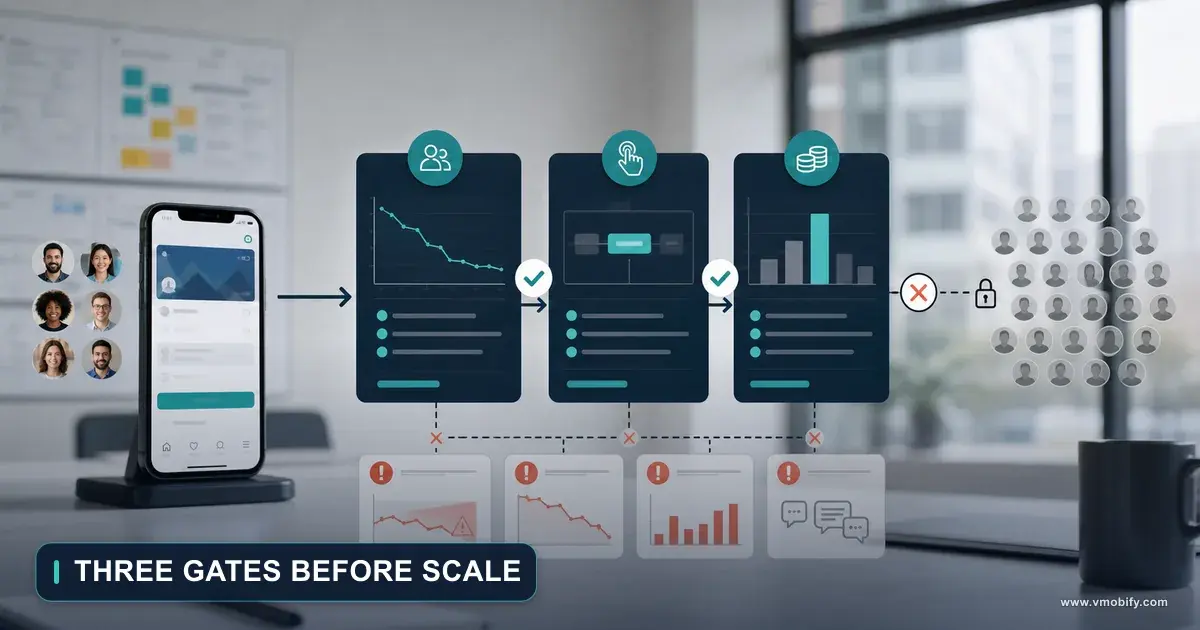
Staged Rollout and Phased Release: Shipping an Update You Can Stop
You shipped an update, the crash rate moved, and now you are trying to work out what you can actually take back. The two stores answer that question very differently: Apple gives you a fixed seven-day ramp you can pause, Google gives you a percentage dial and a halt that works even after full rollout. Neither one removes a bad version from a phone that already has it.
On this page
- What does a staged rollout actually control?
- How does Apple’s phased release schedule work?
- Who actually receives a phased release?
- How does a Play staged rollout differ?
- Can you stop a release after it has shipped?
- What should trigger a halt?
- How do you get users off a bad version?
- What does a rollout plan look like in practice?
- Where do teams get this wrong?
- Frequently Asked Questions
What does a staged rollout actually control?
It controls how many users are automatically pushed onto your new version — not who can get it, and not what happens to devices that already have it. Almost every misunderstanding about rollouts comes from confusing those three things, so it is worth separating them before you touch a console.
A rollout mechanism gives you exactly two powers. Throttling: fewer users receive the update in the first hours, so a regression damages a smaller population before you see it. And stopping: you can halt the ramp so nobody further is moved onto the broken build. It is a blast-radius control, not a rollback, and treating it as one is how teams end up with a bad version live on millions of devices while insisting they "stopped the release".
Neither store removes an installed version from a device. Once a user has your broken build, stopping the rollout does nothing for that user. The only route back is a new, higher version that fixes the problem — which means your recovery time is bounded by your build-and-review time, not by how fast you can click Halt.
The value of a staged rollout is therefore entirely in how few people are affected at the moment you notice, which depends on how quickly you are watching. A rollout at 1% that nobody monitors for two days is worth almost nothing.
The two stores have converged on the same idea and implemented it with different philosophies. Apple runs a fixed schedule you can pause. Google gives you a percentage you set yourself, plus a halt that keeps working after the ramp has finished. Across the 300+ apps we have managed since 2013, the teams that ship calmly are the ones that treat these as two different tools rather than one feature with two names.
How does Apple’s phased release schedule work?
It is a fixed seven-day ramp — 1%, 2%, 5%, 10%, 20%, 50%, then 100% — that you cannot reshape, though you can pause it and you can jump straight to everyone. The schedule is published, so there is no need to guess at it.
Apple's App Store Connect documentation on releasing a version update in phases states that selecting the option will release your app's update gradually over 7 days, and gives the day-by-day percentages directly.
Note the shape. By the end of day four you are still at 10%, which buys most of a working week to notice something. Then days five to seven take you from 20% to everyone. If day six lands on a Saturday, the ramp does its most dangerous work while nobody is looking.
The pause is the control that matters, and Apple is specific about it: during phased release, you may pause the release for up to 30 days, with no limit on the number of pauses. Thirty days is generous — it is enough to build, submit and get a fix through review without ever letting the broken version past the percentage it had reached. There is no partial pause and no way to hold at a custom percentage indefinitely; the ramp is either running on Apple's schedule or paused.
Going the other way is instant. Apple states that once the version has Ready for Distribution status you can release it to all users at any time, and all users with automatic updates turned on get the latest version supported on their device.
One documented edge case surprises people. If you remove your app from sale — including when your Apple Developer Program membership lapses — phased release stops and will not be available for that version again, and on reinstatement the app becomes available to all users immediately regardless of the percentage reached. A lapsed membership does not freeze your rollout; it completes it.
Who actually receives a phased release?
Only a random sample of users who have automatic updates switched on — and anyone at all can bypass the whole thing by downloading manually from the App Store. This single detail invalidates a lot of what teams assume they are measuring.
Apple's wording is unambiguous: a random sample of users with automatic updates on eligible devices will receive the update, without any notification of their participation in the phased release. And separately, apps and app updates in phased release can be manually downloaded from the App Store by anyone at any time.
Your day-one cohort is therefore not 1% of your users. It is 1% of the users who have automatic updates enabled, plus an uncontrolled number of people who went to your listing and tapped Update themselves — a group that self-selects in exactly the way that ruins an experiment, since they are your most engaged users and disproportionately the ones you told about the new feature.
The sample is not something you control, the manual-download path is open to everyone, and users are not told they are in it. Treat the phased ramp as a safety mechanism for catching crashes and regressions, not as an experiment surface for measuring whether a feature works. If you need a controlled comparison, run it inside the app with a flag, not through the store.
It also skews your crash dashboards. Early in the ramp your new-version population is small and weighted towards engaged users on recent devices, so a crash confined to an older handset may not appear at 1% and then arrives suddenly on day six. Hold your nerve at the low percentages rather than declaring the build fine after twelve quiet hours — the same discipline we describe in our guide to soft launch strategy.
How does a Play staged rollout differ?
You set the percentage yourself and raise it on your own schedule, rather than following a fixed curve — and the same mechanism runs on testing tracks, not just production. Google's model is a dial, Apple's is a timetable.
Google's documentation on releasing app updates with staged rollouts describes it plainly: with a staged rollout, your update reaches only a percentage of your users, which you can increase over time. There is no published day-by-day schedule because there is no schedule — the pace is yours.
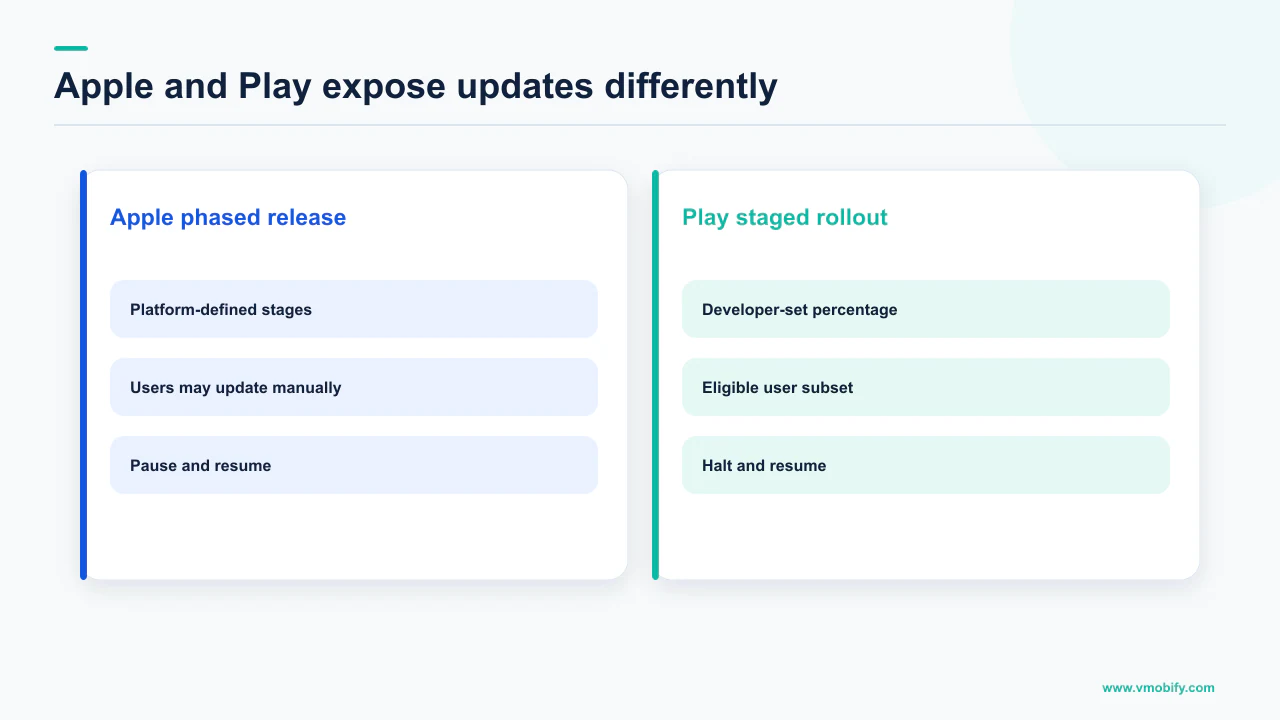
Apple — phased release
- Fixed seven-day curve: 1, 2, 5, 10, 20, 50, 100
- Pause for up to 30 days, unlimited pauses
- Release to all users at any time
- Automatic-update users only; manual download bypasses it
Google — staged rollout
- You choose the percentage and when to raise it
- Halt at any point, then resume to any percentage
- Halting still works after a full rollout
- Available on testing tracks as well as production
Two documented limits shape how you plan. Google states that staged rollouts can only be used for app updates, not when publishing an app for the first time, and its guide to preparing and rolling out a release repeats that rollout percentage options are unavailable for a first release. Apple's phased release carries the same restriction. Your launch build therefore reaches everyone at once on both stores — precisely the build with the least production evidence behind it, and the reason a real testing-track period is not optional. We cover that on Android in our piece on the closed testing requirement.
The second limit is geographic. Google notes that once a staged rollout has started, you cannot remove any countries from your availability selection. If a market-by-market withdrawal is part of your contingency plan, plan it before you press Start rollout, not after.
Use that freedom deliberately. A dial with no schedule tempts teams into "5% then 100% tomorrow", which throws away most of the protection. In our portfolio, the pattern that catches the most regressions is a small first step held long enough to cover a full daily usage cycle before anything larger.
Can you stop a release after it has shipped?
On Google Play, yes — and remarkably, even after the release has reached 100% of users, at which point Play automatically puts the previous fully rolled-out version back in its place. This is the single most useful release-safety feature either store offers, and a surprising number of Android teams do not know it exists.
Google's documentation on halting a fully rolled-out release states it directly: you can halt an app release that is rolled out to 100% of your users, and a previously live, fully rolled-out version of your app will automatically take its place. You can also resume a halted release to any percentage of users, so a halt is not a dead end — you can bring the same build back at 1% instead of starting over.
Read that fallback clause carefully. The version that takes over is a previously live, fully rolled-out version — a build that only ever reached 20% is not a candidate. A release history made of partial rollouts you never completed leaves less to fall back on than you think.
Two documented exclusions apply. You cannot halt your first release on a track — the same asymmetry as the rollout percentage, and the same argument for treating launch day as the highest-risk release you will ever do. And if your previous release has a policy violation, it cannot be used in place of your halted release, so an app with an outstanding compliance problem on its last-known-good build loses the safety net exactly when it needs it. The feature works on any track excluding internal test tracks, through the Play Console or the Publishing API.
For a rollout still in progress, halting is the ordinary control: Google states that no additional users will receive the app version in your existing staged rollout, and you resume from the same place in Play Console by updating the percentage and confirming.
Apple has no equivalent for a completed release. The pause exists only while the phased release is running; once you are at 100%, the only route is a new version. On iOS the ramp is the last line of defence, so do not shorten it casually.
What should trigger a halt?
A stability metric moving against the previous version — and you should decide the threshold before you ship, because at 20% rollout on a Friday nobody makes good judgement calls. The store publishes numbers you can anchor to, so the decision does not have to be improvised.
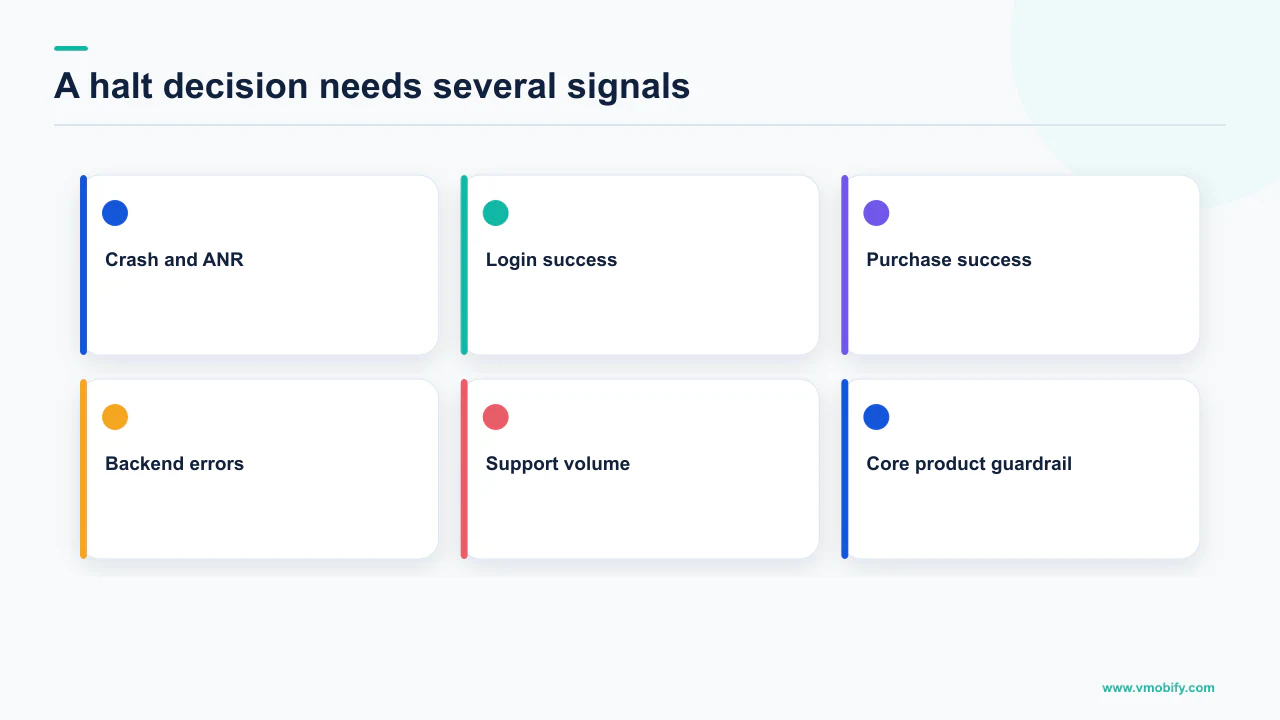
Google's Android vitals documentation defines the bad behaviour thresholds it acts on. An app crosses the crash threshold when at least 1.09% of daily users experience a user-perceived crash across all device models, or at least 8% of daily users for a single device model. For ANRs the equivalents are 0.47% of daily active users across all models and 8% for a single model. Exceeding them means an app is likely to be less discoverable on Google Play, and Google says it may steer users on affected devices away from these titles and display a warning on the store listing.
Those are enforcement thresholds, not alerting thresholds. Your halt trigger should be tighter and relative: the new version's rate against the version it replaces, on the same devices, over the same window. An app at a low crash rate can double it with a bad release and still sit far below 1.09% — and that doubling is exactly what a staged rollout exists to catch.
Name the metric, the comparison version, the window and the number, and put them in the release ticket. "Crash-free sessions on the new build more than X below the previous build after four hours of data, on a minimum sample" is a decision you can execute at 2am. "Does this look bad to anyone?" is not.
Watch the single-device-model figure as carefully as the aggregate. Google's own thresholds treat a per-model rate of 8% as bad behaviour precisely because a failure concentrated on one popular handset is invisible in an average. That is also the shape of failure a small rollout percentage is least likely to surface early, since the affected device may barely be represented at 1%. Our breakdown of the vitals thresholds that decide distribution goes through the per-model view in detail.
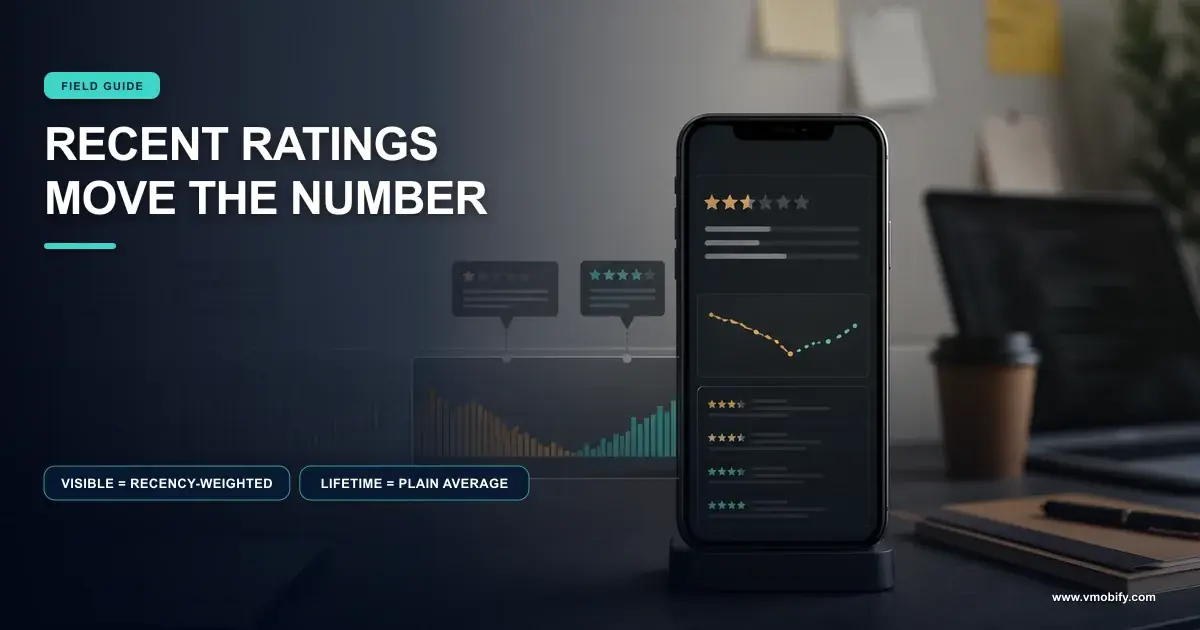
Review sentiment is a real trigger but a lagging one — the displayed rating is weighted toward recent ratings, which is why a bad release moves it disproportionately, as we explain in why your app rating dropped. If reviews are your first warning, your instrumentation was too slow.
How do you get users off a bad version?
Ship a fixed higher version and, on Android, push it with an in-app update rather than waiting for Play's normal update cadence to reach everyone. Halting protects the people who have not updated yet; this is the part that helps the people who already did.
Android's in-app updates documentation gives you two flows and a priority signal. Flexible updates provide background download and installation with graceful state monitoring, appropriate when it is acceptable for the user to use the app while downloading. Immediate updates are fullscreen flows that require the user to update and restart the app in order to continue using it, best when an update is critical to the core functionality of your app. A broken payment path or a data-corrupting bug is the textbook immediate case.
Priority is the piece teams miss. Google uses an integer value between 0 and 5, with 0 being the default and 5 being the highest priority, set in the Edit.tracks resource of the Publishing API — and, critically, priority can only be set when rolling out a new release and cannot be changed later. You cannot retroactively mark yesterday's fix as urgent. The practical implication is that a team without a habit of setting priority on every release has no urgent lever available on the one release where it matters.
- Halt first, before anything else. On Play this works even at 100%, with the previous fully rolled-out version taking its place.
- Confirm what the fallback actually is, rather than assuming it is the release you remember.
- Build the fix as a higher version. There is no rollback on installed devices; recovery is a forward release on both stores.
- Set in-app update priority on the fix at the moment you roll it out, because it cannot be changed afterwards.
- Choose flexible or immediate honestly. Immediate blocks the app until the user updates. That is correct for a critical defect and hostile for a cosmetic one.
- Re-ramp the fix rather than going straight to 100%. Fix releases are written under time pressure and are among the riskiest builds you ship.
For deciding when to nudge rather than force, the API exposes clientVersionStalenessDays, which Google describes as the number of days since the update became available on the Play Store. That lets you leave a low-priority update alone for a while and escalate the prompt only for users who are genuinely far behind, instead of interrupting everyone on day one.
What does a rollout plan look like in practice?
A written plan with four things in it: the ramp steps, the metrics being compared, the halt trigger, and the name of the person watching. The mechanism is the easy part; almost every rollout failure we have investigated was an operational failure rather than a missing feature.
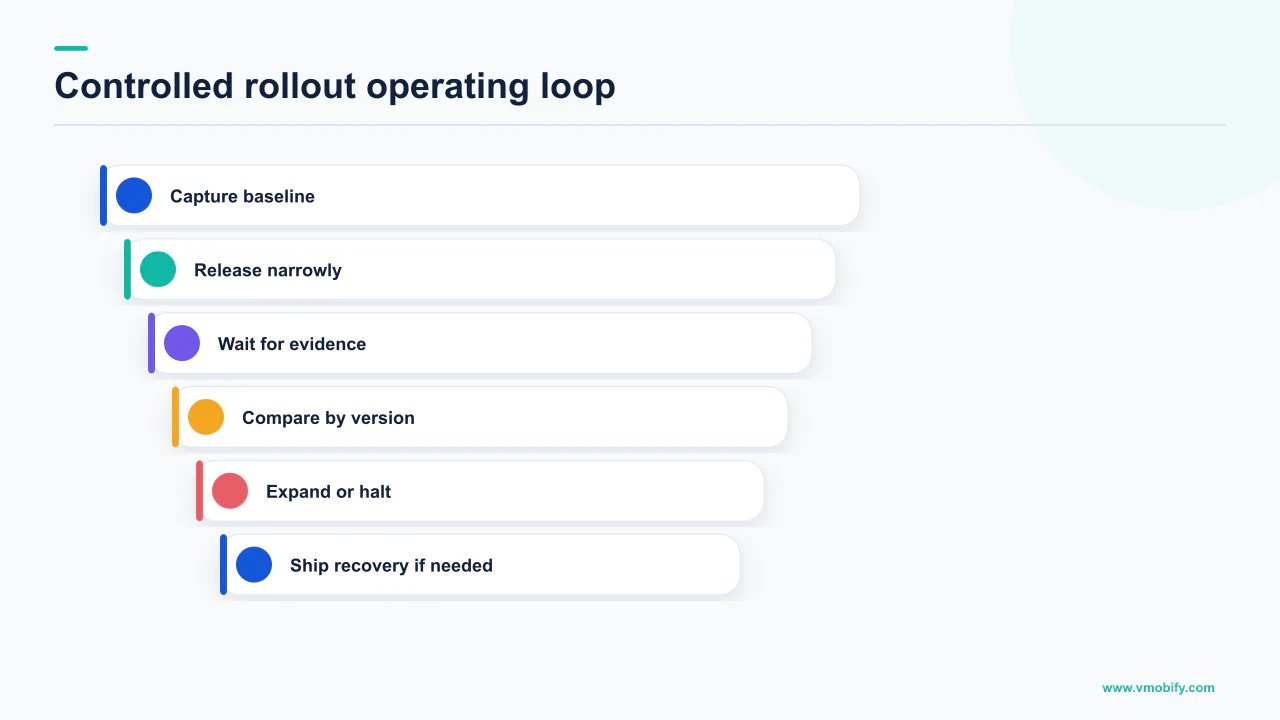
Start with timing, the most commonly wasted free advantage. Apple's curve puts day six — the jump from 20% to 50% — on a Saturday if you release on a Monday, so a midweek release keeps the steep part of the ramp inside working hours. On Play, where you set the pace, simply do not raise the percentage on a Friday afternoon.
Then define the observation window by usage, not elapsed time. The question is not "has it been six hours" but "have we seen a full usage cycle" — a dinner peak for food delivery, a due-date cluster for bill payment, a market open for a broking app. A rollout held through a quiet period tells you almost nothing.
A staged rollout is only as good as the attention pointed at it. If your release ramps overnight and the first person to look at vitals arrives eleven hours later, you have chosen a slower rollout without buying any of the protection. Either someone owns the window or the ramp should be paused across it.
Keep the comparison honest: the new version against the specific version it replaces, on the same devices, over an equivalent window — not against a thirty-day average spanning three earlier releases. If your tooling cannot answer "how does build 412 compare with build 409 on this handset", that is the gap to close before your next release, and it is the kind of instrumentation work we cover in our analytics engagements.
Finally, exercise the process on boring releases. Running the ramp, the comparison and occasionally a deliberate halt on a low-stakes update is how a team learns the console before the day it matters.
Where do teams get this wrong?
By believing a rollout control is a rollback, by shortening the ramp for a marketing date, and by never completing a rollout to 100% — which quietly removes the fallback they are counting on. These three failures account for most of the release incidents we are called into.
The rollback misconception is the expensive one. Halting stops distribution; it does not reach onto a phone and restore the old build. Play's automatic fallback protects new and updating users, but the person who installed your broken version an hour ago still has it until they take an update. Write every recovery plan as a forward release with a halt attached, never as an undo.
The second failure is procedural. A campaign start or an investor demo becomes a reason to push to 100% on day two, and the ramp is spent for a calendar. If the date cannot move, release the build earlier so the ramp finishes before it, rather than compressing the safety mechanism into a formality. Paid acquisition sharpens this: installs driven onto a broken version are users who churn on first open, the same tax we describe in how bad vitals tax acquisition.
The third is specific to Android. Because the halt fallback requires a previously live, fully rolled-out version, a history of partial rollouts superseded before completion leaves you with an older fallback than you expect — or one whose policy status disqualifies it. Completing rollouts is not tidiness; it is what keeps the safety net loaded.
Smaller ones recur too: Google states rollout percentage options are unavailable for a first release, and Apple documents phased release only as something you choose when releasing a version update, Play will not let you remove countries once a staged rollout has started, and in-app update priority set at rollout time cannot be changed later.
None of this is difficult, but all of it has to be decided before you press the button rather than during the incident. If you want a second pair of eyes on a release process — or on why a recent update moved your vitals — tell us what shipped and what changed, and see how we approach store quality as part of our ASO work.
Frequently Asked Questions
What are Apple phased release percentages?+
Apple publishes the schedule: day 1 is 1%, day 2 is 2%, day 3 is 5%, day 4 is 10%, day 5 is 20%, day 6 is 50% and day 7 is 100%. Apple states the option releases your update gradually over 7 days, and the curve is fixed — you cannot set your own percentages the way you can on Google Play.
Can I pause an Apple phased release?+
Yes. Apple states that during phased release you may pause the release for up to 30 days, with no limit on the number of pauses. Thirty days is normally enough to build a fix and get it through review. You can also release to all users at any time once the version has Ready for Distribution status.
Does everyone get the update during a phased release?+
No. Apple states that a random sample of users with automatic updates on eligible devices receive the update, without any notification of their participation. Separately, apps and app updates in phased release can be manually downloaded from the App Store by anyone at any time, so the ramp is not a closed cohort.
Can I halt a Google Play release that is already at 100%?+
Yes. Google states you can halt an app release that is rolled out to 100% of your users, and that when you halt a release a previously live, fully rolled-out version of your app will automatically take its place. You cannot halt your first release on a track, and a previous release with a policy violation cannot be used as the replacement.
Does halting a release remove the bad version from devices?+
No. Halting stops additional users receiving the version; it does nothing for a device that already installed it. Recovery on both stores is a new higher version. On Android you can accelerate it with an in-app update, using an immediate flow for a defect critical to core functionality.
Can I use a staged rollout for my first release?+
Not on either store. Google states staged rollouts can only be used for app updates, not when publishing an app for the first time, and that rollout percentage options are unavailable for a first release. Apple documents phased release only as an option when you release a version update, so it is not offered for a new app either. Launch day therefore has no ramp and no halt, which is the argument for a substantial testing-track period beforehand.
What crash rate should make me halt a rollout?+
Set a relative trigger before you ship, comparing the new build with the version it replaces on the same devices. For context, Google treats at least 1.09% of daily users experiencing a user-perceived crash across all device models, or 8% for a single model, as bad behaviour that makes an app likely to be less discoverable. Your own halt threshold should be far tighter than the enforcement line.
Sources
- Apple — Release a version update in phases — The seven-day percentage table, the 30-day pause with unlimited pauses, automatic-update sampling, manual download, and release to all users.
- Google Play — Release app updates with staged rollouts — Staged rollout definition, halting and resuming a rollout, updates-only restriction, and the country removal limit.
- Google Play — Halting a fully rolled-out release — Halting at 100%, automatic fallback to a previously live fully rolled-out version, resuming to any percentage, and the first-release and policy-violation exclusions.
- Google Play — Prepare and roll out a release — Release tracks and the statement that rollout percentage options are unavailable for a first release.
- Android Developers — Support in-app updates — Definitions of flexible and immediate update flows and when each is appropriate.
- Android Developers — Support in-app updates (Kotlin/Java) — Update priority 0 to 5 set via the Publishing API, the rule that priority cannot be changed later, and clientVersionStalenessDays.
- Google Play — Monitor technical quality with Android vitals — Bad behaviour thresholds for user-perceived crash and ANR rates and the stated discoverability consequences.
About the author
Amol Pomane — Founder, Vmobify
Amol leads Vmobify, a mobile app growth agency that has driven 30M+ downloads and ranked 54K+ keywords across 300+ apps since 2013. He writes about ASO, paid user acquisition, retention, and the operational reality of scaling mobile apps in India and global markets.