Google App Campaigns Setup: The 2026 Launch Playbook
Most App campaigns are lost in the setup screen, not in the auction. Google publishes the budget-to-bid ratios, the conversion-volume floor and the asset counts the system needs, and almost every failing launch has broken one of them before a single impression served. This is the launch sequence in the order the documentation supports it.
On this page
- What are you actually choosing when you pick a campaign type?
- What has to exist before you can create the campaign?
- Why does the budget-to-bid ratio decide whether it runs?
- Which in-app action can you safely optimise for?
- How do you fill in the installs setup screen?
- How many creative assets does the system actually need?
- What does an engagement campaign require that installs does not?
- When is a pre-registration campaign worth running?
- What should you leave alone after launch?
- What does a competent first month look like?
- Frequently Asked Questions
What are you actually choosing when you pick a campaign type?
You are choosing which conversion the system is allowed to buy, and that single choice sets your bidding, your eligibility rules and your budget floor for the rest of the campaign's life. The three subtypes are not three flavours of the same product, and treating them that way is the most expensive setup mistake in this channel.
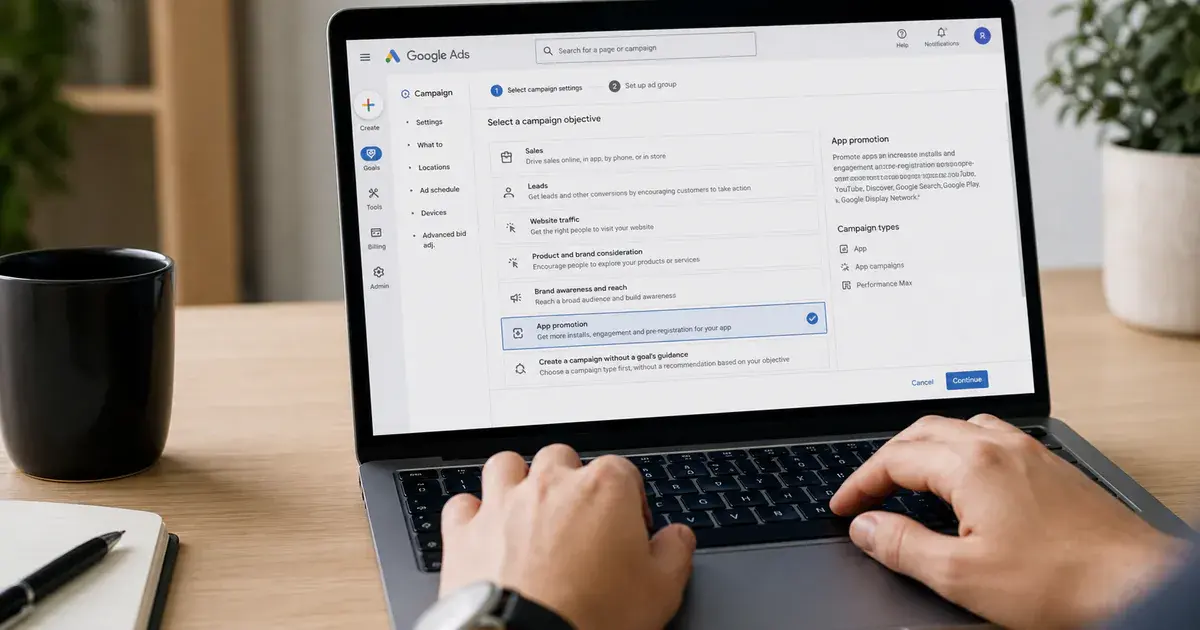
Google's documentation on the different types of App campaigns separates them cleanly. App campaigns for installs — ACi — encourage people to install your app. App campaigns for engagement — ACe — are for re-engaging customers who have installed or used your app. App campaigns for pre-registration serve ads that build awareness for your apps and games before they release on Google Play, and are Android only.
What sits underneath all three is the same delivery machinery. Google states that App campaigns promote your apps across Search, Google Play, YouTube, Discover on Google Search and the Google Display Network, and that you do not need to create individual ads for different networks and formats. You supply assets; the system assembles and tests the ads.
ACi — installs
- Buys installs, or an in-app action after install
- Android and iOS
- Bid strategies include target CPI and target CPA
- The default starting point for a new app
ACe — engagement
- Buys in-app actions from existing users
- Requires deep links and an audience list
- Has a documented install-volume floor
- Not available to a young app
The consequence people miss is that you cannot start with the campaign you want. Across the 300+ apps we have managed since 2013, the teams that struggle hardest at launch are the ones who wanted a purchase-optimised campaign on day one and had neither the conversion volume nor the eligibility to run one. The sequence is fixed by the platform, not by your ambition.
What has to exist before you can create the campaign?
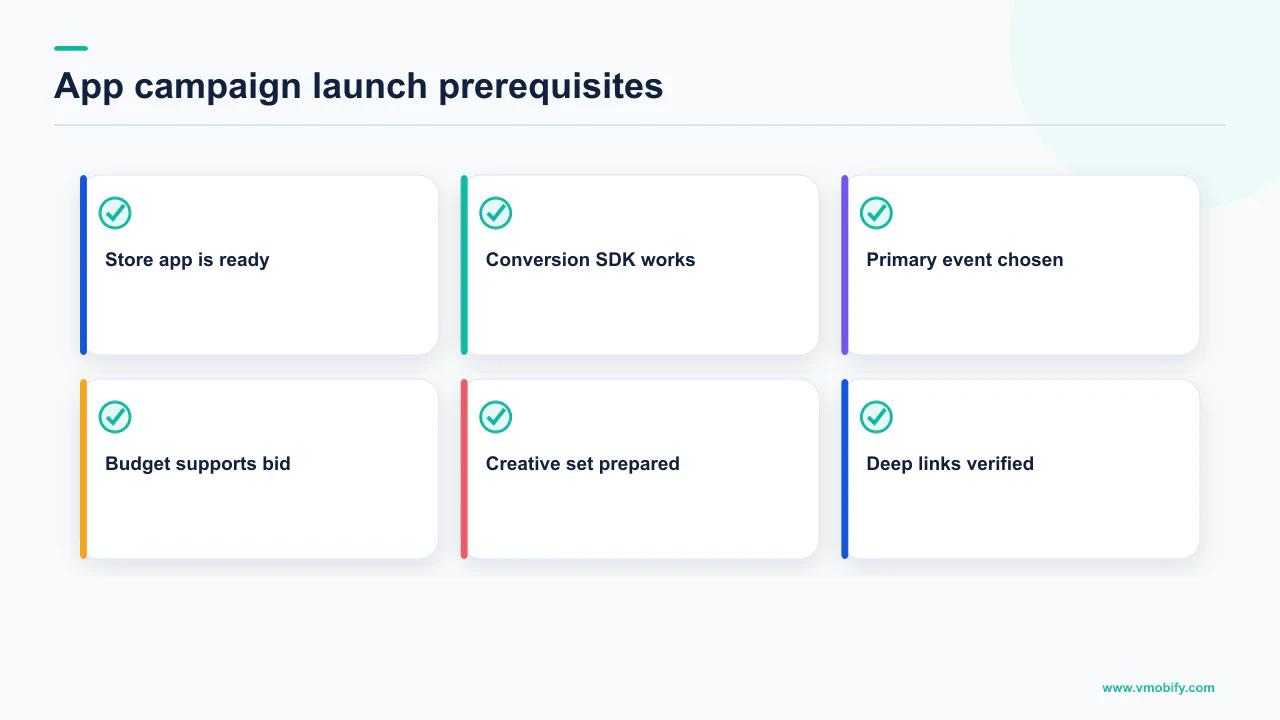
A live store listing, measurement that reports the events you intend to optimise for, and enough of those events to feed a bid strategy — in that order. Everything in the setup flow assumes these already exist, which is why the flow feels easy and the campaign then underperforms.
The store listing is the part nobody counts as campaign work, and it is the multiplier on everything you buy. Every impression this campaign serves ends at a listing you did not design in Google Ads, and a weak one taxes the whole channel. Our guide to store listing conversion covers the surfaces that matter most.
Measurement is the hard prerequisite. For engagement campaigns Google states outright that you need mobile app conversion tracking set up, using Firebase or a supported third party to track conversions. For install campaigns the requirement is softer at creation time and just as binding in practice: if the campaign cannot observe the action you told it to buy, it optimises toward nothing useful. If you are still choosing between measurement stacks, our mobile attribution guide and the comparison in AppsFlyer versus Adjust versus Singular cover the decision.
Measurement first, then the campaign. A campaign launched against an event that fires late, fires twice, or fires only on one platform will spend real money learning the wrong lesson, and the learning does not unwind when you fix the tag. In our portfolio this single inversion accounts for more wasted first months than bidding errors do.
One thing you cannot prepare in advance is a target. Google publishes no benchmark CPI or CPA by vertical or by market, and any number you have seen quoted as one is somebody's sample presented as a standard. We do not print one either. Set your first target from your own economics — what a user is worth to you and how long you can wait to be repaid — which is the calculation in our work on payback.
Why does the budget-to-bid ratio decide whether it runs?
Because Google specifies a minimum ratio between your daily budget and your bid for each campaign type, and a budget set below it starves the system of the auctions it needs to learn from. This is the most precise number in the entire setup process and the one most often ignored.
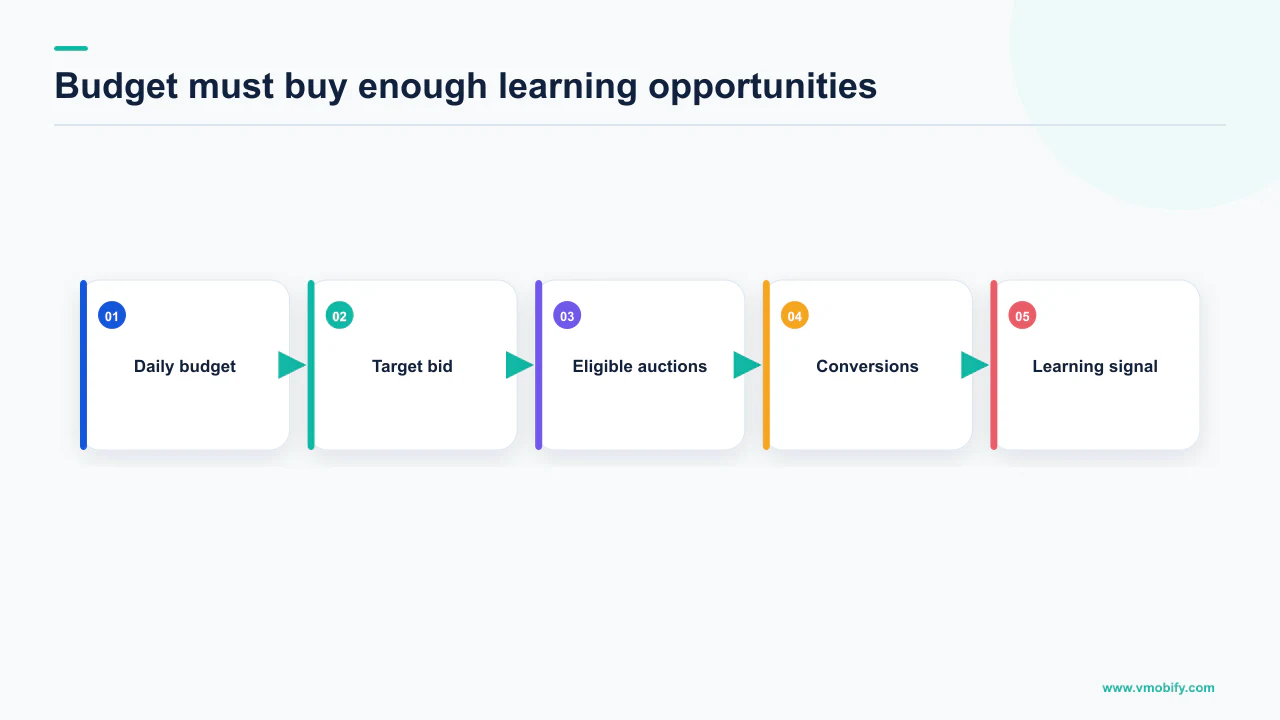
Google's best practices for App campaigns state the ratios directly. For ACi tCPI and ACpre, the budget should be at least 50 times the bid. For ACi tCPA, the budget should be at least 10 times the bid. For ACe tCPA, the budget should be at least 15 times the bid.
Read the first one carefully, because it is the one that catches new advertisers. If your target CPI is ₹40, the guidance puts your daily budget at ₹2,000 or more. If you have decided your target CPI is $3, you are being told to budget at least $150 a day. A campaign running a $3 target on a $30 daily budget is not a smaller version of a working campaign; it is a campaign funded at a fifth of the ratio Google specifies.
The corresponding page on Google’s guidance on setting up App campaigns by goal phrases the same guidance from the budget side: for install volume, set a daily campaign budget that is at least 50 times your target CPI, and when optimising for in-app actions, set a budget that is at least 10 to 15 times your target CPA.
If you cannot fund the ratio at the target you want, the honest options are to lower the target, run in fewer markets so the same budget buys more density, or wait. Splitting an underfunded budget across several campaigns makes it worse in every case. The failure modes this produces are covered in detail in why your App campaign stopped spending.
Which in-app action can you safely optimise for?
The most valuable action that at least ten different users complete every day — Google states the rule that plainly, and it is a hard constraint rather than a suggestion. Choosing an action below that floor is the quiet reason a well-funded campaign never leaves learning.
Google's guidance is unambiguous: if you do not have at least 10 different users completing the most valuable in-app action every day, you need to pick another, more common in-app action instead.
That sentence resolves an argument that happens in most launch meetings. The team wants to optimise for subscription starts because that is the event that pays the bills. The app produces three subscription starts a day. Under Google's own rule, subscription starts are not an eligible optimisation target yet — you optimise for something upstream and more common, and you move down the funnel as volume allows.
- List your candidate events with daily unique-user counts. Unique users, not event fires — the rule is written in users.
- Strike out everything under ten a day. Whatever your commercial preference, those are not available to you.
- From what survives, take the most valuable. That is the action to launch on.
- Revisit as volume grows. An event that fails the test at launch may pass it a quarter later, and moving down the funnel is the natural progression rather than a correction.
Google also warns against blending: pointing several different conversion actions at a single target CPA produces a blended target that means nothing for any of them. One campaign, one action, one target. If the economics of the choice are unclear, our ROAS and CAC guide works through which event actually deserves the bid.
Note the asymmetry the rule creates for early-stage apps. A brand-new app has no event clearing ten users a day, including install-adjacent ones, which is precisely why install-optimised campaigns exist and why starting there is not a compromise.
How do you fill in the installs setup screen?
Platform, app, locations and languages, bid strategy, then assets — and the two decisions that carry real consequence are the bid strategy and the geography. The rest of the flow is data entry.
Google's instructions for setting up an App campaign for installs run in that order: select your mobile app's platform, Android or iOS; enter your app name, package name or publisher and select your app from the list; select the locations you want to target; and update language settings to match your ad content. Bid strategy options include target cost per install, target cost per action, target return on ad spend, and maximize conversions.
Three points on that sequence are worth spelling out.
- Platform is a campaign-level choice, so Android and iOS are always separate campaigns. They behave differently enough that this is a feature. iOS in particular carries its own measurement constraints, covered in AdAttributionKit versus SKAdNetwork.
- Language settings describe your ad content, not your user. Google's phrasing is to match the language settings to your ad content. Assets in one language pointed at a market that reads another is a common and invisible waste.
- Geography is where a small budget is won or lost. The budget-to-bid ratio is a per-campaign number, so a modest budget spread across many countries produces thin density everywhere. Fewer markets, properly funded, beats broad coverage at launch every time.
On deep links, Google notes the platform difference: on iOS you use deep links to direct existing users to specific app pages, and on Android you can use deferred deep links to specify an in-app landing page after installation. Setting these at launch costs an afternoon and is far harder to retrofit later — our deep linking guide covers the implementation.
How many creative assets does the system actually need?
Far more than most teams launch with: Google's own recommendation is 20 images and 20 videos with varied aspect ratios, plus all four lines of text. Creative volume is not a nice-to-have in this channel — it is the input the automation runs on.
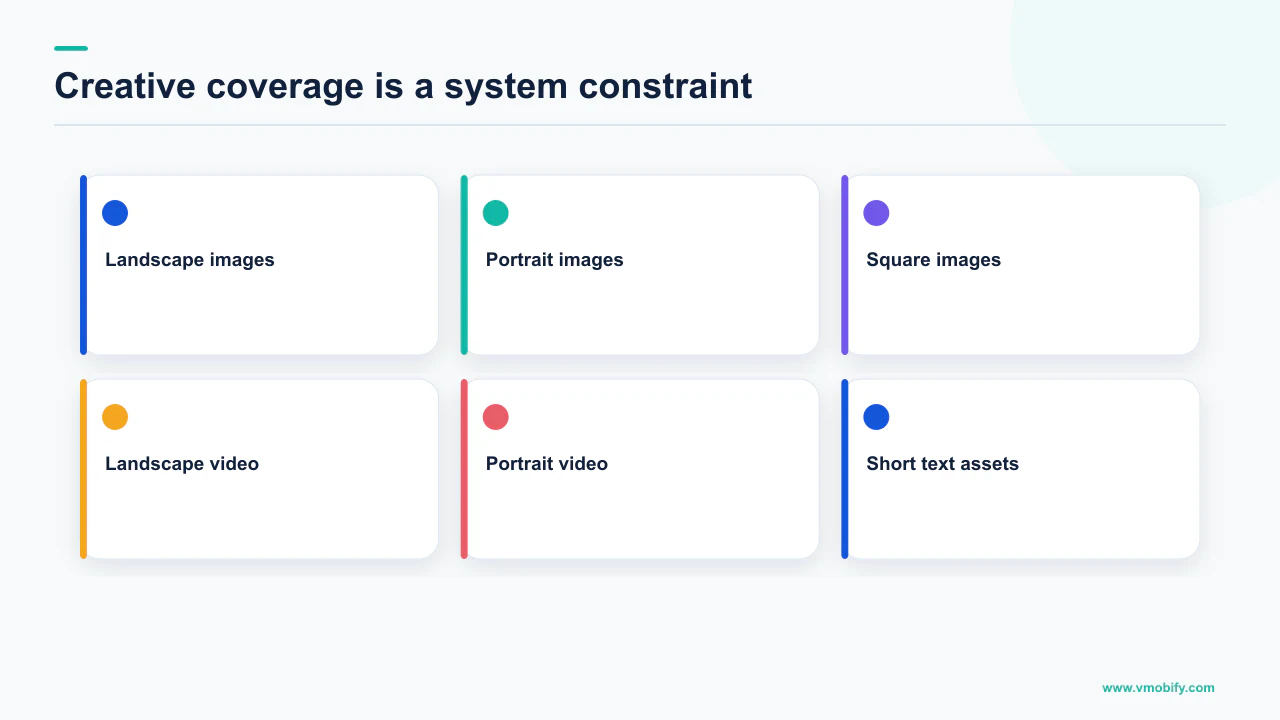
The tips for maximising your App campaign put it directly: upload 20 images and 20 videos with a variety of aspect ratios and image sizes, along with four separate lines of text. Google gives the ideal video aspect ratios as 16:9, 1:1 and 2:3, and advises using all four lines of text when setting up a campaign. The installs setup documentation confirms the ceiling — you can add up to 20 of each asset type, including images, videos and HTML5.
Google also makes a specific performance claim on the same page: that portrait videos have a 60% higher conversion rate than landscape videos. We report that as Google's figure rather than ours. Google does not publish the study, the sample or the period behind it, so treat it as a strong directional argument for shooting vertical rather than a number to plan a budget against.
You are not writing an ad. You are supplying the combinations the system tests, so the count and the variety of aspect ratios matter more than any single asset. A campaign given three landscape videos has almost nothing to explore, and it will not find the placement mix that works for you. Our creative strategy guide covers how to produce that volume without producing forty versions of the same idea.
On maintenance, Google's advice is additive rather than subtractive: add more assets instead of removing assets rated Good or Low, and check each ad group so that the Ad Strength rating is at least Good. The best practices page also asks you to confirm each ad group has an approved text asset — a headline and description — plus an image and a video asset, and notes that assets must be in an approved state to serve broadly across ad channels. An unapproved asset is invisible, not merely underused.
What does an engagement campaign require that installs does not?
A minimum of 50,000 installs, working deep links on the platform you are targeting, conversion tracking through Firebase or a supported third party, and an audience list of app users. Every one of those is a stated eligibility requirement, so an engagement campaign is not something you can decide to run this week.
Google's page on creating an App campaign for engagement lists them together: have a minimum of 50,000 installs; have a Universal Link on iOS, an App Link on Android, or a custom scheme on either; have mobile app conversion tracking set up using Firebase or a supported third party; and use an audience list of app users.
Google's stated minimum install base for an App campaign for engagement. Below it, re-engagement through this channel is not available to you at all, whatever your retention problem looks like.
The deep link requirement is the one that delays teams in practice. An engagement ad that drops a returning user on the home screen instead of the item they were shown wastes the click, and the plumbing to avoid that is app work rather than campaign work. Budget for it before you plan the campaign.
There is a strategic point buried in the eligibility list. Until you clear 50,000 installs, everything you do about retention has to happen inside the product and through owned channels rather than paid re-engagement — lifecycle messaging, onboarding, notifications. Our work on re-engagement and winback and on onboarding covers the levers available in that period, and they are the ones that determine whether the paid version is worth running when you eventually qualify.
When is a pre-registration campaign worth running?
When you are launching on Android, you have not released anywhere yet, and you can ship within 90 days of opening pre-registration. Miss any of those and the campaign type is either unavailable or a poor use of the window.
Google's documentation on creating an App campaign for pre-registration sets the boundaries. People can only pre-register for apps and games in the Google Play store on Android devices. Your app's APK must be uploaded to at least one release track, and you need to launch the app or game within 90 days after you make it available for pre-registration. If pre-registration was not enabled and the app is already available in one country or more, it is not eligible. The campaign only shows in countries where your app is available for pre-registration.
Two operational details make this campaign type unusually clean to run. Bidding is a target cost-per-pre-registration — the average you would like to spend each time someone pre-registers — so there is exactly one metric to manage. And after your app launches, the pre-registration campaign stops serving ads automatically in the locations where the app is released, which removes the classic launch-day mistake of paying for pre-registrations on an app people can already install.
The window is a commitment, not a runway. Opening pre-registration before your release date is credible pushes an install-day cohort at a build that may not be ready, and there is no version of that which ends well for your rating. Our piece on pre-launch marketing covers what to run in the months before that window opens.
Note also that the budget-to-bid ratio for pre-registration is the same 50 times the bid that applies to install campaigns on target CPI, so the funding maths does not get easier because the conversion is cheaper.
What should you leave alone after launch?
Almost everything, for longer than feels comfortable — Google states that changes made before the first 100 conversions have registered may disrupt learning and result in poorer performance. The instinct to optimise on day three is the single most reliable way to extend the period during which the campaign underperforms.
The best practices guidance is explicit that making changes to an in-flight campaign before the first 100 conversions have registered may disrupt learning and result in poorer performance. Alongside it, Google's setup guidance asks you to allow at least 7 to 14 days for the system to stabilise before you evaluate performance.
Put those two together and you have a freeze condition with two independent tests, both of which have to pass before you are entitled to an opinion: at least 100 conversions, and at least 7 to 14 days. A campaign at day 12 with 30 conversions has not finished stabilising, whatever the chart looks like.
What Google's best practices name as changes to avoid during that period includes conversion settings, high-performing assets, bid cycling, optimisation goals, geotargeting and the events you target. That list covers essentially every lever a nervous team reaches for.
Raising the bid because delivery is slow, then cutting it because CPI rose, then raising it again is the pattern that keeps a campaign permanently unstable. Each move restarts the learning you were waiting on. Set the target from your economics, fund it at the documented ratio, and let it run to 100 conversions before you touch it.
None of this means ignoring the campaign. It means separating observation from intervention. Watch delivery, asset approval status and whether conversions are being recorded at all — those are correctness checks, and a campaign recording zero conversions is broken rather than learning. Do not touch targets, geography or the winning assets.
What does a competent first month look like?
One platform, few markets, one conversion action, a budget that satisfies the documented ratio, a full asset set, and then a deliberately boring fortnight. That is the whole playbook, and it is unglamorous by design.
- Before launch: measurement live and verified against a test device, deep links working, store listing finished, and the chosen conversion action confirmed to clear ten unique users a day.
- Launch day: one campaign per platform, a small set of markets, target CPI or target CPA set from your own payback maths, daily budget at 50 times the bid for target CPI or 10 times for an in-app action, and the full asset set loaded — 20 images and 20 videos across varied aspect ratios, all four lines of text.
- Days 1 to 3: check that ads are approved and serving and that conversions are recording. Change nothing else.
- Days 4 to 14: let it stabilise. Google asks for at least 7 to 14 days before you evaluate performance, and evaluating early is what produces the bid cycling that costs you the month.
- At 100 conversions: now you have grounds to act. Adjust one thing, then wait again.
- Month two: add creative rather than removing it, expand geography one market at a time with the budget to support it, and only then consider moving the optimisation event further down the funnel.
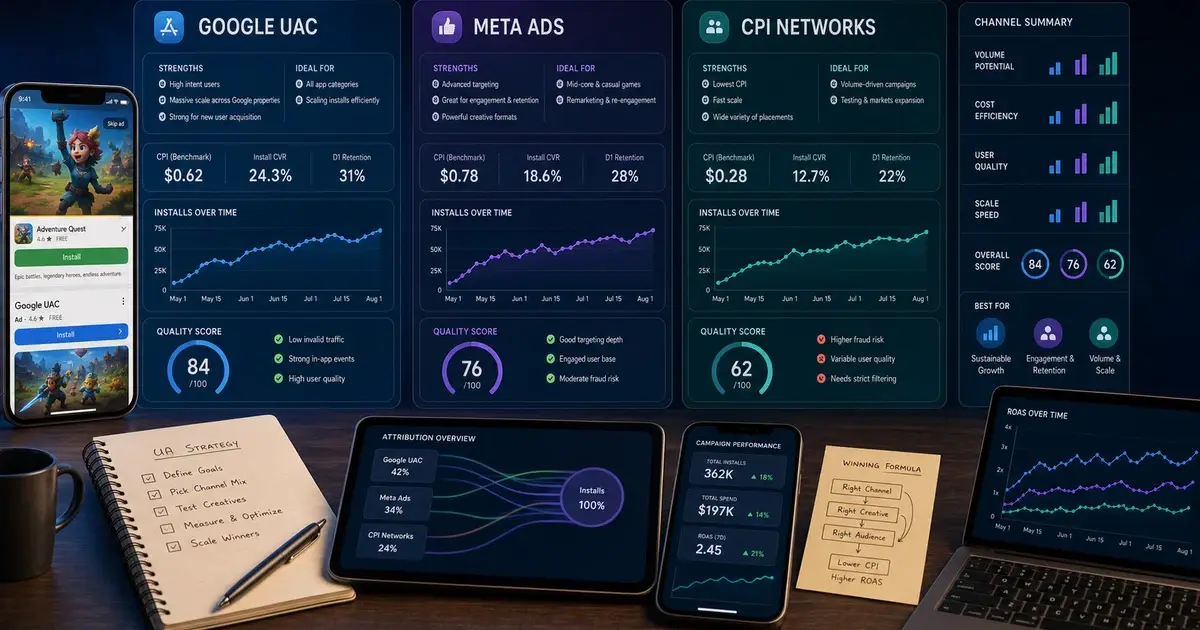
The comparison that decides whether any of this is the right channel for you is a separate question, and it is worth answering before you commit a quarter's budget — Google App campaigns versus Meta versus CPI networks sets out where each one wins.
If your campaign is already live and behaving oddly, the diagnosis is a different exercise from the setup: start with the not-spending triage tree. And if you would rather have someone who has launched a few hundred of these check the plan before you fund it, send us the setup, or see how we run the channel in our user acquisition work.
Frequently Asked Questions
What daily budget does Google recommend for an App campaign?+
It is expressed as a ratio to your bid rather than an absolute figure. Google states that for App campaigns for installs on target CPI, and for pre-registration campaigns, the budget should be at least 50 times the bid. For installs optimising to an in-app action on target CPA it is at least 10 times the bid, and for engagement campaigns on target CPA at least 15 times.
Can I optimise my campaign for purchases from day one?+
Only if purchases already clear Google’s stated floor. Google says that if you do not have at least 10 different users completing the most valuable in-app action every day, you need to pick another, more common in-app action instead. Most new apps have to launch on installs and move down the funnel as volume builds.
How long should I wait before judging a new App campaign?+
Google asks you to allow at least 7 to 14 days for the system to stabilise before you evaluate performance, and separately warns that making changes before the first 100 conversions have registered may disrupt learning and result in poorer performance. Both tests should pass before you intervene.
How many creative assets should I upload?+
Google recommends uploading 20 images and 20 videos with a variety of aspect ratios and image sizes, along with four separate lines of text, and the installs setup documentation confirms you can add up to 20 of each asset type. Google gives 16:9, 1:1 and 2:3 as the ideal video aspect ratios.
Is portrait video really better than landscape?+
Google states on its own tips page that portrait videos have a 60% higher conversion rate than landscape videos. Google does not publish the study, sample or period behind that figure, so we report it as Google’s claim and treat it as a directional argument for shooting vertical rather than a planning number.
What do I need before I can run an App campaign for engagement?+
Google lists four requirements: a minimum of 50,000 installs, a Universal Link on iOS or an App Link or custom scheme on Android, mobile app conversion tracking using Firebase or a supported third party, and an audience list of app users. Below that install base the campaign type is not available.
What happens to a pre-registration campaign when the app launches?+
Google states that after your app launches, the pre-registration campaign stops serving ads automatically in the locations where the app is released. Note also the commitment on the other side: you need to launch within 90 days after you make the app available for pre-registration.
Sources
- Google — About App campaigns — The five surfaces App campaigns serve on, and that you do not create individual ads per network.
- Google — The different types of App campaigns — Definitions of ACi, ACe and pre-registration, including that pre-registration is Android only.
- Google — Set up an App campaign for installs — Setup order, bid strategy options, deep link differences by platform, and up to 20 of each asset type.
- Google — Set up App campaigns by goal — The ten-different-users-a-day rule and the 7 to 14 day stabilisation window.
- Google — Best practices for App campaigns — The 50x, 10x and 15x budget-to-bid ratios, the 100-conversion guidance, and changes to avoid.
- Google — Tips for maximizing your App campaign — 20 images and 20 videos, the 16:9, 1:1 and 2:3 aspect ratios, and the portrait video claim.
- Google — Create an App campaign for engagement — The 50,000 install minimum, deep link formats, tracking and audience list requirements.
- Google — Create an App campaign for pre-registration — Android-only eligibility, the release-track and 90-day requirements, and automatic stop at launch.
About the author
Amol Pomane — Founder, Vmobify
Amol leads Vmobify, a mobile app growth agency that has driven 30M+ downloads and ranked 54K+ keywords across 300+ apps since 2013. He writes about ASO, paid user acquisition, retention, and the operational reality of scaling mobile apps in India and global markets.
Model an install budget
Turn CPI and activation assumptions into acquisition scenarios.
Open free tool