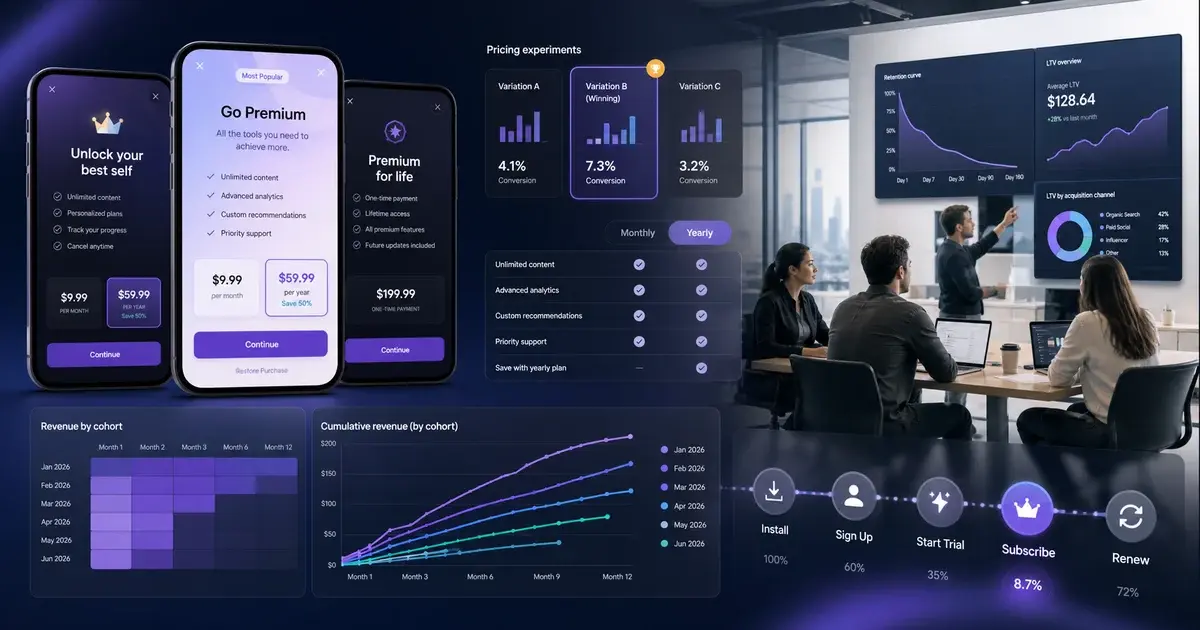
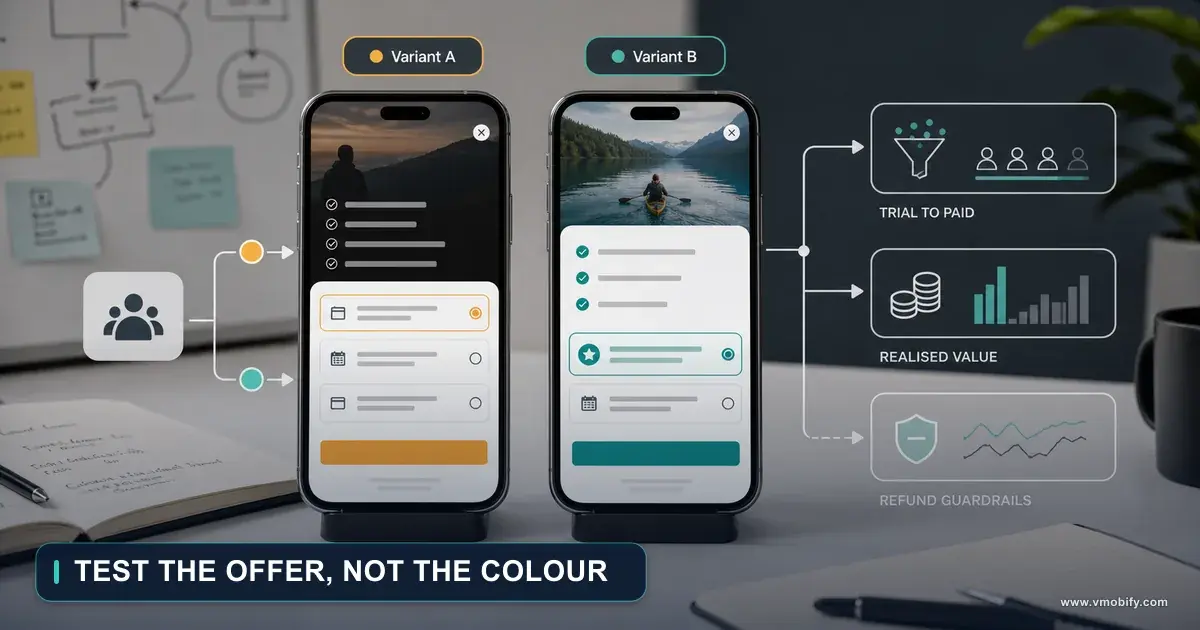
How Many Subscription Plans Should Your Paywall Offer?
Every paywall review turns into an argument about whether to add a third plan, and nobody in the room has evidence either way. The store documentation will not tell you the optimal number, but it does define what a plan is, how many you may create, and what each extra one costs you in price-change flexibility. That is enough to decide.
On this page
- What are you actually counting?
- How many plans do the stores let you create?
- Why does Apple push you toward a single group?
- How many rows should the paywall show?
- Does a third plan earn its place?
- Where do trials and introductory offers belong?
- Can you A/B test the price itself?
- What does each extra plan cost you later?
- So what should you ship?
- Frequently Asked Questions
What are you actually counting?
Before anyone can answer "how many plans", the team has to agree on which object it is counting — because the store treats the priced product, the billing configuration and the discount as three separate things, and only one of them is a row on your paywall. Most of these arguments are two people counting different objects.
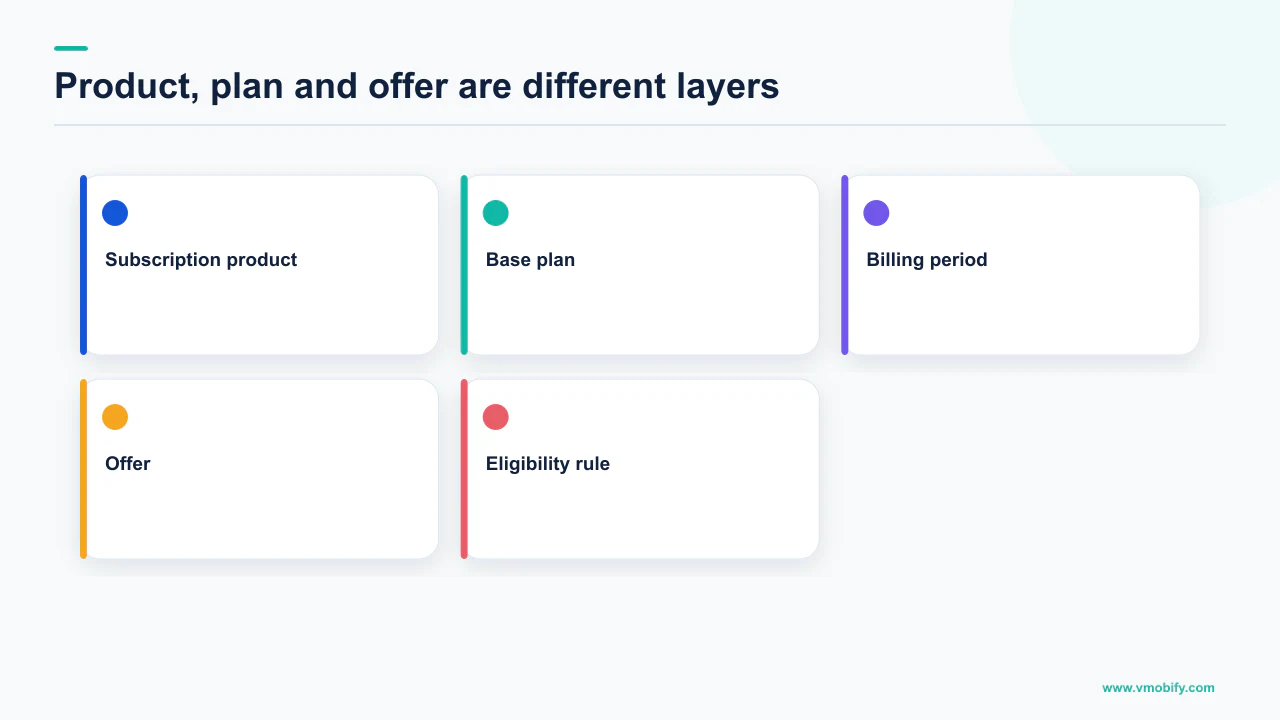
Google's Understanding subscriptions documentation sets out the hierarchy plainly: using Play Console or the Subscription Publishing API, you can configure a single subscription with multiple base plans, each with multiple offers. A base plan specifies a unique set of attributes for a given billing period and renewal type. An offer sits on top of a base plan, and eligible users can purchase an offer to obtain access to a subscription at a discounted price.
Google Play
- Subscription — the entitlement itself
- Base plan — billing period plus renewal type (auto-renewing or prepaid)
- Offer — a discount on a base plan, limited to eligible users
App Store
- Subscription group — the set of mutually exclusive options
- Subscription — one duration and price at one level of service
- Introductory, promotional and win-back offers — discounts attached to a subscription
So "monthly and annual" is one subscription with two base plans on Play, and two subscriptions in one group on the App Store. "Monthly, annual, and annual with a trial" is still two base plans — the trial is an offer phase, not a plan. And "monthly, annual, lifetime" is not a subscription question at all, because the lifetime tier is a non-consumable product with its own rules.
Get this straight first. Across the 300+ apps we have managed since 2013, the commonest cause of a bloated paywall is a team that added an offer as if it were a plan, rendered both, and ended up showing the same billing period twice at two prices. Our wider subscription monetisation strategy guide covers the commercial framing; this piece is about the count.
How many plans do the stores let you create?
Far more than you should ever show: Play documents a combined total of up to 250 base plans and offers per subscription, with a maximum of 50 active at the same time, and Apple documents up to 10 promotional offers for each subscription. The ceiling is not the constraint. Your paywall is.
The exact Play wording is worth keeping, because the two numbers do different jobs and people quote the wrong one: "For each subscription, you can create a combined total of up to 250 base plans and offers, with a maximum of 50 active at the same time." Note the condition travels with each figure — both are per subscription, and 250 is a creation ceiling while 50 is a concurrency ceiling.
Two more Play limits shape what a plan can even say for itself. Create and manage subscriptions documents that you can add up to 4 benefits of up to 40 characters each, and that you can add up to 20 tags, you can add up to 20 tags used to mark or group base plans and offers and identify them in the API.
Four benefits at forty characters is roughly the width of a single paywall row, and that is a useful discipline. If a plan cannot justify itself in four short lines that differ from the plan above it, it is not a distinct plan — it is a discount that wants to be one.
Play's 250 exists because legacy price cohorts, regional variants and win-back offers accumulate over years across every country you sell in. Reading it as permission to show ten choices is a misreading of what the number is counting.
Why does Apple push you toward a single group?
Because a group is the mechanism that makes your plans mutually exclusive, and Apple states directly that people can only buy one subscription within a group at a time. That single sentence answers more paywall design questions than any conversion benchmark would.
Apple's auto-renewable subscriptions documentation puts the recommendation and the reason together: a subscription group is made up of subscriptions with different access levels, prices, and durations so people can select the option that best fits their needs, and since people can only buy one subscription within a group at a time, creating a single group is the best practice for most apps as it prevents people from accidentally purchasing multiple subscriptions.
Apple documents the exception rather than leaving it implied. If your app needs to offer the ability to buy multiple subscriptions — for example, to subscribe to more than one channel in a streaming app — you can add these subscriptions to different groups, and people who buy subscriptions in multiple groups are billed separately for each. If your product is not that, a second group is a double-charge complaint waiting to happen.
Inside the group, ranking is what makes the plans navigable. Apple describes assigning each subscription to a level, arranging them in order from the one that offers the most (level 1) to the one that offers the least, and notes you can add more than one subscription to each level if the offerings are equal. That ranking determines the upgrade, downgrade, and crossgrade paths available — an upgrade takes effect immediately with a refund of the prorated amount of the original subscription, while a downgrade continues until the next renewal date and then renews at the lower level and price.
The review rules point the same way. The App Store Review Guidelines state under 3.1.2(b) that users should not be able to inadvertently subscribe to multiple variations of the same thing. A paywall with many near-identical rows is precisely the surface that produces that mistake.
How many rows should the paywall show?
Fewer than you have configured, and only as many as answer a question the user is genuinely asking — and we will not print a conversion figure here, because no store publishes one and we do not manufacture them. Anyone quoting you an industry-standard optimal plan count is quoting something nobody measured across your category, your price band and your markets.
What can be reasoned about is the job each row does. A subscription choice is a two-variable decision — commitment length and level of service — and every row you add has to move exactly one of those variables, or it is noise.
- Duration only. Monthly against annual, same entitlement. The user is deciding how much commitment to accept for a lower effective rate. This is the default shape for most apps and it is two rows.
- Tier only. Standard against premium at one billing period. The user is deciding how much product they want. Also two rows.
- Both at once. Two tiers times two durations is four rows, and the user now has to hold two independent decisions in their head simultaneously. This is where paywalls fail, and it is a design problem before it is a pricing one.
If you need both variables, split the decision rather than the price list: pick the tier first, then the duration, so each screen asks one question. Apple's requirement in 3.1.2(c) is a useful check on whether a row is really distinct — before asking a customer to subscribe you must clearly describe what the user will get for the price, with the guideline's own examples being how many issues per month, how much cloud storage, and what kind of access to your service. If you cannot fill that sentence in differently for two rows, they are one row.
The Play benefit field enforces the same test in the store surface itself. Four benefits, forty characters. Two plans whose four benefits are identical will look identical on the listing, whatever your in-app design does. We work through the structural side of this in our guide to testing paywalls.
Does a third plan earn its place?
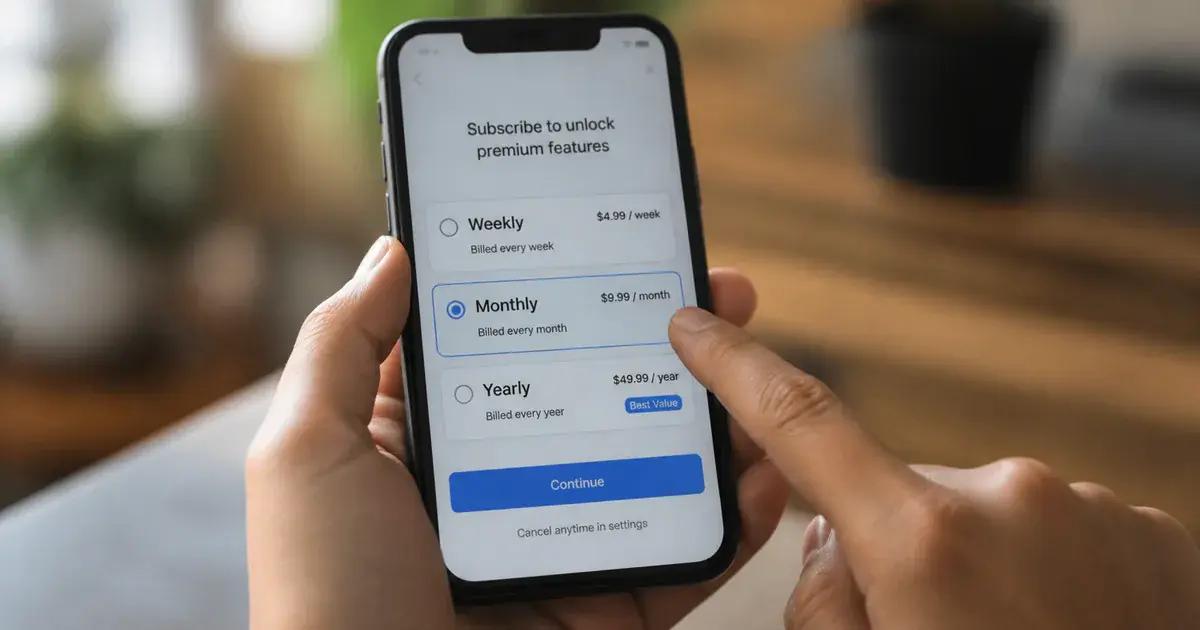
Only if it moves a variable the other two do not, and if you can state in advance which existing plan it should cannibalise. A third plan added without that prediction is untestable — whatever happens next, someone will claim it worked.
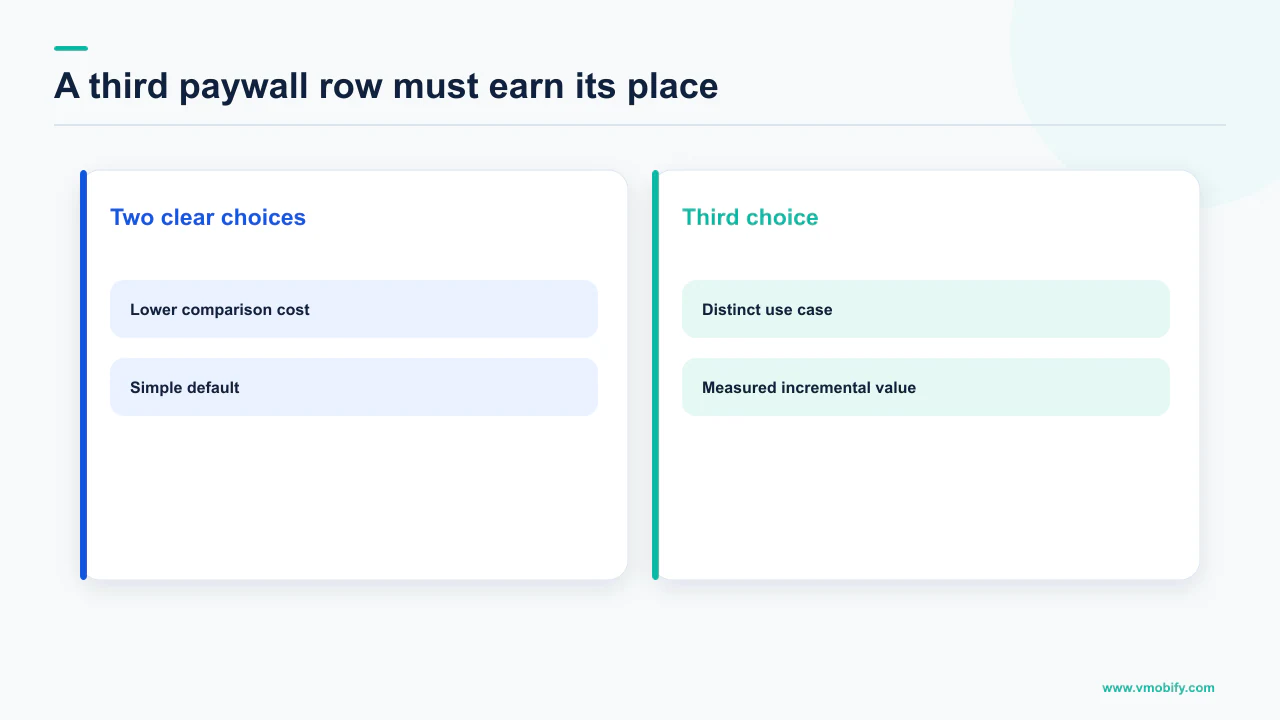
The usual argument for a third row is anchoring: a high option that makes the middle look reasonable. It is a real mechanism in choice architecture, and it is also the most over-applied idea in app monetisation, because the anchor only works if it is a credible product someone might actually buy. A decoy that nobody buys and nobody believes in adds a row to the decision and removes nothing from it.
State it as a sentence: "adding a weekly plan should convert users who currently abandon at the monthly price, without moving annual take-up." Now the change is falsifiable. If you cannot write that sentence, you are not adding a plan, you are adding an option to avoid a decision.
There are cases where a third plan is straightforwardly correct rather than clever. A prepaid plan is one: Play documents that users can purchase a prepaid base plan to obtain subscription entitlement for the specified billing period that does not automatically renew, and can subsequently top up to extend the plan's end date. In markets where card-on-file renewal is the friction rather than the price, that is a different product for a different user, not a decoy. India is full of such users, and it sits alongside the UPI Autopay mechanics that decide whether an auto-renewing plan is even collectable.
The second legitimate case is a genuine second tier — more storage, more seats, more content — where the extra row corresponds to an extra entitlement you actually built. Everything else is a discount, and a discount belongs in an offer, where the store will restrict it to the users who should see it.
Where do trials and introductory offers belong?
In offers attached to a base plan, never as an extra row — the store already models a trial as a phase of a plan rather than a plan of its own. This is the single change that shrinks most overgrown paywalls without removing anything a user could have bought.
On Play, an offer contains one or more offer phases, and each phase defines a free or introductory price period. Google documents the ranges precisely: a free trial pricing phase provides a specified number of days, weeks, or months at no charge, and free trial phases can range from 3 days to 3 years. Introductory pricing phases must be the same or less than the base plan price.
Eligibility is the part that makes offers structurally different from plans, and it is why they do not need their own row. Play supports three eligibility approaches: new customer acquisition, for users without prior subscription history; upgrade, targeting users on a specified current subscription and optionally filtered by billing period; and developer determined, where, in Google's framing, you solely decide the business logic and determine eligibility in your app.
Apple's structure is equivalent in effect and stricter in one respect worth knowing before you plan a trial strategy: customers can redeem one introductory offer per subscription group, and you can create an introductory offer for each subscription per territory. Promotional offers are the tool for existing or former subscribers, with up to 10 offers for each subscription, and win-back offers reach previous subscribers, displayed by Apple to eligible customers in places such as the App Store or in your app.
One row per base plan. The trial is a line of text inside that row, not a fourth option. If a user is ineligible for the offer, the row still exists and simply shows the base price — which is exactly why offers scale to dozens of cohorts while rows do not.
Whether the trial should exist at all is a separate question from where it renders, and it turns on your activation curve rather than on the store's rules. We take that apart in freemium against free trial and in what actually moves trial conversion.
Can you A/B test the price itself?
Not the way you can test a screenshot — Apple's native product page test explicitly covers icons, screenshots and app preview videos, and price is not among the elements you can vary. This is the constraint that most changes how you should decide plan count, because it means you cannot cheaply discover the answer after shipping.
Apple's product page optimisation documentation defines the mechanism and its bounds: you can test alternate app icons, screenshots and app preview videos, up to three treatments in a single test, one test at a time, and a test runs for 90 days or until you manually stop it within that time. Apple also notes you cannot change a test once it has started, and that alternate icons must ship inside the binary of your published app. Nothing in that surface prices anything.
On Play, Google's pricing documentation does refer to price experiments in passing — the price charming rules, which round a price up or down so it matches local pricing norms, are described as applying to all product types as well as price experiments, except for percentage discount offers. We are not going to describe how that experiment surface works, because we could not open a help page documenting it, and describing a Console feature from a passing mention in another article is how misinformation gets written. Check your own Console before you plan around it.
What you can always do is the slower, honest version: run distinct base plans or offers, hold everything else constant, and read the outcome per cohort. That is not a randomised test, and it should not be reported as one — the populations differ by time and by acquisition mix. Our note on in-app purchase pricing experiments sets out how far that evidence can be pushed, and price localisation covers the territory dimension the store handles for you.
We are not publishing a figure for how much revenue an extra plan adds or costs. No store publishes one, we have no randomised price test that could produce one, and a portfolio average across categories would not transfer to your app. Directionally: more rows slow the decision, and offers carry cohort targeting that rows cannot.
What does each extra plan cost you later?
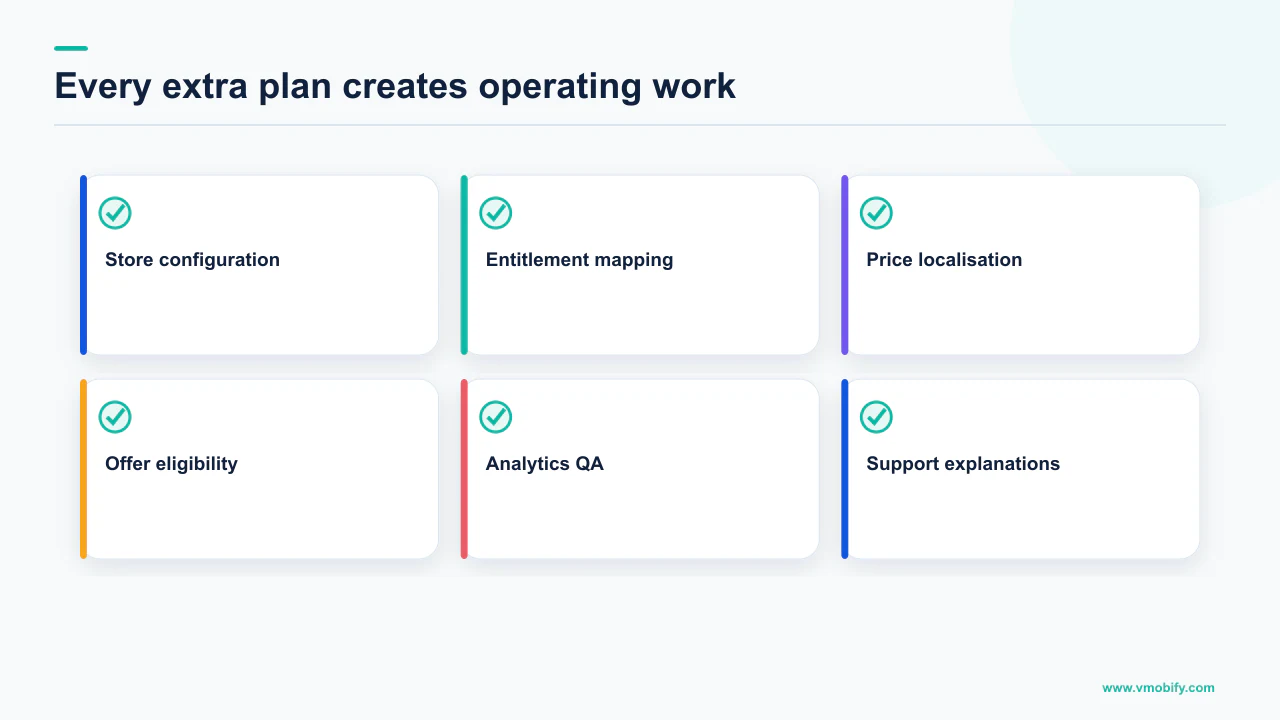
Price-change flexibility, and the store rules put hard limits on that — on Play, each subscription base plan can only have a single opt-out price increase per country and region in the last 365 days. Every plan you create is a separate object you will have to reprice, in every market, under that constraint.
Google's documentation splits price increases into two mechanisms with different costs to you. For an opt-in price increase, the user must agree to the price increase before it takes effect, and subscribers get at least 30 days to accept before the subscription auto-cancels rather than renewing at the higher price. Opt-out increases are available in select countries and regions only, require advance notification but not user approval, and Google states the notification period is a minimum of either 30 days or 60 days, depending on the country or region.
Two conditions travel with the opt-out route and must never be quoted without them. The 365-day limit above is per base plan and per country or region. And the ceiling is stated as a maximum increase amount in all countries and regions of the greater of 50% of the price the user is currently paying, or 17 USD cents per day.
Meanwhile, users on your old price do not simply move. When you change a price, the new price applies immediately for any new purchases, including prepaid plan top-up purchases, while existing subscribers stay in a legacy price cohort at their current rate until they switch plans or you migrate them. Multiply that by every base plan, every market and every year of pricing history and you have the real reason Play's ceiling is 250 rather than 5.
Four plans across twenty markets is eighty priced objects, each with its own cohort history and its own 365-day opt-out clock. Two plans is forty. That difference is not felt on launch day; it is felt the first time you need a broad price rise.
This is the argument that usually settles the room, because it is not a matter of taste. Adding a plan is cheap on the day and expensive for as long as the plan exists. If the team cannot say who the plan is for, the honest answer is to wait, and we will make that case with you in a monetisation review.
So what should you ship?
One subscription group, two base plans that differ on one variable, and everything else expressed as offers with store-enforced eligibility. That is the shape the documentation pushes you toward from both platforms, and it is the shape we would defend without a benchmark to lean on.
Concretely, the default configuration looks like this:
- One subscription group on the App Store. Apple calls this best practice for most apps precisely because it prevents accidental multiple purchases. Add a second group only when a user genuinely should be able to hold two subscriptions at once.
- Two base plans on Play, differing on billing period only. Monthly and annual is the version of this decision users already understand from every other app they pay for.
- Trials and discounts as offers, not rows. Use the eligibility criteria — new customer acquisition, upgrade, or developer determined — so the store decides who sees a discount rather than your paywall showing it to everyone.
- Levels assigned deliberately on the App Store, from level 1 for the most to lower levels for less, since that ranking is what defines your upgrade, downgrade and crossgrade paths.
- A prepaid base plan where renewal, not price, is the barrier. This is a market decision, and in India it frequently is the decision.
- A third row only with a written prediction naming which existing plan it should take volume from.
Then measure the thing that actually matters, which is not paywall click-through. It is revenue per install cohort over a horizon long enough to include renewals, which is the only number that catches a plan mix that converts more people at a worse price. Our ROAS and CAC guide covers the horizon problem, and the diagnostic reading of a paywall funnel sits in funnel analytics for apps.
The store documentation cannot tell you the optimal number, and neither can anyone quoting a benchmark at you. What it can tell you is what a plan costs to maintain, what a row costs a user, and which of your ideas is really an offer wearing a plan's clothes. In our portfolio, that last test alone removes rows from most paywalls we inherit. For a second pair of eyes on yours, talk to us.
Frequently Asked Questions
How many subscription plans should an app offer?+
There is no published figure and we will not invent one. The defensible default is two base plans that differ on a single variable — usually billing period — inside one subscription group, with every discount expressed as an offer rather than an extra row.
How many base plans and offers does Google Play allow?+
Google documents that for each subscription you can create a combined total of up to 250 base plans and offers, with a maximum of 50 active at the same time. Both limits are per subscription. The 250 exists to hold years of legacy price cohorts and regional variants, not to be displayed.
Should a free trial be its own row on the paywall?+
No. On Play a trial is an offer phase attached to a base plan, and free trial phases can range from 3 days to 3 years. Rendering it as a separate option shows the same billing period twice and makes the decision harder rather than easier.
Do I need more than one App Store subscription group?+
Only if a user should genuinely be able to hold two subscriptions at once, such as subscribing to more than one channel in a streaming app. Apple notes that people who buy subscriptions in multiple groups are billed separately for each subscription.
Can I A/B test subscription prices on the App Store?+
Not through product page optimisation, which covers app icons, screenshots and app preview videos with up to three treatments, one test at a time, running 90 days or until you stop it. Price is not among the elements you can vary there.
What happens to existing subscribers when I change a plan price?+
On Play the new price applies immediately for any new purchases, including prepaid plan top-up purchases, while existing subscribers remain in a legacy price cohort at their current rate until they switch plans or you migrate them.
How often can I raise the price of a Play subscription?+
For opt-out increases, which are available in select countries and regions only, Google states each subscription base plan can only have a single opt-out price increase per country or region in the last 365 days, with a notification period of a minimum of either 30 days or 60 days depending on the country or region.
Sources
- Understanding subscriptions - Play Console Help — States that a single subscription can be configured with multiple base plans, each with multiple offers; that up to 250 base plans and offers combined can be created per subscription with a maximum of 50 active at the same time; that free trial phases can range from 3 days to 3 years; that introductory pricing phases must be the same or less than the base plan price; and sets out the three offer eligibility approaches and the opt-in and opt-out price increase rules.
- Create and manage subscriptions - Play Console Help — Documents the Play Console workflow for base plans and offers, including up to 4 benefits of up to 40 characters each, up to 20 tags, the price override types available on offers, and the legacy price cohort behaviour when prices change.
- Add subscription-specific features - Android Developers — Explains that base plans and offers let you create multiple configurations for the same subscription product, and that prepaid plans do not automatically renew upon expiration, requiring the user to top up to extend entitlement.
- Auto-renewable subscriptions - Apple Developer — States that people can only buy one subscription within a group at a time and that a single group is best practice for most apps; describes level ranking and the resulting upgrade, downgrade and crossgrade paths; and documents that customers can redeem one introductory offer per subscription group and that up to 10 promotional offers are allowed for each subscription.
- App Store Review Guidelines - Apple Developer — Section 3.1.2(c) requires that before asking a customer to subscribe you clearly describe what the user will get for the price. Section 3.1.2(b) states that users should not be able to inadvertently subscribe to multiple variations of the same thing.
- Product Page Optimization - Apple Developer — Documents that tests cover app icons, screenshots and app preview videos, with up to three treatments, one test at a time, running for 90 days or until manually stopped, and that a test cannot be changed once started. Price is not a testable element.
- Understand how Google's Price Charming works - Play Console Help — Describes price charming as rounding a price up or down to match local pricing norms, notes that each region and currency has its own charming rules, and states the rules apply to all product types as well as price experiments, except for percentage discount offers.
About the author
Amol Pomane — Founder, Vmobify
Amol leads Vmobify, a mobile app growth agency that has driven 30M+ downloads and ranked 54K+ keywords across 300+ apps since 2013. He writes about ASO, paid user acquisition, retention, and the operational reality of scaling mobile apps in India and global markets.