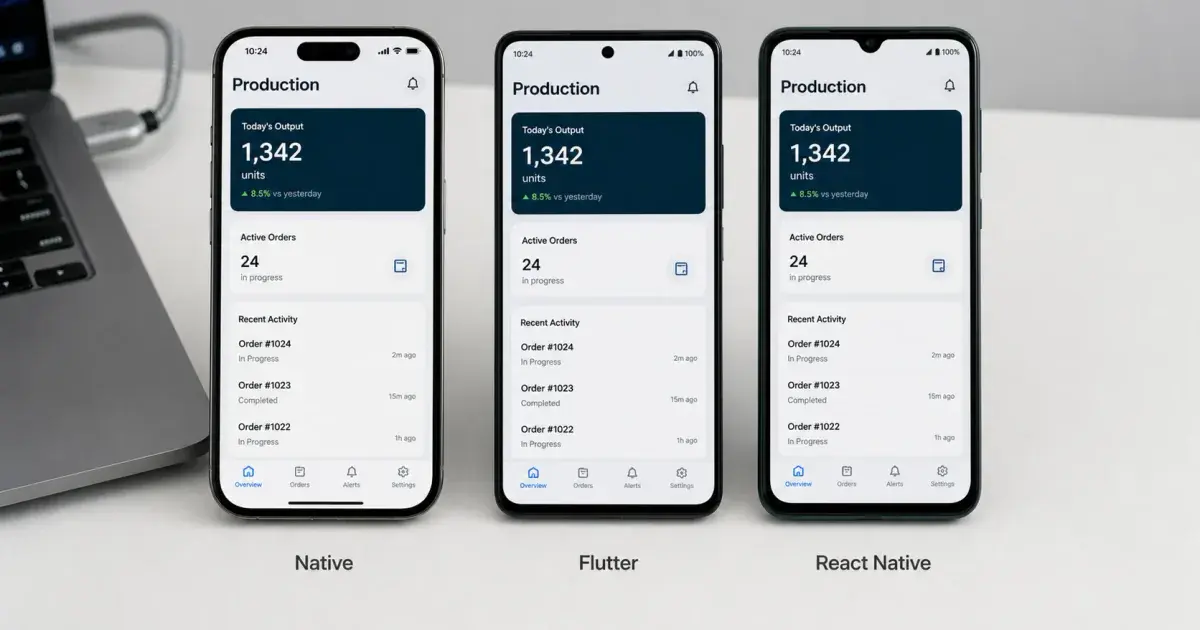
Flutter, SwiftUI or React Native for AI Agents?
The question is not which framework is best, but which one an agent writes well. Those are different questions with different answers, and the deciding factors are training coverage, documentation shape and how loudly the framework fails.

On this page
- What three things decide agent quality?
- Why is React Native currently the strongest target?
- How does Flutter compare?
- Where does SwiftUI excel and where does it break?
- What about Jetpack Compose?
- Is Kotlin Multiplatform worth it here?
- What does the recommendation look like side by side?
- What is the honest summary?
- Frequently Asked Questions
What three things decide agent quality?
Training-data density. How much correct, current code for this framework existed before the model's cutoff. This is not a property of a framework but of a framework at a version. A framework can be well represented and still have a recent API surface the model has never seen, which is the most damaging pattern here.
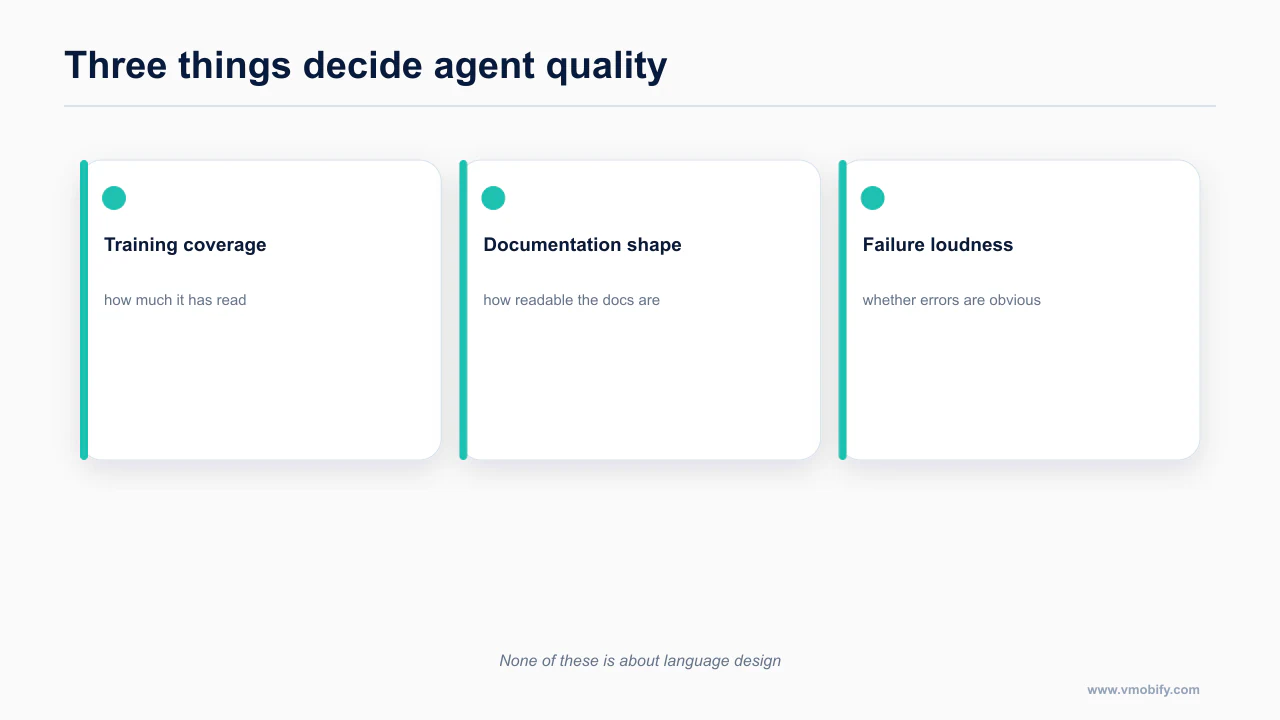
Feedback speed and quality. Does a mistake produce a compile error, a crash, a silent visual defect, or nothing? Strict compilers give agents a tight loop. APIs where a wrong prop is silently ignored give them nothing.
Tooling and rules that ship with the framework. Official skills, plugins and MCP servers move output quality more than prompting does, because they inject current rules into a context otherwise filled with 2023 patterns. The constraint-first version of this decision, independent of agents, is native vs Flutter vs React Native.
Why is React Native currently the strongest target?
React Native and Expo currently give agents the most to work from, which shows up as fewer invented APIs.
Expo wins on all three criteria at once, and it is not close.
Official first-party agent support. The Expo plugin is the only mobile plugin in Anthropic's official marketplace. Not one of several: the only one. The other mobile-adjacent entry there is a Kotlin language server.
claude plugin install expo@claude-plugins-officialThe skills bundle runs to roughly 25 entries covering routing, UI, the design system, animation, DOM components, native modules, upgrades, project structure, data fetching, development builds and brownfield integration, plus EAS skills for the paid service.
npx skills@latest add expo/skills --skill '*'Scaffolding that assumes an agent. npx create-expo-app@latest writes a CLAUDE.md whose entire contents are @AGENTS.md, plus a .claude/settings.json with the Expo plugin enabled. Expo's guidance is to put project instructions in AGENTS.md rather than CLAUDE.md so they stay in one place. Small decision, large effect: one instructions file, not one per vendor.
Community rule sets that are unusually concrete. The vercel-labs React Native skill set contains 33 rules across 8 sections, each in its own file with a why, a wrong example and a right example. You will see it cited as 16 rules, and the repository's own sub-README says 34, contradicting itself. The counted number is 33. Sections cover list performance (8 rules, flagged critical), animation, navigation, UI patterns, state, rendering, monorepo and config.
npx skills add vercel-labs/agent-skillsThere is also a set from software-mansion-labs, authors of Reanimated, Gesture Handler and Screens, where react-native-best-practices is the substantive piece.
Styling that fails safely. NativeWind produces the best raw output of any React Native styling approach, for a reason worth understanding: Tailwind class strings are the densest-represented UI idiom in the training data, and they fail in the least dangerous way. A typo'd class is inert. It does not crash and it does not apply a wrong value. Compare that with a bespoke styling API where a hallucinated prop name throws at runtime deep inside a render.
The weakness is that Tailwind carries web habits into mobile: full-width buttons, hover states, layouts that assume a mouse. Correct those with rules, not hope.
Where to be careful. Expo UI, stable since SDK 56 in May 2026, renders real SwiftUI on iOS and real Jetpack Compose on Android, so you inherit Liquid Glass and Material 3 Expressive rather than reimplementing them. But it is new, which means thin training-data coverage, which means agents hallucinate its props. Use it, and pin the agent to its documentation when you do.
The ranking that follows is covered properly in which mobile design system gets the best AI output. Short version: React Native Reusables on NativeWind for velocity, dropping to Expo UI on the surfaces where native fidelity matters. The setup that makes it work is the Expo and Claude Code setup.
The primary reference for this is Expo: using Claude Code with Expo — worth reading in full rather than taking a summary of it, because the details here change more often than the shape of the advice does.
How does Flutter compare?
Flutter has strong official tooling and a thinner design layer, plus one real gap worth knowing before you commit.
Flutter's agent story is better than most people assume, and it is let down in one specific place rather than generally.
The official plugin set is real. The Flutter team publishes agent plugins directly.
npx skills add flutter/agent-plugins --skill '*' --agent universal --yesTen skills: integration tests, widget tests, widget previews, responsive layouts, layout-issue fixes, layered architecture, JSON serialization, HTTP, declarative routing and localization. Notably practical, and layout-issue fixes is exactly the category agents need help with.
The richest third-party structure in any mobile ecosystem, not just Flutter. The Very Good Ventures plugin ships 14 skills covering Bloc, testing, navigation, theming, security and accessibility, plus a flutter-reviewer agent, slash commands including /bloc, /testing and /green-gate, hooks, and MCP wiring.
claude plugin marketplace add VeryGoodOpenSource/very-good-claude-code-marketplace && claude plugin install vgv-ai-flutter-pluginAn MCP server inside the SDK. The Dart and Flutter MCP server ships in the Dart SDK.
claude mcp add --transport stdio dart -- dart mcp-serverAnalyzer diagnostics, symbol resolution, running-app introspection through DTD, hot reload, pub.dev search, pubspec management, test running, formatting. It is explicitly experimental, needs Dart 3.9 or later, and on Flutter web the flutter_driver finder commands including screenshots and taps are unsupported.
Analyzer access is the underrated part. Dart's analyzer is strict and fast, so the agent gets a precise, structured error signal on every edit. On the feedback criterion, Flutter scores very well.
A rules caveat the author states himself. The evanca/flutter-ai-rules collection sources everything from official documentation, which is good discipline, and is deliberately non-opinionated about architecture, which means the rules can contradict each other. Load the whole set and expect the agent to be pulled toward Bloc and Riverpod and Provider at once. Pick a lane in AGENTS.md.
One attribution point: the FlutterFlow Claude plugin lives inside the FlutterFlow GitHub organization, but its own README says it is community-built. Treat it as community software regardless of where it is hosted.
And the real gap: CodeRabbit ships no Dart or Flutter linters. Its mobile-relevant static analysis is SwiftLint, detekt, ESLint and Oxlint. Nothing for Dart.
This matters more for AI-assisted teams than traditional ones. If your review strategy is "the agent writes it, an automated reviewer catches what it missed", then on Flutter half that strategy is missing a whole class of checks. The compensations are real but manual: enforce dart analyze and a strict analysis_options.yaml in CI, lean on the Dart MCP server's analyzer diagnostics inside the loop, and put the VGV flutter-reviewer agent to work as a reviewer rather than only a builder. The CodeRabbit CLI still handles the general pass and emits structured JSON for an agent; it just brings no Dart rules with it.
curl -fsSL https://cli.coderabbit.ai/install.sh | shThe wider review setup is in automated code review for mobile repos with Claude Code.
Flutter's other soft spot is the design-rule layer: the best Material 3 agent skill is Compose-primary with Flutter secondary, and no dedicated awesome-list for Flutter AI tooling exists. The official plugin set is the de-facto hub by default rather than by competition.
The documentation worth reading before you act on this is expo/skills on GitHub — worth reading in full rather than taking a summary of it, because the details here change more often than the shape of the advice does.
Where does SwiftUI excel and where does it break?
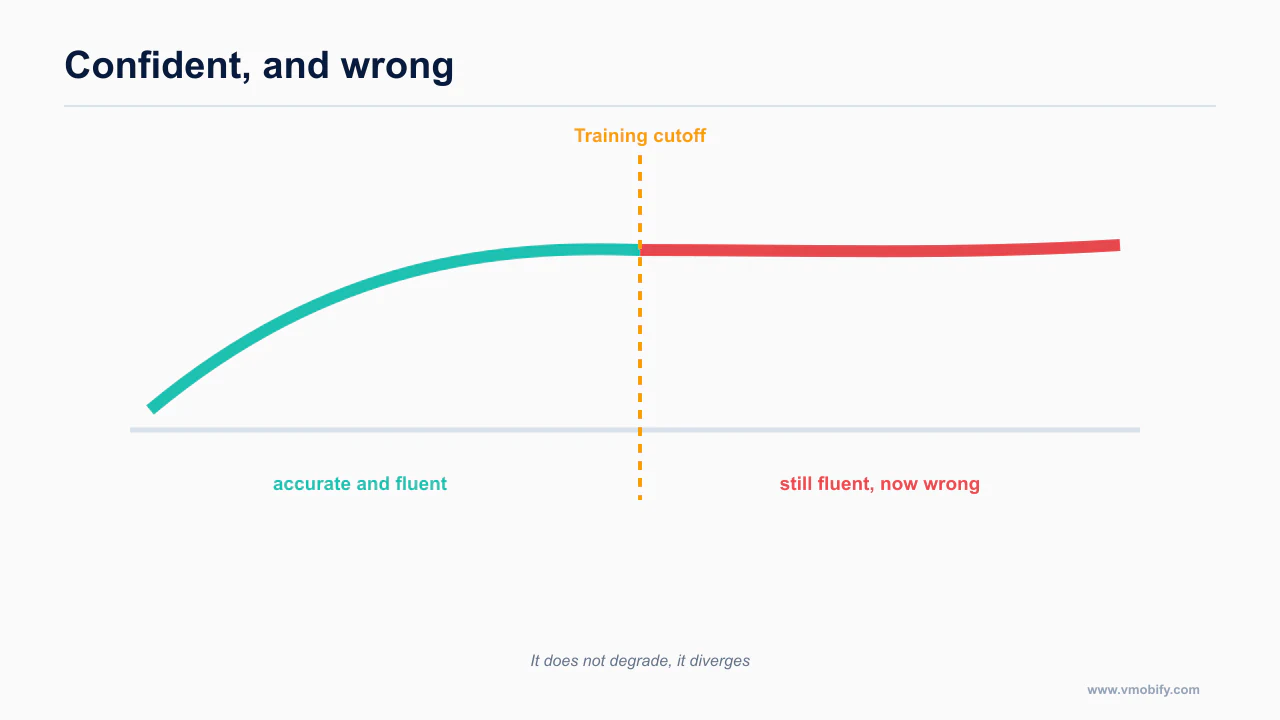
SwiftUI produces excellent agent output right up to the training cutoff, and confidently wrong output just past it.
SwiftUI is where the training-data-at-a-version problem does the most damage. Understand its shape before you choose.
What agents get right. Pre-iOS-18 SwiftUI idioms are handled well: NavigationStack, .sheet, .presentationDetents, property wrappers, view composition. Swift's compiler is strict, so the loop is tight, and XcodeBuildMCP closes it end to end by building, running and reading logs.
claude mcp add XcodeBuildMCP -- npx -y xcodebuildmcp@latest mcpThat trailing mcp subcommand is required, and omitting it is the most common setup failure with this server. Ownership also moved to getsentry from the original author's account, and it sends telemetry to Sentry unless you set XCODEBUILDMCP_SENTRY_DISABLED. The full device-driving picture is in give your agent eyes.
And then the cutoff. The iOS 26 Liquid Glass APIs post-date most training data. Two failure modes follow, and both are worse than a compile error:
- The agent produces iOS 17-era chrome. It compiles, it runs, and it looks like an app from two years ago on a phone that does not. Nothing in your toolchain flags it, because there is no error. You find it by looking.
- The agent hallucinates the API. A
.liquidGlass()modifier is a natural guess for a feature called Liquid Glass. It does not exist. At least this one fails to compile, which makes it the better failure.
The fix is not a better prompt. It is supplying the API surface. The real modifiers include .glassEffect(_:in:isEnabled:) with Glass.regular, .clear and .identity, .tint(), .interactive(), GlassEffectContainer(spacing:), .glassEffectID(_:in:), .glassEffectUnion, .glassEffectTransition, .buttonStyle(.glass) and .glassProminent, .buttonBorderShape(...), ToolbarSpacer(.fixed/.flexible), .tabBarMinimizeBehavior(.onScrollDown), .tabViewBottomAccessory { }, .searchToolbarBehavior(.minimized), DefaultToolbarItem(kind: .search, placement: .bottomBar), and .navigationTransition(.zoom(sourceID:in:)) with .matchedTransitionSource.
The design rules matter as much as the API list, because Liquid Glass is easy to overapply. It is a functional layer for controls and navigation only, floating above content: tab bars, toolbars, sidebars. Apple is explicit that you do not use it in the content layer, that you use the effects sparingly, and that you never stack glass on glass. .regular is the default and suits alerts, sidebars, popovers and text-heavy surfaces; .clear is for media-rich backgrounds only and needs a dimming layer.
One consequence catches agents constantly because it inverts a habit: iOS 26 says to avoid full-width buttons. Buttons should be inset from the screen edges to harmonise with the hardware corner curvature. The full-width call-to-action that web habits produce by default is now off-pattern on iOS.
The skills that address this. Paul Hudson's SwiftUI skill is explicitly built around the mistakes LLMs actually make: navigation, layout, animation, state, VoiceOver and deprecated APIs. The best framing in the category.
npx skills add https://github.com/twostraws/swiftui-agent-skill --skill swiftui-proFor breadth, the Prisma Labs apple-skills set covers SwiftUI, UIKit, Swift Testing, concurrency, SwiftData, HealthKit, StoreKit, MapKit, App Intents and WidgetKit, and includes a dedicated hig skill and a Liquid Glass reference. It targets iOS 26 and Swift 6.
claude plugin marketplace add Prisma-Labs-Dev/apple-skillsThere is also a standalone Liquid Glass reference written explicitly to be pointed at Claude, with API coverage, do and do-not lists, and a three-condition test for when .clear is appropriate. One caveat: it was last updated in November 2025, so it may lag iOS 26 point releases. Check it against Apple's current documentation before relying on it.
One limitation to price in: Figma to SwiftUI is effectively unsolved. No converter produces shippable SwiftUI. The working pattern for native iOS is screenshot plus design tokens plus a strong design-system skill in context, covered in Figma to mobile code.
This is documented directly in vercel-labs/agent-skills — worth reading in full rather than taking a summary of it, because the details here change more often than the shape of the advice does.
What about Jetpack Compose?
Compose has helpful semantics, but you have to be explicit about which version you are asking for.
Compose has one property that genuinely improves agent output, and one release-state problem you must decide about deliberately.
Semantic component names encode correct behaviour. When an agent writes FilledTonalButton or NavigationBar, it is not just naming a style. Material 3 components enforce the 48dp minimum touch target, the type scale and dynamic colour internally. The agent gets correctness it never had to reason about, the opposite of a styling system where every value is a number it picks.
The failure modes are specific and detectable: mixing material (M2) and material3 imports in one file, and deprecated Divider or LinearProgressIndicator signatures. Both are caught by a lint rule and a pinned version.
Now the version problem. Material 3 Expressive is alpha-only. Expressive components graduated to stable in compose-material3 1.5.0-alpha19 on 6 May 2026, and the latest alpha at the time of writing is 1.5.0-alpha27, from 26 August 2026. The last stable release is still 1.4.0.
Say that plainly before you let an agent build on it: there is no production-ready Material 3 Expressive today. You can ship it, and people do, but only by depending on an alpha. That is a real decision for a solo builder who cannot absorb a breaking API change mid-release, and it is not what "production-ready" means.
What is in the alpha is substantial: the expressive Button family, FAB and FAB Menu, the ToggleButton family, SplitButton, ButtonGroup with Modifier.animateWidth(compressionLimit=), FloatingToolbar, flexible top app bars, search bar slot APIs with SearchBarState, BottomAppBar, LoadingIndicator and MaterialTheme.motionScheme. If you need those, take the alpha knowingly and pin the exact version. If you do not, stay on 1.4.0 and say so in AGENTS.md, because otherwise the agent will reach for Expressive APIs it read about.
Android 16 changes agents get wrong by default. Mandatory at API 36, no opt-out, and the Play deadline for targeting API 36 passed on 31 August 2026:
- Edge-to-edge is enforced. The old opt-out property is deprecated and ignored. Consume insets through
WindowInsetsor Compose insets. This is the most common Android mistake in agent-written code. - Predictive back is on by default.
onBackPressed()is no longer called andKEYCODE_BACKis not dispatched. UseOnBackInvokedCallbackorBackHandler. - Orientation and resizability locks are ignored on large screens. The temporary opt-out will not work at API 37 and later.
The skills worth having. Chris Banes, who works on Android and Compose at Google, publishes 15 skills covering Compose state and effects, performance, component design, animations, focus and navigation, UI testing patterns and Kotlin concurrency.
npx skills add chrisbanes/skillsTwo honest notes: it is a personal repository, not an official Google product, and it went through a breaking taxonomy change that removed old entry points, so tutorials referencing the old skill names are dead.
The rcosteira79 set has the best freshness signal found anywhere in this research: its Compose docs are rebased on live source verification rather than bundled AndroidX snapshots.
claude plugin marketplace add rcosteira79/android-skillsFor Material 3 specifically, the hamen skill covers 30-plus components, all M3 tokens and a 10-category compliance audit.
npx --yes skills add hamen/material-3-skill --skill material-3 -yWhere Android is weakest: device driving. There is no official Google adb MCP server. Everything claiming to be one is community software, and the most-cited option errors out with multiple devices connected and has no logcat streaming. The practical answer is mobile-mcp, platform-agnostic and the most reliable Android path in Claude Code. Android Studio's Agent Mode is capable, but it is an MCP client running its own loop, so you cannot call it from Claude Code.
For the authoritative version, see software-mansion-labs/skills — worth reading in full rather than taking a summary of it, because the details here change more often than the shape of the advice does.
Is Kotlin Multiplatform worth it here?
Kotlin Multiplatform is a reasonable choice for reasons that have little to do with agent support.
KMP appears inside Android skill sets and vendor SDK skills rather than as its own agent-tooling ecosystem, and this research surfaced no dedicated KMP agent plugin, skill hub or MCP server. That does not make it a bad choice. It makes it a choice where you carry more of the rule-writing yourself, a real cost when the argument of this post is that shipped rules beat prompting.
The source that settles this is flutter/agent-plugins — worth reading in full rather than taking a summary of it, because the details here change more often than the shape of the advice does.
What does the recommendation look like side by side?
The comparison is clearer as a table than as prose, because the trade-offs are not on the same axis.
| Your situation | Choose | Why, and what it costs you |
|---|---|---|
| Solo builder, cross-platform, shipping fast | Expo + React Native | Only mobile plugin in the official marketplace, ~25 first-party skills, 33 concrete community rules, agent-aware scaffolding, best MCP coverage. Cost: you inherit web habits and correct them with rules |
| iOS only, native fidelity matters, you have a Mac | SwiftUI | Strict compiler, tight loop with XcodeBuildMCP, excellent pre-iOS-18 output. Cost: supply the iOS 26 API surface and design rules yourself, or get 2023-looking chrome |
| Android first, wide device range | Compose + Material 3 | Semantic components enforce touch targets and type scale. Cost: stay on stable 1.4.0 unless you knowingly accept an alpha for Expressive; edge-to-edge and predictive back need explicit rules |
| Existing Flutter team | Flutter | Official plugins, the richest third-party plugin structure, analyzer diagnostics through an in-SDK MCP, Patrol MCP for device driving. Cost: no CodeRabbit Dart linters, thinner design-rule layer, conflicting rule sets |
| Native UI without writing Swift or Kotlin | Expo + Expo UI on key screens | Real SwiftUI and real Compose, so you inherit Liquid Glass and M3 Expressive. Cost: thin training data, so pin the agent to the docs |
| Design system lives in Figma | React Native | Code Connect supports React Native; Figma to SwiftUI is unsolved. Cost: output still needs safe-area and Dynamic Type correction by hand |
| CI budget is tight | Anything but iOS-heavy | GitHub-hosted macOS runners bill at a 10× minute multiplier. Review on ubuntu-latest, reserve macOS for builds |
What is the honest summary?
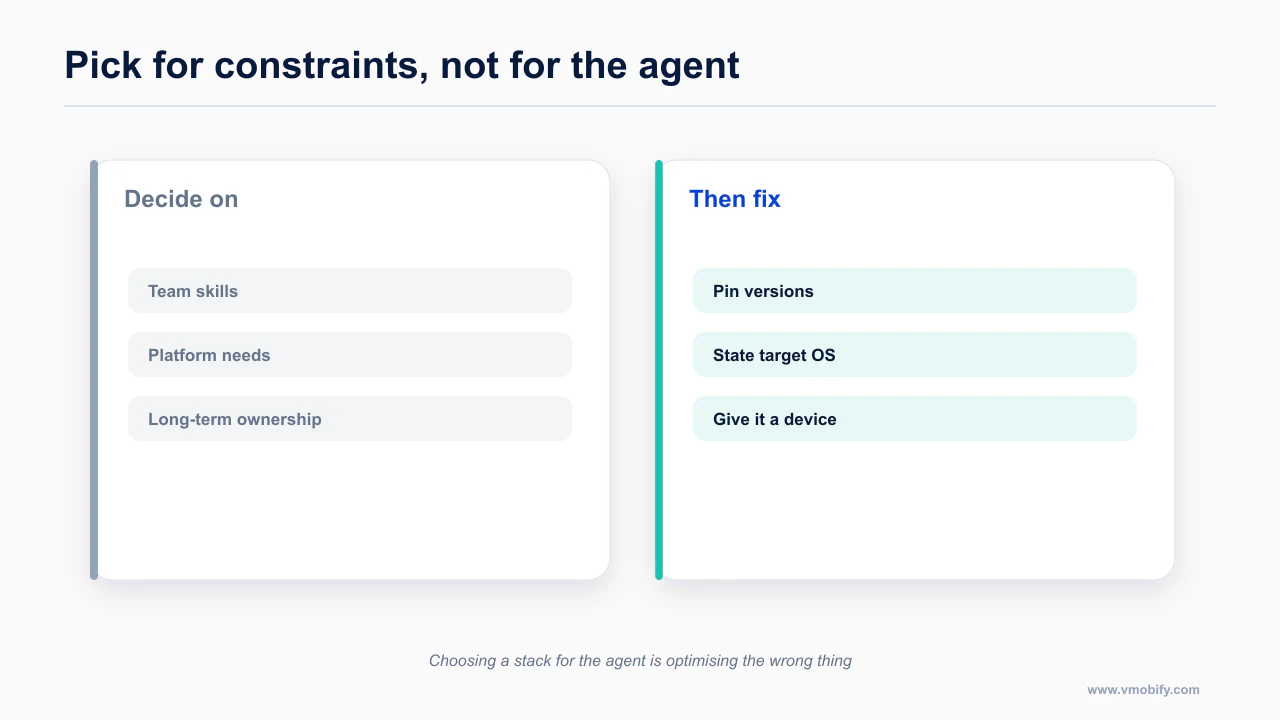
Pick for your constraints and then make the agent good at your choice, rather than picking for the agent.
With no constraint pulling you elsewhere, Expo and React Native are the strongest agent target in 2026, on tooling, training-data density and feedback speed together.
If you have a constraint, keep it. A Flutter team should stay on Flutter and spend the saved time closing the review gap. An iOS-only product with design ambition should take SwiftUI and spend the saved time feeding the agent the iOS 26 API surface. An Android-first product should take Compose and make an explicit, written decision about the alpha dependency.
What none of these gives you for free is mobile design judgment. Every one will let an agent produce a screen that compiles, runs, and violates the platform's own guidelines in ways no linter catches. Those failures are the same across all four: the mobile UI/UX rules AI agents get wrong. And if you fix nothing else after choosing a stack, fix the fact that your agent cannot read the guidelines you are telling it to follow, which is fetchable HIG and Material docs. Whichever you pick, the path afterwards is the mobile shipping pillar.
Frequently Asked Questions
Which framework should I pick if I only care about agent output?+
React Native with Expo today, because there is the most published material for a model to have learned from. That advantage is not permanent and is not a reason to override a real constraint.
Why does SwiftUI output go wrong?+
Training cutoffs. SwiftUI moves quickly, and an agent will confidently write APIs from a version you are not targeting. Stating your minimum OS version in the rules file fixes most of it.
Does Flutter work well with agents?+
Reasonably. The official tooling is solid; the design-rule material an agent can load is thinner than the iOS or React Native equivalent.
Should I switch frameworks to get better agent output?+
Almost never. Migration costs far more than the output gap, and the gap narrows as training data catches up.
Does a loud failure really matter?+
Yes. An agent iterates on feedback. A framework that throws a clear error gives it something to correct; one that renders wrong silently does not.
What about Kotlin Multiplatform?+
It is a defensible choice for shared business logic, but pick it for architectural reasons rather than expecting an agent advantage.
How do I make an agent better at whichever I chose?+
Pin versions, state the target platform explicitly, and give it a way to run the app. Those three do more than the framework choice.
Sources
About the author
Amol Pomane — Founder, Vmobify
Amol leads Vmobify, a mobile app growth agency that has driven 30M+ downloads and ranked 54K+ keywords across 300+ apps since 2013. He writes about ASO, paid user acquisition, retention, and the operational reality of scaling mobile apps in India and global markets.