Stop Feeding Your Agent Empty Pages: Fetchable Design Docs
Point an agent at Apple’s Human Interface Guidelines and it gets almost nothing back — the page renders client-side. There is a JSON mirror that returns the real content, and this is the verified URL list, plus the Android routing that actually resolves.

On this page
What happens when you point an agent at the HIG?
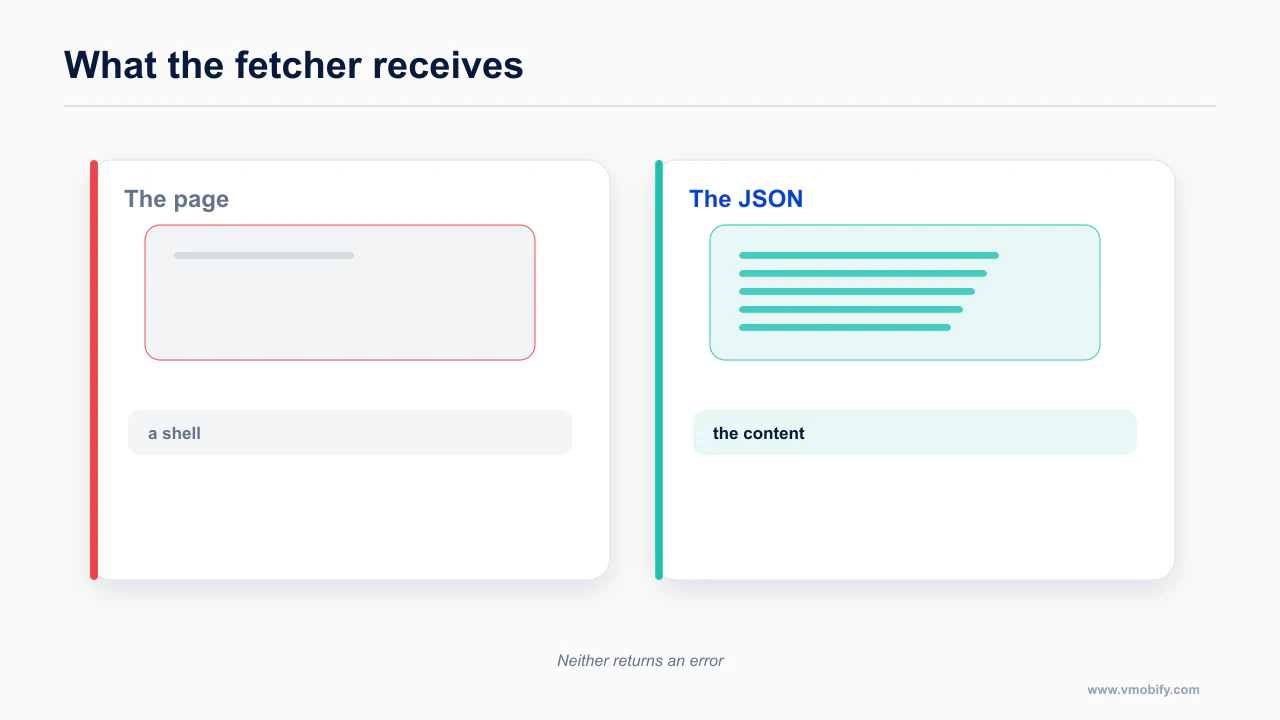
The page renders client-side, so a fetcher receives a shell with almost no guidance in it and the agent proceeds on memory instead.
Try it yourself before you trust me. Ask your agent to fetch this:
https://developer.apple.com/design/human-interface-guidelines/accessibilityYou will get a response. It will contain navigation scaffolding and effectively zero design guidance. There is no error, no 404, no warning — which is the dangerous part. The tool call succeeds. The agent reports that it consulted the HIG. Nothing in the transcript tells you the payload was empty.
That silence is why this bug survives in so many setups. A failed fetch is loud. An empty one is not. The failures this causes downstream are catalogued in the mobile UI/UX rules agents get wrong.
The failure is silent, which is what makes it expensive. If fetching returned an error, the agent would tell you it could not read the guidelines and you would notice. Instead it receives a valid response containing a page shell — navigation, a title, some scaffolding — and treats that as the answer. Having consulted the source, it then writes from memory anyway, and the output carries the confidence of something that was researched.
You can see this happen if you look for it. Ask an agent to fetch a guidelines page and summarise the rules on it, and the summary will be plausible, broadly correct and untraceable to the document it supposedly read. The tell is that it will not quote anything, because there was nothing to quote.
What JSON mirror does Apple actually serve?
Apple serves the same content as JSON at a predictable path, which is what makes the guidelines fetchable at all.
Apple's documentation site is built on the same infrastructure as its tutorials, and that infrastructure exposes a machine-readable endpoint for every page. The pattern is:
https://developer.apple.com/tutorials/data/design/human-interface-guidelines/<page>.jsonTake the HIG page slug you wanted, prefix it with tutorials/data/design/human-interface-guidelines/, append .json. That URL returns structured content instead of an empty shell. It is not a public API with a contract behind it — it is the site's own data layer, and Apple can change it — but it is what actually resolves today, and it is the difference between an agent that has read the accessibility rules and one that has not.
The primary reference for this is Apple Human Interface Guidelines — worth reading in full rather than taking a summary of it, because the details here change more often than the shape of the advice does.
This is not a hack so much as reading the site the way the site reads itself. The documentation is a client-rendered application that fetches its content as structured data and renders it in the browser. That data is served over ordinary HTTP at a predictable path, so anything that can make a request can have the same content the page displays — it simply has to ask for the data rather than the page.
Two consequences follow. The first is that you get the content as structure rather than as prose, which is more useful to an agent than scraped text: sections, headings and lists arrive already delimited. The second is that this is an undocumented internal path rather than a published API, so it carries no stability promise. It has been stable in practice, and it is still worth re-checking when you refresh rather than assuming.
Which URLs are worth keeping?
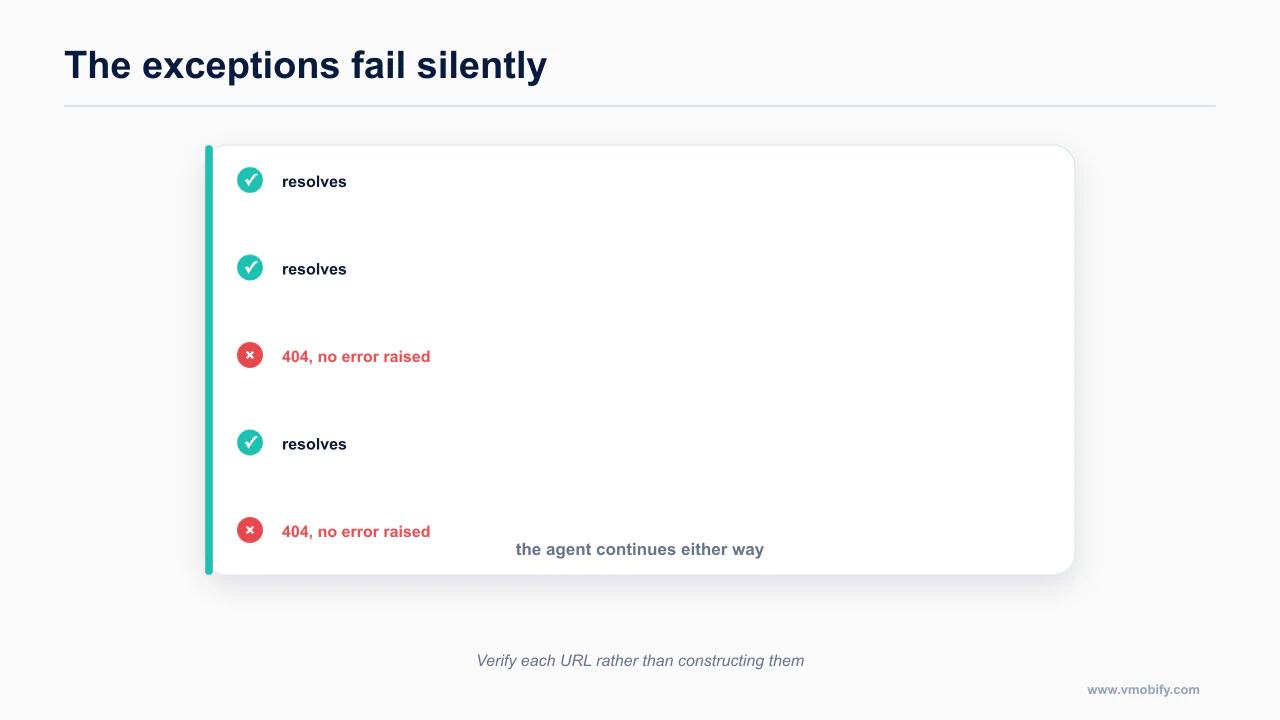
A verified list beats a constructed pattern, because the pattern has exceptions and the exceptions fail silently.
These are the pages that change agent output most, because they are the ones agents get wrong most often: touch targets, type scaling, the controls-versus-content layer distinction, sheet behaviour, tab bar rules, haptics, dark mode, and gesture conflicts.
https://developer.apple.com/tutorials/data/design/human-interface-guidelines/accessibility.json
https://developer.apple.com/tutorials/data/design/human-interface-guidelines/typography.json
https://developer.apple.com/tutorials/data/design/human-interface-guidelines/materials.json
https://developer.apple.com/tutorials/data/design/human-interface-guidelines/layout.json
https://developer.apple.com/tutorials/data/design/human-interface-guidelines/sheets.json
https://developer.apple.com/tutorials/data/design/human-interface-guidelines/tab-bars.json
https://developer.apple.com/tutorials/data/design/human-interface-guidelines/playing-haptics.json
https://developer.apple.com/tutorials/data/design/human-interface-guidelines/dark-mode.json
https://developer.apple.com/tutorials/data/design/human-interface-guidelines/gestures.json
Verify each one resolves in your own environment before you commit it to a reference file. Apple restructures the HIG between releases, page slugs move, and a reference file that silently returns nothing is the exact failure mode this post exists to kill. Build the check into your setup: fetch each URL once, assert the response is non-trivial in size, and fail loudly if it is not.
If a slug has moved, find the current one in the rendered HIG in a real browser, then translate it into the JSON form. The transformation is mechanical.
The documentation worth reading before you act on this is Material 3 design site — worth reading in full rather than taking a summary of it, because the details here change more often than the shape of the advice does.
Verify rather than construct. The path pattern is consistent enough that it is tempting to generate URLs from page names, and that is exactly how broken lists get published: a constructed URL that 404s does not raise an error the agent surfaces. It fetches, receives nothing useful, and carries on writing from memory — which is the failure this whole approach exists to prevent. The silence is the problem. A dead link in a normal document is visible to a reader; a dead link in an agent's reference folder is invisible to everyone.
Checking the full list takes about a minute. A loop over the URLs recording each status code tells you immediately which entries survive, and it is worth re-running whenever you target a new OS version, because Apple reorganises the guidelines alongside releases rather than continuously.
When I ran that check against a published list of 43 URLs, 38 returned content and three were dead. That ratio is worth internalising: the pattern is real and mostly reliable, and a small number of exceptions will quietly poison a references folder if you assume it is uniform.
Liquid Glass is the one that catches people, because it is the newest material and the most written about. There is no liquid-glass page in the guidelines; the content lives under materials. Several published guides link to a Liquid Glass URL that has never existed, which is a good reminder that a plausible URL and a real one are different things.
Touchscreen gestures was renamed to gestures. The old path returns nothing, and because gesture handling is one of the areas agents most need guidance on, its absence is expensive.
Navigation bars is the most interesting case, because it is not a rename or a deletion. Apple now redirects /navigation-bars to /toolbars — the two pages were merged. The HTML redirect resolves cleanly in a browser, so a human checking the link sees a working page and concludes the entry is fine. The JSON path has no such redirect and simply fails. That asymmetry is why checking the human-facing URL is not a substitute for checking the one your agent will actually request.
Where should you send an agent for Android?
The Material site has the same rendering problem, and the routing that works is not the one people link to.
m3.material.io is the canonical Material 3 site and it is the wrong target for an agent. Same failure as the HIG: client-rendered, empty to fetchers.
Route agents to two places instead.
developer.android.com serves real HTML. The Compose and Material 3 guidance there fetches cleanly, and it is the version that maps onto the API your agent is actually calling — which matters more than the design-site prose, because the design site describes intent while the developer site describes the components that exist.
The androidx source tree is the underrated one. Material 3's design tokens are not prose on a website; they are Kotlin files in androidx.compose.material3.tokens. The real type scale lives in TypeScaleTokens.kt. If you want an agent to stop guessing at Material type sizes, hand it the token file rather than a rendered table. Source is unambiguous in a way a marketing page never is, and it is versioned against the dependency you actually ship.
Locate TypeScaleTokens.kt in the androidx source (it is also sitting in your Gradle cache if you have compose-material3 resolved), confirm the URL or path you pick actually returns the file, and pin it in your references.
For convenience, here is the M3 type scale as size / line height / tracking, so your reference file has a fallback even if the source fetch fails:
| Role | Large | Medium | Small |
|---|---|---|---|
| Display | 57/64/−0.2 | 45/52/0.0 | 36/44/0.0 |
| Headline | 32/40/0.0 | 28/36/0.0 | 24/32/0.0 |
| Title | 22/28/0.0 | 16/24/0.2 (Medium) | 14/20/0.1 (Medium) |
| Body | 16/24/0.5 | 14/20/0.2 | 12/16/0.4 |
| Label | 14/20/0.1 (Medium) | 12/16/0.5 (Medium) | 11/16/0.5 (Medium) |
M3 Expressive adds *Emphasized variants of every role on top of this.
This is documented directly in Android developer documentation — worth reading in full rather than taking a summary of it, because the details here change more often than the shape of the advice does.
The general principle transfers but the specifics do not. Where Apple serves a parallel JSON representation of the same content, the Android documentation is structured differently, and the routing that returns useful text to a fetcher is not the marketing-facing design site people naturally link to. Send an agent to the wrong one and you get the same empty result as the HIG, with the same silent failure mode.
What is the references folder pattern?
Caching the fetched documents into the repository turns a network dependency into a file the agent can always read.
Do not paste all of this into AGENTS.md. A design reference that loads at session start eats context that your agent needs for your actual code, and most of it is irrelevant to any given task.
The pattern that works is progressive disclosure: a short index the agent always sees, pointing at files it loads only when the task calls for them.
your-project/
  AGENTS.md
  references/
    README.md            # the index: one line per file, when to load it
    hig-urls.md          # the JSON URL list above
    hig-typography.md    # cached Dynamic Type table
    hig-liquid-glass.md  # iOS 26 API surface and the sparingly rule
    m3-type-scale.md     # the table above
    m3-tokens.md         # where TypeScaleTokens.kt lives
    android-insets.md    # edge-to-edge, predictive back
Then in AGENTS.md, one short block:
## Design references

Before writing or changing any UI, read `references/README.md` and load the
files it points to for the surface you are touching. Do not rely on training
data for iOS 26 or Material 3 Expressive APIs — both post-date most of it.

If a reference file contains a URL, fetch it. If a fetch returns an empty or
trivially short body, say so in your response instead of proceeding.
That last sentence is the one that matters. It converts a silent failure into a visible one, and it is the cheapest reliability improvement in this whole post.
Cache the content, too. A URL list is fine until you are offline, rate-limited, or Apple moves a slug mid-sprint. The dependable setup is: cached markdown as the primary source, live URL as the refresh path, and a dated line at the top of each file so you know how stale it is. The rules file this sits beside is covered in the Expo and Claude Code setup.
For the authoritative version, see Prisma-Labs-Dev/apple-skills — worth reading in full rather than taking a summary of it, because the details here change more often than the shape of the advice does.
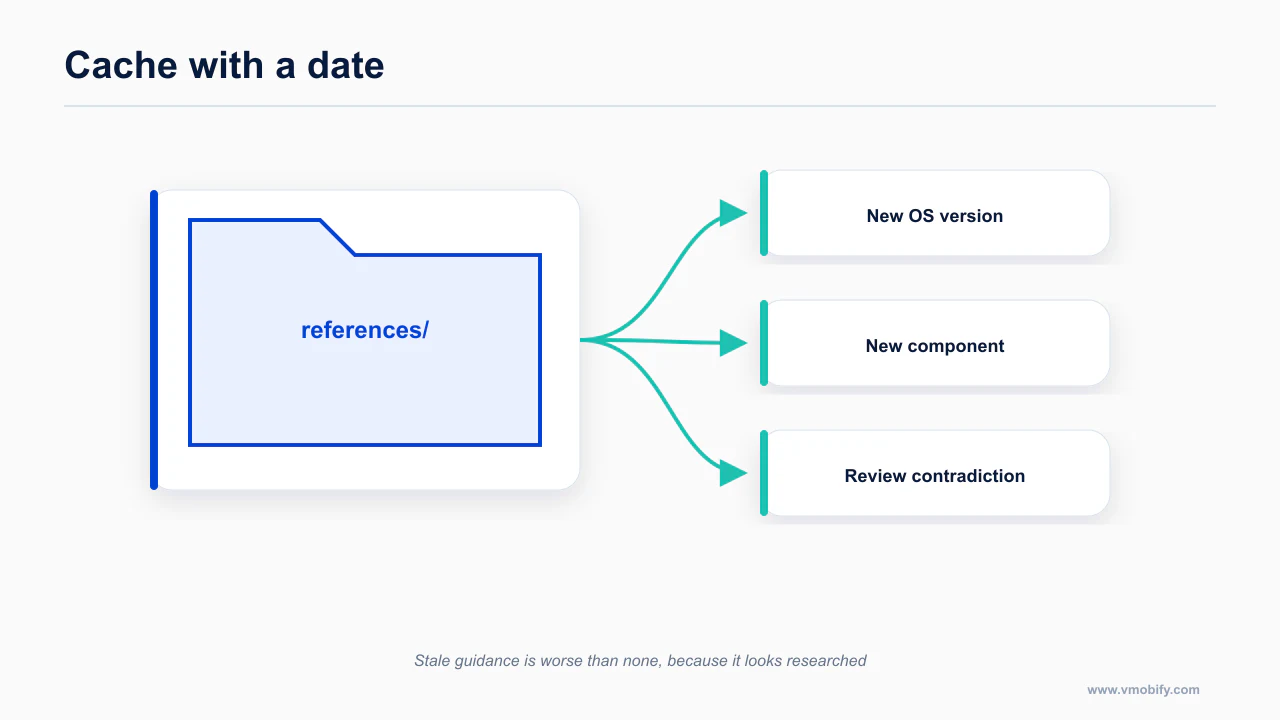
Cache with a date. Write the fetch date into the file or the folder name, because the failure mode of a references folder is not that it breaks but that it silently ages. An agent reading a two-year-old copy of the guidelines is confidently working from superseded advice, which is materially worse than fetching nothing, because it produces output that looks researched.
Keep the raw JSON rather than a summary you wrote. It is tempting to condense each document into the rules you care about, and it saves tokens, but it also bakes in your reading of the guidance at the moment you read it. The raw document lets the agent find the part relevant to the current task, including the parts you did not think mattered.
Refresh on a trigger rather than a schedule. The useful triggers are targeting a new OS version, adopting a component you have not used before, and any design review that turns up guidance contradicting what the agent produced. That last one is the most valuable signal available: a contradiction between the cached guidance and a reviewer's correction usually means the cache is stale, not that the reviewer is wrong.
What does this actually change?
The change is that design rules come from the platform vendor rather than from the model’s recollection of them.
Two things, immediately.
Your agent stops guessing at numbers it could have read. The 44×44 pt iOS minimum, the 48×48 dp Android minimum, the fact that Body scales from 17 pt to 53 pt at the largest accessibility size — these are facts with sources, and once they are in context the agent stops inventing plausible-looking alternatives.
And you stop trusting a tool call that succeeded while returning nothing. That is the more general lesson. Any time you tell an agent to consult an external source, check that the source is fetchable from the agent's environment, not from your browser. Design documentation is the worst offender because the two biggest platform vendors both ship client-rendered guideline sites, but it is not the only place this happens.
If you want the design rules themselves rather than the plumbing to fetch them, that is the mobile UI/UX rules AI agents get wrong. If you are wondering whether a Figma file is a better source of truth than a guidelines site, the honest answer is in Figma to mobile code. And if you would rather pick a component library that encodes the rules so your agent cannot violate them, see which mobile design system gets the best AI output.
This post is one piece of the larger workflow in how to actually ship a mobile app with Claude Code in 2026. The wider tooling picture is the mobile skills and MCP directory, and the path around it is the mobile shipping pillar.
The change is smaller than it sounds and matters more than it sounds. Nothing about the agent's capability changes; what changes is which body of knowledge it draws on. Before, design decisions came from an average of everything the model had read about mobile design, weighted by how common each opinion was on the internet. After, they come from the platform vendor's current documentation.
That distinction shows up most clearly on anything recent. Guidance published in the last year is thinly represented in training data and heavily represented in the current documentation, so it is exactly where recall performs worst and fetching performs best. Newer material is where this technique earns its setup cost.
It is also worth being clear about what it does not do. Having the guidelines available does not make an agent apply them, any more than having a style guide makes a writer follow it. The documents are an input; the rules file that tells the agent to consult them, and the review step that checks whether it did, are what turn an available document into an applied one.
Frequently Asked Questions
Why does fetching the HIG return nothing useful?+
The page renders client-side. A fetcher gets the shell, not the content, so the agent silently falls back on whatever it remembers about the guidelines.
Is the JSON mirror an official API?+
It is the data the documentation site itself consumes, served at a predictable path. It is not a documented public API, so treat it as stable-but-unpromised and re-check it periodically.
How do I know if a URL in a published list still works?+
Fetch it. Three of the commonly published HIG JSON URLs are dead right now, and a 404 fails silently — the agent carries on with no guidance rather than reporting a problem.
What replaced the dead URLs?+
Liquid Glass content sits under materials, touchscreen-gestures became gestures, and navigation-bars now redirects to toolbars because Apple merged the pages.
Should I cache these files in my repo?+
Yes. A references folder turns a network dependency into a file the agent can always read, and it pins the guidance to a version you reviewed.
Does the same approach work for Material?+
The principle does, but the routing differs. Sending an agent to the main Material site produces the same empty result as the HIG.
How often should I refresh the cache?+
When you target a new OS version, and whenever a design review turns up guidance that contradicts what the agent produced.
Sources
About the author
Amol Pomane — Founder, Vmobify
Amol leads Vmobify, a mobile app growth agency that has driven 30M+ downloads and ranked 54K+ keywords across 300+ apps since 2013. He writes about ASO, paid user acquisition, retention, and the operational reality of scaling mobile apps in India and global markets.