App Influencer Marketing: Briefs and Attribution That Track
A creator posts, your installs rise, and nothing in your dashboard connects the two. The gap is almost never the creator — it is that the link, the listing and the redemption path were designed after the deal was signed instead of before it. This is the mechanics side: what the stores actually hand back to you, and what no amount of briefing can recover.
On this page
- Why does creator attribution break before the campaign starts?
- What does the Play Install Referrer actually hand back?
- Why is the App Store side a different problem?
- Should every creator get their own store listing?
- Do promo codes work as an attribution mechanism?
- Where does the deep link handoff break?
- What should the brief actually specify?
- What can you measure, and what can you never measure?
- How do you price a deal with no published rate card?
- Frequently Asked Questions
Why does creator attribution break before the campaign starts?
Because the only moment at which a creator campaign can be tagged is the moment the viewer taps the link, and by then every decision that determines whether you can measure anything has already been made. The post going live is not the start of the campaign. It is the point after which nothing can be fixed.
The failure looks the same every time. A creator publishes, organic installs rise for two days, and the analytics stack shows a jump in a bucket labelled direct or unattributed. Nobody can say whether the lift was that creator, a second creator who posted the same week, a store feature, or a seasonal pattern. The campaign is then judged on a vibe and renewed on a vibe.
There are only three places a creator campaign can carry an identifier, and all three are set up before the brief goes out:
- In the link itself, as a referrer parameter that survives the store visit and reaches your app on first launch.
- In the destination, as a store listing or product page that exists only for that creator and reports its own numbers.
- In the redemption, as a code the user types, which is the only signal that survives when the link is lost entirely.
Most programmes use none of them, then ask an attribution tool to reconstruct the answer after the fact. It cannot. Across the 300+ apps we have managed since 2013, the single most common cause of an unmeasurable creator campaign is that the creator was sent a plain store URL — the same URL every other channel uses — and asked to post it.
If you cannot describe, in one sentence, which field in which report will contain this creator's name a week from now, the campaign is not measurable. Signing the deal will not make it measurable. This is the check to run before money moves.
The rest of this article is the mechanics, taken from the platform documentation rather than from vendor claims. Our wider guide to mobile attribution covers the measurement stack around it; this piece is specifically about what the two stores hand you.
What does the Play Install Referrer actually hand back?
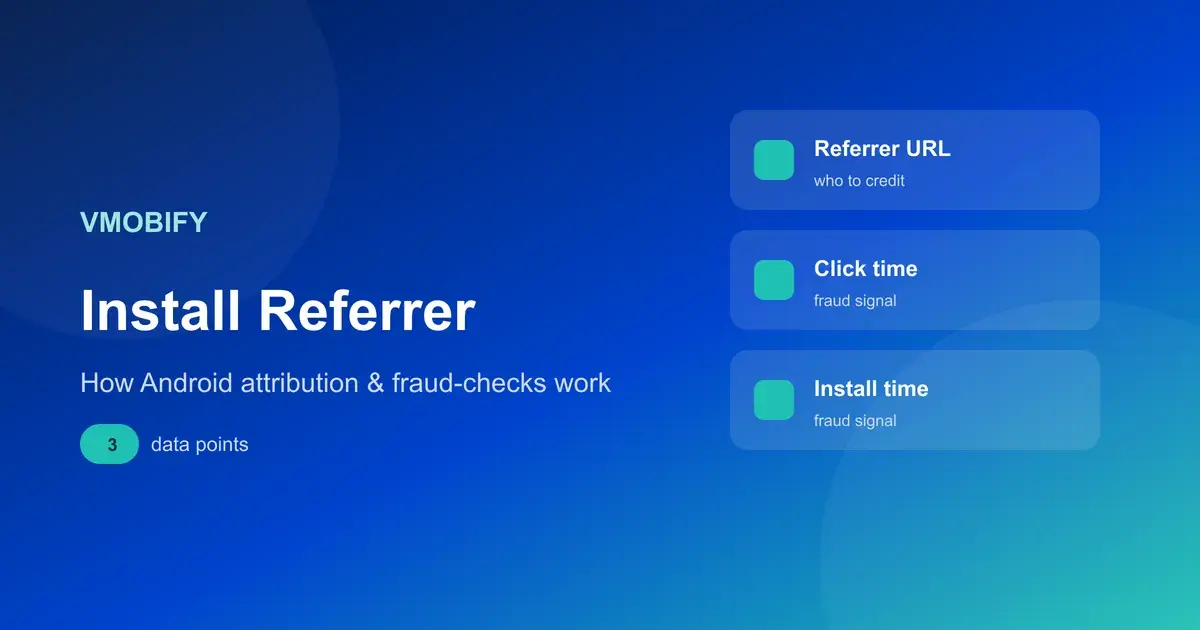
On Android, the Play Install Referrer API returns the referrer string you put in the link plus two timestamps, and Google states that the install referrer information will be available for 90 days and will not change unless the application is reinstalled. This is the strongest creator-attribution signal available on either platform, and it is deterministic rather than modelled.
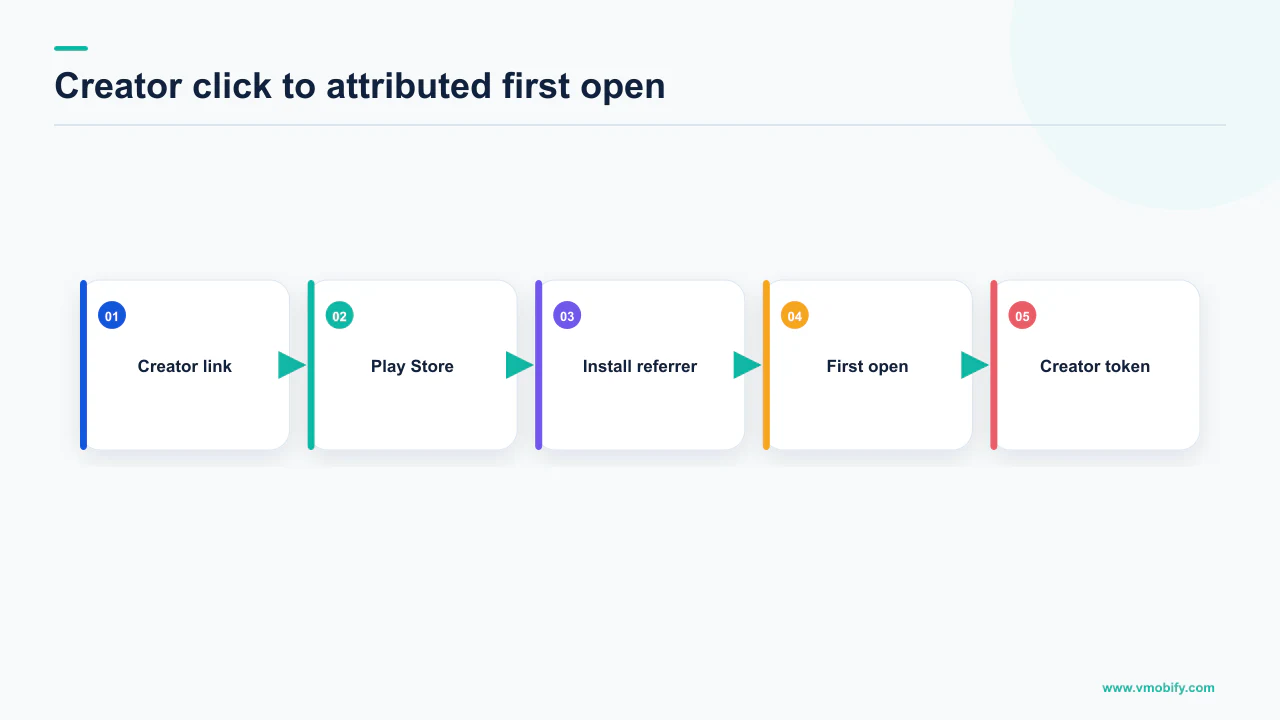
Google's Play Install Referrer Library documentation describes it as a wrapper for the AIDL file that defines the interface to the Install Referrer service, used to retrieve referral content from Google Play. The ReferrerDetails object gives you four things:
getInstallReferrer()— the referrer URL, which is where your creator identifier lives.getReferrerClickTimestampSeconds()— the referrer click time.getInstallBeginTimestampSeconds()— the app install time.getGooglePlayInstantParam()— whether an instant experience was launched.
The two timestamps are the part teams overlook, and they are what makes this useful for creator work specifically. The gap between click and install is a diagnostic in its own right. A cohort with a very short gap behaved like ad traffic. A cohort where installs trail the click by hours or days behaves like someone who watched a video, thought about it, and came back — which is what a good creator placement actually produces, and what a click-window-based report will quietly discard.
Two operational conditions travel with this. Google's guidance is to invoke the API only once, during the first execution after install, to avoid unnecessary API calls. And the 90-day availability is exactly that — an availability window on the stored referrer, not a lookback window you can widen. Miss the first launch and there is no second chance on that install.
One referrer value per creator, per placement, decided before the brief is sent — not a single shared value for the whole programme. The parameter costs nothing and it is the difference between knowing which of eight creators worked and knowing that eight creators collectively did something.
If your measurement partner already reads the referrer, you still need to own the naming scheme, because they report whatever string you shipped. The plumbing is covered in our piece on how the Play Install Referrer works.
Why is the App Store side a different problem?
Because there is no iOS equivalent of a referrer string that arrives intact on first launch, so the identifier has to live in the destination or in the redemption rather than in the link. Teams that build one measurement design for both platforms end up with an Android plan applied to iOS, where the mechanism it depends on does not exist.
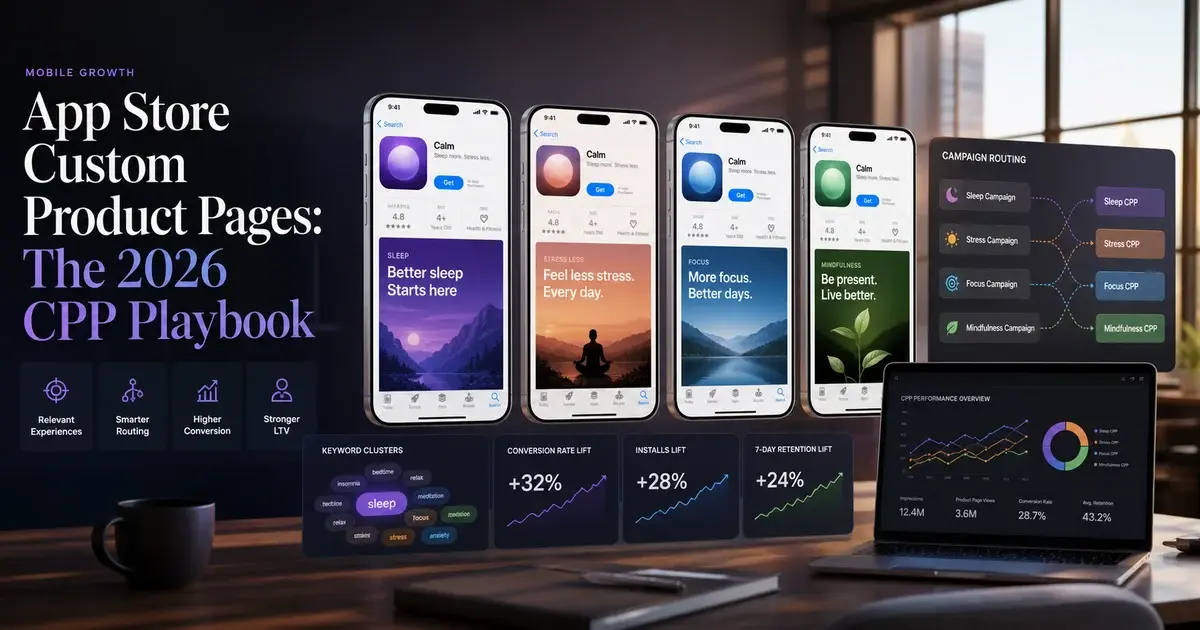
What iOS gives you instead is a distinct destination. Apple's custom product pages documentation states that you can publish additional versions of your App Store product page, each highlighting a feature or specific content from your app and each with a unique URL to share — up to 70 additional versions on the App Store for iPhone and iPad. The unique URL adds a product page ID parameter to the default product page URL.
That product page ID is your identifier. It does not reach your app, but it reaches your reporting: Apple states that through the Acquisition tab in App Store Connect you can measure product page impressions, downloads, redownloads, conversion rates, retention data and average proceeds per paying user for each custom product page, and compare against the default page.
Note what that list contains and what it does not. It is store-side measurement: you learn how many people saw the page and how many installed. You do not get a creator identifier inside your own app on first launch, so joining a creator to in-app behaviour on iOS requires either a distinct product page per creator or a code the user redeems.
Two conditions matter for planning. Apple states that any metadata included in your custom product pages must be submitted for review, which you can do independent of an app update — so the review is real, but it does not block on your release train. And deep links from custom product pages are supported in iOS 18 and iPadOS 18 or later, which is a version condition you cannot design away for older devices.
We cover the creative side of these pages separately in our guide to custom product pages.
Should every creator get their own store listing?
On Google Play you can, within a documented cap of 50 custom store listing pages, and the targeting options include a segment built specifically for paid traffic. This is the Android counterpart to a custom product page, and it does more than Apple's version because it can be targeted rather than only linked.
Google's custom store listings documentation states that you can tailor your app's store listing to appeal to specific user segments or to users who visit your listing via a unique custom store listing URL, and that you can create up to 50 custom store listing pages. The available targeting includes install states, country or region, search keywords, ads traffic for Google Ads-sourced visitors, inactive users and pre-registration.
Google Play custom store listings
- Up to 50 pages
- Reachable by unique URL or by targeting
- Targeting includes search keywords and Google Ads traffic
- Also targetable by install state and region
Apple custom product pages
- Up to 70 additional versions, iPhone and iPad
- Reachable by unique URL
- Can also appear in relevant search results
- Metadata submitted for review, independent of an app update
The 50-page cap shapes the programme. Fifty is generous for a shortlist of significant partnerships and restrictive if you plan to hand one to every micro-creator in a hundred-person seeding push. So the design is tiered: named pages for the creators whose audience justifies a bespoke first impression, and shared pages by theme for the long tail, with the individual identity carried in the referrer parameter or the code instead.
The listing is also where most of the conversion loss happens. A creator sends someone who has just watched a specific promise; the default listing then talks about something else, and the visitor leaves. That mismatch is invisible in creator reporting and shows up as a weak campaign. Our store listing conversion work is the other half of any serious creator programme, and in our portfolio it is routinely the half that moves the result.
Do promo codes work as an attribution mechanism?
They work as a last-resort identifier that survives when the link is lost, but the quarterly caps and eligibility rules are strict enough that codes cannot be your primary mechanism. Read the limits before you promise a creator an unlimited code, because both stores enforce them and both differ.
On the Play side, Google's promotions documentation sets out several distinct limits that are easy to conflate:
- Non-subscription promotions: up to 500 codes per quarter across all non-subscription promotions in an app. Note the scope: per app, per quarter — not per campaign, and not per developer account.
- Subscription one-time-use codes: 10,000 promo codes per quarter per subscription product.
- Subscription custom codes: a redemption limit between 2,000 and 99,999.
- Unused codes do not carry over. Google states unused codes within a quarter are forfeited and will not carry over to the next quarter.
The eligibility rule is the one that quietly breaks campaigns. Google states that custom codes are only available for subscriptions and can only be redeemed by users who have not previously subscribed. If your creator audience overlaps with your lapsed subscribers, a custom code excludes exactly the people a win-back campaign is aimed at.
Apple's model differs. Its auto-renewable subscriptions page describes two types of offer code — one-time-use codes, which are 18-digit unique codes, and custom codes such as a named promotional word — and states that customers can redeem them using a redemption URL or on the App Store in iOS 14.2, iPadOS 14.2 and macOS 15 or later, or within your app if it supports the offer code redemption method. Apple also states that existing subscribers can only redeem codes that are an upgrade from or at the same level as their current subscription.
So a code is a real signal, and it is the only one that survives a viewer who hears your name in a video, forgets the link and searches for you three days later. It is just a rationed one. Use codes as the backstop that catches the untracked path, not as the system of record. Our referral programme guide covers the same redemption mechanics applied to users rather than creators.
Where does the deep link handoff break?
It breaks at verification: an unverified link opens a disambiguation dialog or a browser instead of your app, and the whole handoff is judged by the user in the second that takes. This is a server configuration problem masquerading as a marketing problem, and it is worth checking before every creator push rather than after.
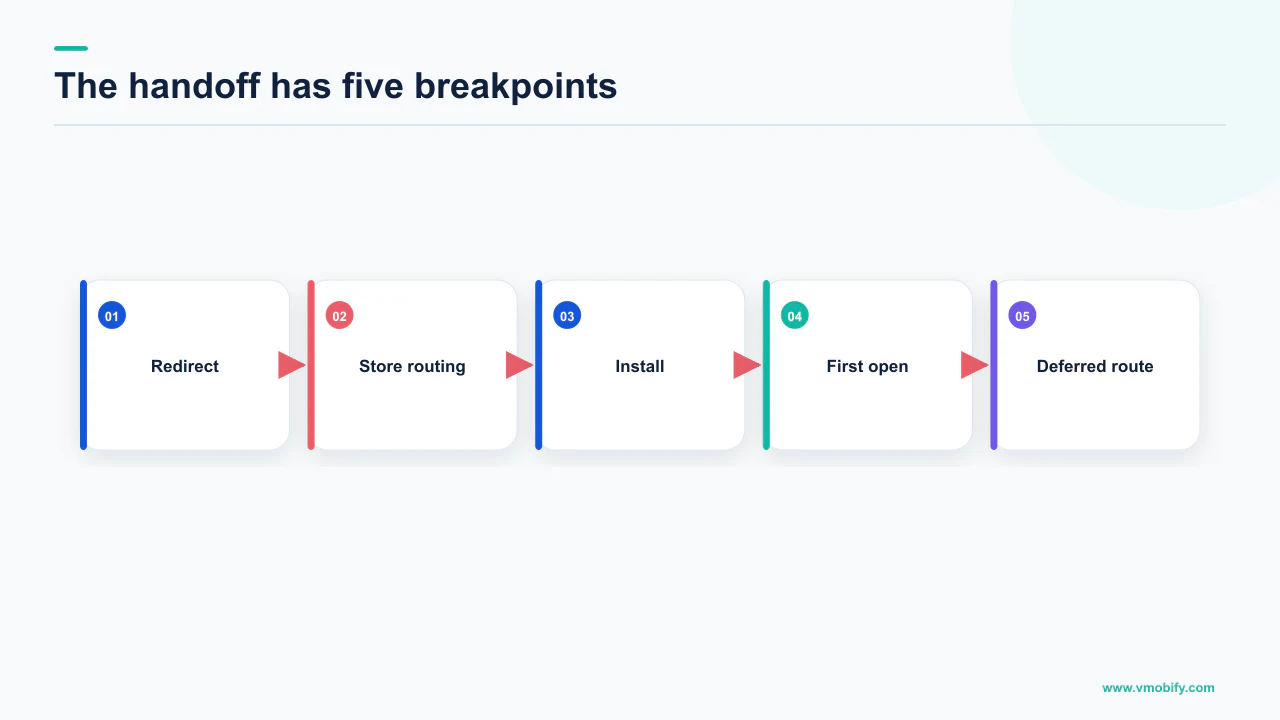
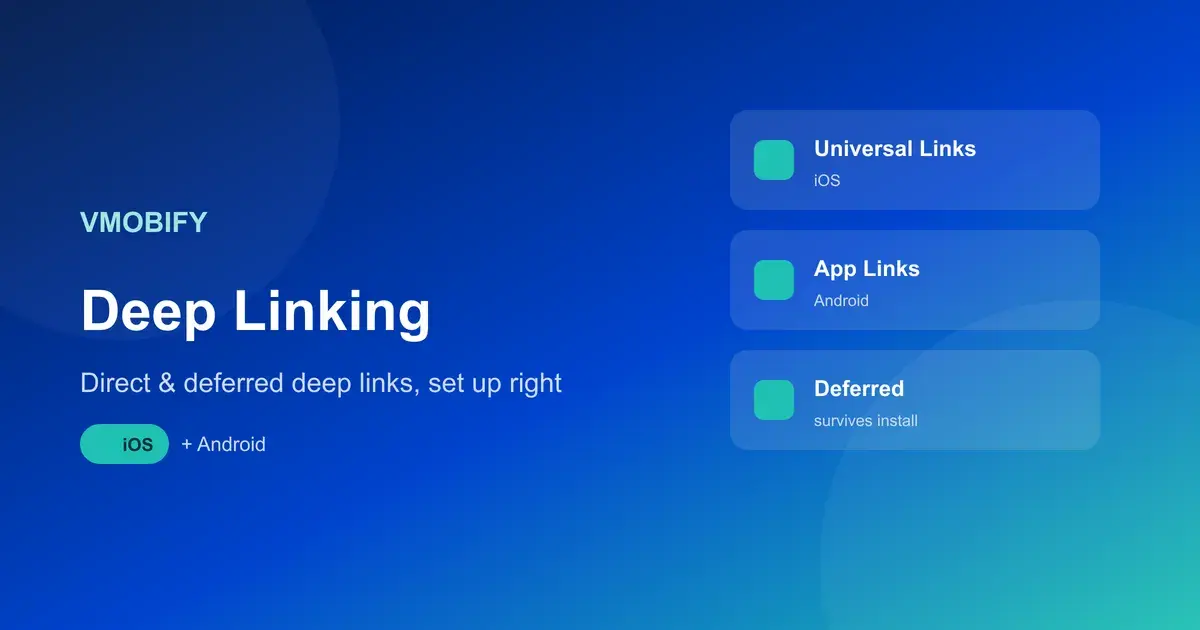
Google's App Links verification documentation is precise about what is required. The intent filter must include android:autoVerify="true", the android.intent.action.VIEW action, both the BROWSABLE and DEFAULT categories, and an http or https data scheme. The system then queries your site for a Digital Asset Links file at https://hostname/.well-known/assetlinks.json, which must be served over https, must be reachable without HTTP redirects, and must carry the correct JSON content type. Google also notes that after installation you should wait at least 20 seconds for the asynchronous verification to complete before testing.
Android's own overview draws the distinction that matters for briefing. Plain deep links are available on all Android versions but are subject to the system disambiguation dialog. Android App Links verify the association between your app and your site, so that after verification the link opens your content immediately without the user selecting your app from a dialog — and Google describes App Links as the recommended approach for deep links to your website. Support is stated for Android 6 and later, on devices that have Google services.
Not a shortened version, not the one in your notes. Redirect chains are the most common cause of a broken handoff, and the App Links requirement is explicit that the asset links file must be reachable without redirects. Send the creator a link you have opened yourself, from a device with the app not installed and again with it installed.
The commercial consequence is straightforward: a creator drives someone to a specific piece of content, the link opens a browser page instead, and the visitor is now three taps from what they were promised. Our deep linking guide covers the configuration on both platforms.
What should the brief actually specify?
The link string, the destination, the code, the disclosure and the claim boundaries — as exact text, not as guidance. Everything creative in a brief is a suggestion. Everything measurable in a brief has to be a literal string, because a creator retyping a URL from a PDF is how tracking parameters die.
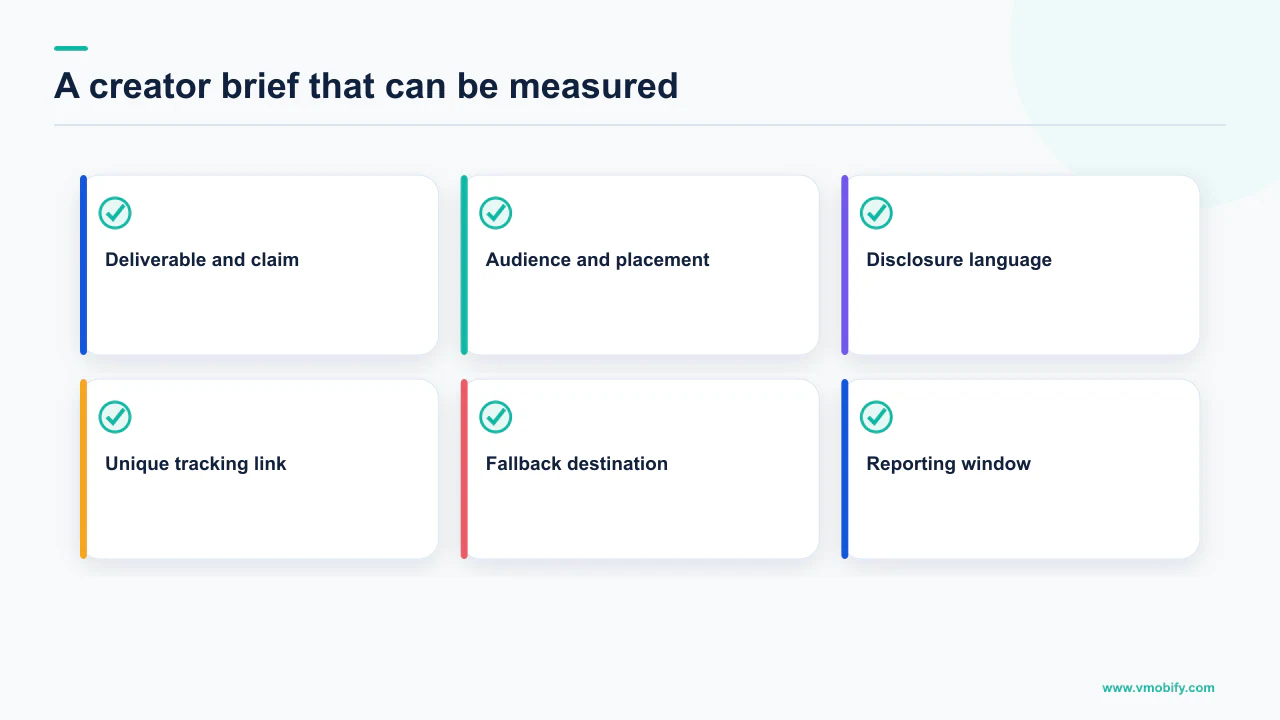
- The exact link, as a copy-and-paste string. One per creator, per platform, per placement. If the creator posts on two platforms, that is two strings, because otherwise you cannot separate them later.
- The destination each link resolves to, named explicitly — default listing, a specific custom store listing, or a specific custom product page. Someone on your side should have opened it on a real device that day.
- The code, its type and its eligibility rule. If it is a Play custom code, the brief must say it works only for users who have not previously subscribed, because the creator will otherwise field complaints from their own longest-standing followers.
- What the app actually does, in the specific area the creator will demonstrate. Wrong demonstrations generate installs followed by immediate uninstalls, which is worse than no campaign.
- Claim boundaries. Anything about returns, guarantees, health outcomes or regulated products should be listed as text the creator may use and text they may not.
- Disclosure requirements for their market, stated as the creator's obligation and confirmed in writing before publication.
- The deliverable calendar, so two creators are not publishing on the same day at the start of the programme, when you still need to attribute lift creator by creator.
That last point is a measurement decision dressed as scheduling. Early in a programme, stagger; once each creator has a working identifier you trust, concurrency stops being a problem.
What a brief should not contain is a script. In our portfolio, the creator posts that convert sound like the creator; the ones that underperform are usually where a marketing team wrote the words. Constrain the claims and the links; leave the voice alone.
What can you measure, and what can you never measure?
You can measure the tagged path completely and the untagged path not at all, and being honest about that split is what separates a defensible creator programme from a decorative one. The mistake is not the gap. The mistake is reporting a number as though the gap were not there.
Here is the split, as the documentation supports it:
Measurable: installs that arrive through a tagged link on Android, with click and install timestamps attached. Store-side performance of a named custom product page or custom store listing, including impressions, downloads and conversion rate. Redemptions of a code issued to one creator. In-app behaviour of any cohort you can identify by one of those three routes.
Not measurable: the viewer who watched, did not tap, and searched your app name a week later. The viewer who screenshotted the post and installed from a different device. Word of mouth generated by the video. All three are real effects of creator work and none of them will ever appear in a referrer field.
The correct response to the untracked portion is not to model it with an assumed multiplier. It is to bound it. Run the first creator in a quiet week with no other activity, watch total installs against the tagged subset, and you have a directional sense of how much of the lift is arriving untagged for your app, in your market. That ratio is yours and it is not transferable to anyone else's app, which is why you will not find a published figure for it and why we do not print one. For programmes large enough to justify it, the formal answer is an incrementality test rather than an assumption — we cover the method in incrementality testing and MMM for apps.
One more discipline: creator traffic is a place where install quality has to be checked rather than assumed. An unusual pattern in the click-to-install gap, or installs with no subsequent sessions, is worth investigating the same way you would investigate any other source. Our notes on install fraud prevention apply here as much as to networks.
How do you price a deal with no published rate card?
You price against your own tolerable cost per install and payback period, because there is no credible published rate card for creator pricing and we will not print one. Rates vary by market, category, format, exclusivity and negotiation, and every widely circulated table we have checked traces back to a survey nobody can inspect. A number you cannot source is worse than no number, because it anchors a negotiation on fiction.
What you can do is invert the problem. You know, or can calculate, what an install is worth to you and what you already pay for one on your existing channels. That gives you a ceiling that is defensible in a negotiation because it is derived from your own data:
- Establish your tolerable cost per install from payback, not from what feels affordable. Our payback and cash guide sets out the calculation.
- Convert the fee into a break-even install count. A flat fee divided by your tolerable cost per install is the number of tagged installs the placement must produce to be worth doing.
- Ask whether that number is plausible for this creator's audience size and this format. If it requires an implausible share of their audience to install, the deal is priced wrong regardless of any benchmark.
- Structure the first deal to produce evidence. One placement, a working referrer string, a named destination, a code — enough to establish the creator's real number rather than an estimated one.
- Reprice from your own data. After two or three creators you have a rate card. It is specific to your app and it is the only one worth using.
The break-even framing also changes the conversation with the creator. You are not haggling over an industry rate neither side can verify; you are explaining what the placement has to deliver for you to run it again. A partner who can say precisely what worked is a partner who comes back.
Everything in this article reduces to one sequence: decide the identifier, build the destination, then sign the deal. If you are planning a creator programme and want the measurement designed before the money moves, tell us what you are planning, or see how we approach paid and earned acquisition together in our user acquisition work.
Frequently Asked Questions
How do I attribute app installs to a specific creator on Android?+
Put a unique referrer value in the store link for each creator and read it with the Play Install Referrer API on first launch. Google states the referrer information will be available for 90 days and will not change unless the application is reinstalled, and that you should invoke the API only once, during the first execution after install. You also get the referrer click time and the app install time, which is a useful diagnostic for creator traffic.
Is there an iOS equivalent of the Play Install Referrer?+
Not in the same form. On iOS the identifier lives in the destination or the redemption rather than the link. Apple lets you publish up to 70 additional versions of your product page for iPhone and iPad, each with a unique URL, and reports impressions, downloads, redownloads, conversion rate, retention and average proceeds per paying user per page in App Store Connect.
How many custom store listings can I create on Google Play?+
Google states you can create up to 50 custom store listing pages. They can be reached through a unique custom store listing URL or through targeting, and the available targeting includes install states, country or region, search keywords, ads traffic for Google Ads-sourced visitors, inactive users and pre-registration.
How many promo codes can I give creators?+
On Google Play the caps differ by product type. Google states up to 500 codes per quarter across all non-subscription promotions, 10,000 one-time-use codes per quarter per subscription product, and a redemption limit between 2,000 and 99,999 for subscription custom codes. Unused codes within a quarter are forfeited and do not carry over.
Why do my custom codes not work for some followers?+
Check the eligibility rule rather than the code. Google states that custom codes are only available for subscriptions and can only be redeemed by users who have not previously subscribed. On the Apple side, existing subscribers can only redeem offer codes that are an upgrade from or at the same level as their current subscription.
Why does the creator link open a browser instead of my app?+
Almost always App Links verification. Google requires android:autoVerify set to true, the VIEW action, both the BROWSABLE and DEFAULT categories, and an http or https scheme, with an assetlinks.json file at https://hostname/.well-known/assetlinks.json served over https, reachable without HTTP redirects and with the correct JSON content type. Google also notes you should wait at least 20 seconds after install for verification to complete before testing.
What should I pay a creator for an app promotion?+
We do not publish a rate card because no credible sourceable one exists — rates vary by market, category, format and negotiation, and circulated tables trace back to surveys nobody can inspect. Work backwards instead: divide the fee by your tolerable cost per install to get the break-even install count, then judge whether that number is plausible for the creator audience in question.
Sources
- Play Install Referrer Library — The ReferrerDetails fields, the 90-day availability of the referrer, and the advice to call the API only once on first execution after install.
- Create custom store listings to target specific user segments — The 50-page cap, the unique custom store listing URL, and the targeting options including search keywords and Google Ads traffic.
- Custom Product Pages - App Store - Apple Developer — Up to 70 additional product page versions for iPhone and iPad, unique URLs, per-page acquisition metrics, and the independent metadata review.
- Create promotions — Quarterly promo code caps by product type, forfeiture of unused codes, and the rule that custom codes are subscription-only and first-time subscribers only.
- Auto-renewable Subscriptions - App Store - Apple Developer — Offer code types, redemption routes and OS versions, and the upgrade-or-same-level rule for existing subscribers.
- Verify App Links — Intent filter requirements for autoVerify, the assetlinks.json location and serving rules, and the 20-second wait before testing.
- About deep links — The distinction between plain deep links subject to the disambiguation dialog and verified Android App Links, and the stated Android 6 and later support.
About the author
Amol Pomane — Founder, Vmobify
Amol leads Vmobify, a mobile app growth agency that has driven 30M+ downloads and ranked 54K+ keywords across 300+ apps since 2013. He writes about ASO, paid user acquisition, retention, and the operational reality of scaling mobile apps in India and global markets.
Model an install budget
Turn CPI and activation assumptions into acquisition scenarios.
Open free tool