Sequencing Geographic Expansion: The Operational Order
You have picked the market. What breaks next is almost never the choice — it is the order. Pricing that was set before the tax position was settled, a listing translated before anyone checked the store supports the language, availability flipped on before a local payment method existed. Some of those steps are reversible and some are not, and the store documentation tells you which.
On this page
- Why does expansion fail after the market is chosen?
- What has to be settled before you touch anything else?
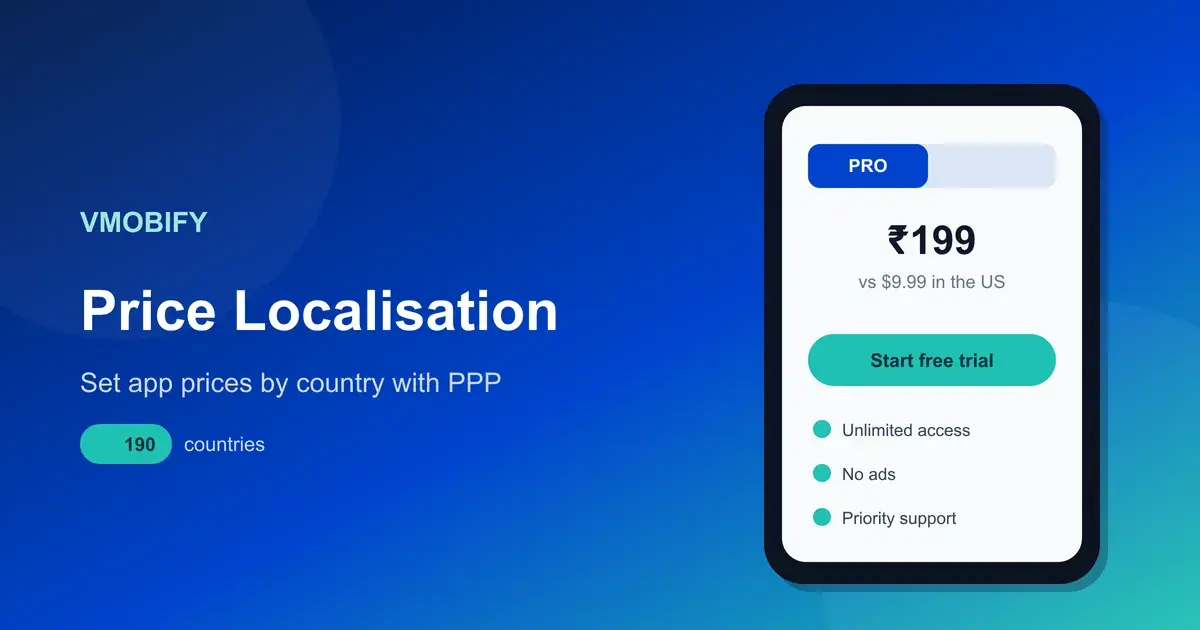
- How does each store decide your price in a new country?
- Which pricing decisions are one-way doors?
- Can people in that market actually pay you?
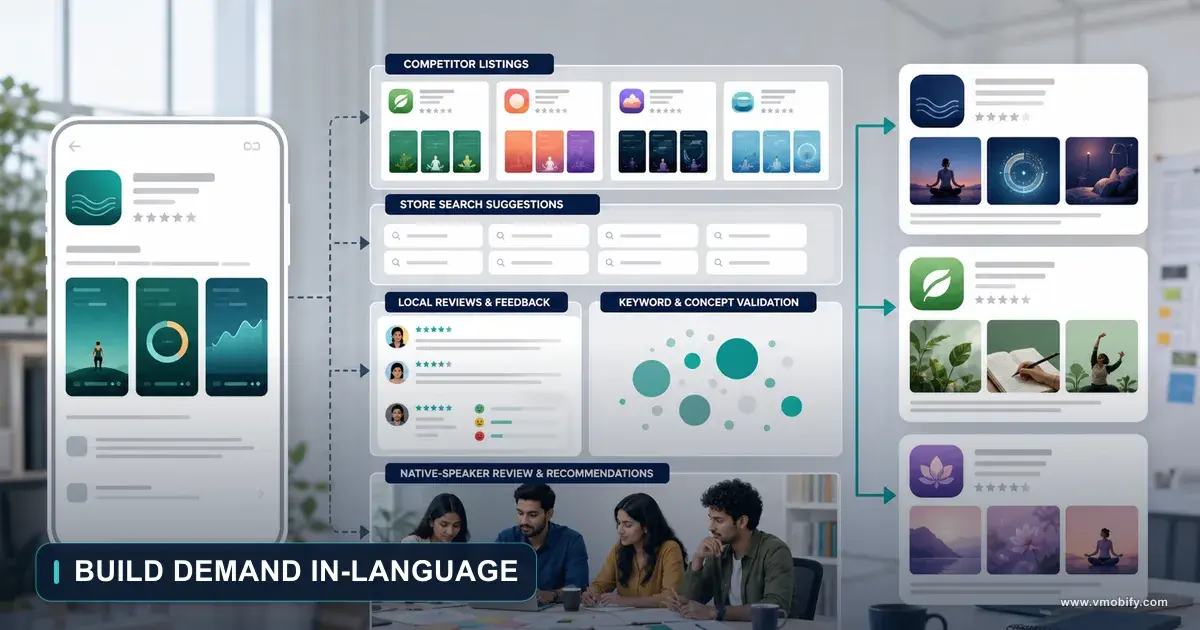
- What does localising the listing actually require?
- What does a new language do to support?
- When do you flip availability, and what cannot be undone?
- What order should you actually run this in?
- Frequently Asked Questions
Why does expansion fail after the market is chosen?
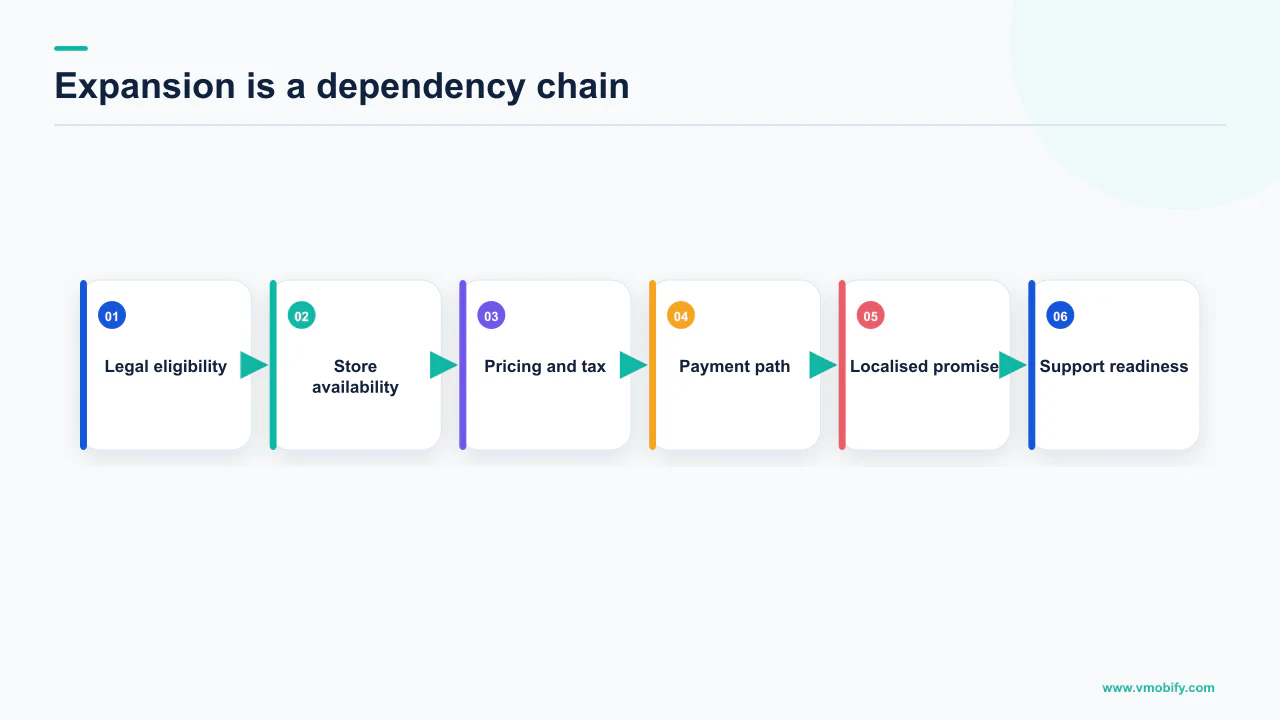
Because the market choice is a research problem with a reversible answer, and everything after it is an operations problem with several irreversible ones. Teams spend six weeks on the first and six days on the second, then discover that the order they ran the second in has locked them into a price, a currency or an app record they cannot change.
This piece is deliberately not about which country to enter — that question deserves its own analysis of demand, competition and acquisition cost. Assume the decision is made. What follows is the operational order: entity, tax, pricing, payments, listing, support, availability, and the points where the store documentation says you get one attempt.
The failure mode is consistent. A team flips availability first, because it is the step that feels like launching. The store then generates prices from a base nobody chose, taxed under a régime nobody confirmed, on a listing that falls back to an automated translation, for users whose only payment method the app does not accept. All of that is documented behaviour, not a bug. It is what happens when the last step is run first.
Two of the steps below are genuinely one-way. On Google Play, an app that has been offered for free cannot later be changed to paid. On the App Store, once your app is available for download or purchase in a country or region, pre-orders are no longer possible in that same location. Both are stated in the stores' own documentation, and both are decided by an action most teams take without realising it is a decision.
Across the 300+ apps we have managed since 2013, the expansions that went badly almost never went badly because the market was wrong. They went badly because a step that should have been fourth was executed first, and the recovery required a new app record, a new price schedule or a market re-entry that cost more than the original launch.
What has to be settled before you touch anything else?
Your legal identity in that market and who remits the tax — because both of them change the price you are allowed to display, and the price is the input to everything downstream. This is the step teams skip, and it is the only one that cannot be fixed by editing a field later.
Start with tax, because it determines the number. Google's tax rates and value-added tax documentation sets a display rule that most teams have never read: in some countries, prices shown to buyers on search and detail pages must equal the amount paid at the time of payment, which means all taxes including VAT must be included in the price. In those markets a tax-exclusive price is not a pricing style you can choose — it is a listing that will not match what the buyer pays.
The page also splits the world into jurisdictions where Google remits the tax and jurisdictions where the developer does, and it is explicit about the limits of its own advice: Google cannot provide you with tax advice, and tells you to consult your tax advisor. We will not publish a country-by-country remittance table here, because it changes and getting one cell wrong is a filing problem rather than a marketing one. What you need before you set a price is a definite answer, from someone qualified: in this market, who remits, and is the displayed price inclusive?
Then the identity question. Apple's guidance on EU Digital Services Act trader requirements is the clearest example of a legal declaration that becomes public marketing surface. A trader is defined as any natural or legal person acting for purposes relating to their trade, business, craft or profession. Organisations must supply an address, which displays automatically from the D-U-N-S Number, plus a phone number and an email address — and that contact information appears on the App Store product page. Individuals supply an address or P.O. Box, a phone number and an email address.
The consequence of the other answer is stated just as plainly: if you are not a trader, consumers in the EU will be informed that consumer rights stemming from applicable consumer protection laws will not apply to contracts between you and them. That notice sits on your product page, next to your conversion rate. It is a compliance field with a commercial effect, which is why it belongs before the listing work rather than after it.
How does each store decide your price in a new country?
Both stores generate the new country's price from a base you nominate, and both will keep adjusting it over time — until you override it, at which point the adjustments stop. The mechanisms differ enough that a team running one mental model across both platforms will get one of them wrong.
Apple's guidance on setting a price describes it precisely. You select a base country or region, and Apple uses that base to provide comparable prices on the other 174 storefronts. Prices for your base country or region will not be adjusted by Apple as taxes and foreign exchange rates change, and you can change the base configuration later at any time. Apple periodically updates prices in certain regions based on changes in taxes and foreign exchange rates, using publicly available exchange rate information from financial data providers.
Then the clause that decides your operating model: if you would like Apple to adjust prices for you, do not change the generated pricing — but if you select your own prices, Apple will not adjust your pricing on those storefronts in the future. Choosing a manual price in one market is therefore not a one-off edit. It is opting that storefront out of automatic maintenance permanently, and it becomes a recurring job you now own.
Google's model rhymes but is not identical. Its documentation on setting up your app's prices states that Play uses the price you enter as the base for calculating market-specific prices, converting to the local currency, adding tax in select countries, and applying locally relevant pricing patterns and valid exchange rates for the date on which you set the price. There is also a fallback worth knowing before entering a market with a thin currency footprint: when a local currency is not supported, a price in USD or EUR is generated.
App Store
- Nominate a base country or region
- Comparable prices generated on the other 174 storefronts
- Base price is not auto-adjusted for tax or FX
- Setting your own price in a storefront ends automatic adjustment there
Google Play
- Enter a base price
- Converted, taxed in select countries, and fitted to local pricing patterns
- Exchange rate is the one on the date you set the price
- No local currency support means a USD or EUR price is generated
Apple also documents the grid you are choosing within: up to 800 price points by default, with an option to request access to an additional 100 higher price points up to $10,000. Where the psychologically correct number and the generated one are far apart, that is the subject of purchasing power parity pricing.
Which pricing decisions are one-way doors?
Offering the app for free on Google Play is the hard one — the documentation states that once an app has been offered for free, it cannot be changed to paid. Everything else in pricing is an edit; this one is a new app record.
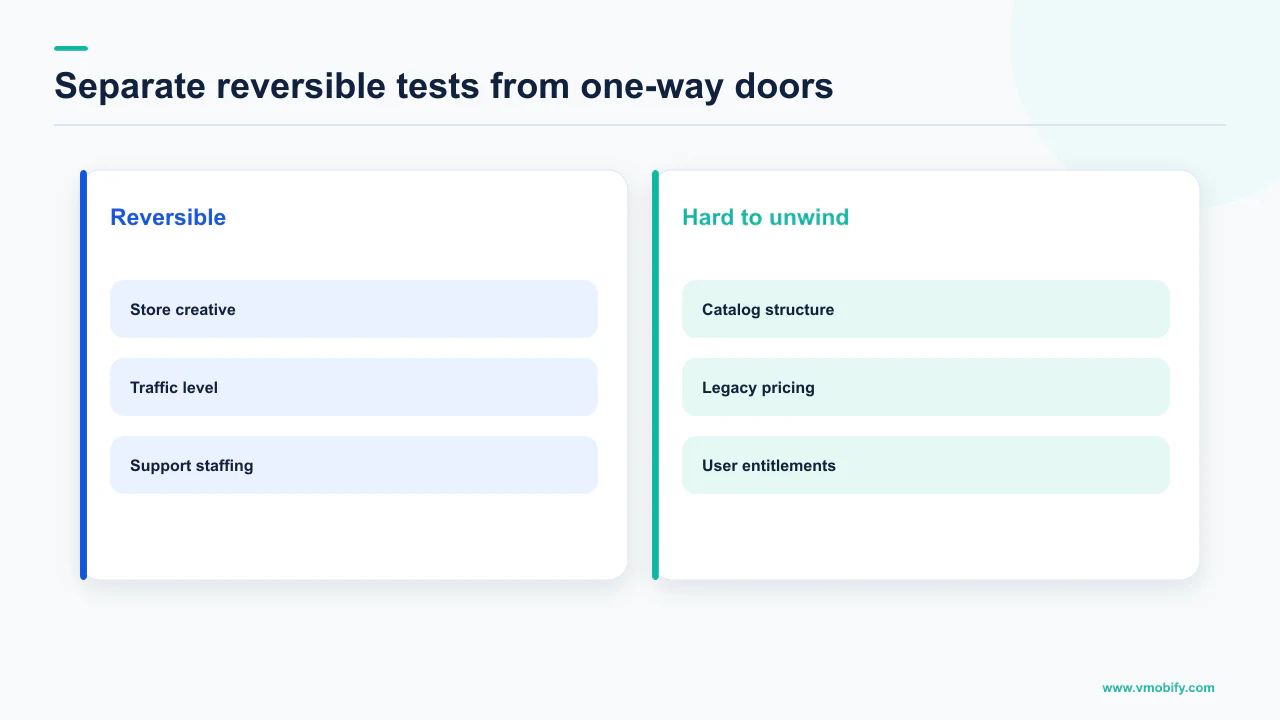
Google's pricing page is blunt about the remedy: if you want to charge for the app, you need to create a new app with a new package name and set a price. That means a new listing, a rating and review history starting at zero, and your existing install base pointing at the old identifier. For a team that launched free "just to see", that is not a pricing change. It is a relaunch.
This trips people during expansion because "free for now" feels like the low-risk option. It is low-risk on the acquisition side and irreversible on the monetisation side, and expansion is exactly when teams take reversible-feeling actions in unfamiliar markets. If a paid tier is at all plausible, create the app as paid; a paid app can go free, not the other way around.
Overriding a generated price is reversible in the sense that you can type a different number, but it is not reversible in the sense that matters. On the App Store, selecting your own prices means Apple will not adjust that storefront in future. You have taken on a maintenance obligation that nobody will notice you have dropped until a currency moves and your price in that market silently stops making sense.
A third category is reversible but expensive in signal. In our portfolio the pattern that survives is to enter at the price you intend to hold and run pricing experiments deliberately, rather than as a correction to a number set carelessly in launch week.
Sequencing consequence: the price decision comes after the tax answer and before anything that makes the app publicly available. Reversing those two produces the most common expansion mess we are called into — a live listing carrying a price the finance team then says cannot stand.
Can people in that market actually pay you?
Payment method coverage is market-specific, it is documented per country, and it constrains your monetisation model rather than merely your conversion rate. The store states plainly that available payment methods vary by country, and the differences are not cosmetic.
India is the sharpest illustration, and a market we work in constantly. Google's page on accepted payment methods on Google Play for India lists Mastercard, Visa and RuPay among the cards you can add to your account — with RuPay carrying an explicit condition: one-time purchases only. A card that works for a one-time purchase and not for recurring billing cannot pay for your subscription.
The same page documents Unified Payments Interface support, stating that Google Play supports UPI for all providers, and lists Google Play balance and recharge codes separately. It also records a change teams may have missed: from October 2025 onwards, Netbanking is discontinued as an accepted form of payment on Google Play until further notice.
If your revenue model in the new market is a monthly subscription, and the dominant local payment instrument is documented as one-time purchases only, then the model has to change before the launch, not after the first month's renewal cohort fails. That is a product decision that needs weeks, which is why it belongs at step three and not step eight.
The general rule: read the store's payment-methods page for that specific country before you finalise the monetisation model, not after. Coverage differs, conditions attach to individual instruments, and instruments get withdrawn. For India the recurring-payments picture is its own subject, covered in our piece on UPI AutoPay and app subscriptions.
What does localising the listing actually require?
Less than teams fear on Google Play and more than they expect on the App Store, because Apple's supported localisation list is fixed and Play falls back to an automated translation whether you like it or not. The two behaviours are different enough to change what you commission.
Google's guidance on translating and localising your app describes both the manual path and the fallback. You add languages through Store listing, then Manage translations, then Select languages, choosing from a long list. What happens if you do nothing is the part that matters: when users visit a listing in a language you have not translated, they can choose to view an automated translation, with a notification explaining that it was done automatically and an option to view the listing in its default language instead.
Play also offers a free machine translation service covering a short list of languages, with the disclaimer stated on the same page that as these are machine translations, they are not reviewed or approved by humans. That disclaimer is the decision point. Machine translation is an acceptable floor for a market you are testing and not an acceptable ceiling for one you are committing to, because listing copy is conversion copy and machine translation optimises for meaning rather than persuasion.
Apple's constraint is structural instead. The App Store localizations reference publishes a fixed list of supported languages and locales — it includes Hindi, Bangla, Gujarati, Kannada, Malayalam, Marathi, Odia, Punjabi, Tamil, Telugu and Urdu alongside the European and East Asian entries, and if the language you want is not on that list, no amount of budget puts it there. We are not printing a count of the list here because the page's own summary and its enumeration do not agree, and a number we cannot state confidently is a number we do not publish.
The same reference is careful about what a user actually sees: the language shown to each customer could be impacted by factors like the App Store language for their location, their device's language settings, languages you have added, and your primary language in App Store Connect. Adding a localisation therefore does not deterministically deliver it to everyone in that country. The wider craft — which assets to translate, what to re-shoot rather than re-caption — is the subject of our app store localisation strategy.
What does a new language do to support?
It creates an inbound channel in a language and time zone you do not staff, attached to a phone number and email address you may now be legally required to publish. This is the step that is invisible in the launch plan and unavoidable in the second week.
The obligation part is concrete. Under Apple's trader requirements, organisations distributing in the EU supply an address, a phone number and an email address, and that contact information displays on the App Store product page. You are not choosing whether to be reachable. You are choosing what happens when someone uses the channel you were required to publish, in their language, at their hour.
The volume part is where we will not give you a number. No store documents how much support load a new market generates, and it depends entirely on your category, your onboarding and how much of the product assumes a home-market context. Anyone quoting you a ratio has made it up. Directionally: the first weeks in a new market generate disproportionately more questions per user, because the product is meeting assumptions it was not designed against.
Three things to have in place before availability flips, in rough order of how badly their absence hurts:
- Someone who can read the reviews in the local language. Store reviews in an unread language are a failure signal you have chosen not to receive. This is also the fastest read on whether your translated listing is landing.
- A reply path for store reviews, not just for email. Review replies are a delivered notification on Play, and in a new market they are frequently your only conversation with the users deciding whether the app is credible.
- An answer for the top three questions you already know are coming. Payment failure, a missing local feature and an account or verification step that assumes home-market documents. These are predictable; write them before launch and translate them with the listing.
When do you flip availability, and what cannot be undone?
Last, deliberately, and with the knowledge that removing a country later does not remove the users you acquired there. Availability is the step that feels like the launch, which is precisely why it should be the final one rather than the first.
Apple's page on managing availability for your app on the App Store describes both directions. Choosing All Countries or Regions makes the app available in all 175 countries or regions of the App Store once it becomes Ready for Distribution, and ensures availability in any added in future. Choosing Specific Countries or Regions means selecting them individually.
The reverse is where the asymmetry lives. When you deselect a country or region where your app was available, the app is removed from the App Store in that country or region — but users who previously downloaded it there continue to receive app updates, and the app can be redownloaded from a customer's purchase history as long as the necessary contract remains active. Removing an app from all countries takes effect within 24 hours under the same provisions.
That is a support and compliance fact disguised as a distribution setting. Withdrawing from a market does not end your relationship with the users in it. They keep updating and they keep contacting you, and any legal obligation attached to serving them does not evaporate because the listing did. "We will pull out if it does not work" is a weaker exit than it sounds.
The other clause punishes running the sequence backwards: once your app becomes available for download or purchase in a country or region, pre-orders are no longer possible in that same location. If a pre-order phase was part of your entry plan — and for a launch with local marketing behind it, it should at least have been considered — flipping availability early has removed the option there permanently.
Where the market genuinely is a test rather than a commitment, the correct instrument is a structured soft launch with a defined read-out, not a quiet full availability flip you intend to reverse. We set out how to run one in our guide to app soft launch strategy.
What order should you actually run this in?
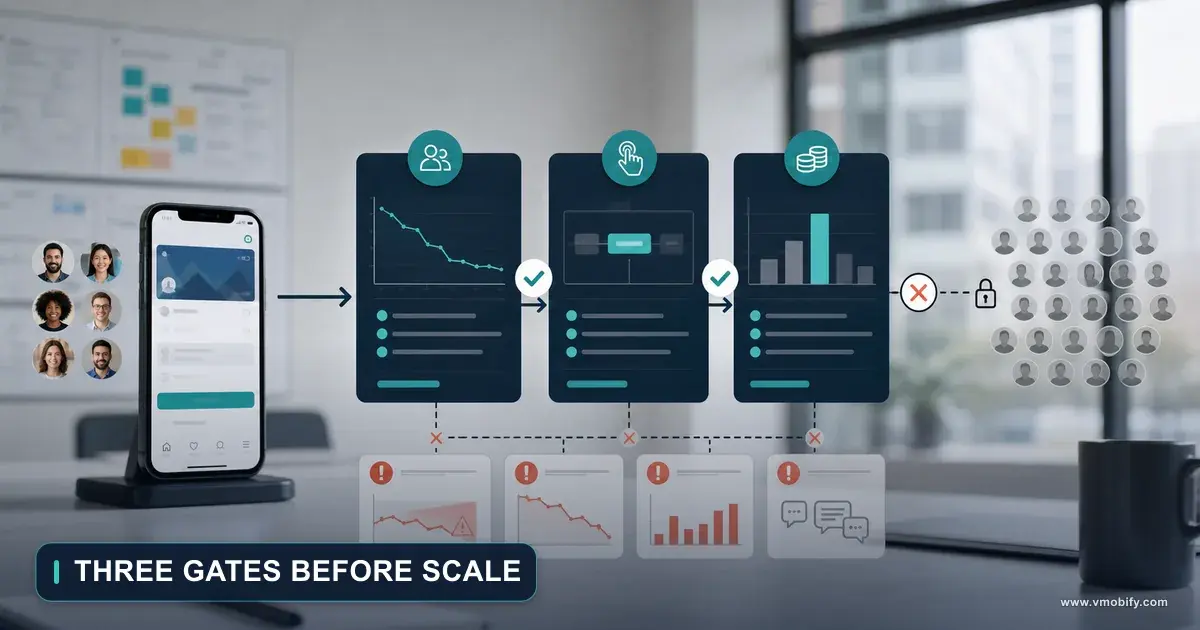
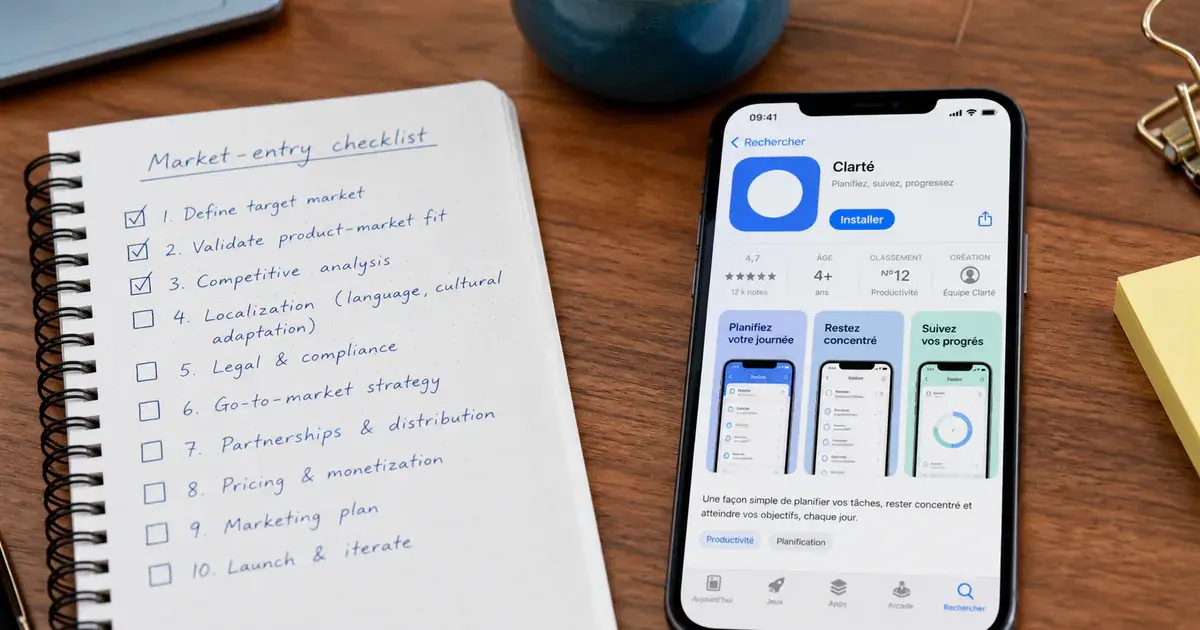
Legal and tax, then price, then payments, then listing and assets, then support, then availability — with the pricing decision made once and the availability flip made last. The order is not a preference. It is derived from which steps constrain which, and from which ones the stores document as irreversible.
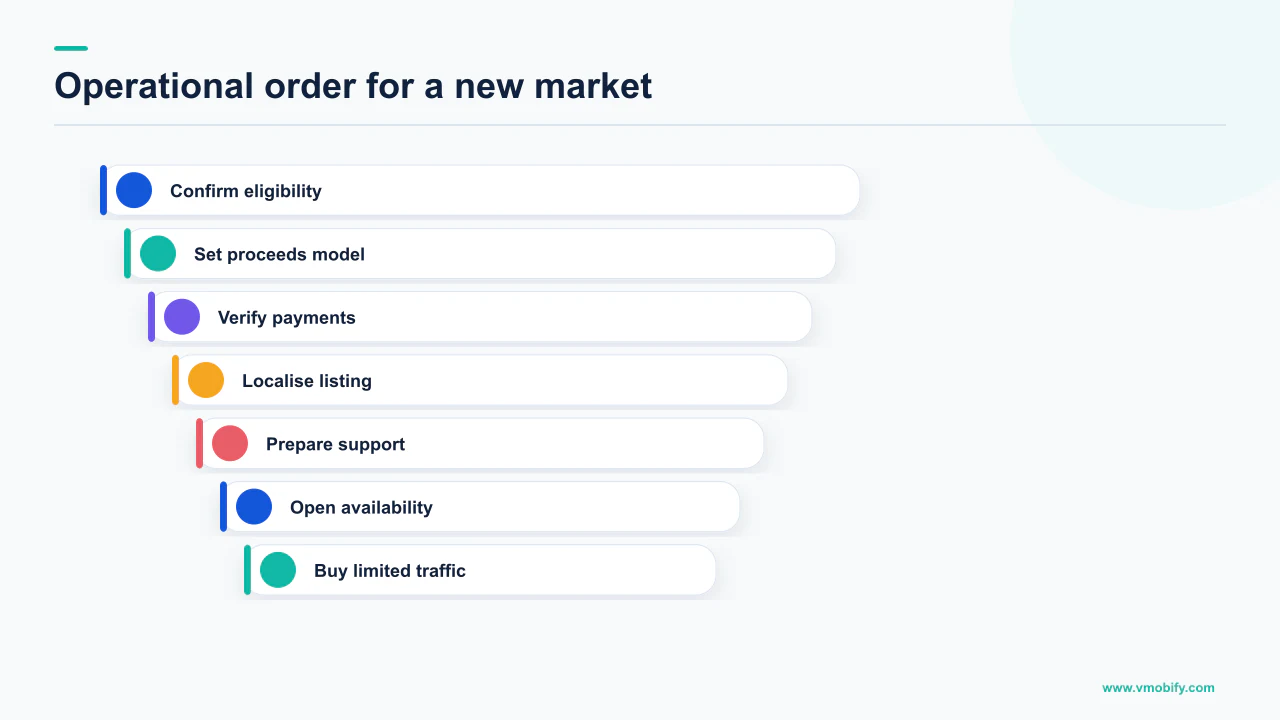
- Settle the entity, the public contact details and who remits tax. This determines whether your displayed price must be tax-inclusive and what appears on your product page.
- Choose the base price and the pricing model deliberately. Remember that on Play, an app offered free cannot later become paid, and that on the App Store a manual price in a storefront ends automatic adjustment there.
- Confirm payment coverage for that specific country. Available payment methods vary by country, and conditions attach to individual instruments — RuPay on Google Play in India is documented for one-time purchases only, which is decisive if you sell subscriptions.
- Check the store supports the language before commissioning copy. Apple publishes a fixed list of localisations; Play offers a broad list plus a machine translation service its documentation describes as not reviewed or approved by humans.
- Localise the listing and the assets that carry conversion. Play will otherwise offer users an automated translation of an untranslated listing, which is a fallback rather than a strategy.
- Stand up support and review-reading in the language, including answers to the payment, feature and verification questions you can already predict.
- Then flip availability — knowing pre-orders are no longer possible in a location once the app is available there, and that deselecting a country later leaves existing users updating and contacting you.
Two steps can run in parallel once the tax answer exists: listing localisation and support readiness do not block each other. The strictly sequential parts are tax before price, price before payment-model confirmation, and everything before availability. If you compress the plan, compress the parallel work, never the sequence.
Market expansion is not a marketing project with admin attached. It is an operations project with a marketing phase at the end, and teams that treat it that way spend launch week on creative and positioning rather than on a price they cannot change. Our user acquisition work and our ASO practice pick up at step five — and if you want a second pair of eyes on a sequence, tell us which market and where you are in the order.
Frequently Asked Questions
What is the correct order of operations for entering a new market?+
Legal entity and tax position first, then the base price and pricing model, then confirmation that local payment methods support your revenue model, then store listing localisation, then support readiness, then availability. The strictly sequential dependencies are tax before price, price before confirming the payment model, and everything before flipping availability.
Can I launch free in a new market and add a paid version later on Google Play?+
Not for the app price itself. Google states that once an app has been offered for free, it cannot be changed to paid, and that to charge for the app you need to create a new app with a new package name and set a price. That means a new listing with no rating or review history, so decide before the app is offered free.
How does Apple set my price in a country I have not thought about?+
You nominate a base country or region and Apple uses it to provide comparable prices on the other 174 storefronts, accounting for foreign exchange rates and certain taxes and following local pricing conventions. Apple periodically updates prices in certain regions as taxes and exchange rates change — but if you select your own prices in a storefront, Apple will not adjust your pricing there in future.
Do I need to translate my store listing before launching in a new country?+
On Google Play you should, because the alternative is a fallback rather than a plan: users visiting an untranslated listing can choose to view an automated translation, with a notice that it was done automatically. Play also offers a free machine translation service, but its own documentation states these are machine translations and are not reviewed or approved by humans.
What if the App Store does not support the language I want?+
Then you cannot add it. Apple publishes a fixed list of supported App Store localizations, and a language outside that list is not purchasable at any budget. Apple also notes the language shown to each customer can be affected by the App Store language for their location, their device language settings, the languages you have added, and your primary language in App Store Connect.
Can I withdraw from a market if it does not work?+
You can remove the listing, but not the relationship. Apple states that when you deselect a country or region, the app is removed from the App Store there, while users who previously downloaded it continue to receive updates and can redownload it from their purchase history as long as the necessary contract remains active. Removal from all countries takes effect within 24 hours.
How much extra support volume should I budget for a new market?+
We do not publish a figure for this, because no store documents it and it varies entirely by category, onboarding and how much of the product assumes a home-market context. Any specific ratio you are quoted is invented. Directionally, early weeks in a new market generate disproportionately more questions per user, so staff for the first month rather than for the steady state.
Sources
- Google Play — Tax rates and value-added tax (VAT) — Tax-inclusive display rule in some countries, the split of remittance responsibility, and the statement that Google cannot provide tax advice.
- Google Play — Set up your app's prices — Base price conversion, tax in select countries, the USD or EUR fallback, and the rule that a free app cannot later be made paid.
- Google Play — Translate and localize your app — How to add translations, the automated translation offered on untranslated listings, and the machine translation disclaimer.
- Google Play — Accepted payment methods on Google Play (India) — Payment methods vary by country; RuPay listed for one-time purchases only, UPI supported for all providers, Netbanking discontinued.
- Apple — Set a price — Base country or region, comparable prices on the other 174 storefronts, price point counts, and the end of automatic adjustment when you set your own price.
- Apple — Manage availability for your app on the App Store — All 175 countries or regions, what happens when you deselect a country, and the loss of pre-orders once an app is available in a location.
- Apple — App Store localizations — The fixed list of supported languages and locales, and the factors affecting which language a customer is shown.
- Apple — Manage European Union Digital Services Act trader requirements — Trader definition, the contact details displayed on the product page, and the notice shown to EU consumers if you are not a trader.
About the author
Amol Pomane — Founder, Vmobify
Amol leads Vmobify, a mobile app growth agency that has driven 30M+ downloads and ranked 54K+ keywords across 300+ apps since 2013. He writes about ASO, paid user acquisition, retention, and the operational reality of scaling mobile apps in India and global markets.
Model an install budget
Turn CPI and activation assumptions into acquisition scenarios.
Open free tool