App SEO: Can Google Search Actually Drive Installs?
Half the app SEO advice online describes a system Google no longer runs. Firebase App Indexing is no longer the recommended way of indexing content for Google Search App, and the Search App on Android no longer uses locally indexed content. What replaced it is narrower, better documented, and mostly a web problem with an app-shaped destination.
On this page
- Can Google Search actually drive installs?
- What happened to Google app indexing?
- What does Google index for an app instead?
- How does the software app rich result work?
- Why does app markup get manual actions?
- How do search results open the app, not the page?
- What does App Link verification require?
- How do you know whether Search produced the install?
- What should you actually build?
- Frequently Asked Questions
Can Google Search actually drive installs?
Yes, but only through web pages — Google Search maintains no index of your app, so every install it produces arrives through an HTML page that either you own or the store owns on your behalf. That single structural fact settles most of the arguments teams have about app SEO before they start.
The question people usually mean is: will Google crawl the screens inside my app and rank them the way it ranks pages? It will not. What Search ranks is documents on the web. An app is a binary distributed by a store, and the store's listing page is itself a web page — one you influence through your listing content but do not control technically and cannot add markup to.
So the honest framing is that app SEO is web SEO with an app-shaped destination attached to the end of it. There are exactly three things you can work on, and they are separable:
- Ranking pages you own that describe the app, solve the problem it solves, and send qualified traffic onward to a store listing.
- Marking those pages up so Google can render app details — name, price, rating — directly in the result, under a documented and fairly strict set of rules.
- Making links resolve into the app for people who already have it installed, which is a platform capability rather than a ranking one.
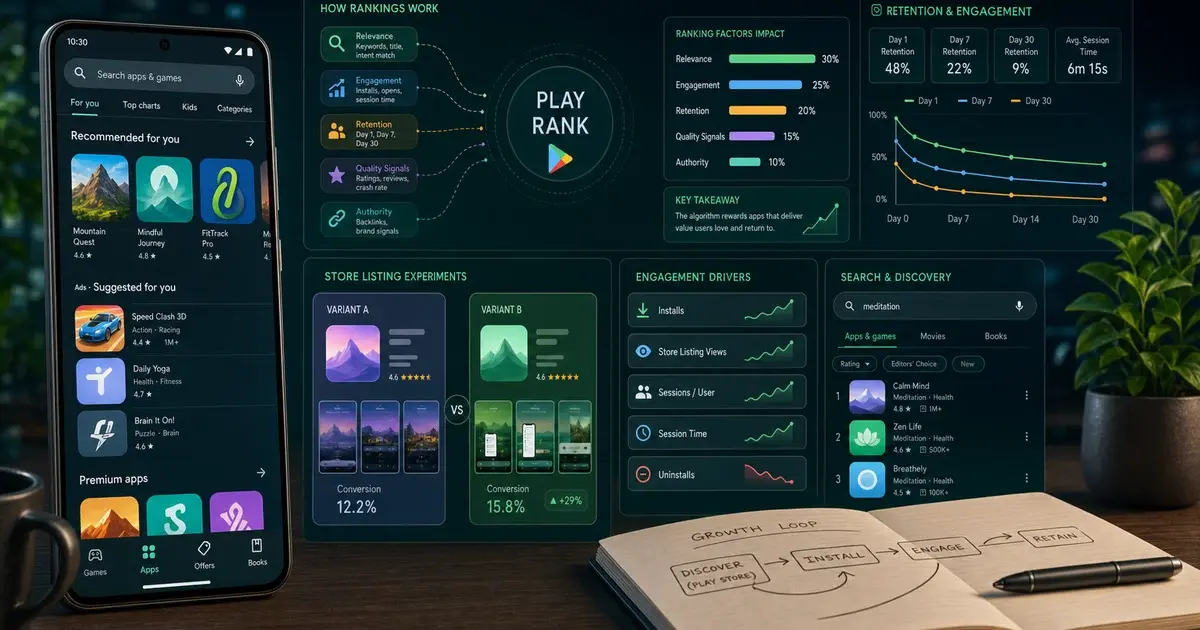
None of those three is a ranking trick applied to the app itself, and confusing them is where most of the wasted effort goes. Across the 300+ apps we have managed since 2013, the single most common request under the heading "app SEO" turns out on inspection to be a store search problem, which is a completely different mechanism — that is ASO, and Google's Play ranking behaviour is covered separately in our piece on how the Play algorithm works.
The second most common is a web-to-app conversion problem dressed as a ranking one: the pages already rank, and the drop-off happens between the page and the store. Our guide to web-to-app funnels deals with that gap, and it is usually cheaper to fix.
What happened to Google app indexing?
Google retired it, and says so plainly — Firebase's own FAQ states that Firebase App Indexing is no longer the recommended way of indexing content for display as suggested results in Google Search App. If you are reading an app SEO guide that tells you to install an indexing SDK and expose your in-app screens to the crawler, you are reading about a system Google no longer runs that way.
The Firebase FAQ is the primary source here, and it is worth reading the whole entry rather than the headline. Alongside the statement above, it notes that the Google Search App for Android no longer uses locally indexed content via Firebase App Indexing, and it names the replacements explicitly. For Apple platforms, Universal Links are the recommended way of linking users directly from search results, websites and other apps to specific content within your app. For Android, Android App Links are the recommended way of linking users directly from search results, websites and other apps to specific content within your app.
Read those two sentences carefully, because the substitution is not like-for-like. App Indexing was a discovery mechanism: content inside your app could surface as a result. App Links and Universal Links are routing: a result that already exists, pointing at a URL you own, opens in your app instead of a browser. Discovery moved back to the web.
Anything recommending the App Indexing SDK, in-app content markup, or an android-app:// alternate annotation as a route into Search results is describing the earlier system. Firebase's FAQ also points to App Search for on-device search, App Actions for voice control, and Android Shortcuts as the surfaces that absorbed parts of the old behaviour — none of which are Google Search results.
One thing we are deliberately not printing: a shutdown date. Firebase's FAQ describes the current recommendation without giving a sunset date, and we will not source one from a secondhand write-up and present it as documentation. The status is what matters, and the status is unambiguous.
What does Google index for an app instead?
Ordinary web pages — yours, and the store's. Once you accept that, the work becomes recognisable: it is the same technical and editorial SEO you would do for any product, aimed at a conversion event that happens on someone else's domain.
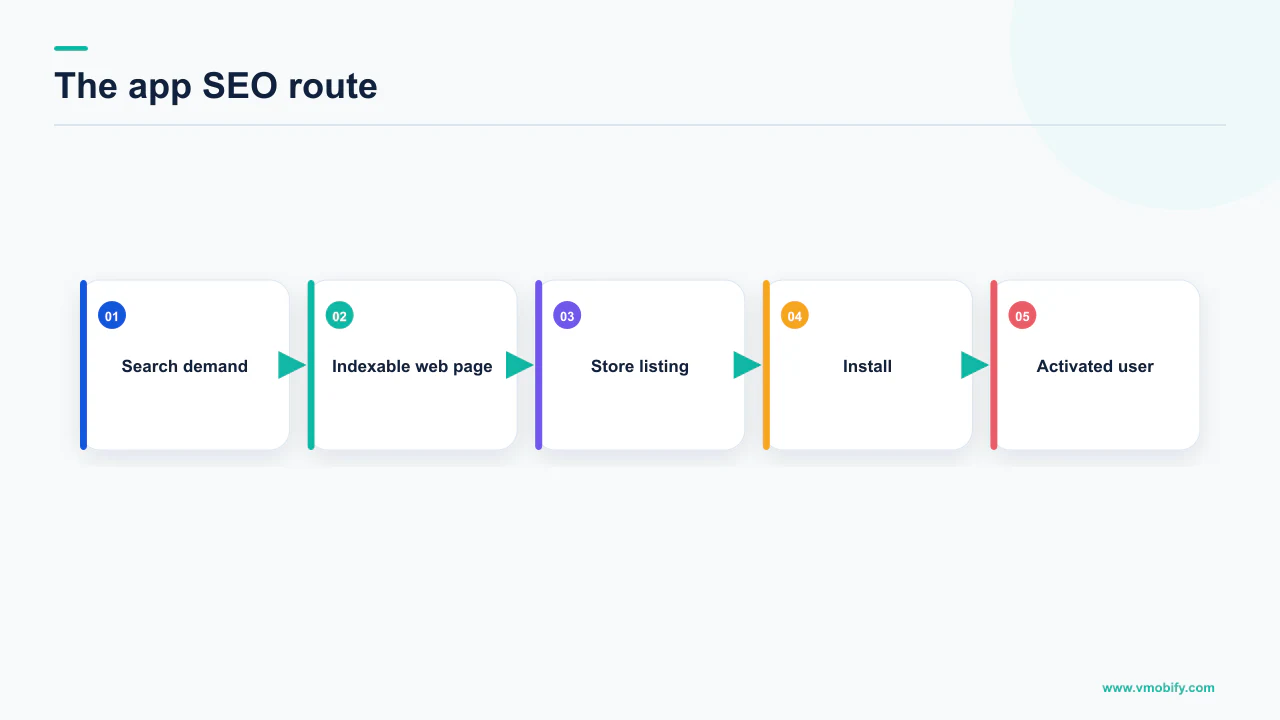
There are two distinct surfaces, and they behave nothing alike.
Pages you own
- Your site, feature pages, help centre, changelog, comparison and use-case content
- You control the markup, the internal linking, the speed and the canonicalisation
- You can add structured data and become eligible for rich results
- This is where app SEO effort actually pays
The store listing page
- A web page on the store's domain that can appear in Google results
- You influence its text and assets through the listing, nothing else
- No markup of yours, no redirects, no technical control
- Treat it as a destination, not a project
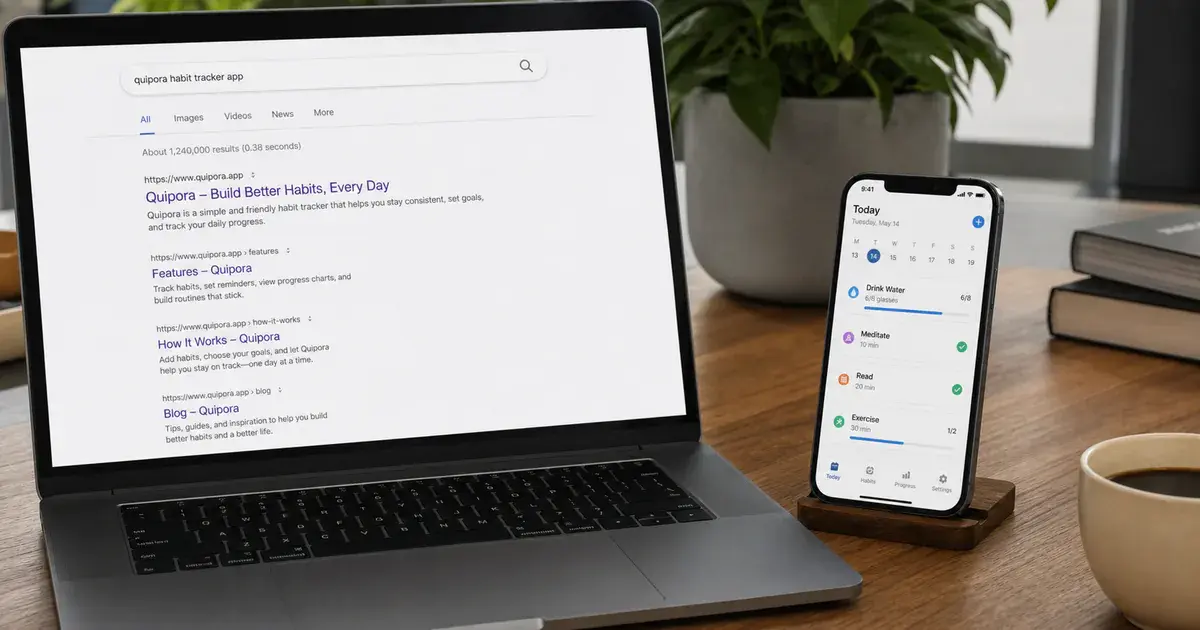
Google does support an app-specific rich result for the pages you own. Its gallery of structured data markup that Google Search supports lists Software app among the current types, described as information about a software app, including rating information, a description of the app, and a link to the app. That is the sanctioned mechanism, and it is the only app-shaped one in the gallery.
Note what it is not. It is not a way to get app screens indexed, and it is not a ranking boost. It is an appearance feature on a page that already had to earn its position on merit.
So your first hour of app SEO is not spent on markup at all. It is spent working out which pages on your own domain deserve to rank for the problems your app solves, because those pages are the only inventory here that you own outright.
How does the software app rich result work?
You add SoftwareApplication markup to a page on your site that describes the app, and Google may then display app details — name, price and rating — inside the result. The requirements are short, which makes people underestimate how easy they are to get wrong.
Google's software app structured data documentation frames the purpose as marking up software application information in the body of a web page to better display your app details in Google Search results. It then sets out what has to be present:
- name — the name of the app.
- offers.price — an offer to sell the app. Set it to 0 for a free app; for a paid one, include
priceCurrencyalongside it. - A rating or a review — you must include either
aggregateRating, the average review score of the app, orreview, a single review of the app.
Two further properties are recommended rather than required: applicationCategory, the app type, and operatingSystem, the operating system required to run it. Adding them is cheap and there is no argument for omitting them.
Google attaches a caveat worth quoting: the actual appearance in search results might be different, and you can preview most features with the Rich Results Test. Eligibility is not entitlement. Valid markup makes you a candidate; it does not commit Google to rendering anything.
- Pick the right page. One page per app, on your own domain, that genuinely describes the app rather than mentioning it in passing.
- Add the three required properties in JSON-LD in the body of that page, plus the two recommended ones.
- Make sure the page actually shows what you marked up — the name, the price and the rating, visible to a human reader. The next section explains why this is the step that decides whether you keep the feature.
- Validate with the Rich Results Test before shipping, and again after any template change, because markup is usually broken by a redesign rather than by the person who wrote it.
Why does app markup get manual actions?
Because the rating is a required property and ratings carry the strictest rules in the whole structured data system. The failure mode is almost always the same: a team copies the star average from their store listing into markup on a page that does not display it anywhere.
That single move breaks two documented rules at once. Google's general structured data guidelines state that you should not mark up content that is not visible to readers of the page, and instruct you to put the structured data on the page that it describes, unless specified otherwise by the documentation. The review snippet documentation is more specific still: make sure the review content you mark up is readily available to users from the marked-up page, and if you use AggregateRating, users should be able to see that aggregate rating on the page. It also states flatly that ratings must be sourced directly from users.
Software App is one of the features review snippets support, so those rules apply to your app markup rather than to some adjacent category.
The self-serving reviews rule is real but conditional, and the condition travels with it. Google states that if the entity being reviewed controls the reviews about itself, their pages that use LocalBusiness or any other type of Organization structured data are ineligible for the star review feature. That is written against Organization types. Do not repeat it as a blanket statement about every rating on the web, and do not treat it as permission to ignore the visibility rules, which are not conditional at all.
The consequence of getting it wrong is precise, and less catastrophic than most teams fear. Google states that a structured data manual action means that a page loses eligibility for appearance as a rich result, and that it does not affect how the page ranks in Google web search. You lose the feature, not the position. Manual actions appear in Search Console's Manual Actions report, and the route back is to fix the issue and request reconsideration.
Worth saying out loud: nobody publishes a figure for how often app markup earns a manual action, ourselves included, and we will not invent one. The rules are cheap to comply with, so the posture is compliance rather than risk pricing.
How do search results open the app, not the page?
Through deep links — an intent filter in your manifest that claims the URL, so a tap in a result lands in your app rather than a browser tab. This is the part of app SEO that is genuinely app work, and it is the part most teams have half-finished.
Android's guide to creating deep links is explicit about the Search connection. It instructs you to specify the ACTION_VIEW intent action so that the intent filter can be reached from Google Search. Alongside that action, the filter needs the BROWSABLE category, required for the filter to be reachable from a web browser, and the DEFAULT category, which lets the app respond to implicit intents. Each <data> tag represents a URI format that resolves to the activity, and must include at minimum an android:scheme attribute, refined with android:host and a path, path prefix or path pattern.
Google documents the resolution order when an intent could go several places. The system opens the user's default app if one was designated; failing that, the only available app that can handle the URI; failing that, it shows a disambiguation dialog listing every installed app registered for that link.
On Android 12 and higher, web links that are not verified App Links generally open in a web browser by default, where previous versions might have shown a disambiguation dialog. Google states the rule directly: a generic web intent resolves to an activity in your app only if your app is approved for the specific domain contained in that web intent, and if it is not approved, the intent resolves to the user's default browser app. An unverified deep link on a modern device is, in practice, not a deep link.
Verification is therefore not optional hardening. It is the difference between a link that opens your app and one that opens a browser. Our deep linking guide covers the campaign side; the next section covers verification itself.
What does App Link verification require?
A Digital Asset Links file served over HTTPS from your domain, plus an intent filter that asks to be verified. It is a small amount of work with a large number of ways to fail silently, which is why so many apps ship with it half-configured.
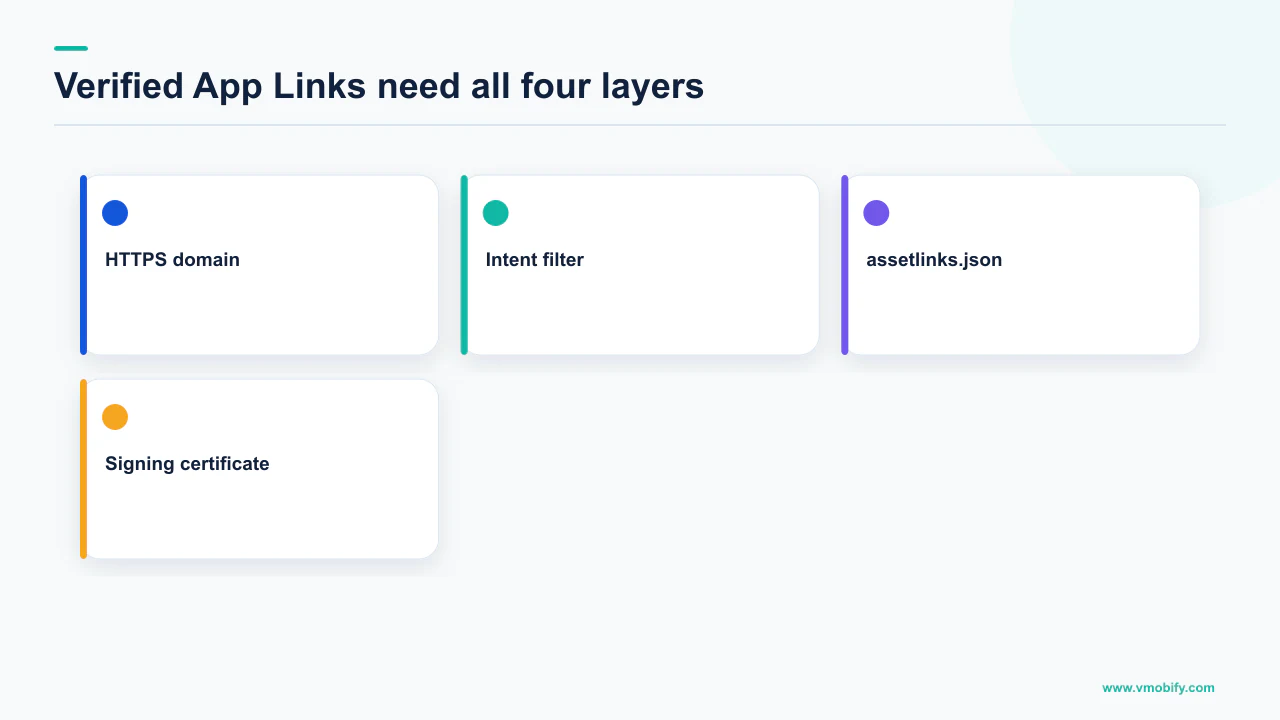
Android's documentation defines App Links as an enhanced deep linking capability that verifies deep links to your own website by establishing a trusted association between your app and your website, so that after verification those links immediately open the corresponding content in your app without requiring the user to select it from a disambiguation dialog. It states that App Links is supported on Android 6 and later, on devices that have Google services — a condition worth carrying, because it is not every Android device in every market.
The verification documentation sets out what has to be true:
- The intent filter must declare all of it. The
android.intent.action.VIEWaction, both theBROWSABLEandDEFAULTcategories, and a data scheme ofhttporhttps. Only those two schemes are supported for verification. - At least one intent filter must carry
android:autoVerify="true". Automatic verification is triggered on Android 6.0 (API level 23) and higher; on Android 12 and higher, verification can also be invoked manually for testing. - The file lives at a fixed path.
https://hostname/.well-known/assetlinks.json, hosted at the root of each unique hostname declared in your intent filters. Every hostname needs its own. - Manual verification needs the network. The test device must be connected to the internet before you invoke the domain verification commands.
On Android 11 (API level 30) and lower, Google states that the system establishes your app as the default handler for the specified URL patterns only if it finds a matching Digital Asset Links file for all hosts in the manifest. One stale subdomain in your manifest with no asset links file, and every domain fails on those versions. On Android 12 and higher this requirement is handled more flexibly — but if you still support older releases, audit the full host list, not just the one you tested.
In our portfolio the two recurring causes are a marketing subdomain left in the manifest long after it was decommissioned, and an assetlinks.json that is correct but served with a redirect or the wrong content type. Both look fine in a browser and fail on device.
How do you know whether Search produced the install?
You do not, unless you instrument the handoff — because the chain breaks at the store, where your analytics stop and the store's begin. This is the reason app SEO is chronically under-credited inside companies, and it is a measurement problem rather than a channel problem.
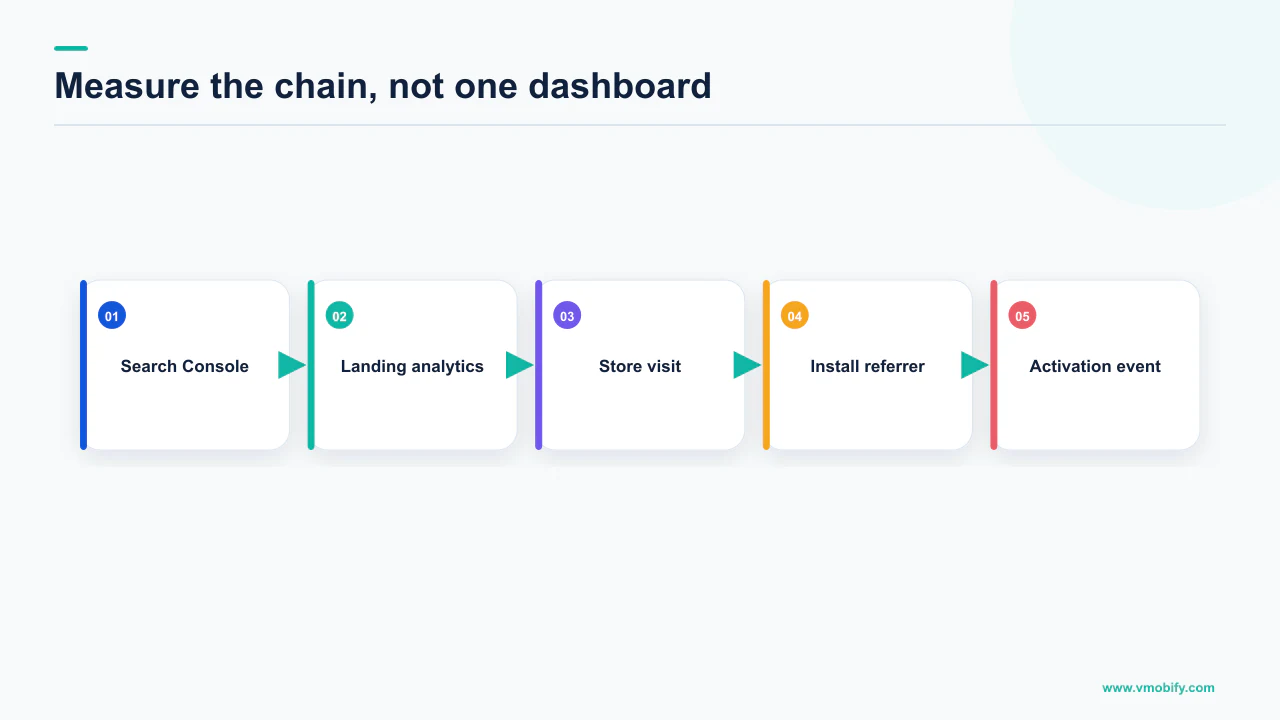
Trace the sequence. Someone searches, lands on a page you own, taps through to a store listing, and installs later — possibly on another device, possibly days afterwards. Your web analytics see the first steps. The store sees the last. Nothing natively joins them.
On Android there is a documented join. The Play Install Referrer mechanism carries a referrer string through the store into the installed app, which is what lets a first open be attributed to the page or campaign that produced it — we cover the implementation and its failure modes in our piece on the Play install referrer. Getting this right is what converts organic search from an act of faith into a line item.
Three practical rules follow, and none of them require a number to justify:
- Tag your own store links. An untagged link from your site to the store discards the only signal you had. Every outbound store link from a page you own should carry parameters you chose deliberately.
- Do not judge organic search on last-touch. A model that credits the final click will systematically undercount a channel whose job is to be an early touch, and will keep undercounting it no matter how well the pages perform.
- Expect a gap, and size it before you argue about it. Reconciling web-side and store-side counts is normal work, not evidence of a broken tracker — our attribution guide covers where the discrepancies legitimately come from.
What we will not do is publish a conversion rate from search-referred page visit to install. It varies enormously by category, market and how far down the funnel the page sits, and any single figure quoted for it would be marketing rather than measurement. Measure your own, and hold it as your benchmark.
What should you actually build?
Pages worth ranking, correct markup on the ones that describe the app, and verified links so that people who already have you installed land inside the app. In that order, because each stage is worthless without the one before it.
- Decide which problems your app solves that people search for on the web. Not your brand name, which you will rank for regardless, and not store keywords, which are a different system entirely. Web queries, answered by pages good enough to earn the position on merit.
- Add SoftwareApplication markup to the app page. Name, an offer with a price of 0 if free, and either an aggregate rating or a review, plus the recommended category and operating system. Then confirm every one of those values is visible to a human on that page.
- Validate before and after every template change. Markup dies quietly in redesigns, and nothing in your build pipeline will tell you.
- Ship deep links with ACTION_VIEW, BROWSABLE and DEFAULT, then verify them with an
assetlinks.jsonat the well-known path on every host in your manifest. On Android 12 and higher an unverified web link goes to the browser, so this is the step that decides whether any of the routing works. - Do the equivalent on iOS with Universal Links, which Firebase names as the recommended way of linking users directly from search results, websites and other apps to specific content within your app on Apple platforms. We have not quoted Apple's association file requirements here because we have not verified that page in this piece — read Apple's associated domains documentation directly rather than trusting a secondhand summary, ours included.
- Instrument the handoff to the store so the channel can be credited for what it produces.
The honest summary of app SEO in its current form: it is a real channel with a narrow, well-documented surface and no shortcuts left in it. The indexing era, when your app content could itself become a result, is over. What remains is the unglamorous version — good pages, valid markup, verified links, measured properly — and the unglamorous version is the one that compounds.
If you want a second pair of eyes on which of the three stages is actually broken for you, tell us what your search traffic does after it reaches the store link, or see how we treat the listing itself in our store conversion work.
Frequently Asked Questions
Does Google still index app content?+
Not the way it once did. Firebase states that Firebase App Indexing is no longer the recommended way of indexing content for display as suggested results in Google Search App, and that the Google Search App for Android no longer uses locally indexed content via it. Google points instead to Android App Links and, on Apple platforms, Universal Links, which route existing results into your app rather than making app content a result.
What structured data should an app page use?+
SoftwareApplication. Google requires name, offers.price with the price set to 0 for a free app, and either an aggregateRating or a review. It recommends applicationCategory and operatingSystem as well. Google notes the actual appearance in results might be different and suggests previewing with the Rich Results Test, so treat valid markup as eligibility rather than a guarantee.
Can I use my app store rating in structured data?+
Only if that rating is visible on the marked-up page. Google states you should not mark up content that is not visible to readers of the page, and that if you use AggregateRating users should be able to see that aggregate rating on the page. It also states that ratings must be sourced directly from users. A star average pasted into JSON-LD but never displayed breaks the visibility rules.
Does a structured data manual action hurt my rankings?+
No. Google states that a structured data manual action means the page loses eligibility for appearance as a rich result, and that it does not affect how the page ranks in Google web search. Manual actions appear in Search Console, and the route back is to fix the issue and request reconsideration.
Why do my deep links open the browser instead of my app?+
Most likely because they are not verified App Links. Google states that on Android 12 and higher, web links that are not verified App Links generally open in a web browser by default, and that a generic web intent resolves to an activity in your app only if your app is approved for the specific domain in that intent. Without approval for the domain, the intent goes to the default browser.
What does Android App Link verification actually need?+
An intent filter carrying the VIEW action, both the BROWSABLE and DEFAULT categories and an http or https data scheme, with android:autoVerify set to true on at least one filter — automatic verification triggers on Android 6.0 (API level 23) and higher. You also need an assetlinks.json file at https://hostname/.well-known/assetlinks.json at the root of every unique hostname declared in those filters.
How do I prove that organic search produced an install?+
By instrumenting the handoff, because your web analytics stop at the store link and the store picks up afterwards. On Android the Play Install Referrer carries a referrer string through the store into the app, so tag every outbound store link from your own pages deliberately. Judging organic search on last-touch will systematically undercount a channel whose job is to be an early touch.
Sources
- Firebase FAQ — States App Indexing is no longer the recommended way of indexing content for Google Search App, and names App Links and Universal Links as the recommended linking mechanisms.
- Software App (SoftwareApplication) Schema — Required name, offers.price and aggregateRating or review; recommended applicationCategory and operatingSystem; the Rich Results Test caveat.
- Structured Data Markup that Google Search Supports — Lists Software app among the currently supported structured data types and describes what it shows.
- General Structured Data Guidelines — Do not mark up content that is not visible to readers; put markup on the page it describes; manual actions cost rich result eligibility, not ranking.
- Review Snippet (Review, AggregateRating) Structured Data — Software App is a supported feature; ratings must be sourced from users; aggregate ratings must be visible; the self-serving rule as written for Organization types.
- About deep links — Defines deep links and App Links, and states App Links support on Android 6 and later on devices with Google services.
- Create deep links — ACTION_VIEW so the filter can be reached from Google Search, BROWSABLE and DEFAULT categories, and the Android 12 behaviour for unverified web links.
- Verify App Links — autoVerify, the assetlinks.json well-known path per hostname, and the all-hosts condition on Android 11 and lower.
About the author
Amol Pomane — Founder, Vmobify
Amol leads Vmobify, a mobile app growth agency that has driven 30M+ downloads and ranked 54K+ keywords across 300+ apps since 2013. He writes about ASO, paid user acquisition, retention, and the operational reality of scaling mobile apps in India and global markets.