Expo Go Is Not Your App: The Development Build Cliff
Expo Go is a preview app, not your app. The moment you add a native module it stops being useful, and that transition catches most projects in week six rather than day two. Here is what actually changes and why to cross it deliberately.

On this page
- What is Expo Go actually?
- How do you know you need a development build now?
- What does prebuild actually do?
- What are config plugins, in plain terms?
- Why should you hit the cliff on day two?
- What causes the build to fail, and what do the docs say?
- Why should you paste the whole build log?
- What does the build allowance actually buy you?
- What can no agent do for you here?
- What should you do this week?
- Frequently Asked Questions
What is Expo Go actually?
Expo Go is a pre-built container holding a fixed set of native modules, which is why it works instantly and why it stops working the moment you need one it does not contain.
Expo Go is a pre-built app. Someone at Expo compiled it, shipped it to the App Store and Play Store, and it contains a fixed set of native modules chosen ahead of time. When you scan the QR code, Expo Go downloads your JavaScript bundle and runs it against the native code that was already inside it.
That model explains the cliff:
- Your JavaScript changes instantly, because it is just a bundle download.
- Your native capabilities do not change at all, because you did not compile anything.
- Any library shipping its own Swift, Objective-C, Kotlin or Java is invisible to Expo Go unless Expo happened to include it.
A development build is the opposite arrangement. It is your app, compiled with your native dependencies, with fast JavaScript reloading bolted on. It is not a downgrade from Expo Go; it is the actual product with a developer convenience attached.
People conflate the two because both give you a QR code and hot reload. Projects die because only one of them can grow.
How do you know you need a development build now?
The symptoms are specific and worth recognising early, because they all mean the same thing.
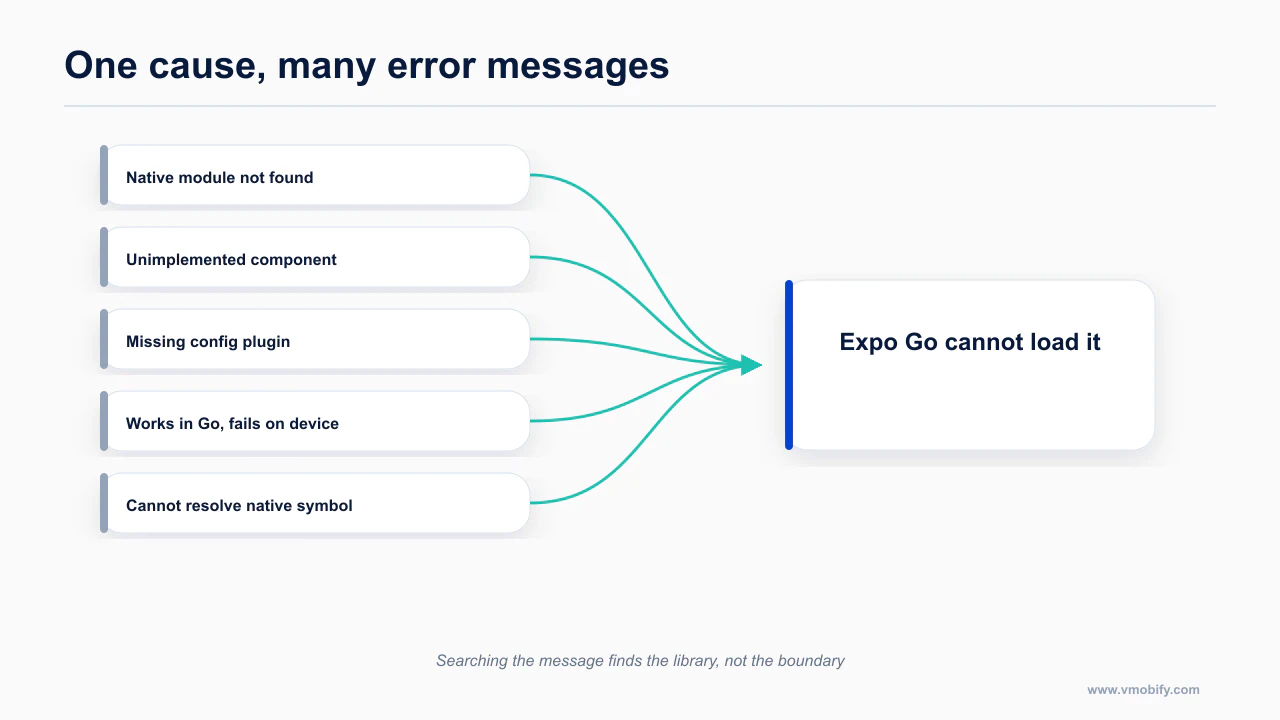
You have crossed the boundary the moment any of these is true. An agent will often not tell you, because from inside the JavaScript it looks like an ordinary error.
- The app crashes at launch after adding a library, with a message naming a native module that is null or undefined.
- A library's install instructions mention
pod install, anAndroidManifest.xmlentry, or "add this to yourInfo.plist". - You need in-app purchases or subscriptions. There is no JavaScript-only path to StoreKit or Play Billing.
- You need a permission string the runtime does not already declare, because permission strings live in native config files.
- You need background execution, widgets, App Clips, deep-link entitlements or a share extension.
- You need a specific vendor SDK: analytics, an MMP, a payment provider, a maps provider.
- Your agent proposes a library and then writes a comment saying "this requires a development build".
If you are building anything you intend to charge money for, you will cross the boundary. Subscriptions alone guarantee it.
The common thread is that every symptom is really the same symptom. Expo Go contains a fixed set of native modules chosen when it was built; anything outside that set cannot be loaded at runtime, because there is no mechanism to add native code to an app that is already compiled and installed. The error text varies by library and platform, which is what makes the list look longer than it is, but there is only one underlying cause and only one fix.
This is also why searching the error message often leads nowhere useful. The message describes the symptom in the vocabulary of whichever library failed, so results cluster around that library rather than around the actual boundary you have crossed.
What does prebuild actually do?
Prebuild generates the native iOS and Android projects from your configuration, which is the step Expo Go was letting you skip.
An Expo project in its default state has no ios/ or android/ folders. So where does the native app come from?
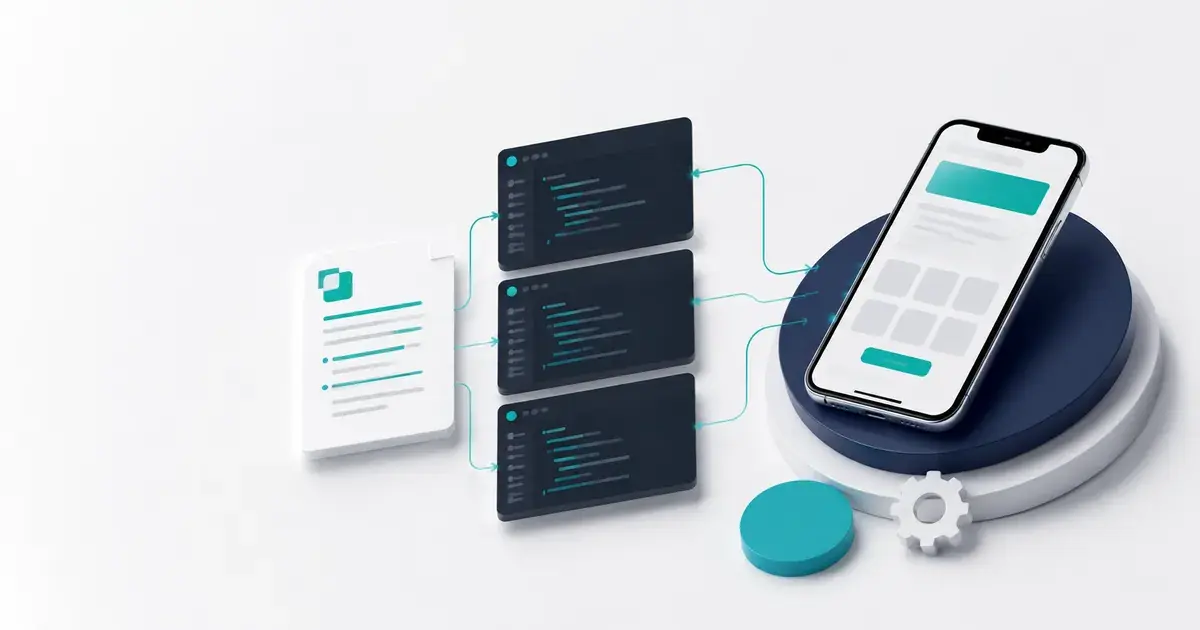
It gets generated. app.json (or app.config.js) describes what your native app should be: bundle identifier, app name, icon, splash screen, permissions, orientations, plugins. Prebuild reads that description and writes real ios/ and android/ directories from templates. Think of it as compiling configuration into native project files, the way a bundler compiles imports into a bundle.
npx expo prebuildThree consequences follow, and they are the ones people trip on.
Prebuild is regenerative, not incremental. If you hand-edit a generated file in ios/ and then run prebuild again with --clean, your edit is gone. This is by design. The correct place for a change is app.json or a config plugin, not the generated output.
You do not have to run it yourself. EAS runs prebuild as part of a cloud build. Running it locally is a debugging tool: it shows you what the native project actually looks like, which is what you want when a build fails and you need to know whether the problem is yours or the library's.
Generated native folders are usually not committed. If you commit ios/ and android/, you have opted into maintaining them by hand, which Expo calls the bare workflow. Most vibecoded projects should not. Tell your agent this explicitly in AGENTS.md, because agents will happily start editing generated files if nothing stops them. The setup that prevents this and several other classes of problem is in the Expo and Claude Code setup that prevents 80% of problems.
The primary reference for this is Expo: using Claude Code with Expo — worth reading in full rather than taking a summary of it, because the details here change more often than the shape of the advice does.
What are config plugins, in plain terms?
A config plugin is a script that edits the generated native project, so you can express native changes without maintaining native code by hand.
A config plugin is a JavaScript function that modifies your native project during prebuild. That is the entire concept.
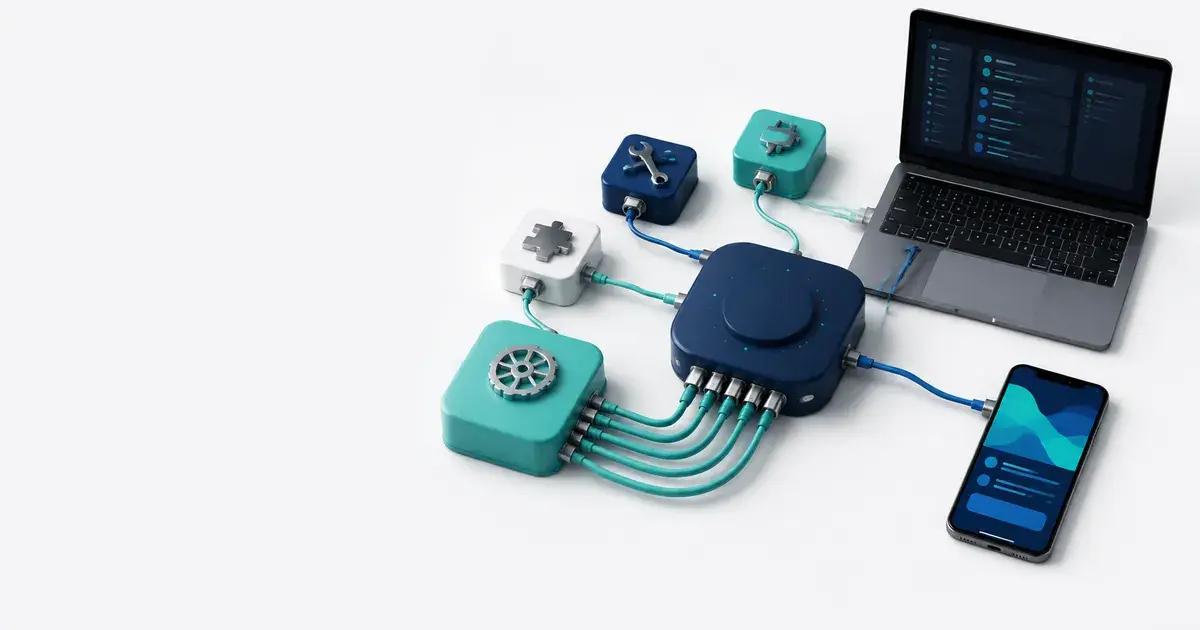
You install a library. The library ships a plugin. You add it to the plugins array in app.json. At prebuild time that plugin reaches into the generated native project and adds the Info.plist key, the manifest permission, the Gradle dependency or the AppDelegate hook the library needs. You never see the native code and you never edit it.
This is why the Expo ecosystem works for people who cannot write Swift. Native configuration becomes data plus a little JavaScript, and it is reproducible: delete the native folders, run prebuild, get the same result.
Two things about plugins are worth knowing before your first failure:
- Plugin order in the array matters when two plugins touch the same file. Reordering is a legitimate fix for build errors that look unrelated to ordering.
- Not every native library ships a plugin. When one does not, you write a plugin, find a community one, or pick a different library. An agent is good at writing simple plugins: the API is well documented and the failure is immediate.
Expo's own agent tooling covers this ground. The Expo plugin is the only mobile plugin in Anthropic's official marketplace, and the skill set includes expo-dev-client, expo-module and expo-project-structure.
claude plugin install expo@claude-plugins-officialnpx skills@latest add expo/skills --skill '*'The documentation worth reading before you act on this is Expo: development builds introduction — worth reading in full rather than taking a summary of it, because the details here change more often than the shape of the advice does.
Why should you hit the cliff on day two?
Crossing deliberately on day two costs an afternoon; discovering it in week six costs a rewrite of your assumptions and often your schedule.
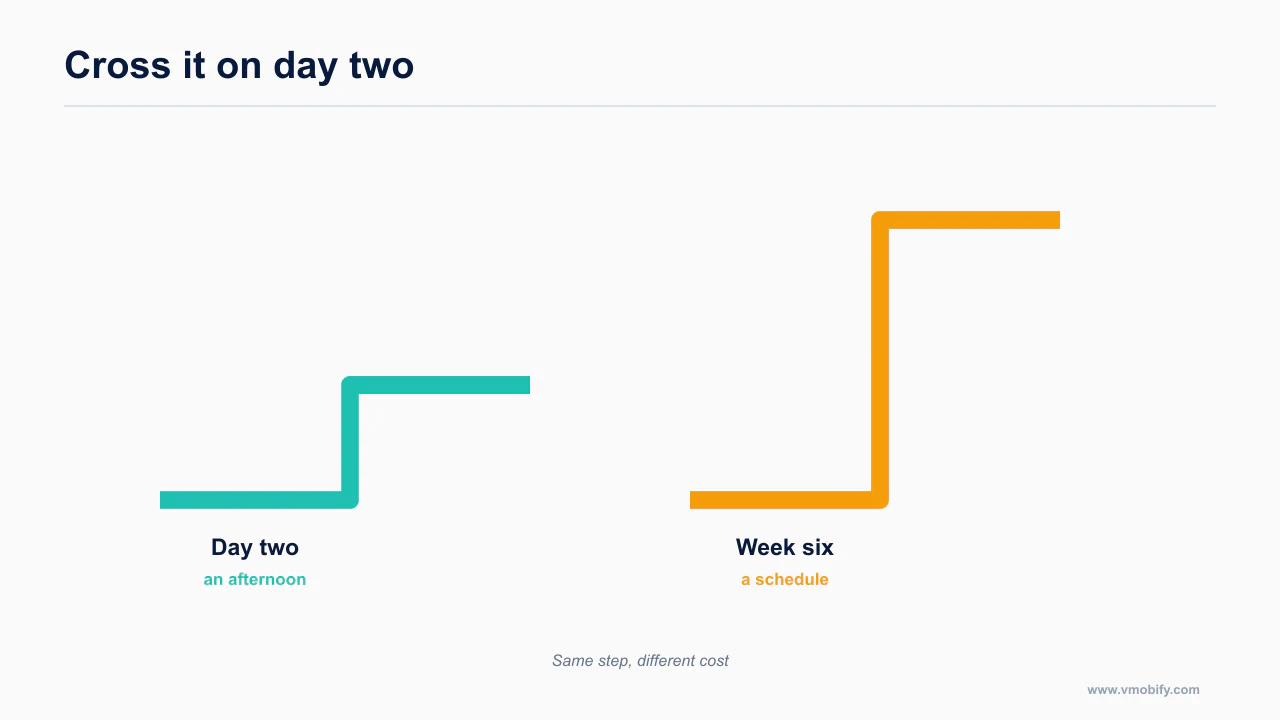
Here is the scheduling change that matters more than any other advice in this post.
On day two of the project, before the app does anything interesting, add one native module you know you will need eventually. Secure storage is a good candidate, because you will need it anyway and it is small. Then take the whole build path end to end: prebuild, EAS build, install the development build on a real device, confirm it runs.
You will spend a day on it. You will hit certificate prompts, a bundle identifier decision, and probably one failed build. All of that is cheaper now than in week six.
The prerequisite nobody mentions: you have to complete one successful eas build before automated builds are useful, because that first run creates the project ID and credentials everything afterwards depends on.
npm i -g eas-cliOnce that is done, the loop is scriptable, and an agent can run it:
npx eas-cli build --platform all --non-interactive --no-waitAdd --json when an agent is consuming the output rather than a human.
The Expo MCP server exposes build tools directly, including build_run, build_submit and testflight_crashes. The server is available on the free plan; its documentation search requires a paid EAS plan.
claude mcp add --transport http expo https://mcp.expo.dev/mcpThen run /mcp to complete the OAuth step. There are real constraints: one dev-server connection at a time, and its local iOS automation works against macOS simulators only, not physical devices. The full comparison of device-driving options is in give your agent eyes. The setup that makes this transition cheap is the Expo and Claude Code setup.
What causes the build to fail, and what do the docs say?
Build failures cluster into a small number of documented causes, and recognising which one you have is most of the fix.
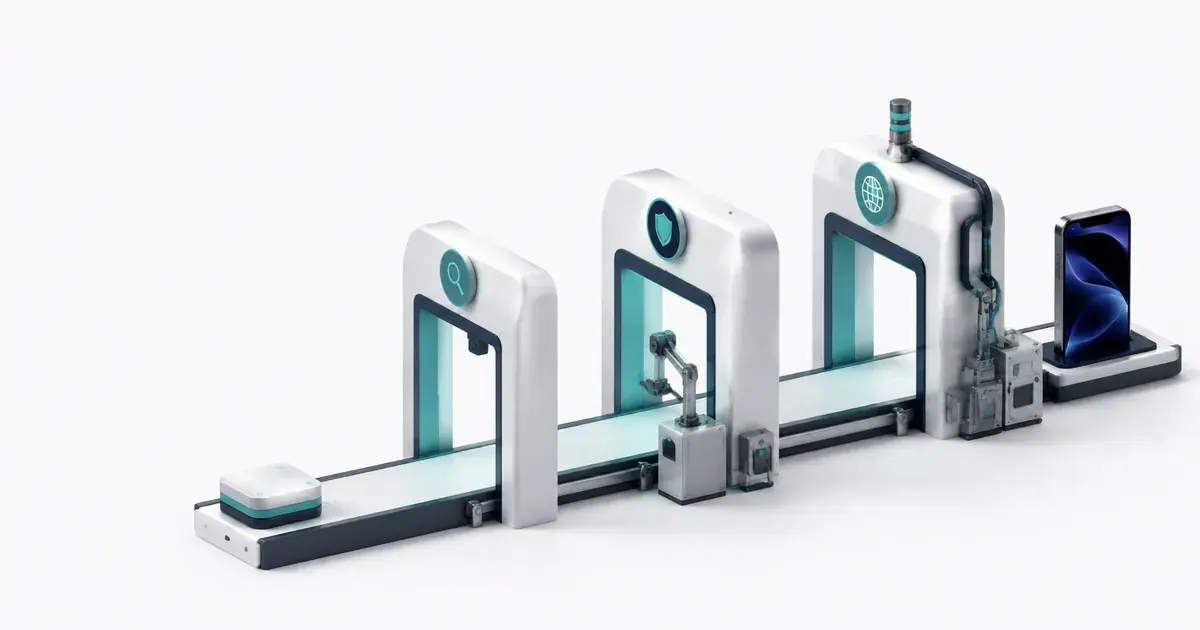
EAS build failures cluster into a small number of causes. These four account for most first-time failures:
- Missing
Info.plistkeys. iOS requires a usage description string for every sensitive permission. Add the library, forget the string, fail the build or get rejected later. - Wrong bundle identifiers. Mismatches between
app.json, your Apple Developer account, and existing credentials. - Podfile deployment target mismatch. A dependency requires a higher minimum iOS version than your project declares. The error surfaces deep inside CocoaPods output.
- Peer dependency conflicts. Two libraries want incompatible versions of a shared dependency. npm resolves it in a way that compiles locally and fails in a clean cloud environment.
None of these is a bug in your JavaScript, and none can be diagnosed from the last line of the log.
This is documented directly in Expo: prebuild — worth reading in full rather than taking a summary of it, because the details here change more often than the shape of the advice does.
Why should you paste the whole build log?
The last error is rarely the cause, and an agent given only the tail will confidently fix the wrong thing.
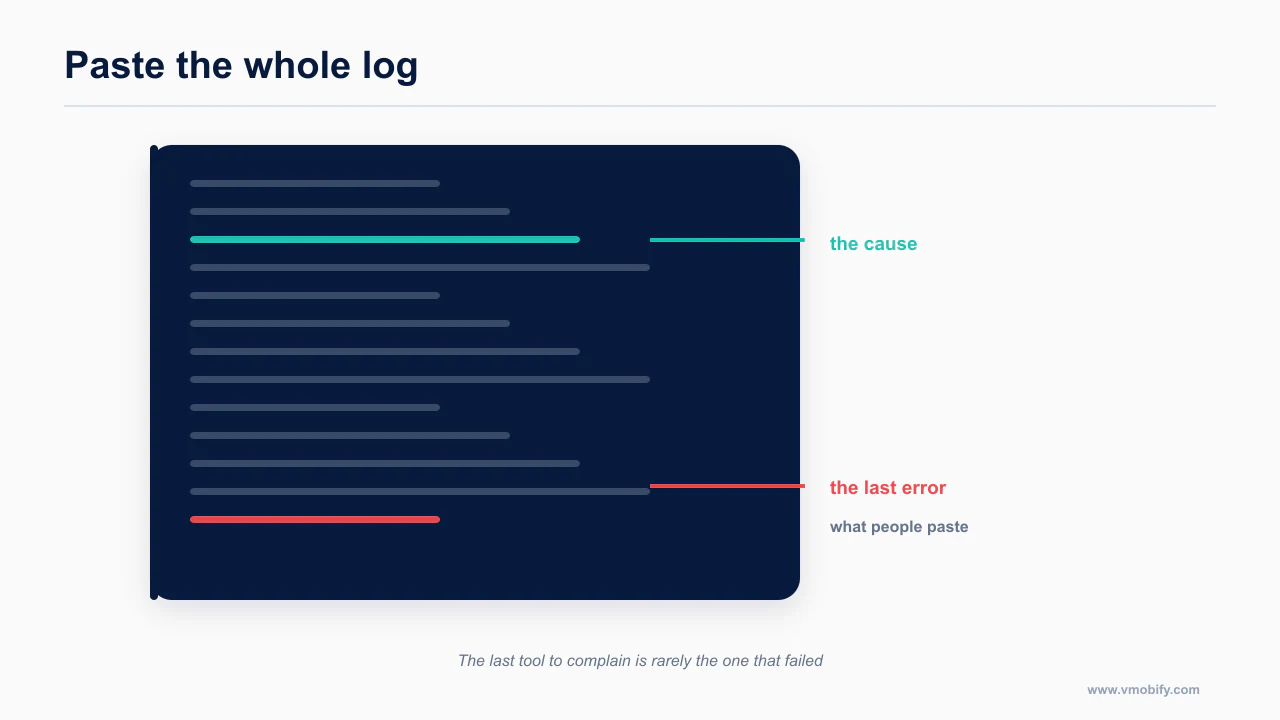
This is the single highest-value habit in this post, and almost everyone gets it wrong.
When a build fails, the terminal shows you a summary and an exit code. Something like a non-zero exit from xcodebuild, or a Gradle task failure. That line is the symptom. The cause is usually several hundred lines earlier: a dependency resolution warning, a deployment target note, a plugin that failed to apply cleanly and continued anyway.
If you paste only the last error into your agent, you have given it the least informative part of the log. It will guess, plausibly, because that is what these models do when starved of context, and you will burn two more builds on the guesses.
Do this instead:
- Open the build page and download the complete log for the failed phase.
- Save it into the repo at a path like
logs/eas-ios-failed.txt. - Tell the agent to read the file, not to read a paste.
The file route matters. Chat pastes get truncated, and a truncated log has the same problem as the last-error paste. A file read gives the agent the install, resolve, prebuild and compile phases together, which is the only way to see that the xcodebuild failure came from a pod that quietly declined to install.
Then instruct the agent explicitly: identify the first error in the log, not the last, and name the phase it occurred in. That one sentence improves the diagnosis more than any prompt engineering.
There is a practical reason the tail misleads. A native build is several tools in sequence, and a failure early in the chain frequently surfaces as a generic error from a later one. The last line is usually the last tool complaining that its input was missing, not the first tool explaining why it never produced that input. An agent handed only the tail will fix the reporting tool, confidently and uselessly.
What does the build allowance actually buy you?
Build minutes are a real constraint on this workflow and worth doing the arithmetic on before you rely on remote builds.
The EAS free tier gives you 15 iOS and 15 Android builds per month, one concurrency, a 45-minute build timeout, low queue priority, and 1,000 EAS Update monthly active users. Starter is $19 a month with a $45 build credit, one concurrency (extra concurrency at $50 each, up to five), a two-hour timeout, high priority and 3,000 MAUs. Production is $199 a month with a $225 credit, two concurrency and 50,000 MAUs.
Nobody has published how fast a beginner burns 15 builds. So here is my arithmetic, clearly labelled as an estimate rather than a sourced figure, with assumptions you can argue with.
Assumptions, all of them mine:
- Failed builds count against the quota. I could not confirm an exception, so I assume none.
- The counts are per platform, not shared: 15 iOS and 15 Android, separately.
- A first development build takes two to four attempts to succeed, because of the four causes above.
- Every new native module or permission string requires a fresh development build for everyone testing.
A plausible first month:
| Activity | iOS builds | Android builds |
|---|---|---|
| First development build, with failures | 3 | 2 |
| Add push notifications | 2 | 1 |
| Add camera plus permission strings | 2 | 1 |
| Add purchases | 2 | 1 |
| Two preview builds for testers | 2 | 2 |
| Production build, one rejection fix, resubmit | 3 | 2 |
| Total | 14 | 9 |
That is 14 of 15 on iOS in a month with only three native modules and one rejection. Add a second tester round, or one library that takes four attempts instead of two, and you are out of iOS builds with a week left.
Two secondary effects make it worse than the count suggests. Low priority means queueing, so an agent-driven loop that should take twenty minutes takes an afternoon. And the 45-minute timeout is itself a failure mode: a large iOS build with many pods can approach it, and a timeout consumes a build without producing an artifact.
The honest conclusion: the free tier is enough for a solo first launch, and the month you move from Expo Go to development builds is the month to consider the $19 tier. Not for the extra builds so much as for the two-hour timeout and the queue priority, which is what an agent loop needs.
For the authoritative version, see Expo: config plugins introduction — worth reading in full rather than taking a summary of it, because the details here change more often than the shape of the advice does.
The arithmetic matters because it changes behaviour rather than just cost. A limited monthly allowance makes each build feel expensive, which pushes people toward batching changes into fewer, larger builds — precisely the habit that makes a failure hard to diagnose, because a build that breaks after twelve changes gives you twelve suspects. Knowing the allowance up front lets you decide deliberately between paying for more builds and building locally, rather than drifting into large batches because each one felt costly.
What can no agent do for you here?
Some parts of this are account, signing and provisioning work that no agent can complete on your behalf.
Some of this path is not automatable:
- Apple Developer Program enrollment, at $99 a year, recurring.
- A D-U-N-S number if you enroll as an organization rather than an individual.
- Google Play Console registration, $25, one time.
- Certificates, provisioning profiles and the Android keystore. EAS can manage credentials for you, but the account, the identity verification and the decisions are yours.
Your Expo slug and bundle identifier are also effectively fixed once you have built with them. Bolt documents this plainly for its own projects, where the slug is immutable after the first build, and the constraint generalises. Choose the identifier before the first build.
One thing prebuild does not do for you: iOS privacy manifests. Expo does not fully automate PrivacyInfo.xcprivacy. You configure expo.ios.privacyManifests yourself, and Apple does not correctly parse all of the manifest files included by static CocoaPods dependencies, so third-party reasons have to be consolidated into your own manifest by hand. That is a compliance problem, not a build problem, and it is covered in the 2026 mobile compliance calendar. The wider set of things tooling cannot do is in the mobile shipping pillar.
The source that settles this is Expo MCP server documentation — worth reading in full rather than taking a summary of it, because the details here change more often than the shape of the advice does.
What should you do this week?
Run prebuild now, on a branch, while nothing depends on the answer.
Pick a day. Add one native module. Take the build path all the way to a development build running on a physical device. Save the failed logs into the repo and make your agent read them from disk. Write the outcome into AGENTS.md so the next session starts from what you learned.
The cliff does not get smaller if you wait. Your project just gets bigger when you fall off it.
For what to install before you start, see every Claude Code skill, plugin and MCP for mobile development. For what happens once review begins, see why your AI-built app got rejected. If the failure turns out to be a missing MCP loop rather than a build problem, giving your agent eyes covers that.
Frequently Asked Questions
Can I just keep using Expo Go?+
Only until you need a native module it does not include. That point arrives for most real apps, and the question is whether you meet it on your schedule or a deadline.
What exactly does prebuild generate?+
The native iOS and Android project directories, built from your app config and installed plugins. It is the native project you would otherwise have written by hand.
Do I need to understand native code to use config plugins?+
No, but you need to understand what they change. A plugin edits the generated native project, so a failed build usually means two plugins disagreeing about the same file.
Why does my build fail only on EAS and not locally?+
Usually environment: a dependency resolved differently, a missing secret, or a native version pinned locally but not in the build profile. The full log distinguishes these; the last line does not.
Should I build locally or remotely?+
Remotely to start, because it removes a large class of environment problems. Move locally when build minutes become the constraint rather than the setup.
Can an agent fix a failed native build?+
Often, if you give it the whole log. It cannot fix signing, provisioning or account issues, which are the failures that look like build failures but are not.
Does this apply to bare React Native too?+
The cliff does not exist there because you start on the far side of it. That is the trade: no easy start, no sudden transition.
Sources
About the author
Amol Pomane — Founder, Vmobify
Amol leads Vmobify, a mobile app growth agency that has driven 30M+ downloads and ranked 54K+ keywords across 300+ apps since 2013. He writes about ASO, paid user acquisition, retention, and the operational reality of scaling mobile apps in India and global markets.